
การแนะนำ
The Ozeri Pro Digital Kitchen Food Scale is engineered for precise measurement in culinary applications. This manual provides essential information for the proper setup, operation, and maintenance of your scale to ensure optimal performance and longevity.
คุณสมบัติผลิตภัณฑ์
- Precise Graduations: Measures with accuracy of 0.05 oz or 1 gram.
- Wide Capacity Range: Supports weights from 0.05 oz up to 12 lbs (1 gram to 5.4 kg).
- อินเทอร์เฟซที่เป็นมิตรกับผู้ใช้: Features oversized buttons for easy operation.
- หน้าจอ LCD ขนาดใหญ่: Provides clear weight readings in pounds (lbs), kilograms (kg), grams (g), and ounces (oz).
- Automatic Tare Function: Calculates net weight by subtracting the container's weight.
- ปิดเครื่องอัตโนมัติ: Conserves battery life with a 3-minute auto turn-off feature.
- การออกแบบที่กะทัดรัด: น้ำหนักเบาและจัดเก็บง่าย
การตั้งค่า
การติดตั้งแบตเตอรี่
The Ozeri Pro Digital Kitchen Food Scale requires two (2) AAA batteries for operation. These batteries are included with your purchase.
- ค้นหาช่องใส่แบตเตอรี่ที่ด้านล่างของเครื่องชั่ง
- เปิดฝาช่องใส่แบตเตอรี่
- ใส่แบตเตอรี่ AAA สองก้อน โดยตรวจสอบให้แน่ใจว่าขั้วถูกต้อง (+/-)
- ปิดฝาช่องใส่แบตเตอรี่ให้แน่น

Video: Demonstrating battery installation on the Ozeri Digital Kitchen Scale.
บันทึก: For optimal performance, use fresh batteries. Remove batteries if the scale will not be used for an extended period.
คำแนะนำการใช้งาน
การเปิด/ปิด
- กดปุ่ม เปิด/ปิด/หักค่าน้ำหนักภาชนะ button to turn the scale on. The LCD will display '0.00' when ready.
- หากต้องการปิดเครื่อง ให้กดปุ่มค้างไว้ เปิด/ปิด/หักค่าน้ำหนักภาชนะ button for a few seconds, or allow the automatic 3-minute shut-off feature to activate.
การเปลี่ยนหน่วยการวัด
The scale can display measurements in grams (g), ounces (oz), pounds (lb), and kilograms (kg).
- เมื่อเปิดเครื่องชั่งแล้ว ให้กดปุ่ม หน่วย ปุ่มสำหรับสลับดูหน่วยที่มีอยู่
- Select your desired unit (g, oz, lb, kg) before weighing.
การใช้ฟังก์ชัน Tare
The Tare function allows you to subtract the weight of a container or previous ingredients, ensuring you measure only the new item.
- วางภาชนะเปล่าบนแท่นชั่งน้ำหนัก จอแสดงผลจะแสดงน้ำหนักของภาชนะ
- กดปุ่ม เปิด/ปิด/หักค่าน้ำหนักภาชนะ กดปุ่ม หน้าจอจะรีเซ็ตเป็น '0.00'
- Add your ingredients to the container. The display will now show only the weight of the added ingredients.
- Repeat the Tare function as needed for multiple ingredients.
Video: Demonstrating the unit and tare functions of the Ozeri Digital Kitchen Scale.
วิดีโอ: จบแล้วview of the Ozeri Pro Digital Food Scale, highlighting its features and ease of use.
รายการชั่งน้ำหนัก
- Ensure the scale is on and displaying '0.00' in your desired unit.
- Carefully place the item(s) to be weighed onto the center of the weighing platform.
- อ่านน้ำหนักที่แสดงบนหน้าจอ LCD
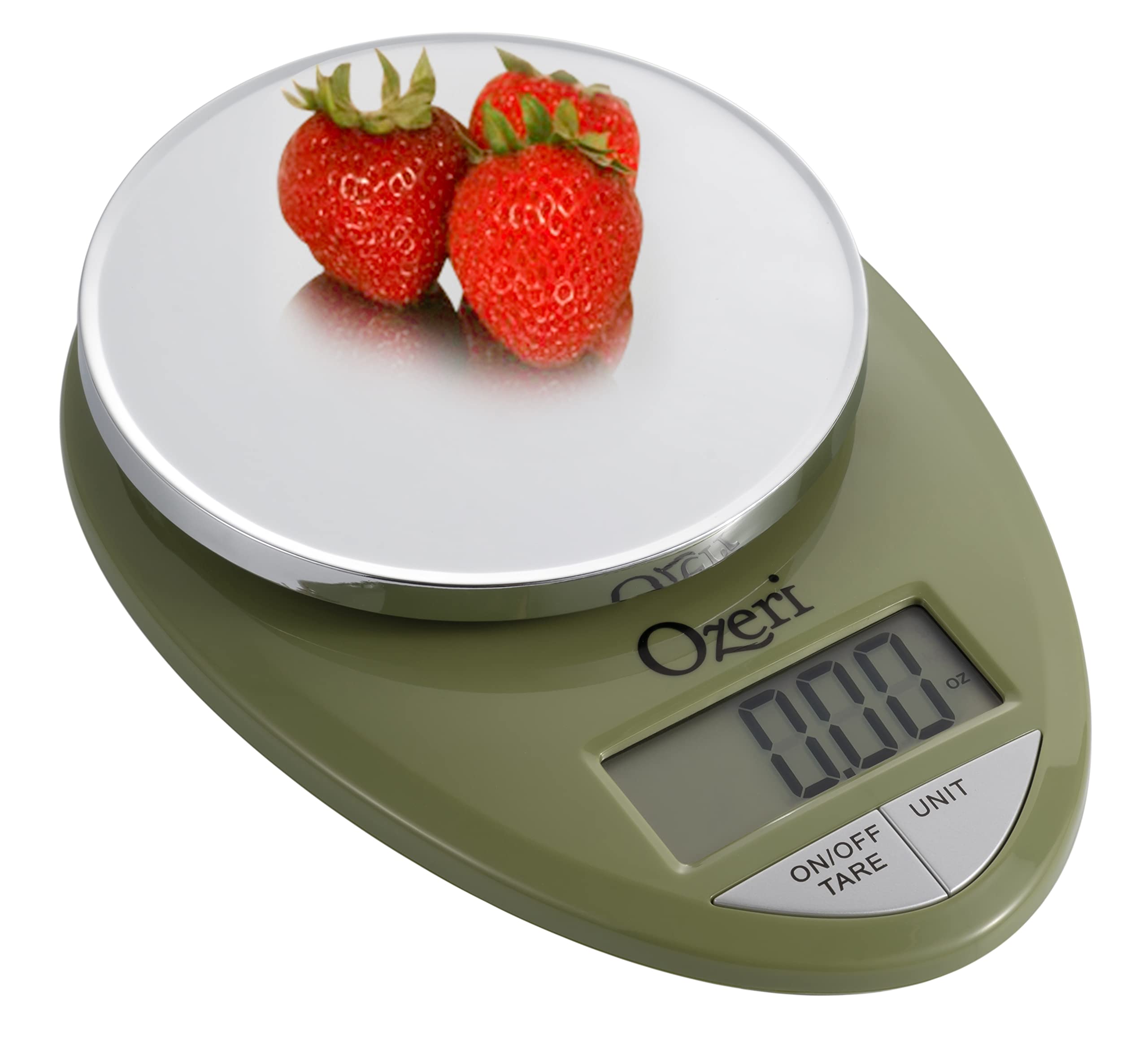
Image: The Ozeri Pro Digital Kitchen Food Scale displaying a weight with a small bowl of herbs on its platform.

Image: The Ozeri Pro Digital Kitchen Food Scale displaying a weight with a small ramekin of blueberries on its platform.
การซ่อมบำรุง
การทำความสะอาด
- Wipe the scale surface clean with a damp cloth. Avoid abrasive cleaners or submerging the unit in water.
- ตรวจสอบให้แน่ใจว่าเครื่องชั่งแห้งสนิทก่อนจัดเก็บหรือใช้งานครั้งต่อไป
พื้นที่จัดเก็บ
The compact design of the Ozeri Pro Digital Kitchen Food Scale allows for easy storage in a drawer or cabinet when not in use.

ภาพ: ด้านหนึ่ง view of the Ozeri Pro Digital Kitchen Food Scale, demonstrating its slim profile เพื่อการจัดเก็บที่สะดวก
การแก้ไขปัญหา
- การอ่านค่าที่ไม่ถูกต้อง: Ensure the scale is placed on a flat, stable surface. Avoid placing items that exceed the maximum weight capacity.
- จอแสดงผลไม่เปิด: ตรวจสอบว่าติดตั้งแบตเตอรี่อย่างถูกต้องและมีประจุเพียงพอ เปลี่ยนแบตเตอรี่หากจำเป็น
- แสดงข้อความแสดงข้อผิดพลาด: Refer to the full product manual (if available) or contact Ozeri customer support for specific error code interpretations.
ข้อมูลจำเพาะ
| คุณสมบัติ | รายละเอียด |
|---|---|
| ยี่ห้อ | โอเซริ |
| หมายเลขรุ่น | ZK12-GN |
| ความจุ | 0.05 oz to 12 lbs (1 gram to 5.4 kg) |
| การสำเร็จการศึกษา | 0.05 oz or 1 gram |
| ประเภทจอภาพ | จอแอลซีดี |
| หน่วยวัด | grams, ounces, pounds, kilograms |
| คุณสมบัติพิเศษ | Automatic Tare, 3-minute Auto Shut-off, Large Display |
| แหล่งพลังงาน | แบตเตอรี่ AAA จำนวน 2 ก้อน (รวมอยู่ด้วย) |
| วัสดุ | โพลีคาร์บอเนต |
| ขนาดสินค้า | 10 x 7 x 4 นิ้ว |
| น้ำหนักสินค้า | 9.6 ออนซ์ |
การรับประกันและการสนับสนุน
For information regarding product warranty, returns, or technical support, please refer to the official Ozeri website or contact their customer service directly. Details are typically provided in the packaging or on the manufacturer's official support pages.