
การแนะนำ
This manual provides essential information and instructions for using your Apple iPad Pro 5th Generation 12.9-inch. It covers initial setup, daily operation, maintenance, and troubleshooting to ensure optimal performance and user experience. The iPad Pro is a powerful tablet designed for a wide range of tasks, from creative work to entertainment and productivity.
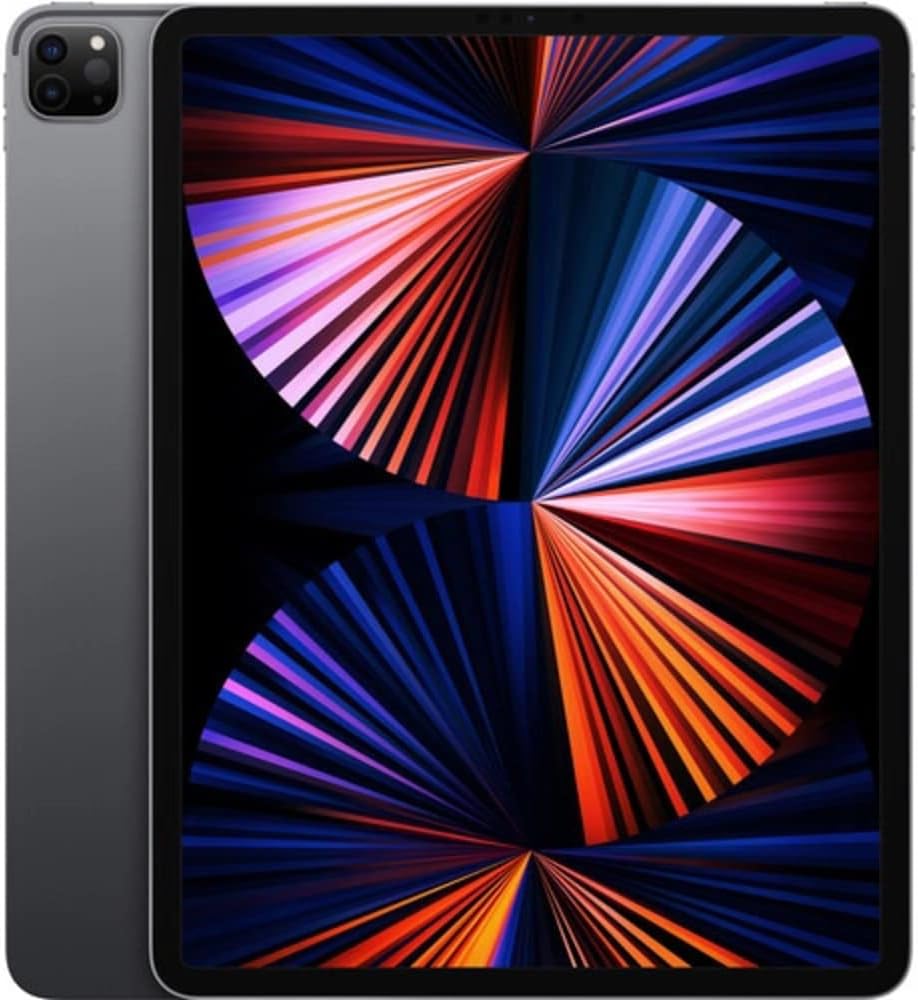
ภาพ: ด้านหน้า view of the Apple iPad Pro 5th Generation 12.9-inch in Space Gray, showcasing its Liquid Retina XDR display.
การตั้งค่า
1. การเปิดเครื่องครั้งแรกและการชาร์จ
Before first use, ensure your iPad Pro is fully charged. Connect the provided USB-C Charge Cable to the iPad's USB-C port and the 18W USB-C Power Adapter to a power outlet.
2. การตั้งค่าพื้นฐาน
Follow the on-screen instructions to set up your iPad Pro. This includes selecting your language and region, connecting to a Wi-Fi network, setting up Face ID, and signing in with your Apple ID. If you do not have an Apple ID, you can create one during this process.
3. Attaching Accessories (Optional)
The iPad Pro supports various accessories like the Apple Magic Keyboard and Apple Pencil (2nd Gen). These accessories attach magnetically and connect automatically. The Magic Keyboard can also provide pass-through charging for your iPad.

Image: Apple iPad Pro attached to a Magic Keyboard, demonstrating its laptop-like functionality.
การใช้งาน iPad Pro ของคุณ
1. การใช้งาน iPadOS
iPadOS uses intuitive gestures for navigation:
- หน้าจอหลัก: ปัดขึ้นจากขอบด้านล่างของหน้าจอ
- ตัวสลับแอป: ปัดขึ้นจากขอบล่างและหยุดตรงกลางหน้าจอ
- ศูนย์ควบคุม: ปัดลงจากมุมบนขวา
- การแจ้งเตือน: Swipe down from the top-left corner.
2. Multitasking with Split View
To use two apps at once, open an app, then drag a second app from the Dock to the left or right edge of the screen. You can adjust the size of each app by dragging the divider.
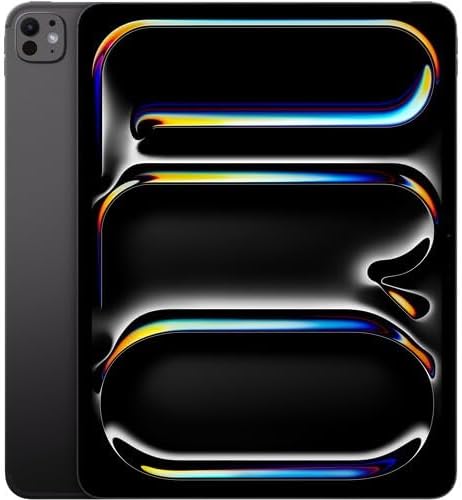
Image: A close-up of the iPad Pro's screen displaying the iPadOS interface with various application icons.
3. คุณสมบัติของกล้อง
The iPad Pro features a 12MP Wide camera, 10MP Ultra Wide camera, and a LiDAR Scanner on the rear, along with a 12MP Ultra Wide front camera with Center Stage. ศูนย์กลาง Stage จะทำให้คุณอยู่ในเฟรมโดยอัตโนมัติระหว่างการสนทนาทางวิดีโอ
4. ระบบเสียง
The iPad Pro is equipped with a four-speaker audio system and supports Dolby Atmos, providing rich, immersive sound for media consumption and video calls.
5. การเชื่อมต่อ
The USB-C port supports Thunderbolt for high-speed data transfer and connecting external displays, including the Pro Display XDR at 6K resolution. It also supports Wi-Fi 6 (802.11ax) for fast wireless internet access.

ภาพ: ไซด์โปรfile of the Apple iPad Pro, highlighting the USB-C port and speaker grilles.
6. วิดีโอผลิตภัณฑ์อย่างเป็นทางการ
Video: A seller's perspective on the Apple 2021 12.9-inch iPad Pro, highlighting its features and performance.
วิดีโอ: จบแล้วview of the Apple 2021 iPad Pro 12.9-inch, demonstrating its capabilities and design.
วิดีโอ: การรีวิวอย่างตรงไปตรงมาview of the iPad Pro 12.9-inch (5th generation), detailing user experience and features.
การซ่อมบำรุง
1. การดูแลแบตเตอรี่
To maximize battery life, avoid extreme temperatures and keep the battery charge between 20% and 80% when possible. For long-term storage, charge the battery to about 50%.
2. การทำความสะอาดอุปกรณ์
Use a soft, lint-free cloth to clean your iPad Pro. Avoid abrasive materials, aerosols, or cleaning sprays. For stubborn smudges, a slightly dampened cloth with water is sufficient.
3. การอัปเดตซอฟต์แวร์
ตรวจสอบและติดตั้งการอัปเดต iPadOS เป็นประจำ เพื่อให้แน่ใจว่าอุปกรณ์ของคุณมีคุณสมบัติล่าสุด การปรับปรุงด้านความปลอดภัย และประสิทธิภาพการทำงานที่ดีขึ้น ไปที่ การตั้งค่า > ทั่วไป > อัปเดตซอฟต์แวร์.
การแก้ไขปัญหา
ปัญหาทั่วไปและแนวทางแก้ไข
- อุปกรณ์ไม่ตอบสนอง: บังคับรีสตาร์ท iPad ของคุณโดยการกดปุ่มค้างไว้แล้วปล่อยอย่างรวดเร็วasing the Volume Up button, then the Volume Down button, then press and hold the Top button until the Apple logo appears.
- ปัญหาการเชื่อมต่อ Wi-Fi: Try restarting your Wi-Fi router. On your iPad, go to การตั้งค่า > Wi-Fi, turn Wi-Fi off and then on again. If issues persist, forget the network and reconnect.
- แอปขัดข้อง: Close the app from the App Switcher and reopen it. If the problem continues, check the App Store for updates or reinstall the app.
ข้อมูลจำเพาะ
| คุณสมบัติ | รายละเอียด |
|---|---|
| ยี่ห้อ | แอปเปิล |
| ชื่อรุ่น | Apple iPad Pro 5th Generation |
| หมายเลขรุ่น | MHRA3LL/A-cr |
| ขนาดหน้าจอ | 12.9 นิ้ว |
| ความละเอียดการแสดงผล | 2732x2048 (264 ppi) Liquid Retina XDR |
| โปรเซสเซอร์ | Apple M1 chip (8-Core CPU, 8-Core GPU, 16-Core Neural Engine) |
| แรม | 16GB |
| ความจุในการเก็บข้อมูล | 1TB |
| กล้องหลัง | 12MP Wide, 10MP Ultra Wide, สแกนเนอร์ LiDAR |
| กล้องหน้า | 12MP Ultra Wide พร้อม S ตรงกลางtage |
| ระบบปฏิบัติการ | ไอแพดโอเอส |
| อายุการใช้งานแบตเตอรี่ | นานถึง 10 ชั่วโมง |
| การเชื่อมต่อ | Wi-Fi 6 (802.11ax), Cellular, Thunderbolt/USB-C |
| น้ำหนัก | 2 ปอนด์ |
การรับประกันและการสนับสนุน
ข้อมูลการรับประกัน
This Apple iPad Pro comes with a 90-day limited warranty. Please refer to the warranty documentation included with your purchase for full terms and conditions.
การสนับสนุนลูกค้า
For additional support, troubleshooting, or service inquiries, please visit the official Apple Support website or contact Apple customer service directly. Online resources include comprehensive guides, FAQs, and community forums.