
PANOEAGLE PG-PTZ-2804-I2
PANOEAGLE 8MP PTZ PoE IP Camera Dome User Manual
Model: PG-PTZ-2804-I2
1. บทนำ
This manual provides detailed instructions for the installation, operation, and maintenance of your PANOEAGLE 8MP PTZ PoE IP Camera Dome. Please read this manual thoroughly before using the product to ensure correct usage and optimal performance. Keep this manual for future reference.
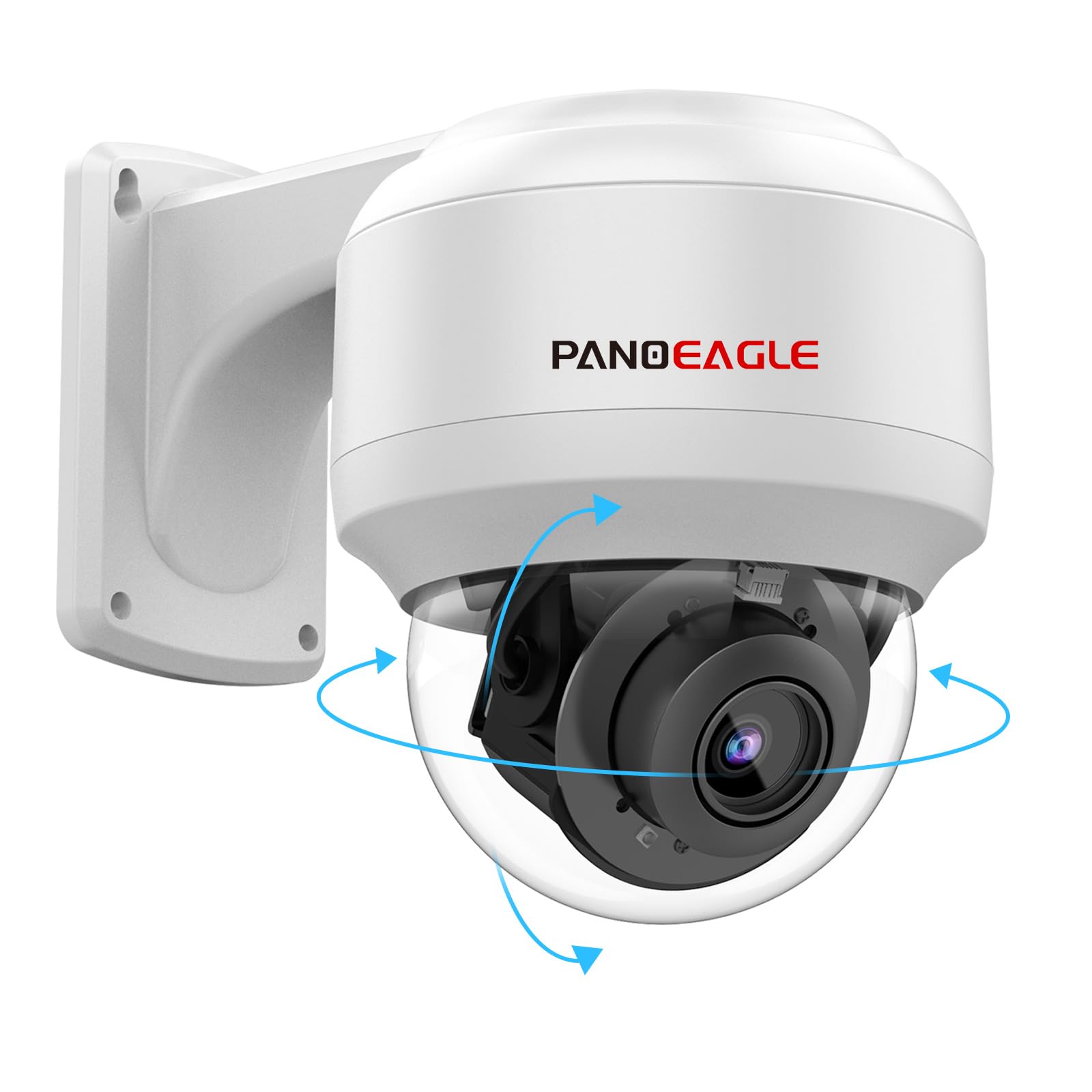
Figure 1: PANOEAGLE 8MP PTZ PoE IP Camera Dome
2. อะไรอยู่ในกล่อง
ตรวจสอบว่ามีส่วนประกอบทั้งหมดอยู่ครบเมื่อแกะกล่อง:
- ตัวกล้อง
- ขาตั้งกล้อง
- คู่มือการใช้งาน
- สกรูยึด

Figure 2: Contents of the product packaging
3. การตั้งค่า
3.1 การติดตั้งทางกายภาพ
The PANOEAGLE 8MP PTZ PoE IP Camera Dome is designed for both indoor and outdoor use and can be mounted on a wall or ceiling. Ensure the mounting surface is sturdy enough to support the camera's weight.
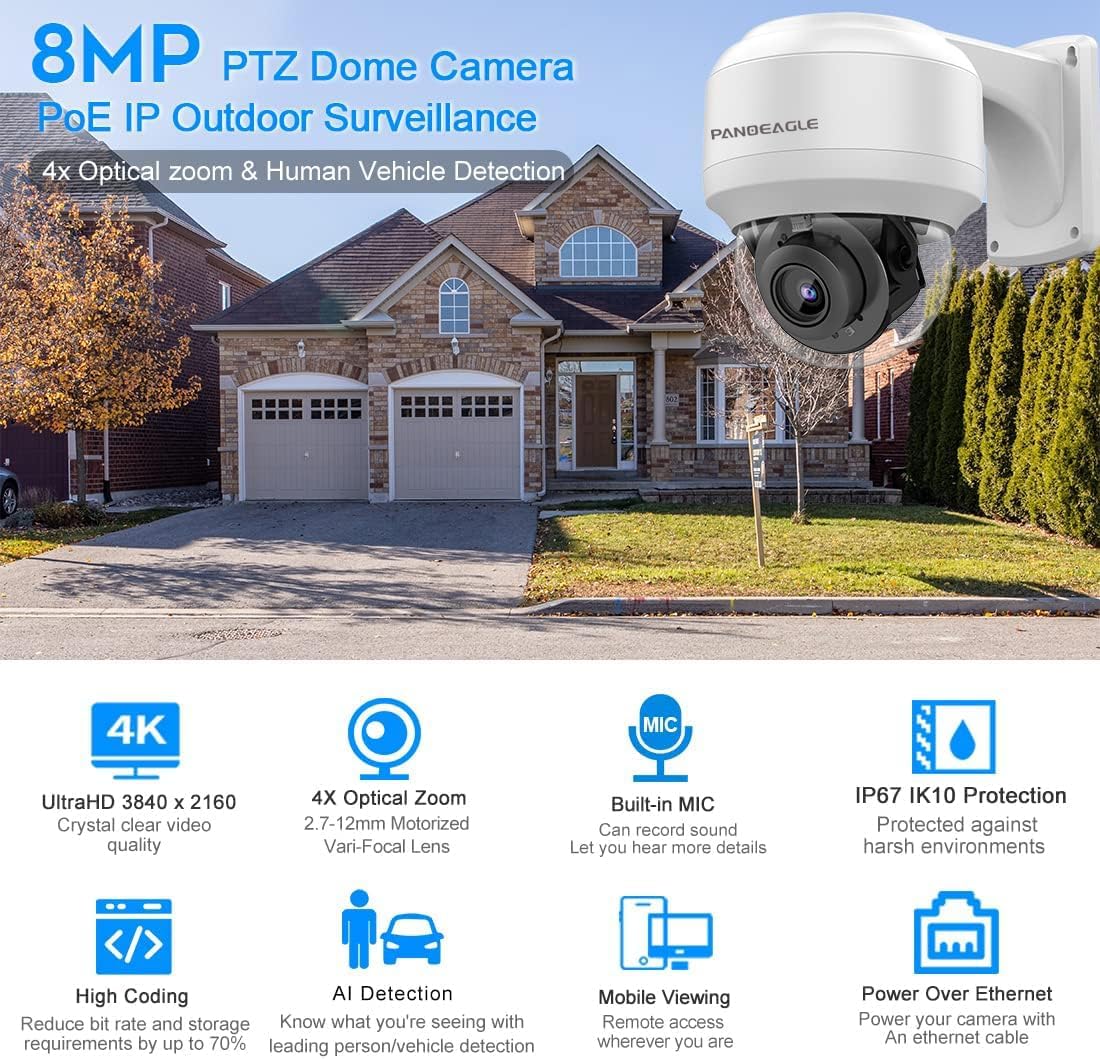
Figure 3: Camera with mounting bracket
รูปที่ 4: อดีตample of wall mounting
3.2 การเชื่อมต่อเครือข่าย (PoE)
This camera supports Power over Ethernet (PoE), requiring only a single Ethernet cable for both power and data transmission. This simplifies installation and reduces wiring complexity. The camera is compatible with third-party NVRs and Open Network Video Interface (ONVIF) standards.

Figure 5: PoE network connection diagram
Video 1: Instructions on how to change the camera's IP address and access its web อินเทอร์เฟซสำหรับการตั้งค่าเริ่มต้น
4. คู่มือการใช้งาน
4.1 การควบคุมการแพน การเอียง และการซูม (PTZ)
The camera features 4X optical zoom and extensive pan and tilt capabilities. The pan range is 0° to 355°, and the tilt range is 0° to 90°, allowing for comprehensive area coverage.

Figure 6: 4X Optical Zoom in action
Video 2: Demonstration of the 4X optical zoom and PTZ functions of the dome camera.
4.2 การตรวจจับอัจฉริยะ (มนุษย์/ยานพาหนะ)
The camera incorporates advanced human and vehicle detection algorithms to accurately identify real threats and minimize false alarms. Upon detection, an alarm message is sent to your connected device.
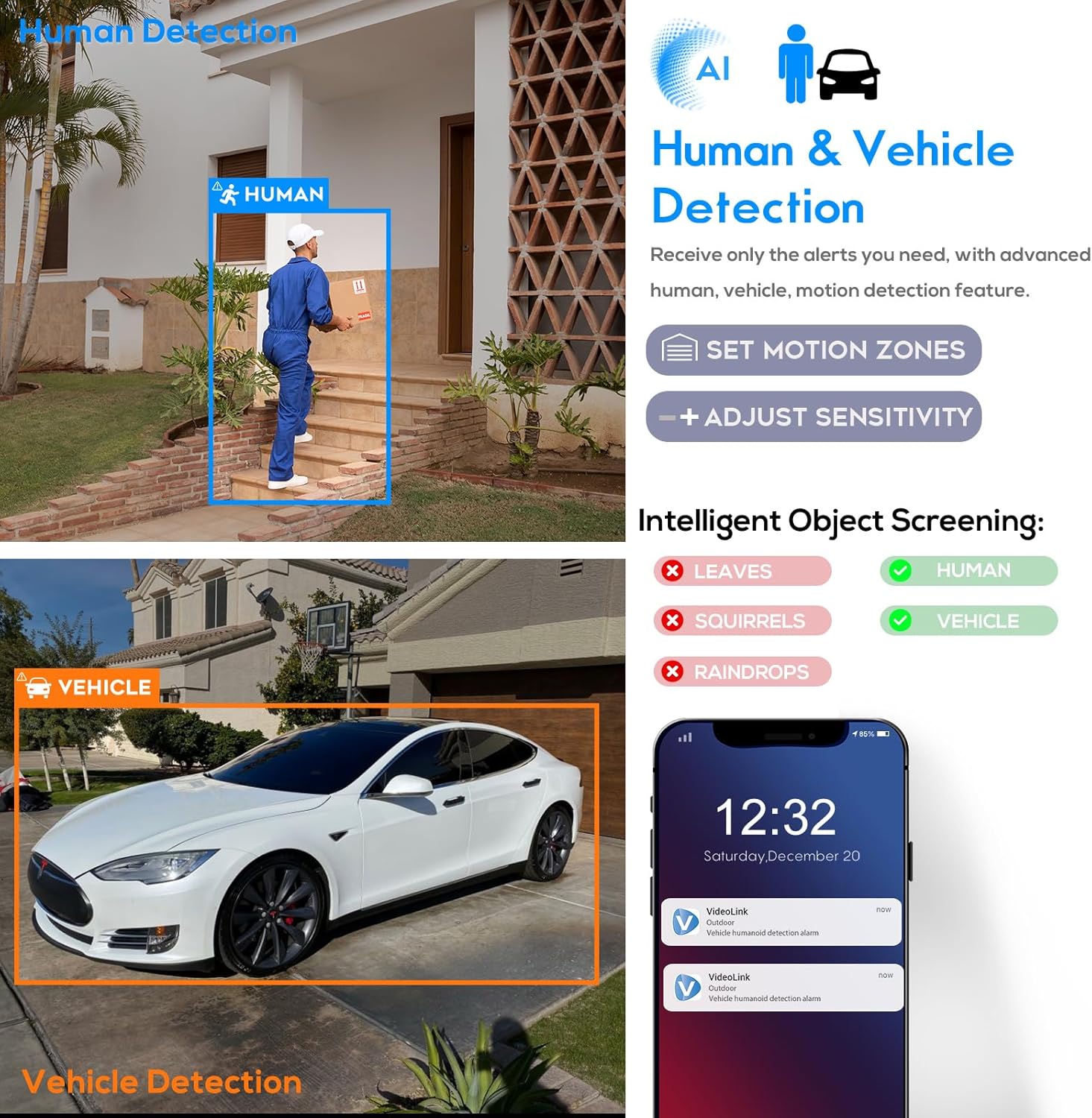
Figure 7: Human and Vehicle Detection interface
Video 3: Guide on enabling and configuring detection alarms for motion and intelligent human/vehicle detection.
วิดีโอ 4: จบview of the outdoor PTZ PoE IP camera's human and vehicle detection features.
4.3 การมองเห็นตอนกลางคืน
Equipped with 2 high-performance infrared array LED lights and EXIR 2.0 low-light technology, the camera provides clear night vision up to 164 feet (50 meters).

Figure 8: Night Vision capability
4.4 ไมโครโฟนในตัว
The camera features a built-in microphone with environmental noise filtering, enabling clear audio recording alongside video footage.
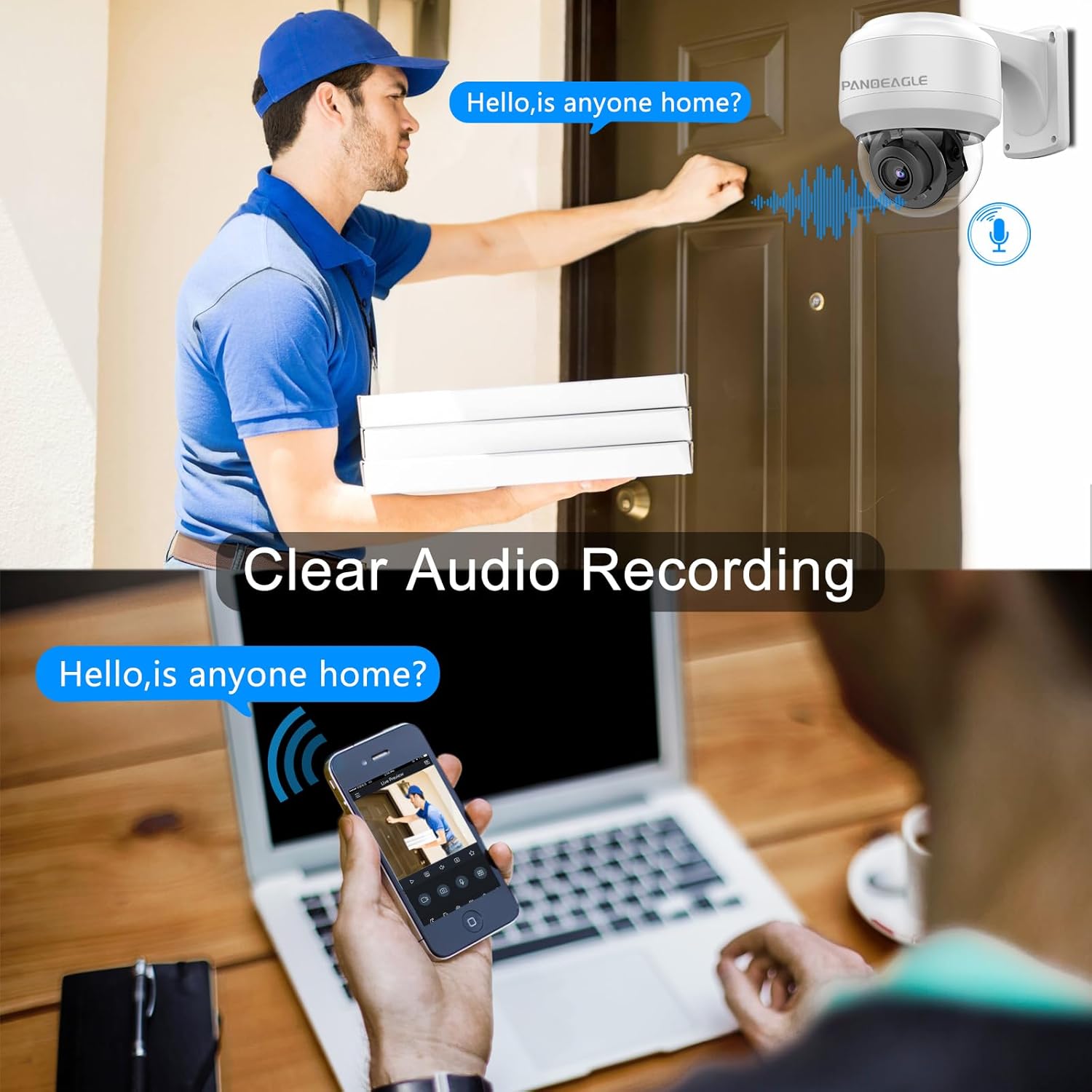
Figure 9: Clear Audio Recording feature
4.5 การตรวจสอบระยะไกล
เข้าถึงฟีดสดและ foo ที่บันทึกไว้tage remotely via the "Videolink" smartphone application (available for iOS and Android) or through a web browser. The camera supports multi-platform monitoring.
รูปที่ 10: การตรวจสอบหลายแพลตฟอร์ม
Video 5: Guide on connecting the camera to the AC18PRO mobile software for remote viewการไอเอ็นจี
5. การบำรุงรักษา
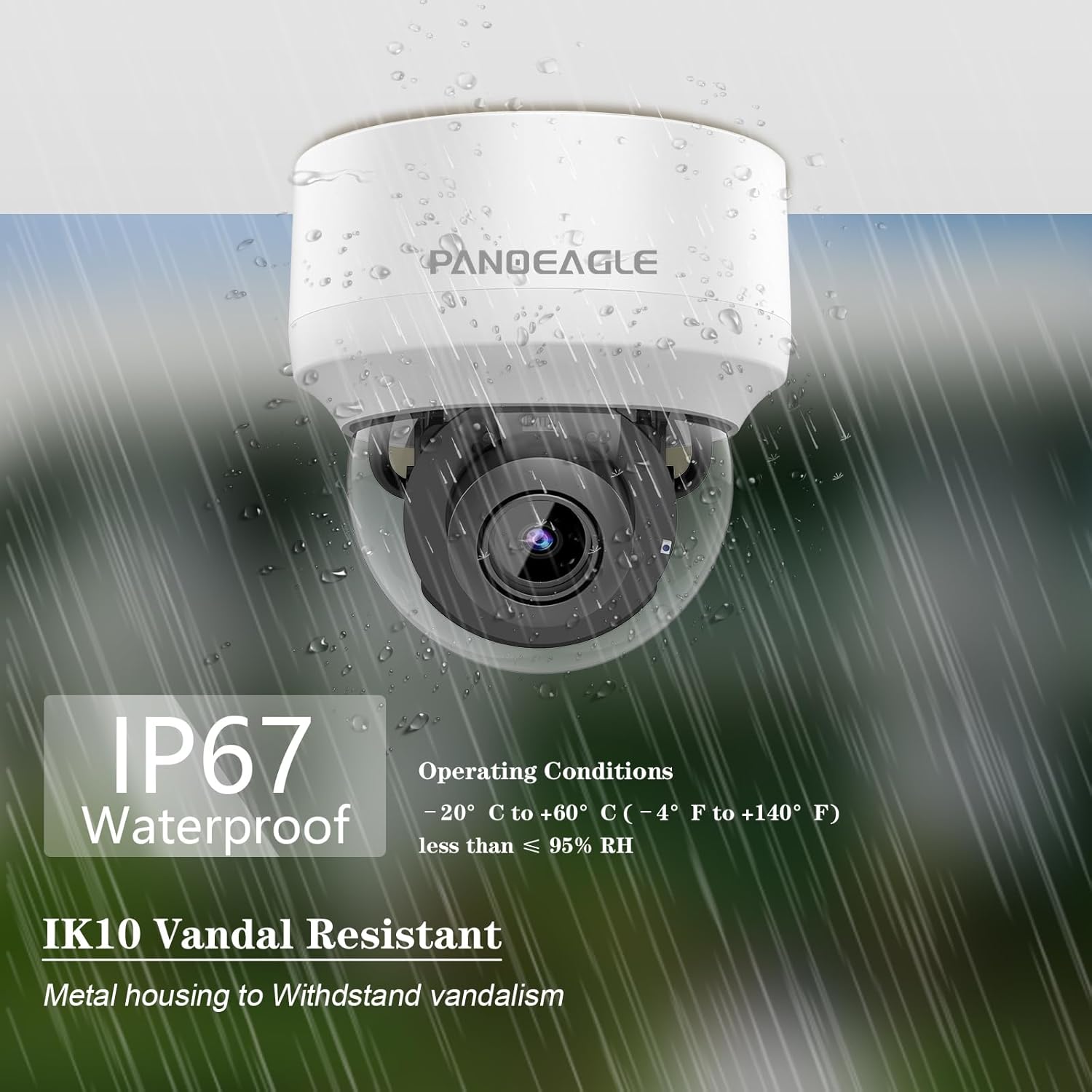
The camera is built with a metal housing and features IP67 waterproof and IK10 vandal-resistant ratings, ensuring durability in various environmental conditions. Regular cleaning of the lens and housing is recommended to maintain optimal image quality. Use a soft, damp ผ้าสำหรับทำความสะอาด หลีกเลี่ยงสารเคมีที่รุนแรง

Figure 11: IP67 Waterproof and IK10 Vandal Resistant features
6 การแก้ไขปัญหา
- ไม่มีการเชื่อมต่อเครือข่าย:
Ensure the Ethernet cable is securely connected to both the camera and the PoE switch/NVR. Verify that the camera's IP address is within the same network segment as your computer or NVR. Use the provided software tools (e.g., AJDevTools, SADP) to search for and configure the camera's IP address if necessary. - PTZ Functions Not Responding:
Check the power supply to the camera. Ensure the network connection is stable. If controlling via software, verify that the PTZ controls are correctly configured and the software is up-to-date. Some issues may occur with rapid adjustments; try making smaller, slower movements. - Motion/Human/Vehicle Detection Not Triggering:
เข้าถึงกล้อง web interface or app settings. Verify that motion detection and intelligent detection features are enabled. Adjust the sensitivity and threshold settings. Ensure the detection area is correctly defined and covers the desired surveillance zone. - คุณภาพของภาพต่ำ:
Check the camera lens for dirt or obstructions. Ensure the camera's firmware is updated. Verify network bandwidth, as insufficient bandwidth can affect streaming quality.
7. ข้อมูลจำเพาะ
| คุณสมบัติ | รายละเอียด |
|---|---|
| ชื่อรุ่น | 8MP PTZ PoE IP Camera Outoodoor (PG-PTZ-2804-I2) |
| ความละเอียดของภาพนิ่งที่มีประสิทธิภาพ | 8 MP |
| ความละเอียดในการจับภาพวิดีโอ | 4k |
| ซูมออปติคอล | 4 เท่า |
| ช่วงแพน | 0° ~ 355° |
| ช่วงความเอียง | 0° ~ 90° |
| ช่วงการมองเห็นตอนกลางคืน | 164 ฟุต |
| การให้คะแนนการคุ้มครองระหว่างประเทศ | IP66 (Note: Product description states IP67, please refer to product packaging for exact rating) |
| การต่อต้านการก่อวินาศกรรม | ไอเค10 |
| แหล่งพลังงาน | Wired Motorized (PoE) |
| เทคโนโลยีการเชื่อมต่อ | มีสาย |
| อุปกรณ์ที่รองรับ | Third-party NVR, Open Network Video Interface (ONVIF) |
| ประเภทการแจ้งเตือน | Humanoid detection and motion |
| ความสามารถในการบันทึกภาพและเสียง | Audio (Built-in Mic) |
| อุณหภูมิในการทำงาน | -20°C ถึง 60°C (-4°F ถึง 140°F) |
| วัสดุ | โลหะ |
| ขนาดสินค้า กว้าง x ยาว x สูง | 10 x 8 x 6 นิ้ว |
| น้ำหนักสินค้า | 2.67 ปอนด์ |
8. การรับประกันและการสนับสนุน
PANOEAGLE provides a 2-year manufacturer's warranty service for this product. Additionally, lifetime technical support is available for all customers. For any questions or assistance, please contact customer support.

รูปที่ 12: ข้อมูลการรับประกันและการสนับสนุน
Ask a question about this manual
Ask about setup, troubleshooting, compatibility, parts, safety, or missing instructions. Manuals+ will review the question and use this page’s manual context to help answer it.