
1. บทนำ
ขอบคุณสำหรับการซื้อasing the AUKEY PC-LM3 Webcam. This manual provides detailed instructions for setting up, operating, and maintaining your webcam. Please read this manual thoroughly before use and retain it for future reference.
2. ข้อมูลด้านความปลอดภัย
- เก็บรักษาไว้ webcam away from water, moisture, and extreme temperatures.
- อย่าพยายามถอดประกอบหรือซ่อมแซมอุปกรณ์ด้วยตนเอง แนะนำให้ส่งช่างผู้ชำนาญการไปรับบริการทั้งหมด
- หลีกเลี่ยงการทำตกหรือโดนน้ำ webแคมรับแรงกระแทกได้ดีมาก
- Clean the lens with a soft, dry cloth. Do not use liquid cleaners.
3. เนื้อหาบรรจุภัณฑ์
กรุณาตรวจสอบว่ามีรายการทั้งหมดอยู่ในแพ็คเกจของคุณ:
- AUKEY PC-LM3 Webลูกเบี้ยว
- คู่มือการใช้งาน
- สาย USB (รวมอยู่ด้วย)
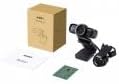
Image 1: Contents of the AUKEY PC-LM3 Webcam package, showing the webcam, manual, and packaging.
4. สินค้าหมดview
The AUKEY PC-LM3 is a 1080p USB 2.0 webcam designed for high-quality video communication and recording. It features a CMOS sensor and 5x optical zoom capability, providing clear and detailed visuals.
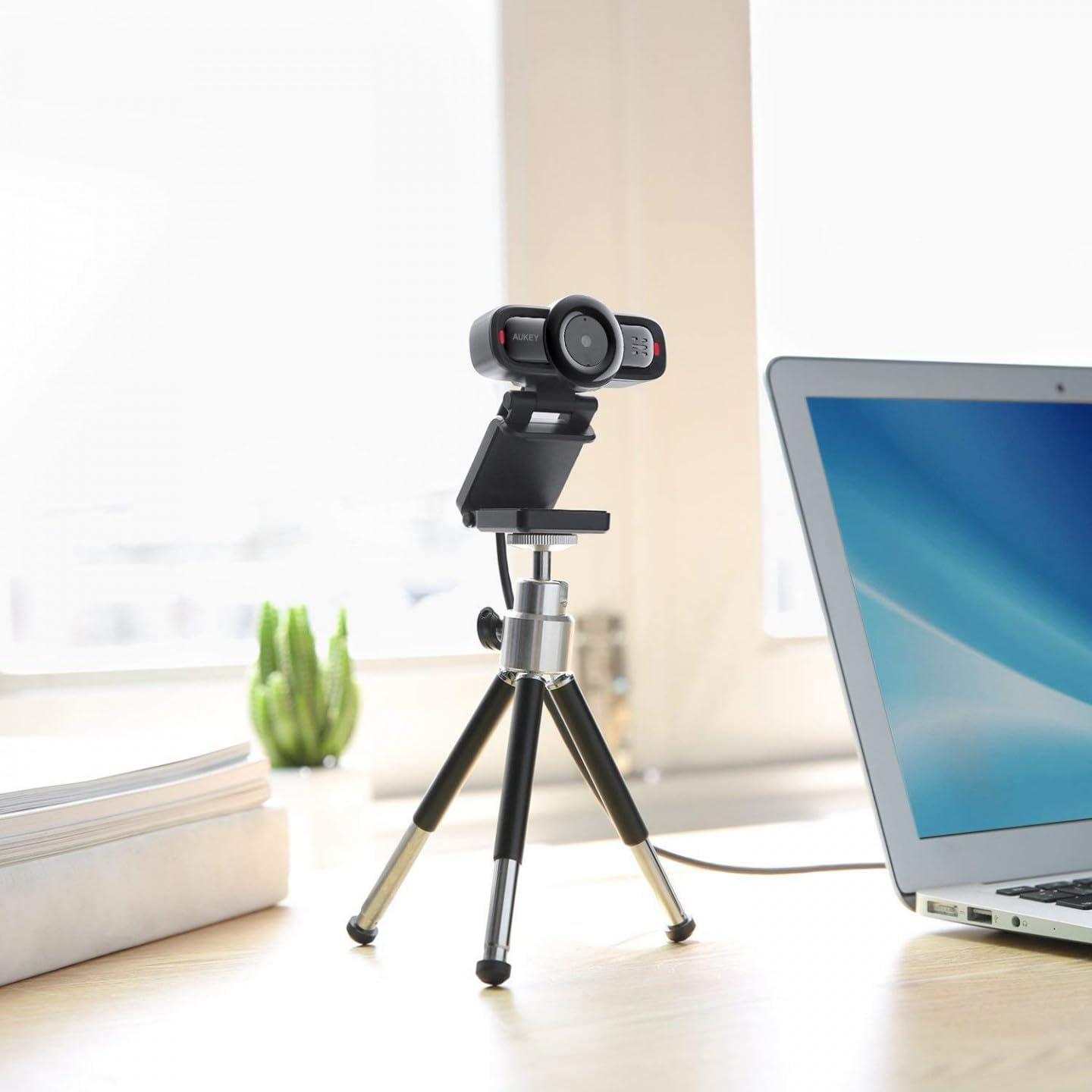
Image 2: AUKEY PC-LM3 Webcam in use, demonstrating its compact design and mounting flexibility on a tripod.
คุณสมบัติหลัก:
- Full HD 1080p video recording
- CMOS sensor for clear images
- USB 2.0 connectivity for universal compatibility
- 5x optical zoom for detailed framing
- Integrated microphone for audio capture
- Adjustable clip for versatile mounting options
5. การตั้งค่า
5.1 Placing the Webลูกเบี้ยว
- บนจอภาพ: Unfold the clip and place the webวางกล้องไว้บนจอคอมพิวเตอร์หรือจอแล็ปท็อป ปรับคลิปให้ยึดแน่น
- บนขาตั้งกล้อง: การ webcam features a standard tripod thread. Mount it onto a compatible tripod for more flexible positioning.
- บนพื้นผิวเรียบ: Fold the clip to form a stable stand and place the webวางกล้องไว้บนโต๊ะหรือพื้นผิวเรียบอื่นๆ
5.2 การเชื่อมต่อกับคอมพิวเตอร์ของคุณ
- เสียบขั้วต่อ USB ของ webเสียบกล้องเข้ากับพอร์ต USB 2.0 หรือ 3.0 ที่ว่างอยู่บนคอมพิวเตอร์ของคุณ
- คอมพิวเตอร์ของคุณจะตรวจจับและติดตั้งไดรเวอร์ที่จำเป็นโดยอัตโนมัติ กระบวนการนี้อาจใช้เวลาสักครู่
- เมื่อติดตั้งแล้ว webcam will be ready for use with video conferencing software or recording applications.
บันทึก: No additional software or drivers are typically required for Windows, macOS, or Linux operating systems.
6. การดำเนินงาน Webลูกเบี้ยว
6.1 การใช้งานร่วมกับซอฟต์แวร์การประชุมทางวิดีโอ
To use the AUKEY PC-LM3 webcam with applications like Zoom, Skype, Microsoft Teams, or Google Meet:
- เปิดแอปพลิเคชันการประชุมทางวิดีโอที่คุณต้องการ
- Navigate to the application's settings or preferences (usually found under "Audio & Video" or "Devices").
- Select "AUKEY PC-LM3" as your video input device.
- Select "AUKEY PC-LM3 Microphone" (or similar) as your audio input device, if applicable.
- Adjust any video settings such as resolution or brightness within the application if available.
6.2 การบันทึกวิดีโอ
To record video using the webcam, use your computer's built-in camera application (e.g., Camera app on Windows, Photo Booth on macOS) or third-party recording software. Ensure the AUKEY PC-LM3 is selected as the video source.
ซูมออปติคอล 6.3 เท่า
การ webcam features 5x optical zoom. This function is typically controlled via software. Check your video conferencing or recording application for zoom controls. If not available, third-party webcam control software may offer this functionality.
7. การบำรุงรักษา
7.1 การทำความสะอาด Webลูกเบี้ยว
- ให้แน่ใจว่า webโปรดถอดสายกล้องออกจากคอมพิวเตอร์ก่อนทำการทำความสะอาด
- Use a soft, lint-free cloth to gently wipe the lens and body of the webลูกเบี้ยว.
- For stubborn smudges on the lens, slightly dampen the cloth with water or a lens cleaning solution, then wipe gently. Avoid excessive moisture.
- ห้ามใช้สารเคมีรุนแรง น้ำยาทำความสะอาดที่มีฤทธิ์กัดกร่อน หรือตัวทำละลาย
7.2 พื้นที่จัดเก็บ
เมื่อไม่ใช้งาน ให้เก็บ webcam in a cool, dry place, away from direct sunlight and dust. Consider using a privacy cover (if included or purchased separately) to protect the lens and ensure privacy.
8 การแก้ไขปัญหา
| ปัญหา | สารละลาย |
|---|---|
| Webคอมพิวเตอร์ไม่ตรวจพบแคม |
|
| ไม่มีวีดีโอเอาท์พุต |
|
| คุณภาพวิดีโอไม่ดี |
|
9. ข้อมูลจำเพาะ
| คุณสมบัติ | รายละเอียด |
|---|---|
| แบบอย่าง | พีซี-LM3 |
| ความละเอียดวิดีโอ | 1920 x 1080 พิกเซล (1080p) |
| เทคโนโลยีเซ็นเซอร์ | ซีมอส |
| การเชื่อมต่อ | ยูเอสบี 2.0 |
| ซูมออปติคอล | 5x |
| รูปแบบการจับภาพวิดีโอ | MP4, AVI |
| รูปแบบเสียงที่รองรับ | เอเอซี, MP3 |
| ขนาด (กว้าง x ยาว x สูง) | 7.7 x 7.2 x 4.6 ซม. |
| น้ำหนัก | 130 กรัม |
| สี | สีดำ |
10. การรับประกันและการสนับสนุนลูกค้า
AUKEY products are covered by a limited warranty from the date of purchase. For specific warranty terms and conditions, please refer to the warranty card included with your product or visit the official AUKEY webเว็บไซต์.
If you encounter any issues or have questions regarding your AUKEY PC-LM3 Webcam, please contact AUKEY customer support for assistance. Contact information can typically be found on the official AUKEY webเว็บไซต์หรือบนบัตรรับประกัน