
1. บทนำ
This manual provides detailed instructions for the proper use, setup, and maintenance of your cellularline Key In-Ear True Wireless Earbuds. Please read this manual thoroughly before using the product to ensure optimal performance and longevity.
2. เนื้อหาบรรจุภัณฑ์
- cellularline Key In-Ear True Wireless Earbuds (Left and Right)
- เคสชาร์จพร้อมจอแสดงผล LED
- สายชาร์จ USB-C
- คู่มือการใช้งาน
3. สินค้าหมดview
The cellularline Key In-Ear True Wireless Earbuds offer a compact design with intuitive touch controls and a convenient LED display charging case.

รูปที่ 3.1: The cellularline Key In-Ear True Wireless Earbuds resting in their charging case.

รูปที่ 3.2: The charging case features an LED display that indicates the current battery level.

รูปที่ 3.3: The compact and lightweight design of the charging case allows for easy portability.
4. การชาร์จหูฟังและเคส
To ensure optimal performance, fully charge your earbuds and charging case before first use.
4.1. การชาร์จหูฟังเอียร์บัด
- วางหูฟังเอียร์บัดลงในช่องตามลำดับในกล่องชาร์จ
- Ensure the charging case has sufficient power. The earbuds will begin charging automatically.
4.2. การชาร์จกล่องชาร์จ
- เชื่อมต่อสายชาร์จ USB-C ที่ให้มากับพอร์ตชาร์จบนเคส
- เชื่อมต่อปลายอีกด้านหนึ่งของสาย USB-C เข้ากับแหล่งพลังงาน USB ที่ใช้งานร่วมกันได้ (เช่น อะแดปเตอร์ติดผนัง พอร์ต USB ของคอมพิวเตอร์)
- The LED display on the case will show the current charge level. A full charge takes approximately 4 hours.
The earbuds provide up to 4 hours of continuous playback on a single charge, with an additional 12 hours of playtime available from the fully charged case, totaling 16 hours of battery life.
5. การตั้งค่าและการจับคู่
Follow these steps to pair your cellularline Key Earbuds with your device.
5.1. การจับคู่เบื้องต้น
- โปรดตรวจสอบให้แน่ใจว่าหูฟังของคุณชาร์จแบตเตอรี่เต็มแล้ว
- เปิดกล่องชาร์จ หูฟังจะเปิดอัตโนมัติและเข้าสู่โหมดจับคู่
- บนสมาร์ทโฟนหรืออุปกรณ์ที่รองรับ Bluetooth ของคุณ ให้ไปที่การตั้งค่า Bluetooth
- ค้นหา available devices and select "cellularline Key" from the list.
- เมื่อเชื่อมต่อแล้ว คุณจะได้ยินเสียงยืนยัน และหูฟังจะพร้อมใช้งาน
5.2. การเชื่อมต่อใหม่อัตโนมัติ
After initial pairing, the earbuds will automatically connect to the last paired device when removed from the charging case, provided Bluetooth is enabled on the device.

รูปที่ 5.1: The earbuds are designed for seamless wireless connection with your smartphone for music and calls.
6. คู่มือการใช้งาน
The cellularline Key Earbuds feature intuitive touch controls for managing calls, music, and volume.
6.1. การควบคุมแบบสัมผัส
| การทำงาน | การกระทำ |
|---|---|
| เล่น/หยุดเพลง | แตะครั้งเดียวที่หูฟังเอียร์บัดข้างใดข้างหนึ่ง |
| เพลงถัดไป | แตะสองครั้งที่หูฟังด้านขวา |
| เพลงก่อนหน้า | แตะสองครั้งที่หูฟังด้านซ้าย |
| รับสาย/วางสาย | แตะครั้งเดียวที่หูฟังเอียร์บัดข้างใดข้างหนึ่ง |
| ปฏิเสธการรับสาย | กดหูฟังเอียร์บัดข้างใดข้างหนึ่งค้างไว้ 2 วินาที |
| เปิดใช้งานผู้ช่วยเสียง | Triple tap on either earbud (functionality may vary by device) |
6.2. Double Master Function
The earbuds support a double master function, allowing you to use either the left or right earbud independently for calls or music playback. This provides flexibility and convenience.
7. การบำรุงรักษาและการดูแล
การดูแลรักษาอย่างถูกวิธีจะช่วยยืดอายุการใช้งานของหูฟังของคุณได้
- เก็บหูฟังและกล่องชาร์จให้สะอาดและแห้ง
- Use a soft, dry cloth to wipe the surfaces. Avoid using abrasive cleaners or solvents.
- เก็บหูฟังเอียร์บัดไว้ในกล่องชาร์จเมื่อไม่ได้ใช้งานเพื่อปกป้องและชาร์จอยู่เสมอ
- หลีกเลี่ยงอุณหภูมิที่สูงเกินไปและแสงแดดโดยตรง
- Do not attempt to disassemble the product, as this will void the warranty.
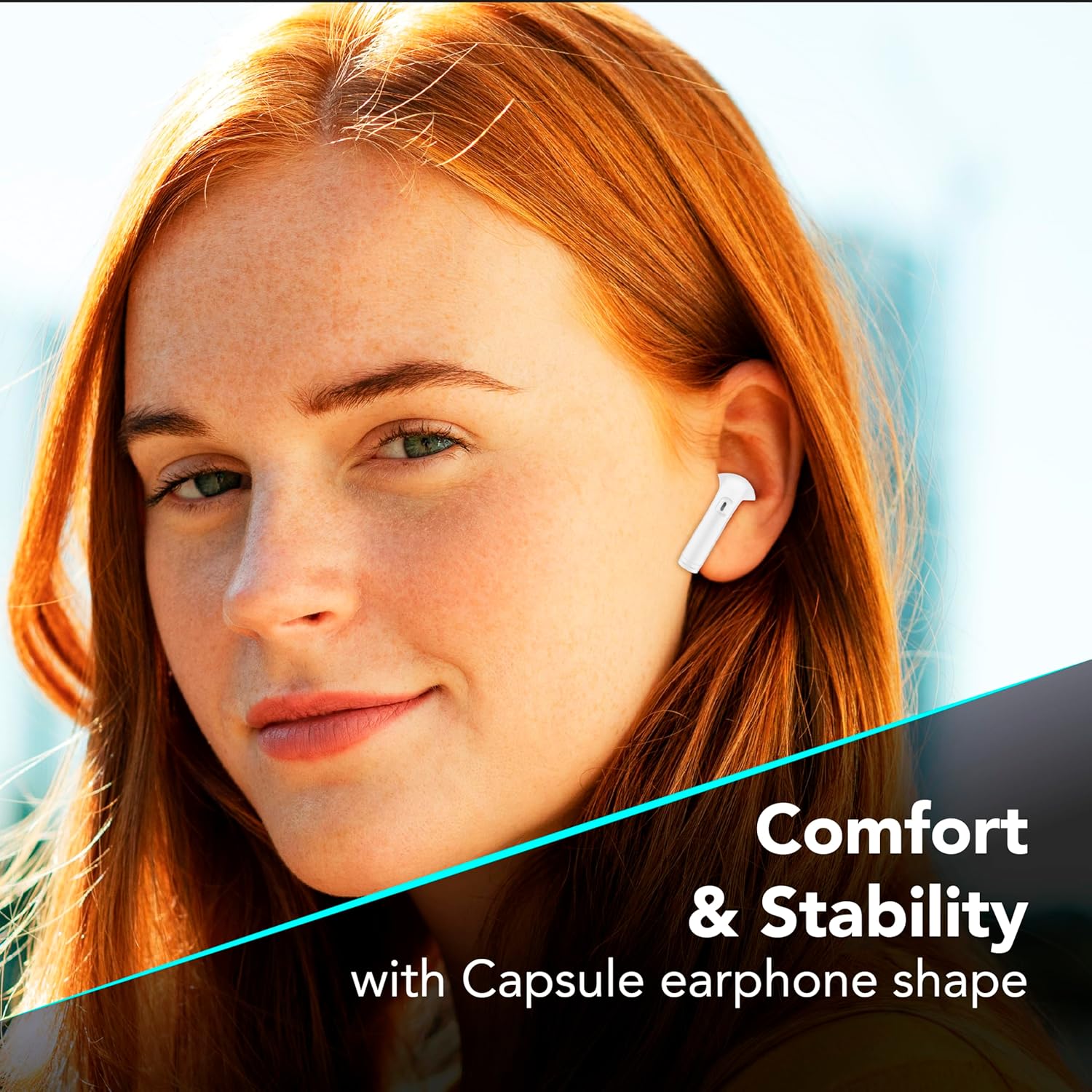
รูปที่ 7.1: The in-ear design provides a comfortable and stable fit for extended wear.
8 การแก้ไขปัญหา
หากคุณพบปัญหาเกี่ยวกับหูฟัง โปรดดูวิธีแก้ไขปัญหาทั่วไปต่อไปนี้
| ปัญหา | วิธีแก้ปัญหาที่เป็นไปได้ |
|---|---|
| หูฟังเอียร์บัดไม่จับคู่ |
|
| ไม่มีเสียงจากเอียร์บัดข้างเดียว |
|
| เคสชาร์จไม่ชาร์จ |
|
| ระบบควบคุมแบบสัมผัสไม่ตอบสนอง |
|
9. ข้อมูลจำเพาะ
| คุณสมบัติ | รายละเอียด |
|---|---|
| หมายเลขรุ่น | บีทีคีย์ ทวิส ดับเบิ้ลยู |
| การเชื่อมต่อ | บลูทูธ 5 |
| อายุการใช้งานแบตเตอรี่ของหูฟังเอียร์บัด | สูงสุด 4 ชั่วโมง (ชาร์จครั้งเดียว) |
| เวลาเล่นทั้งหมด (รวมเคส) | นานถึง 16 ชั่วโมง |
| ระยะเวลาในการชาร์จ (เคส) | ประมาณ 4 ชั่วโมง |
| พอร์ตชาร์จ | ยูเอสบี-ซี |
| วัสดุ | พลาสติก |
| คุณสมบัติพิเศษ | True Wireless, Touch Control, LED Display Charging Case, Double Master Function |
10. การรับประกันและการสนับสนุน
Your cellularline Key In-Ear True Wireless Earbuds are covered by a standard manufacturer's warranty. For specific warranty details, please refer to the warranty card included in your product packaging or visit the official cellularline webเว็บไซต์.
For technical support, troubleshooting assistance beyond this manual, or warranty claims, please contact cellularline customer service through their official channels.