
การแนะนำ
This manual provides detailed instructions for setting up, operating, and maintaining your PTHTECHUS 4G Kids Smartwatch Phone. Please read this manual thoroughly to ensure proper use and to maximize the features of your device. This smartwatch is designed to offer communication, safety, and activity tracking for children.

Figure 1: PTHTECHUS 4G Kids Smartwatch Phone
การตั้งค่า
1. การติดตั้งซิมการ์ด
The smartwatch requires a 4G Nano SIM card for cellular functions. A SpeedTalk Mobile SIM kit is included with your purchase, offering 30 minutes calling, 30MB data, and 30 SMS free for one week. Ensure the watch is powered off before inserting the SIM card.
Video: Instructions on how to properly insert the SIM card into the PTHTECHUS 4G Kids Smartwatch.
2. การชาร์จสมาร์ทวอทช์
Before first use, fully charge the smartwatch. Use the provided USB charging cable. Connect the magnetic charging pins to the corresponding contacts on the back of the watch. A full charge typically takes 2-3 hours.
Video: Guide on how to connect the PTHTECHUS 4G Kids Smartwatch to its charger.
3. การติดตั้งและการจับคู่แอป
Download the companion app (e.g., SeTracker or similar as indicated in the product information) to your smartphone. Follow the in-app instructions to register an account and pair your child's smartwatch. This app allows for parental control and monitoring.
Video: Demonstration of connecting the PTHTECHUS 4G Kids Smartwatch to WiFi.
คำแนะนำการใช้งาน
1. การนำทางพื้นฐาน
The smartwatch features a 1.54-inch touchscreen display. Swipe left/right or up/down to navigate through menus and applications. Use the physical buttons on the side for power on/off and quick access functions like SOS.
วิดีโอ: จบแล้วview of the user interface and basic operation of the 4G Kids GPS Smartwatch Phone.
2. Making Calls (Voice & Video)
Children can make and receive voice and video calls from pre-approved contacts. Contacts are managed through the parent app. To make a call, navigate to the 'Phone Book' or 'Video Call' app on the watch, select a contact, and initiate the call.

Image: The smartwatch supports 4G video calls and voice calls.
3. Sending Voice Messages
The smartwatch supports sending and receiving voice messages. This feature allows for quick and easy communication between the child and approved contacts.

Image: Voice message functionality for quick communication.
4. ฟังก์ชั่น SOS
In case of an emergency, the child can long-press the SOS button for more than 5 seconds. The watch will automatically dial pre-set emergency contacts in a circular manner until one answers. It also sends an alert message with the child's location to guardians via the app.

Image: The SOS button provides immediate emergency contact capabilities.
5. GPS Tracking & Safety Fence
The smartwatch features real-time GPS, WiFi, and LBS location tracking. Parents can monitor the child's location through the companion app. A 'Safety Fence' can be set up in the app, which sends an alert if the child enters or leaves a designated safe area.
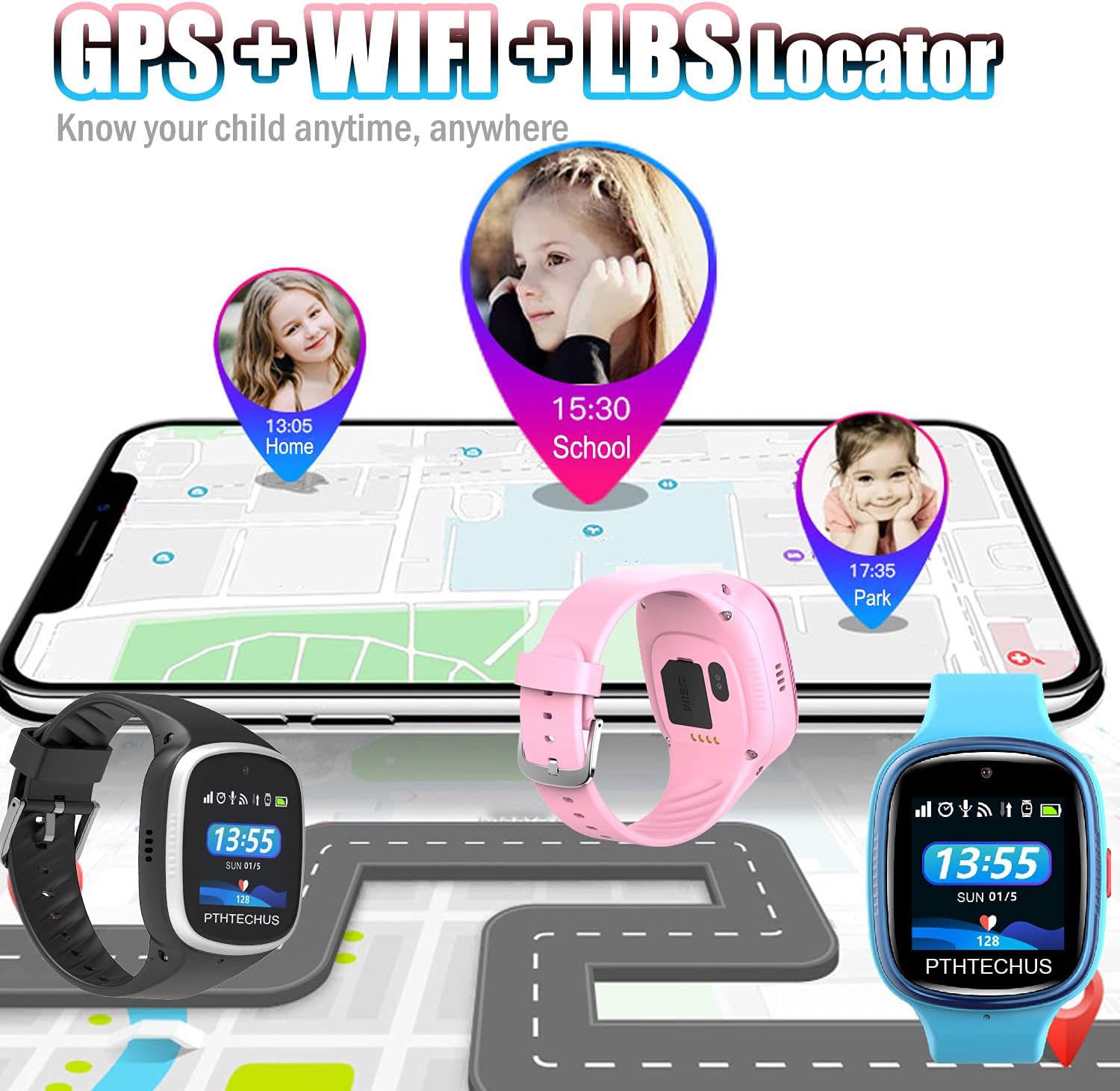
Image: Real-time location tracking using GPS, WiFi, and LBS.
6. โหมดชั้นเรียน
Parents can set 'Class Mode' via the app to disable certain watch functions during school hours, preventing distractions. Only essential features like time display and SOS will remain active.
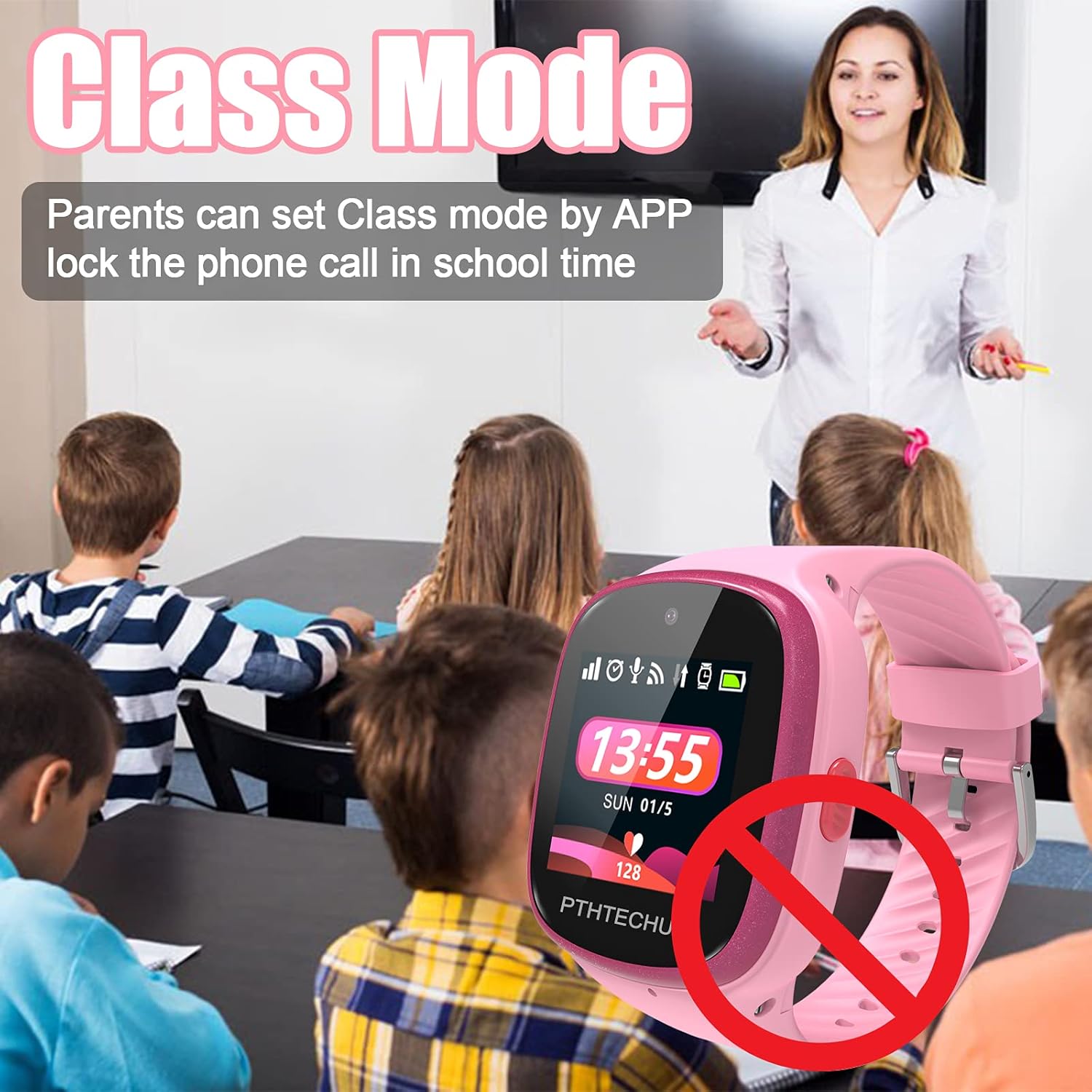
Image: Class Mode helps minimize distractions during school hours.
7. Camera & Photos
The smartwatch includes a camera for taking photos. Children can view their pictures in the photo album. Parents can remotely access photos through the app.

Image: The integrated camera allows children to capture moments.
8. Pedometer & Activity Tracking
The built-in pedometer tracks steps and activity levels. This data can be viewed on the watch and synchronized with the parent app to encourage physical activity.

Image: The pedometer tracks steps and promotes an active lifestyle.
9. Other Applications
The smartwatch includes various useful applications such as an alarm clock, flashlight, calculator, and calendar. These tools are designed to be child-friendly and enhance daily routines.
การซ่อมบำรุง
1. การทำความสะอาด
Wipe the watch screen and strap regularly with a soft, dry cloth. Avoid using harsh chemicals or abrasive materials that could damage the device.
2. ความทนทานต่อน้ำ
The smartwatch has an IP67 water resistance rating. This means it is protected against dust and can withstand immersion in water up to 1 meter for up to 30 minutes. It is suitable for daily use like hand washing or light rain, but not recommended for swimming or showering.
Image: The smartwatch features IP67 water resistance for everyday use.
3. การดูแลแบตเตอรี่
To prolong battery life, avoid extreme temperatures and fully discharging the battery frequently. Charge the watch using only the provided cable.
การแก้ไขปัญหา
- นาฬิกาไม่เปิด: ตรวจสอบให้แน่ใจว่าแบตเตอรี่ชาร์จเต็มแล้ว เสียบสายชาร์จและรอสักครู่ก่อนลองเปิดเครื่อง
- ไม่มีสัญญาณเครือข่าย: Check if the SIM card is correctly inserted and activated. Verify that the SIM card has an active data plan. Ensure the watch is in an area with 4G cellular coverage.
- GPS location inaccurate: GPS accuracy can be affected by environmental factors (e.g., indoors, dense urban areas). For best results, ensure the watch has a clear view ของท้องฟ้า
- ไม่สามารถจับคู่กับแอปได้: Ensure the watch is connected to WiFi or has an active cellular data connection. Double-check the device ID and verification code during pairing.
- App settings not syncing: Verify that both the smartwatch and the parent's smartphone have a stable internet connection. Restart both devices if necessary.
ข้อมูลจำเพาะ
| คุณสมบัติ | รายละเอียด |
|---|---|
| หมายเลขรุ่น | PTH-4G 2021 |
| ขนาดจอแสดงผล | 1.54 นิ้ว |
| การเชื่อมต่อ | 4G Cellular, WiFi, GPS, Bluetooth |
| ระบบปฏิบัติการ | แอนดรอยด์แวร์ |
| การเก็บข้อมูลความทรงจำ | 4GB |
| RAM Installed Size | 512MB |
| ความจุของแบตเตอรี่ | 800 มิลลิวินาทีamp ชั่วโมง (ลิเธียมโพลิเมอร์) |
| ความต้านทานต่อน้ำ | IP67 |
| ขนาดสินค้า | 8.66 x 1.57 x 0.79 นิ้ว |
| น้ำหนักสินค้า | 1.76 ออนซ์ (50 กรัม) |
| คุณสมบัติพิเศษ | Accelerometer, Alarm Clock, Camera, GPS, Pedometer, Phone Call, Time Display, Video Call, Flashlight, Class Mode, Safety Fence, Voice Message |

Image: Diagram highlighting key physical features and components of the smartwatch.
การรับประกันและการสนับสนุน
For warranty information and customer support, please refer to the documentation included in your product packaging or visit the official PTHTECHUS website. Contact details for support are typically provided within the companion app or on the manufacturer's webเว็บไซต์.