
1. บทนำ
Thank you for choosing the LAXIHUB P2 2K/3MP Indoor Wi-Fi Security Camera. This manual provides essential information for setting up, operating, and maintaining your device. The P2 camera offers advanced features such as 2K/3MP video resolution, 360-degree pan and tilt functionality, enhanced night vision, two-way audio communication, and intelligent motion and sound detection. It is designed to help you monitor your home, pets, or children with ease and peace of mind.

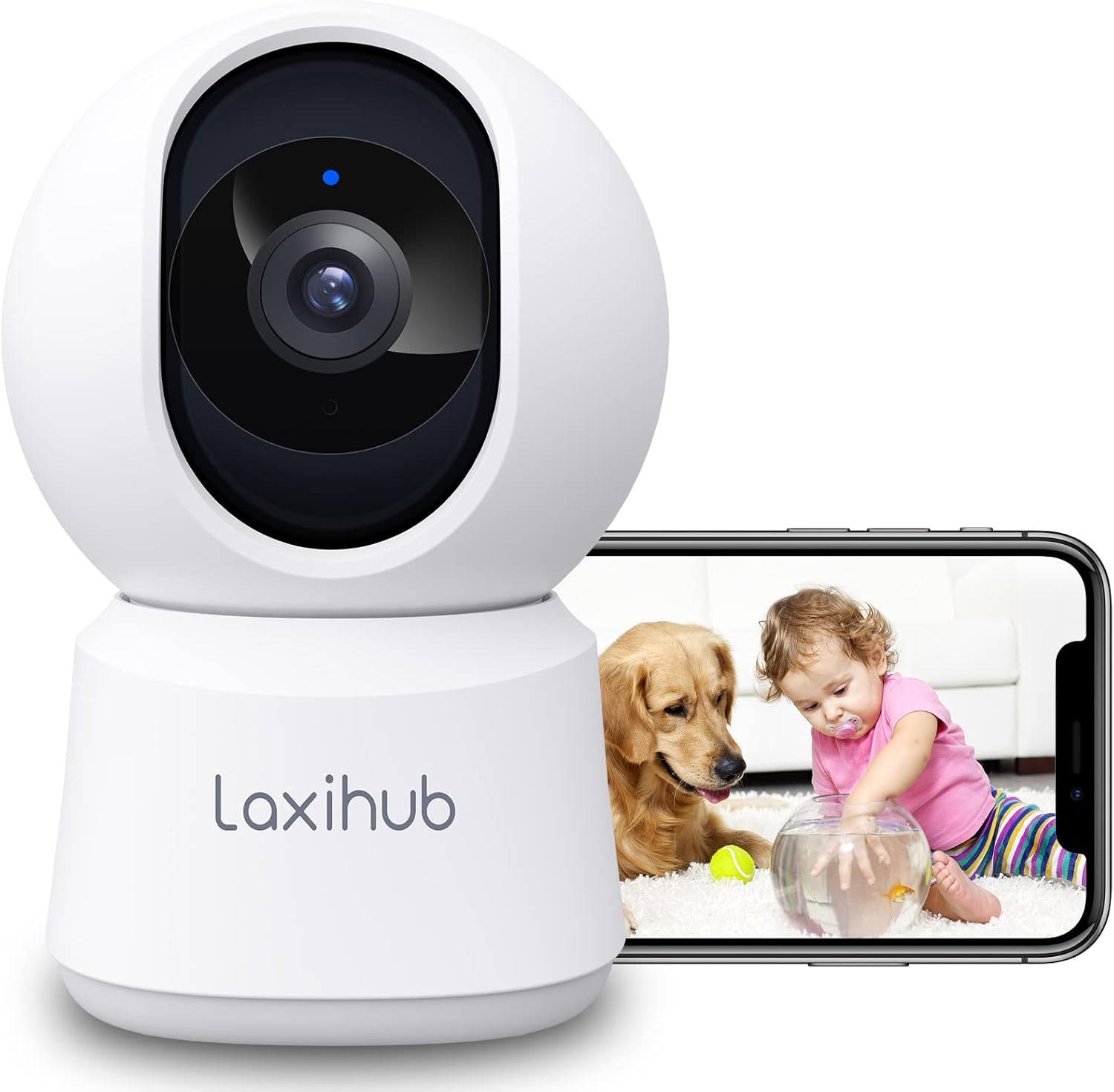
LAXIHUB P2 Indoor Security Camera showing a golden retriever and a baby, with a smartphone displaying the live feed.
2. คุณสมบัติมากกว่าview
The LAXIHUB P2 camera is equipped with a range of features to enhance your home monitoring experience:
- 2K/3MP Video Resolution: ให้ภาพวิดีโอที่ชัดเจนและมีรายละเอียดtage.
- หมุนและเอียงได้ 360°: มีให้เลือกหลากหลาย viewing angle with 355° horizontal and 93° vertical rotation.
- ปรับปรุงการมองเห็นในตอนกลางคืน: Clear visibility up to 33 feet (10 meters) in complete darkness.
- เสียงสองทาง: มีไมโครโฟนและลำโพงในตัวสำหรับการสื่อสารแบบเรียลไทม์
- การตรวจจับการเคลื่อนไหวและเสียง: Sends instant alerts to your smartphone upon detecting activity.
- โซนกิจกรรมที่สามารถปรับแต่งได้: กำหนดพื้นที่เฉพาะสำหรับการตรวจจับการเคลื่อนไหว
- ตัวเลือกการจัดเก็บที่ยืดหยุ่น: Supports local SD card storage (up to 256GB, not included) and cloud storage.
- โหมดความเป็นส่วนตัว: Turn off the camera with one click via the app.
- การควบคุมด้วยเสียง: เข้ากันได้กับ Amazon Alexa และ Google Assistant

Infographic detailing LAXIHUB P2 camera features: 2K 3MP view, customizable privacy mode, flexible 256GB storage, sharing, night vision, real-time alerts, and Alexa compatibility.
3. เนื้อหาบรรจุภัณฑ์
กรุณาตรวจสอบแพ็คเกจสำหรับรายการต่อไปนี้:
- LAXIHUB P2 Camera (1)
- พาวเวอร์ซัพพลาย (1)
- Mounting Accessories (Screws, Wall Plugs, Mounting Plate)
- คู่มือผู้ใช้ (เอกสารนี้)
4. คู่มือการติดตั้ง
4.1 การดาวน์โหลดแอปและสร้างบัญชี
- ดาวน์โหลดแอป Arenti จาก App Store (iOS) หรือ Google Play Store (Android)
- เปิดแอปพลิเคชันและสร้างบัญชีใหม่ หรือเข้าสู่ระบบหากคุณมีบัญชีอยู่แล้ว
4.2 การเปิดกล้อง
- Connect the power supply to the camera's power port.
- เสียบอะแดปเตอร์ไฟฟ้าเข้ากับเต้ารับไฟฟ้าที่ผนัง
- The camera will power on, and the indicator light will flash, indicating it's ready for pairing.
4.3 การจับคู่อุปกรณ์ (การเชื่อมต่อ Wi-Fi)
- In the Arenti App, tap the "+" icon to add a new device.
- Select your LAXIHUB P2 camera model from the list.
- Follow the on-screen instructions to connect the camera to your 2.4GHz Wi-Fi network. Ensure your phone is connected to the same Wi-Fi network.
- Scan the QR code displayed on your phone screen with the camera lens. Hold the phone approximately 15-20 cm (6-8 inches) from the camera.
- Once connected, the camera's indicator light will turn solid blue, and you will hear a confirmation sound.
4.4 การจัดวางและการติดตั้ง
The LAXIHUB P2 camera can be placed on a flat surface or mounted on a wall or ceiling.
- ตำแหน่งบนโต๊ะ: Simply place the camera on a stable surface with a clear view ของพื้นที่ที่คุณต้องการติดตาม
- การติดตั้งบนผนัง/เพดาน:
- Attach the mounting plate to the desired location using the provided screws and wall plugs.
- Securely attach the camera to the mounting plate by twisting it into place.
- Adjust the camera angle in the app if necessary to ensure proper orientation.
5. คู่มือการใช้งาน
5.1 สด View และการควบคุมแพน/เอียง
Access the live video feed from your camera through the Arenti App. Use the on-screen controls to remotely adjust the camera's viewมุมอิง
- แพน: หมุนกล้องในแนวนอนได้ถึง 355 องศา
- เอียง: Adjust the camera vertically up to 93 degrees.

LAXIHUB P2 camera demonstrating 355-degree horizontal and 93-degree vertical rotation, controlled via a smartphone app.
5.2 เสียงสองทาง
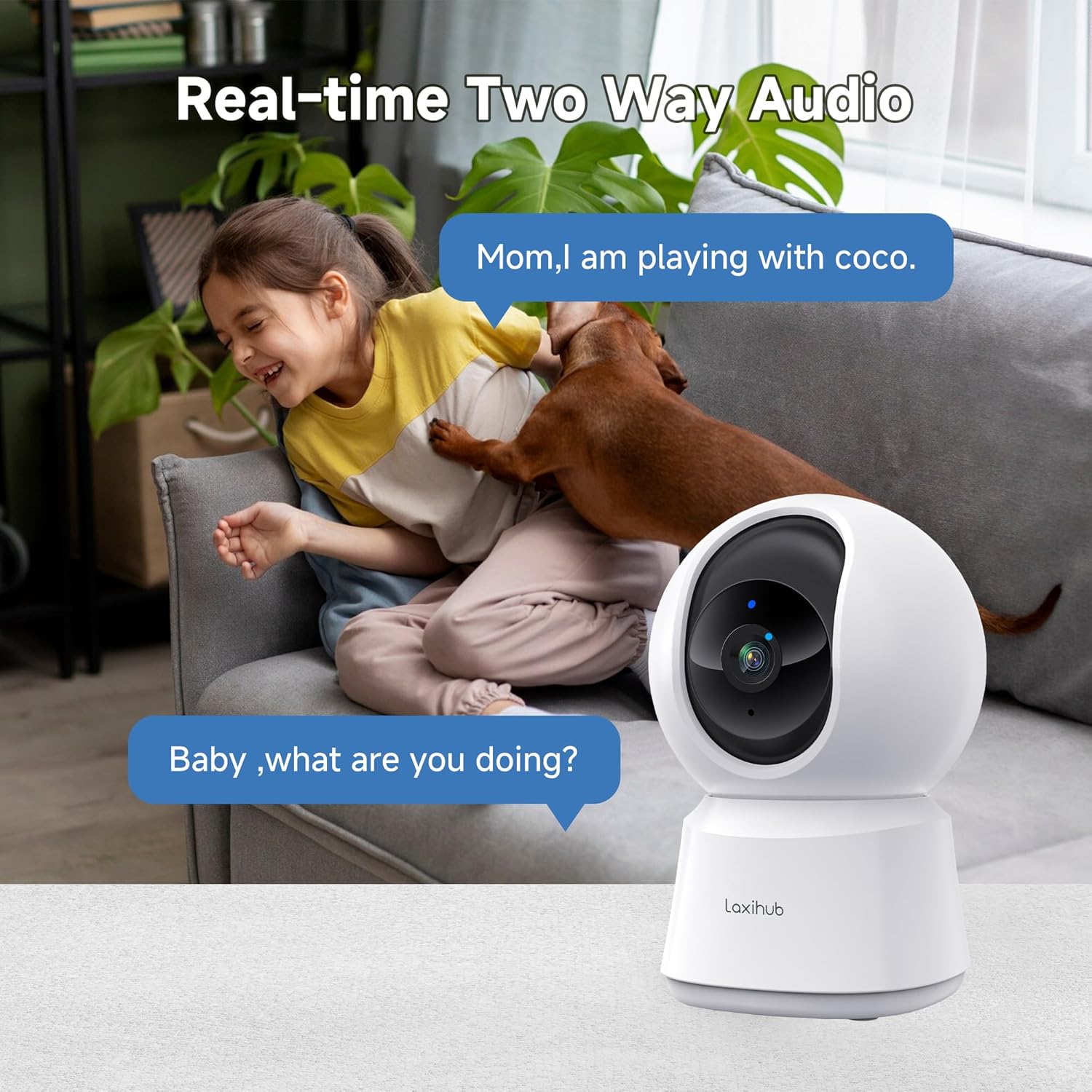
The camera features a built-in microphone and speaker, allowing you to listen to your environment and speak through the camera.
- Tap the microphone icon in the app to speak. Your voice will be transmitted through the camera's speaker.
- Ensure the speaker icon is enabled to hear audio from the camera's location.

A child and a dog interacting in a living room, with the LAXIHUB P2 camera in the foreground, depicting two-way audio communication.
5.3 การตรวจจับการเคลื่อนไหวและเสียง
The camera can detect motion and sound, sending instant alerts to your smartphone.
- การติดตามการเคลื่อนไหว: When motion is detected, the camera can automatically track the subject to keep it in view.
- ความไวที่ปรับได้: Customize the sensitivity levels for both motion and sound detection in the app to minimize false alarms.
- โซนกิจกรรม: กำหนดพื้นที่เฉพาะภายในกล้อง view for motion detection, ignoring irrelevant areas.
LAXIHUB P2 camera tracking multiple cats in a living room, illustrating its smart motion tracking feature.

A cat on a sofa with a phone displaying a 'P2T Sound detected...' alert message, illustrating the camera's noise detection feature.
5.4 การมองเห็นตอนกลางคืน
The camera automatically switches to enhanced infrared night vision in low-light conditions, providing clear black and white video up to 33 feet (10 meters).

A sleeping baby in a crib, viewed through the LAXIHUB P2 camera's enhanced night vision, showing the LED IR sensor and automatic activation up to 33ft in darkness.
5.5 ที่จัดเก็บวิดีโอ
คุณสามารถจัดเก็บไฟล์วิดีโอที่บันทึกไว้ได้สองวิธี:
- การ์ด Micro SD: Insert a Micro SD card (up to 256GB, not included) into the camera's slot for local storage. Recordings can be exported from the SD card.
- การเก็บข้อมูลบนคลาวด์: LAXIHUB offers a free 3-month cloud storage trial. Your data is securely stored on AWS servers.

LAXIHUB P2 camera with an inset showing an SD card being inserted, and icons for SD card and cloud storage options.
5.6 โหมดความเป็นส่วนตัว
Activate Privacy Mode via the Arenti App to temporarily turn off the camera and stop recording, ensuring your privacy when needed.
5.7 การบูรณาการผู้ช่วยเสียง
The LAXIHUB P2 camera is compatible with Amazon Alexa and Google Assistant. You can use voice commands to view รับชมภาพสดได้บนจอแสดงผลอัจฉริยะที่รองรับ
- Follow the instructions in your Alexa or Google Home app to link your Arenti account.
- Example command: "Alexa, show me the living room camera."
6. การบำรุงรักษา
6.1 การทำความสะอาด
To ensure optimal performance, keep the camera lens clean.
- Gently wipe the lens with a soft, dry, lint-free cloth.
- หลีกเลี่ยงการใช้สารเคมีรุนแรงหรือน้ำยาทำความสะอาดที่มีฤทธิ์กัดกร่อน
การอัปเดตเฟิร์มแวร์ 6.2 รายการ
Periodically check the Arenti App for available firmware updates. Keeping your camera's firmware up-to-date ensures you have the latest features and security enhancements.
- เข้าไปที่การตั้งค่ากล้องในแอป
- Select "Firmware Update" and follow the prompts.
7 การแก้ไขปัญหา
| ปัญหา | สาเหตุที่เป็นไปได้ | สารละลาย |
|---|---|---|
| กล้องออฟไลน์ | No power; Wi-Fi disconnected; Weak Wi-Fi signal | Check power connection; Restart camera and router; Ensure camera is within Wi-Fi range. |
| ไม่สามารถเชื่อมต่อ Wi-Fi ได้ | รหัสผ่าน Wi-Fi ไม่ถูกต้อง; ไม่ใช่เครือข่าย 2.4GHz; อยู่ห่างจากเราเตอร์มากเกินไป | Verify password; Ensure you are connecting to a 2.4GHz network; Move camera closer to router. |
| ไม่ได้รับการแจ้งเตือนการเคลื่อนไหว/เสียง | Notifications disabled; Sensitivity too low; App not running in background | Enable app notifications; Adjust sensitivity settings; Ensure app is allowed to run in background. |
| คุณภาพวิดีโอไม่ดี | สัญญาณ Wi-Fi อ่อน; เลนส์สกปรก | Improve Wi-Fi signal strength; Clean the camera lens. |
| ปัญหาเสียงสองทาง | Microphone/speaker muted; Network latency | Check audio settings in app; Ensure stable internet connection. |
8. ข้อมูลจำเพาะ
| คุณสมบัติ | รายละเอียด |
|---|---|
| หมายเลขรุ่น | P2 |
| ขนาด (กว้าง x ยาว x สูง) | 7.6 x 7.3 x 11.7 ซม. |
| น้ำหนัก | 190 กรัม |
| ความละเอียดวิดีโอ | 2K/3MP (2560 x 1080 pixels) |
| อัตราเฟรม | 25 เฟรมต่อวินาที |
| มุมกระทะ | แนวนอน 355 องศา |
| มุมเอียง | 93 องศาแนวตั้ง |
| ช่วงการมองเห็นตอนกลางคืน | สูงถึง 33 ฟุต (10 เมตร) |
| ไฟ LED IR | 2 |
| การเชื่อมต่อ | Wi-Fi (2.4GHz only), Wired |
| แหล่งพลังงาน | Electric Cable, 5V, 4.5W |
| ตัวเลือกการจัดเก็บข้อมูล | การ์ด Micro SD (สูงสุด 256GB), พื้นที่จัดเก็บข้อมูลบนคลาวด์ |
| วิธีการควบคุม | Arenti App |
| ความเข้ากันได้ของผู้ช่วยเสียง | Amazon Alexa, Google Assistant |
| สภาพแวดล้อมการใช้งาน | ในร่ม |
| ระดับการป้องกันน้ำและฝุ่น (IP) | IP65 (Note: While rated IP65, this camera is recommended for indoor use.) |
Comparison image showing the difference between 1080P and LAXIHUB P2's 2K/3MP video resolution.
9. การรับประกันและการสนับสนุน
9.1 ข้อมูลการรับประกัน
LAXIHUB products typically come with a limited warranty. Please refer to the warranty card included in your product packaging or visit the official LAXIHUB webเว็บไซต์สำหรับข้อกำหนดและเงื่อนไขการรับประกันโดยละเอียดที่เฉพาะเจาะจงกับภูมิภาคของคุณ
9.2 การสนับสนุนลูกค้า
If you encounter any issues or have questions regarding your LAXIHUB P2 camera, please contact our customer support team:
- อีเมล: Check the LAXIHUB official webโปรดเยี่ยมชมเว็บไซต์เพื่อดูที่อยู่อีเมลฝ่ายสนับสนุนล่าสุด
- แหล่งข้อมูลออนไลน์: Visit the LAXIHUB support page for FAQs, video tutorials, and additional resources.