
1. บทนำ
This manual provides essential information for the proper setup, operation, and maintenance of your Cuifati USB PC Camera 4K Webโปรดอ่านคู่มือนี้อย่างละเอียดเพื่อให้มั่นใจได้ถึงประสิทธิภาพสูงสุดและอายุการใช้งานที่ยาวนานของอุปกรณ์ของคุณ
The Cuifati USB PC Camera is designed for various applications including network teaching, video conferencing, remote work, and live streaming. It features a 4K pixel sensor with 2560 x 1440 resolution, a built-in microphone, and auto-focus capabilities for clear and smooth video communication.
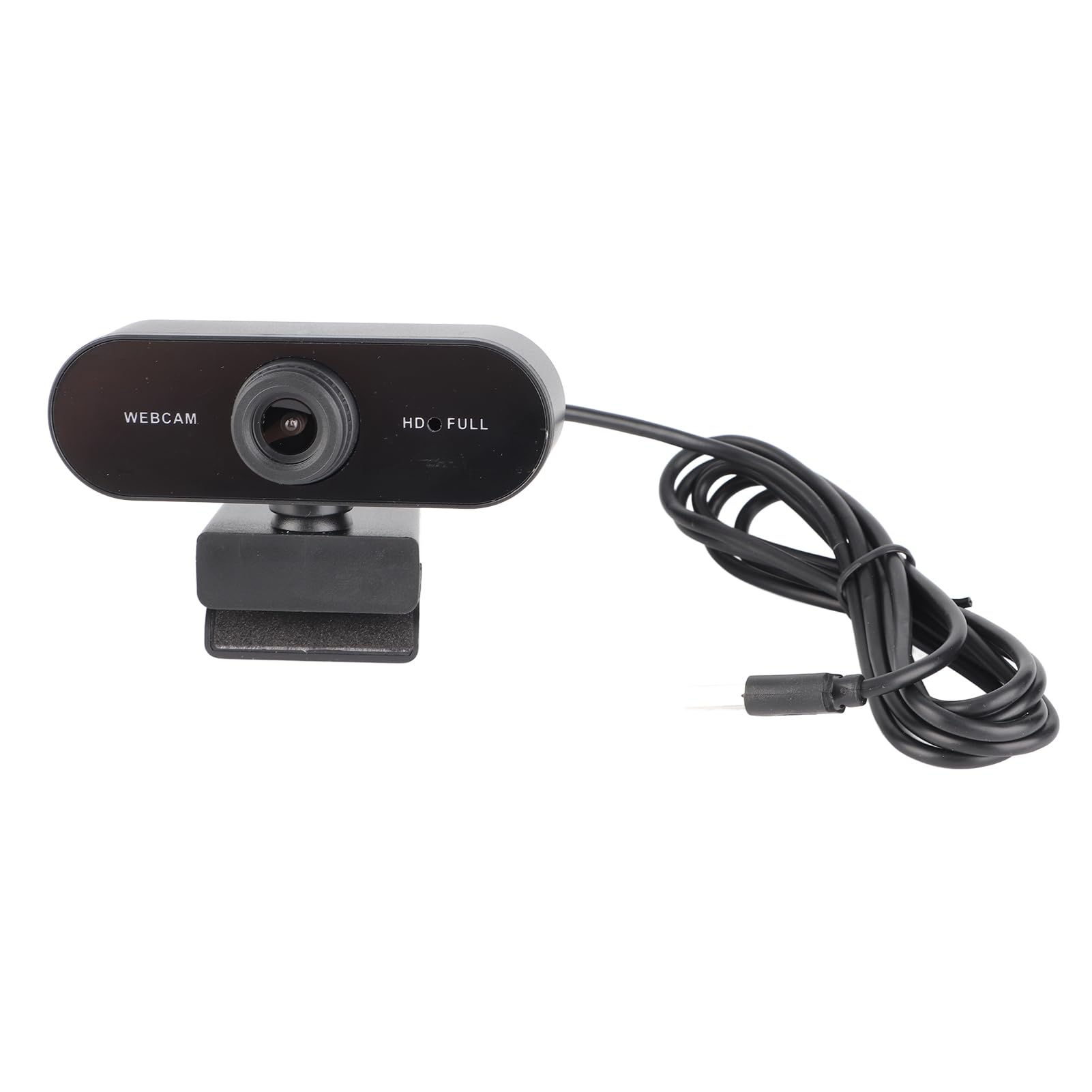
รูปที่ 1 : ด้านหน้า view of the Cuifati USB PC Camera 4K Webลูกเบี้ยว.
2. การตั้งค่า
The Cuifati USB PC Camera is a plug-and-play device, requiring no driver installation for most operating systems. Follow these simple steps to set up your webลูกเบี้ยว:
- การวางตำแหน่ง Webลูกเบี้ยว: วาง webcam on top of your monitor, laptop screen, or a flat surface. The adjustable clip allows for secure mounting.
- การเชื่อมต่อกับคอมพิวเตอร์ของคุณ: Connect the integrated USB 2.0 cable from the webcam to an available USB port on your desktop or laptop. The device will be automatically recognized by your operating system.
- ขาตั้งกล้อง (อุปกรณ์เสริม): For alternative positioning, the webcam features a standard tripod mounting thread on its base.

รูปที่ 2: Webกล้องถูกติดตั้งอย่างแน่นหนาบนหน้าจอแล็ปท็อป

Figure 3: USB cable connection to a computer.
3. คู่มือการใช้งาน
Once connected, your Cuifati USB PC Camera is ready for use with most video conferencing and streaming applications.
- โฟกัสอัตโนมัติ: การ webcam features an auto-focus function, ensuring your image remains clear and sharp without manual adjustment within its focusing range of 90cm.
- ไมโครโฟนในตัว: The integrated microphone provides clear audio capture for your calls and recordings.
- การหมุน 360 องศา: การ webcam's clip allows for 360-degree rotation, providing flexibility to adjust your viewมุมเอียงตามต้องการ
- Low Light Correction: The camera is equipped with automatic low-light correction to optimize video quality in dimly lit environments.
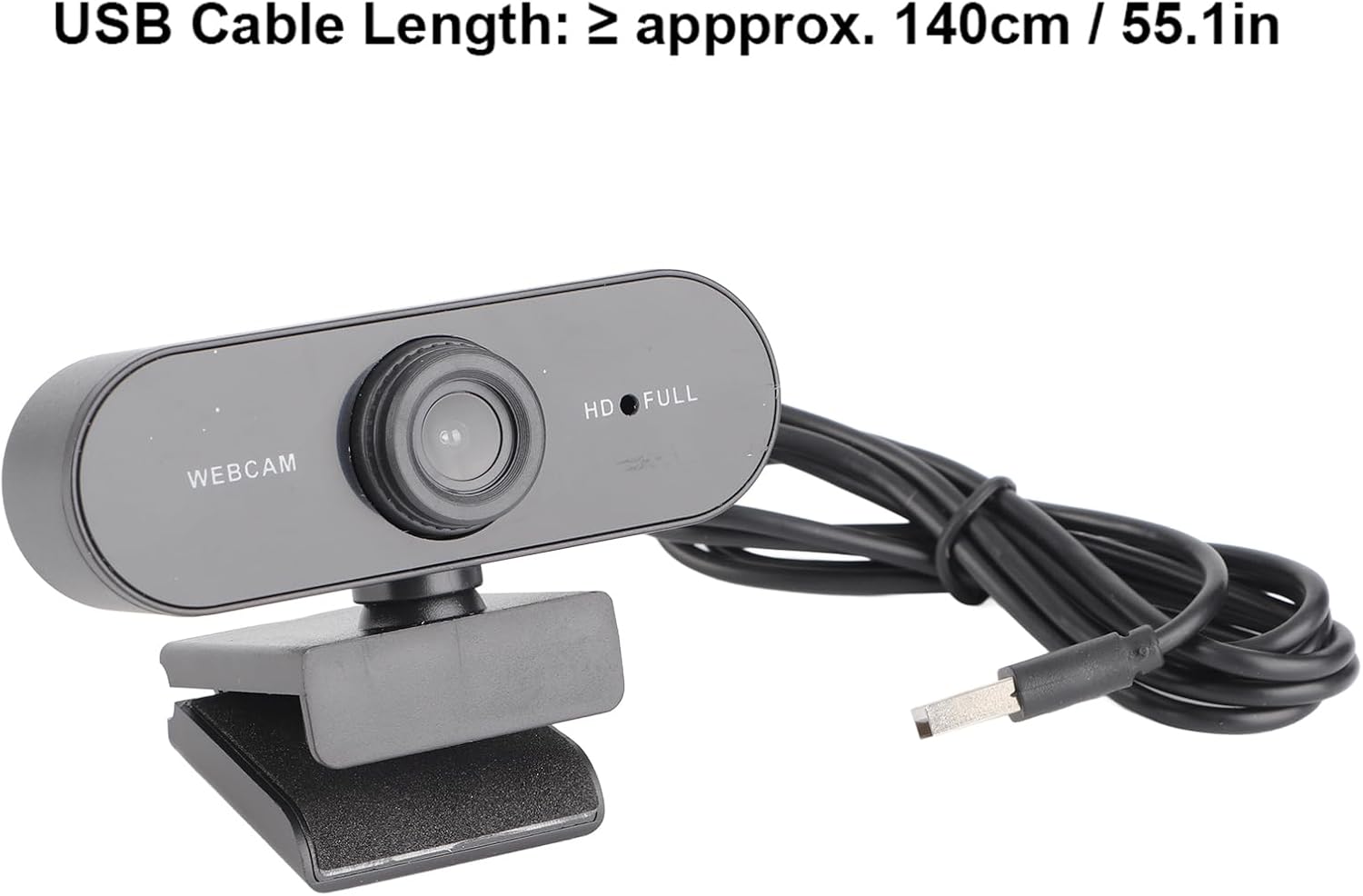
รูปที่ 4: Webcam demonstrating 360-degree rotation.
4. การบำรุงรักษา
เพื่อให้มั่นใจถึงอายุการใช้งานที่ยาวนานและประสิทธิภาพการทำงานที่เหมาะสมที่สุดของคุณ webแคม ปฏิบัติตามคำแนะนำการบำรุงรักษาดังต่อไปนี้:
- การทำความสะอาด: Gently wipe the lens with a soft, lint-free cloth. Avoid using harsh chemicals or abrasive materials that could scratch the lens.
- การดูแลสายเคเบิล: The USB cable is non-removable. Handle it with care to prevent damage. Avoid sharp bends or excessive pulling.
- พื้นที่จัดเก็บ: เมื่อไม่ใช้งาน ให้เก็บ webเก็บกล้องไว้ในที่สะอาดและแห้ง หลีกเลี่ยงอุณหภูมิที่สูงหรือต่ำเกินไป และแสงแดดโดยตรง
5 การแก้ไขปัญหา
If you encounter any issues with your Cuifati USB PC Camera, refer to the following troubleshooting tips:
- Poor Picture Quality / Greenish Tinge: Ensure adequate lighting in your environment. While the camera has low-light correction, sufficient ambient light is crucial for best results. Check your software settings for any color balance or exposure adjustments.
- Focus Issues / Zoomed-in Image: The camera features auto-focus. Ensure you are within the optimal focusing range (90cm). If using third-party software, check if there are any digital zoom settings enabled that might be causing the image to appear too close or distorted.
- Unstable Mount / Loose Swivel: ให้แน่ใจว่า webcam is securely clipped to your monitor or laptop. If using a tripod, confirm it is stable. If the swivel mechanism feels loose after extended use, ensure it is properly tightened if adjustable, or consider alternative mounting solutions.
- Webไม่พบกล้อง: Try plugging the USB cable into a different USB port on your computer. Restart your computer. Ensure your operating system is up to date.
- ไมโครโฟนไม่ทำงาน: ตรวจสอบการตั้งค่าเสียงของคอมพิวเตอร์เพื่อให้แน่ใจว่า... webcam's microphone is selected as the input device. Verify that the microphone is not muted in your operating system or video conferencing application.
6. ข้อมูลจำเพาะ
| คุณสมบัติ | คำอธิบาย |
|---|---|
| ยี่ห้อ | กุยฟาติ |
| ชื่อรุ่น | USB PC Camera |
| หมายเลขชิ้นส่วน | Cuifatixf34cvewom-11 |
| พิกเซล | 4K |
| ปณิธาน | 2560 x 1440 (2K Full HD) |
| ประเภทเลนส์ | เลนส์ HD |
| ประเภทเซนเซอร์ | ซีมอส |
| รูปแบบวิดีโอ | AVI, MJPG, YUY2, H264 |
| อัตราเฟรม | 30เฟรมต่อวินาที |
| ประเภทไดรฟ์ | Plug-and-play drive (no driver required) |
| ความยาวสาย USB | ≥ approx. 140cm / 55.1in |
| ไมโครโฟน | มีไมโครโฟนในตัว |
| รูปแบบภาพถ่าย | บีเอ็มพี, JPG |
| ประเภทอินเทอร์เฟซ | USB2.0 |
| ระยะโฟกัส | 90ซม. |
| Flashing Control | 50เฮิรตซ์ |
| อุปกรณ์ที่รองรับ | แล็ปท็อป, คอมพิวเตอร์ส่วนบุคคล |
| ระบบปฏิบัติการที่รองรับ | For 2000 / XP / XP2 / Vista / / / / OS X / Linux and other operating systems. |
7. การรับประกันและการสนับสนุน
This product comes with a standard manufacturer's warranty. Please refer to the warranty card included in your package for specific terms and conditions. For technical support or further assistance, please contact Cuifati customer service through your retailer or the official brand webเว็บไซต์.