
การแนะนำ
This manual provides essential information for the safe and efficient operation of your iFFALCON 55K2A 55-inch 4K Ultra HD Smart Android LED TV. Please read this manual thoroughly before using the television and retain it for future reference.
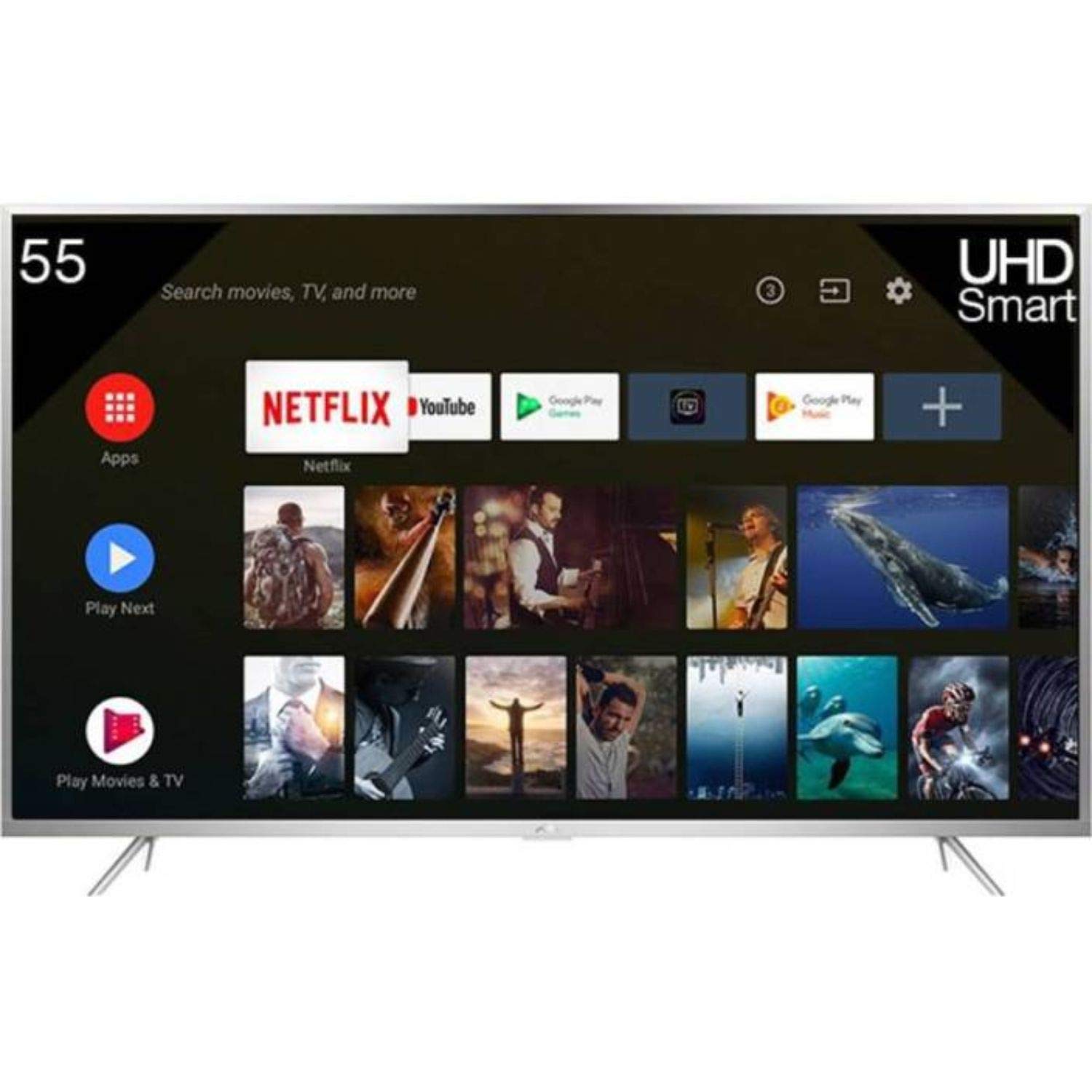
รูปที่ 1 : ด้านหน้า view of the iFFALCON 55K2A 55-inch 4K Ultra HD Smart Android LED TV.
ข้อมูลด้านความปลอดภัย
ปฏิบัติตามข้อควรระวังด้านความปลอดภัยต่อไปนี้เพื่อป้องกันไฟไหม้ ไฟฟ้าช็อต หรือการบาดเจ็บ:
- แหล่งพลังงาน: เชื่อมต่อทีวีเข้ากับแหล่งจ่ายไฟ AC 100-240V, 50/60Hz เท่านั้น
- การระบายอากาศ : Ensure adequate ventilation. Do not block ventilation openings. Maintain a minimum distance from walls and other objects.
- การจัดวาง: Place the TV on a stable, level surface. Avoid placing it in direct sunlight, near heat sources, or in areas with high humidity or dust.
- ของเหลวและความชื้น: อย่าให้ทีวีโดนฝนหรือความชื้น อย่าวางสิ่งของที่บรรจุของเหลว เช่น แจกัน บนทีวี
- การทำความสะอาด: ถอดปลั๊กทีวีก่อนทำความสะอาด ใช้ผ้านุ่มและแห้ง ห้ามใช้น้ำยาทำความสะอาดชนิดน้ำหรือสเปรย์ทำความสะอาด
- การบริการ: อย่าพยายามให้บริการผลิตภัณฑ์นี้ด้วยตนเอง ส่งต่อการบริการทั้งหมดไปยังช่างบริการที่ผ่านการรับรอง
มีอะไรอยู่ในกล่อง
แกะกล่องอย่างระมัดระวังและตรวจสอบให้แน่ใจว่าสิ่งของทั้งหมดอยู่ในกล่อง:
- 1 x iFFALCON 55K2A TV Unit
- 1 x Standard Remote Controller
- 1 x Smart Remote
- 1 x คู่มือผู้ใช้ (เอกสารนี้)
- 1 x ชุดติดผนัง
- ใบรับประกัน 1 ใบ
- 2 x ฐานตั้ง
การตั้งค่า
1. การติดตั้งขาตั้ง (ทางเลือก)
If you are not wall-mounting the TV, attach the base stands:
- วางทีวีคว่ำหน้าลงบนพื้นผิวที่นุ่มและเรียบเพื่อป้องกันหน้าจอเสียหาย
- จัดวางขาตั้งแต่ละอันให้ตรงกับช่องที่ตรงกันที่ด้านล่างของทีวี
- ยึดขาตั้งโดยใช้สกรูที่ให้มา
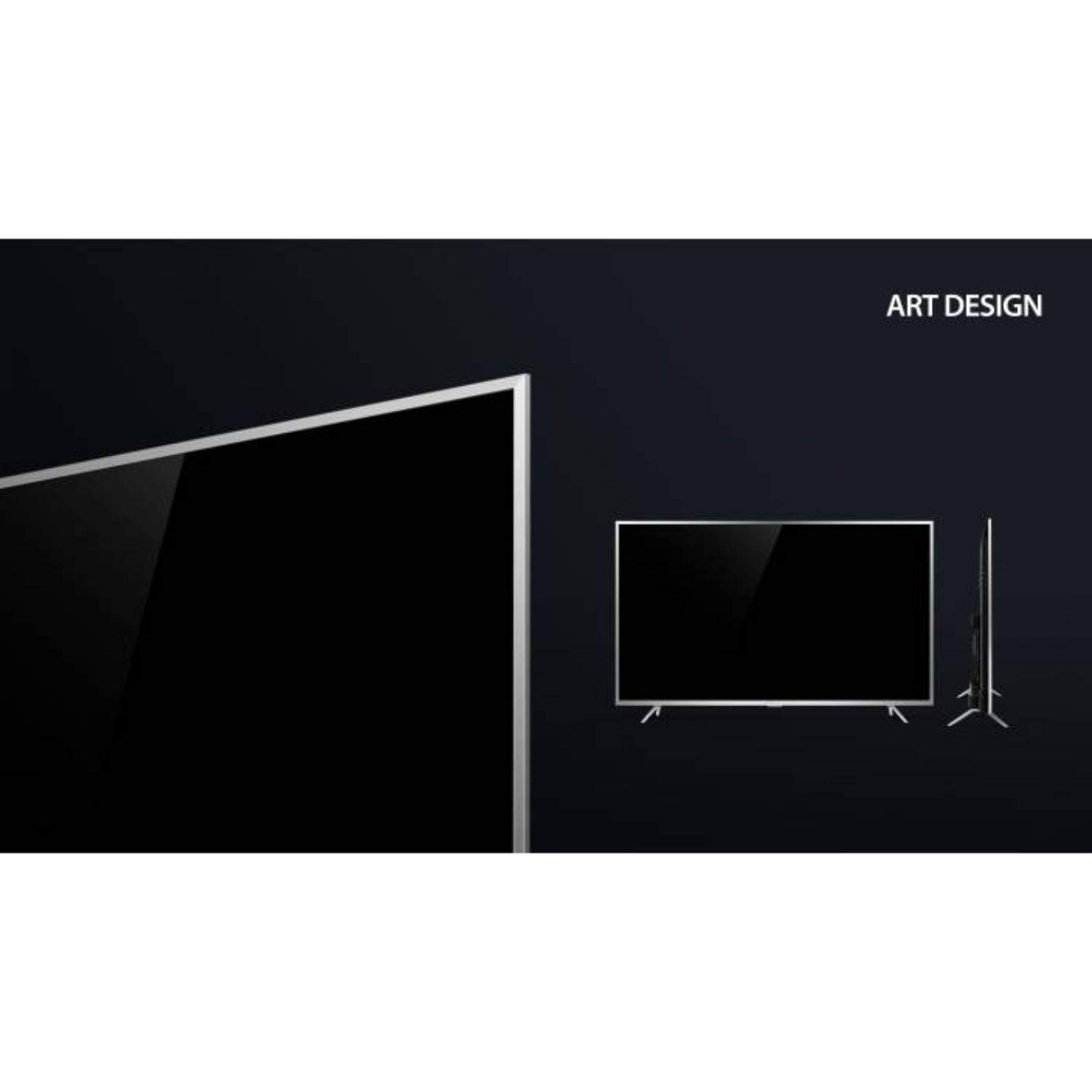
Figure 2: Detail of the TV's lower bezel, where the base stands attach.
2. การติดตั้งบนผนัง (ทางเลือก)
If wall-mounting, use the included wall mount kit. The TV supports VESA 200 x 200 mm mounting standard. Follow the instructions provided with the wall mount kit for safe installation.
3. อุปกรณ์เชื่อมต่อ
เชื่อมต่ออุปกรณ์ภายนอกของคุณเข้ากับพอร์ตของทีวี:
- ช่องต่อ HDMI: เชื่อมต่อเครื่องเล่นบลูเรย์ คอนโซลเกม หรือกล่องรับสัญญาณทีวีเข้ากับพอร์ต HDMI ทีวีนี้มีพอร์ต HDMI 2 พอร์ต
- ยูเอสบี: เชื่อมต่ออุปกรณ์จัดเก็บข้อมูล USB สำหรับเล่นสื่อเข้ากับพอร์ต USB ทั้ง 2 พอร์ต
- VGA: เชื่อมต่อคอมพิวเตอร์ผ่านพอร์ต VGA
- หูฟัง: เชื่อมต่อหูฟังเพื่อการฟังแบบส่วนตัว
- ไวไฟ : Connect to your home network wirelessly for internet services.
4. เปิดเครื่องและการตั้งค่าเริ่มต้น
- เสียบสายไฟเข้ากับทีวีแล้วเสียบเข้ากับเต้ารับที่ผนัง
- กดปุ่มเปิด/ปิดบนทีวีหรือรีโมทคอนโทรลเพื่อเปิดเครื่อง
- ปฏิบัติตามคำแนะนำบนหน้าจอเพื่อทำการตั้งค่าเบื้องต้นให้เสร็จสมบูรณ์ รวมถึงการเลือกภาษา การเชื่อมต่อเครือข่าย และการสแกนช่อง
การใช้งานทีวี
รีโมทคอนโทรล
Your iFFALCON 55K2A TV comes with two remote controls: a standard remote and a smart remote. The smart remote offers enhanced features like voice control.

Figure 3: Standard and Smart Remote Controls for the iFFALCON 55K2A TV.
- ปุ่มเปิด/ปิด: เปิดหรือปิดทีวี
- ปุ่มปรับระดับเสียง: ปรับระดับเสียง
- ปุ่มช่อง: เปลี่ยนช่องทีวี
- ปุ่มนำทาง: นำทางผ่านเมนูและตัวเลือก
- Google Assistant (Smart Remote): Press the dedicated button to activate voice control for searching content, controlling smart home devices, and more.
คุณสมบัติของสมาร์ททีวี (ระบบปฏิบัติการ Android)
The iFFALCON 55K2A runs on Android OS, providing access to a wide range of applications and services.

Figure 4: The TV displaying the Netflix application interface.
- บริการที่รองรับ: Access popular streaming platforms like Amazon Video, Hotstar, Netflix, and YouTube directly from your TV.
- ร้านค้า Google Play: ดาวน์โหลดแอพและเกมเพิ่มเติม
- การควบคุมด้วยเสียง: Use the Google Assistant via the smart remote to search for content, get information, and control your TV hands-free.
การตั้งค่าภาพและเสียง
Access the TV's settings menu to customize picture and sound preferences. This TV features 4K resolution, HDR, True Color, Micro Dimming, and Dolby Audio for an enhanced viewการสร้างประสบการณ์
การซ่อมบำรุง
การทำความสะอาดทีวี
- ควรถอดปลั๊กทีวีออกจากเต้ารับไฟฟ้าทุกครั้งก่อนทำความสะอาด
- ใช้ผ้าแห้งนุ่มและไม่ขุยเช็ดหน้าจอและตู้
- สำหรับรอยฝังแน่น ให้เช็ดเบาๆampชุบผ้าด้วยน้ำหรือน้ำยาทำความสะอาดหน้าจอสูตรอ่อนโยนที่ไม่กัดกร่อน ห้ามฉีดน้ำยาลงบนหน้าจอโดยตรง
- หลีกเลี่ยงการใช้แอลกอฮอล์ เบนซีน ทินเนอร์ หรือสารระเหยอื่นๆ เนื่องจากอาจทำให้พื้นผิวทีวีเสียหายได้
การแก้ไขปัญหา
หากคุณประสบปัญหาเกี่ยวกับทีวี โปรดดูวิธีแก้ไขทั่วไปต่อไปนี้:
- ไม่มีไฟฟ้า: Ensure the power cord is securely plugged into both the TV and the wall outlet. Check if the power outlet is functioning.
- ไม่มีภาพ/เสียง: ตรวจสอบให้แน่ใจว่าได้เลือกแหล่งสัญญาณเข้าที่ถูกต้องแล้ว ตรวจสอบการเชื่อมต่อสายเคเบิลทั้งหมด (HDMI, AV)
- รีโมทคอนโทรลไม่ทำงาน: ตรวจสอบแบตเตอรี่ในรีโมทคอนโทรล ตรวจสอบให้แน่ใจว่าไม่มีสิ่งกีดขวางระหว่างรีโมทและเซ็นเซอร์อินฟราเรดของทีวี
- คุณภาพภาพไม่ดี: ปรับการตั้งค่าภาพ (ความสว่าง คอนทราสต์ ความคมชัด) ตรวจสอบให้แน่ใจว่าแหล่งสัญญาณอินพุตให้สัญญาณคุณภาพสูง
- ไม่มีการเชื่อมต่ออินเทอร์เน็ต: ตรวจสอบเราเตอร์ Wi-Fi และการตั้งค่าเครือข่ายของคุณ เชื่อมต่อทีวีกับเครือข่าย Wi-Fi อีกครั้ง
For persistent issues, consult the full troubleshooting guide available on the iFFALCON support webเว็บไซต์หรือติดต่อฝ่ายบริการลูกค้า
ข้อมูลจำเพาะ
| ชื่อรุ่น | iFFALCON 55K2A |
| ขนาดหน้าจอ | 55 นิ้ว (138.71 ซม.) |
| เทคโนโลยีการแสดงผล | นำ |
| ปณิธาน | 4K Ultra HD (3840 x 2160) |
| อัตราการรีเฟรช | 60 เฮิรตซ์ |
| ระบบปฏิบัติการ | แอนดรอยด์ |
| การเชื่อมต่อ | Wi-Fi, 2 x HDMI, 2 x USB, VGA, Headphone |
| เอาท์พุตเสียง | Stereo speakers with Dolby Audio |
| ประเภทการติดตั้ง | Wall Mount (VESA 200 x 200 mm) |
| การใช้พลังงาน | 130 วัตต์ |
| น้ำหนักสินค้า | 13.8 กิโลกรัม |
| รุ่นปี | 2018 |
การรับประกันและการสนับสนุน
ข้อมูลการรับประกัน
Your iFFALCON 55K2A TV comes with a การรับประกันมาตรฐาน 1 ปี provided by the manufacturer from the date of purchase. Please retain your purchase receipt for warranty claims.
การสนับสนุนลูกค้า
For technical assistance, warranty service, or further inquiries, please contact iFFALCON customer support. Refer to the warranty card or the official iFFALCON webเว็บไซต์สำหรับรายละเอียดการติดต่อ