
การแนะนำ
The HONOR Smart Digital Body Composition Scale LUP-B19 is designed to provide a comprehensive analysis of your body's health. Utilizing advanced technology, it measures 14 key body indicators and synchronizes data with the Huawei Health App for detailed tracking and insights. This manual provides instructions for setup, operation, maintenance, and troubleshooting to ensure optimal use of your smart scale.
เนื้อหาแพ็คเกจ
- HONOR Smart Digital Body Composition Scale (LUP-B19)
- คู่มือเริ่มต้นอย่างรวดเร็ว
- AAA Batteries (quantity may vary)
การตั้งค่า
- ติดตั้งแบตเตอรี่: Open the battery compartment on the underside of the scale and insert the required AAA batteries, ensuring correct polarity.
- วางเครื่องชั่ง: Position the scale on a hard, flat surface for accurate measurements. Avoid carpets or uneven flooring.
- ดาวน์โหลดแอป: Download and install the Huawei Health App on your smartphone (Android 4.4+ or iOS 9.0+ required).
- จับคู่กับบลูทูธ:
- เปิดใช้งานบลูทูธบนสมาร์ทโฟนของคุณ
- Open the Huawei Health App and follow the on-screen instructions to add the HONOR Smart Scale.
- Step onto the scale to activate it and initiate the pairing process.
- สร้างผู้ใช้ Profile: Within the app, create your user profile by entering your age, height, and gender. This information is crucial for accurate body composition analysis.

คำแนะนำการใช้งาน
- การวัด:
- ตรวจสอบให้แน่ใจว่าเท้าของคุณสะอาดและแห้ง
- Step onto the scale barefoot, placing your feet on the electrode areas.
- Stand still until the measurement is complete and your weight is displayed on the LED screen.
- การซิงโครไนซ์ข้อมูล:
- If your smartphone with the Huawei Health App is nearby and Bluetooth is enabled, the data will automatically synchronize.
- If your phone is not available, the scale can store up to 200 historical data records, which will sync automatically once the Bluetooth connection is re-established.
- การวัดอัตราการเต้นของหัวใจ: The scale measures your heart rate while weighing and records changes in your resting heart rate.


Body Composition Metrics
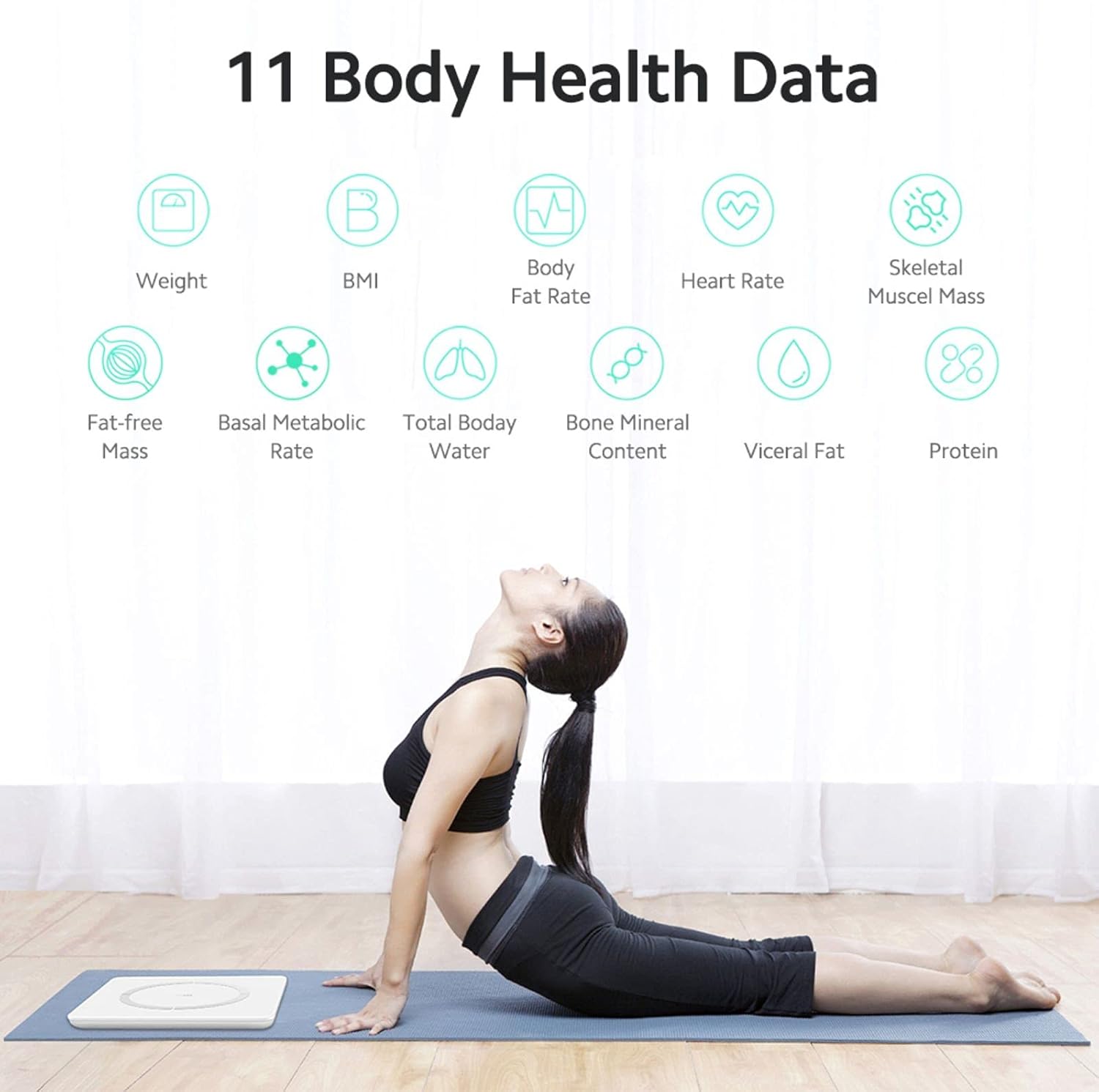
The HONOR Smart Scale provides 14 key body indicators using the Huawei TruFit algorithm, which combines bio-impedance analysis with extensive data verification and AI technology. These indicators help you understand your fitness levels and body composition:
- น้ำหนัก: มวลร่างกายรวมของคุณ
- BMI (ดัชนีมวลกาย): การวัดปริมาณไขมันในร่างกายโดยพิจารณาจากส่วนสูงและน้ำหนัก
- อัตราส่วนไขมันในร่างกาย: เปอร์เซ็นต์tagปริมาณไขมันในร่างกายของคุณ
- มวลกล้ามเนื้อ: The total weight of muscles in your body.
- มวลกล้ามเนื้อโครงร่าง: The weight of muscles attached to bones.
- ประเภทร่างกาย : Classification based on body composition.
- อัตราการเผาผลาญพื้นฐาน (BMR): The number of calories your body needs to perform basic, life-sustaining functions.
- Total Body Water (TBW): ปริมาณของเหลวทั้งหมดในร่างกายของคุณ
- ไขมันในช่องท้อง: ไขมันที่สะสมอยู่รอบอวัยวะภายในของคุณ
- โปรตีน: เปอร์เซ็นต์tagปริมาณโปรตีนในร่างกายของคุณ
- ปริมาณแร่ธาตุในกระดูก: The amount of mineral in your bones.
- มวลปราศจากไขมัน: น้ำหนักตัวรวมของคุณ ไม่รวมไขมัน
- Body Score: An overall assessment of your body composition.
- อายุของร่างกาย: An estimation of your body's biological age.
- อัตราการเต้นของหัวใจ: Your heart rate at rest.
คุณสมบัติอัจฉริยะ
The HONOR Smart Scale offers intelligent features for family use and personalized tracking:
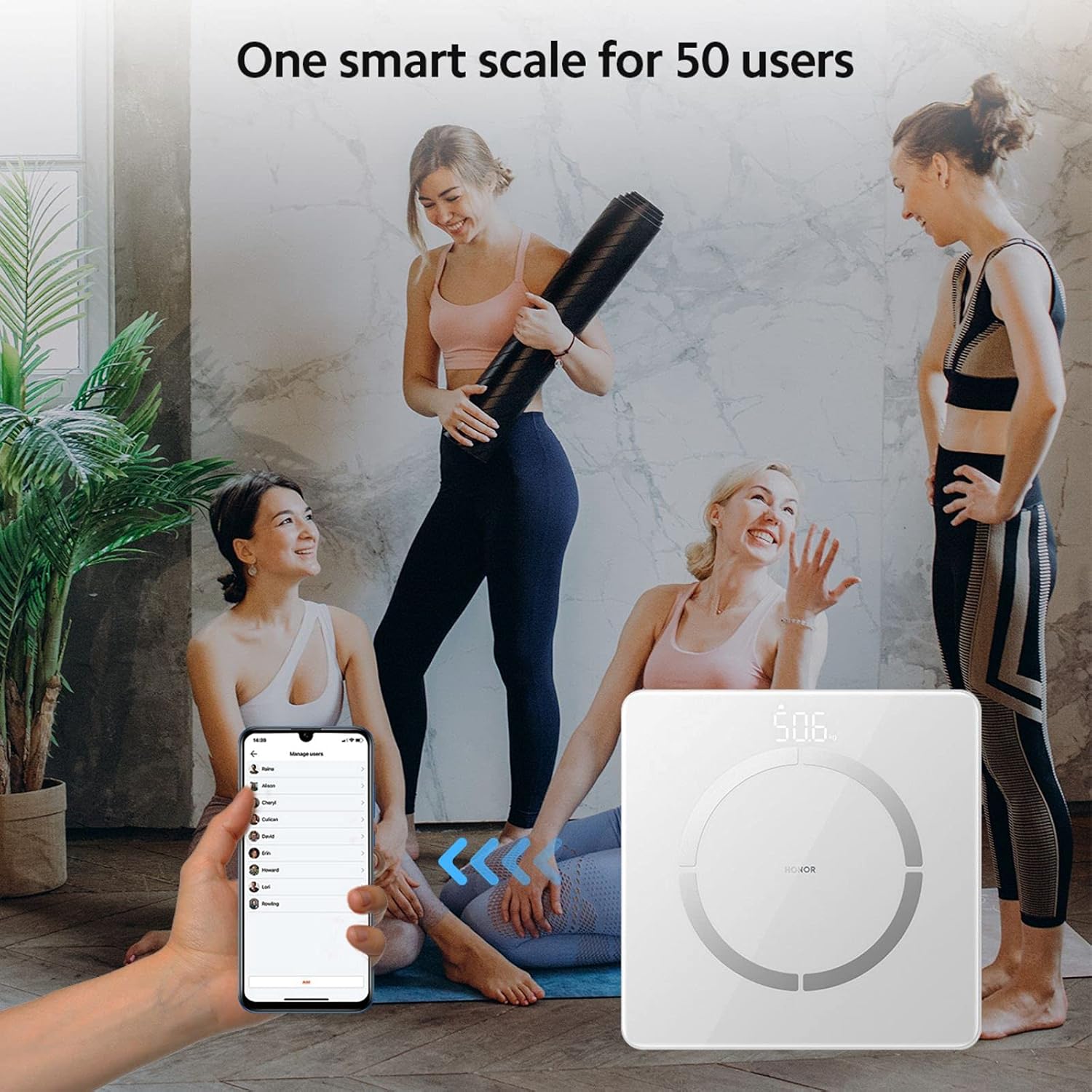
- การจดจำผู้ใช้หลายคน: The scale supports up to 5 mobile accounts, with each account connecting to up to 10 users, totaling 50 users.
- Automatic User Identification: Based on historical data, the scale intelligently identifies family members and pushes their data to the corresponding account. If a user is not automatically recognized, they can still log in via the app.
- Historical Data Tracking: Detailed index data records historical changes, providing a basis for fine-tuning training and fat reduction plans.
การซ่อมบำรุง
- การทำความสะอาด: เช็ดพื้นผิวของเกล็ดด้วยผ้าเนื้อนุ่มและแห้งamp ผ้า ห้ามใช้น้ำยาทำความสะอาดที่มีฤทธิ์กัดกร่อนหรือจุ่มตะกรันลงในน้ำ
- พื้นที่จัดเก็บ: เก็บเครื่องชั่งไว้ในที่แห้งและเย็น หลีกเลี่ยงอุณหภูมิที่สูงเกินไปและแสงแดดโดยตรง
- การเปลี่ยนแบตเตอรี่: Replace batteries when the low battery indicator appears on the display or in the app. Ensure to use new AAA batteries.
- การสอบเทียบ: If the scale is moved, step on it briefly to turn it on, then step off and wait for it to display '0.0' before taking a measurement to ensure proper calibration.
การแก้ไขปัญหา
- เครื่องชั่งไม่เปิด:
- ตรวจสอบว่าติดตั้งแบตเตอรี่ถูกต้องหรือไม่ และแบตเตอรี่ไม่หมด หากจำเป็นให้เปลี่ยนแบตเตอรี่ใหม่
- ปัญหาการเชื่อมต่อบลูทูธ:
- Ensure Bluetooth is enabled on your phone and the scale is within range. Restart the app and the scale. Re-pair the device if needed.
- การอ่านค่าที่ไม่ถูกต้อง:
- Ensure the scale is on a hard, flat surface. Take measurements barefoot with clean, dry feet. Avoid moving during measurement. Calibrate the scale by stepping on and off before use.
- ข้อมูลไม่ซิงค์กับแอป:
- Verify Bluetooth connection. Ensure the Huawei Health App is open or running in the background. Check app permissions for Bluetooth access.
ข้อมูลจำเพาะ
| หมายเลขรุ่น | LUP-B19 |
| ขนาด | 260 x 260 x 21.5 มม. (10.2 x 10.2 x 0.85 นิ้ว) |
| น้ำหนักสินค้า | 1.2 กก. (2.6 ปอนด์) |
| ความจุน้ำหนักสูงสุด | 150 กก. (330 ปอนด์) |
| ความแม่นยำในการอ่านข้อมูล | 100 ก. (0.1 กก.) |
| ประเภทจอภาพ | Hidden LED Display |
| แหล่งพลังงาน | แบตเตอรี่ AAA 1 ก้อน |
| การเชื่อมต่อ | บลูทู ธ 4.0+ |
| ความเข้ากันได้ของแอป | แอนดรอยด์ 4.4+ / iOS 9.0+ |
| วัสดุ | Stainless Steel (electrodes), Glass (surface) |


การรับประกันและการสนับสนุน
For warranty information and technical support, please refer to the warranty card included with your product or visit the official HONOR website. You can also contact HONOR customer service for assistance with product inquiries, troubleshooting, and service requests.