
TYLT QIMEDBK-T
TYLT Medallion Portable Qi Wireless Charging Pad User Manual
Model: QIMEDBK-T
การแนะนำ
The TYLT Medallion is a portable Qi-certified wireless charging pad designed to provide convenient and efficient power to your compatible devices. This manual provides essential information for the safe and optimal use of your charging pad.
ข้อมูลด้านความปลอดภัย
- อย่าวางอุปกรณ์ไว้ในที่ที่มีอุณหภูมิสูงหรือต่ำเกินไป แสงแดดโดยตรง หรือความชื้น
- หลีกเลี่ยงการทำอุปกรณ์หล่นหรือกระแทกอย่างรุนแรง
- Do not disassemble, modify, or attempt to repair the device. This will void the warranty.
- เก็บให้พ้นจากมือเด็ก
- ตรวจสอบให้แน่ใจว่ามีการระบายอากาศที่เหมาะสมระหว่างการใช้งานเพื่อป้องกันความร้อนสูงเกินไป
- Use only the provided or certified compatible USB-C cable and power source.
เนื้อหาแพ็คเกจ
ตรวจสอบว่ามีรายการทั้งหมดอยู่ในแพ็คเกจของคุณ:
- 1 x TYLT Medallion Qi-Certified Wireless Charging Pad
- 1 x 3.3ft USB Type-C Cable
- 1 x คู่มือผู้ใช้ (เอกสารนี้)

ภาพ: ด้านล่าง view of the TYLT Medallion charging pad, showing the integrated USB-C cable and product information.
การตั้งค่า
- เชื่อมต่อแผ่นชาร์จ: Plug the integrated USB Type-C cable from the TYLT Medallion into a compatible power source. This can be a laptop's USB-C port, a power bank with a USB-C output, or a wall adapter (not included) with a USB-C port.
- ความต้องการแหล่งพลังงาน: For optimal fast charging, use a power source capable of delivering 5V/2A or 9V/1.8A.
- การจัดวาง: Place the charging pad on a flat, stable surface, such as a countertop, desk, or bedside table.
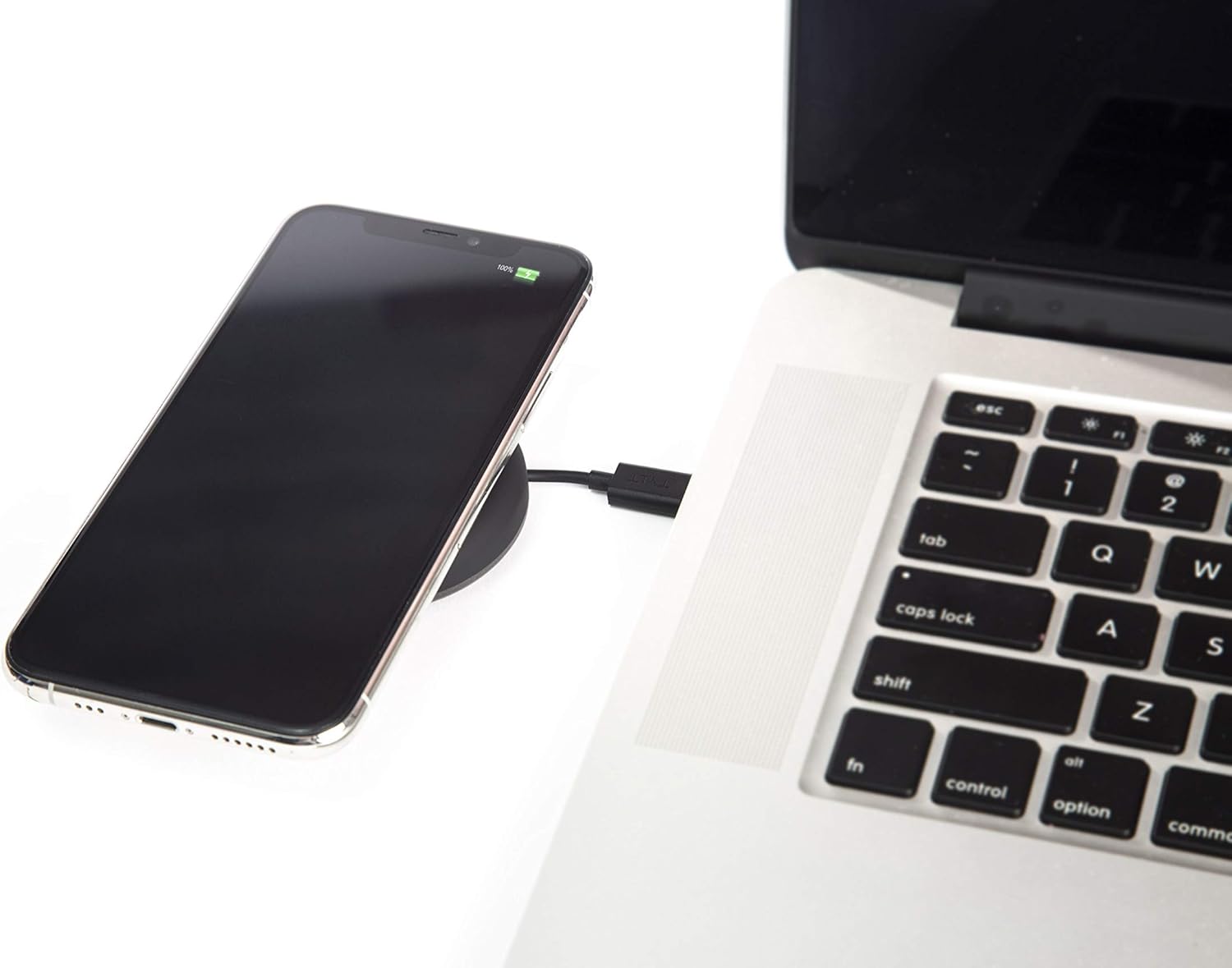
Image: A smartphone wirelessly charging on the TYLT Medallion, which is connected to a laptop via its USB-C cable.
คำแนะนำการใช้งาน
- วางอุปกรณ์ของคุณ: Position your Qi-enabled smartphone or wireless earbuds directly onto the center of the TYLT Medallion charging pad. The device grip ring helps secure your device.
- ตัวบ่งชี้การชาร์จ: Your device's screen or indicator light will show that it is charging. The TYLT Medallion does not have its own charging indicator light.
- การชาร์จที่เหมาะสมที่สุด: Ensure your device is centered on the pad for efficient charging. Charging can occur through most phone cases.
- เอาท์พุตการชาร์จ:
- 10W output for compatible Samsung devices.
- 7.5W output for compatible Apple iPhones.
- 5W output for other Qi-enabled devices, including wireless earbuds.
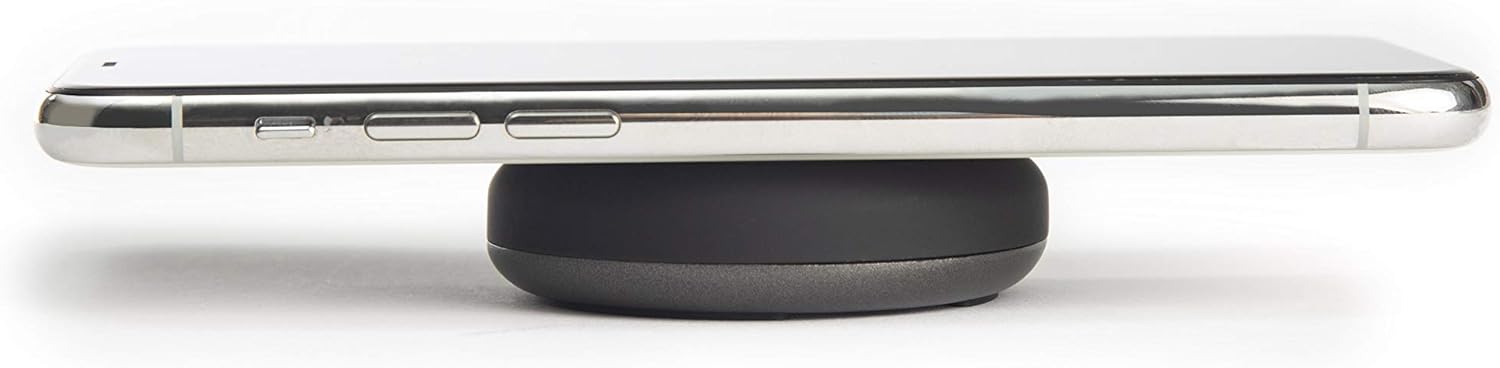
Image: A smartphone placed on the TYLT Medallion charging pad, demonstrating its low profile.
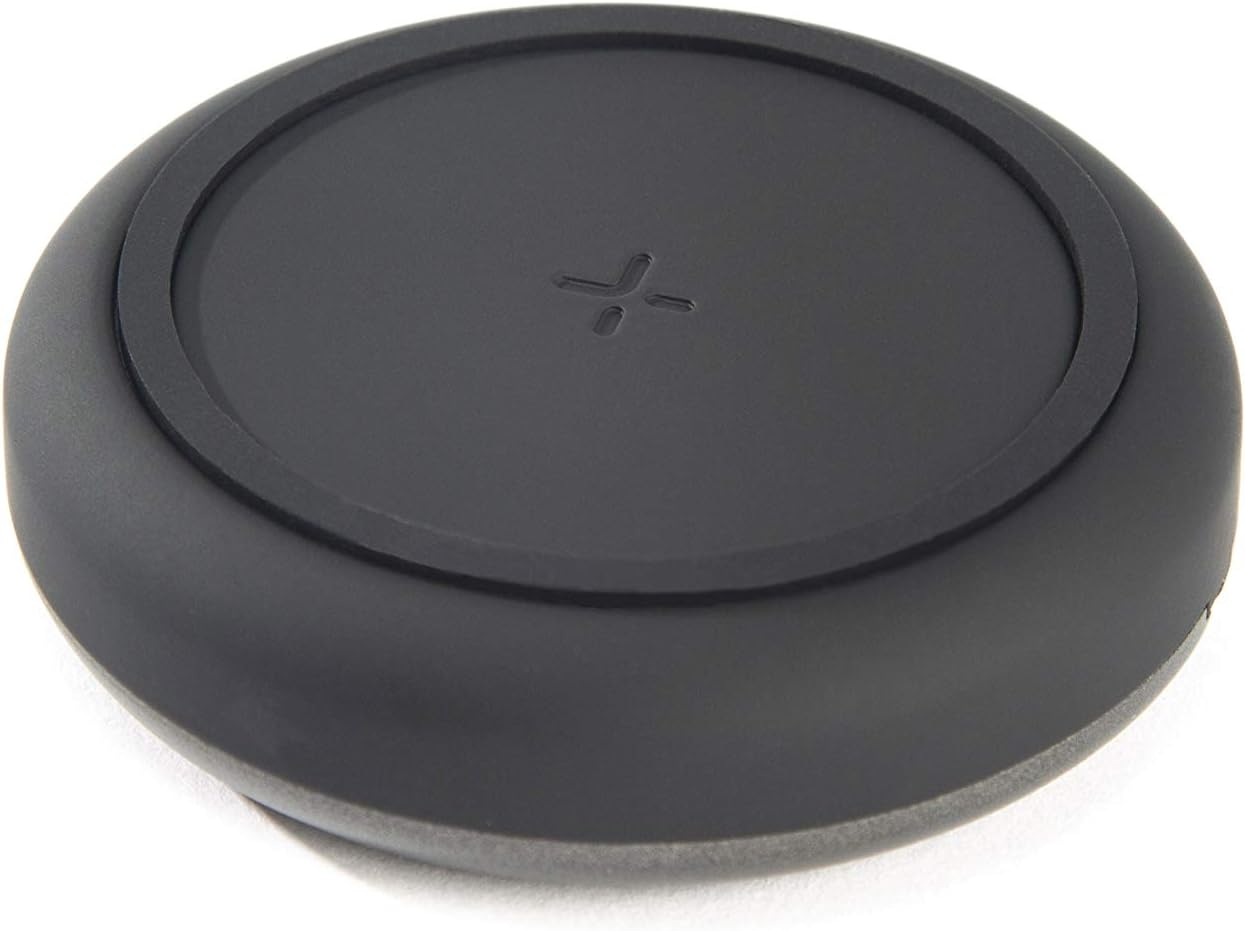
ภาพ: ด้านบน view of the TYLT Medallion charging pad, highlighting its compact and minimalist design.
การซ่อมบำรุง
- การทำความสะอาด: Disconnect the charging pad from its power source before cleaning. Use a soft, dry cloth to wipe the surface. Do not use harsh chemicals or abrasive cleaners.
- พื้นที่จัดเก็บ: เมื่อไม่ใช้งาน ควรเก็บแท่นชาร์จไว้ในที่แห้งและเย็น หลีกเลี่ยงแสงแดดโดยตรง
การแก้ไขปัญหา
| ปัญหา | สาเหตุที่เป็นไปได้ | สารละลาย |
|---|---|---|
| อุปกรณ์ไม่ชาร์จ |
|
|
| ชาร์จช้า |
|
|
| Charging pad or device gets warm. |
|
|
ข้อมูลจำเพาะ
| หมายเลขรุ่น | QIMEDBK-T |
| อินพุต Voltage | 5V / 2A หรือ 9V / 1.8A |
| เอาท์พุต วัดtage | 10W (สูงสุด) |
| เอาท์พุต Ampอีเรจ | 1A (สูงสุด) |
| ประเภทขั้วต่อ | USB Type-C (integrated) |
| ความเข้ากันได้ | Qi-enabled devices (Apple iPhone, Samsung Galaxy, Microsoft Lumia, Google Nexus, Nokia Lumia, Pixel, LG, wireless earbuds, etc.) |
| ขนาดสินค้า | 4 x 1.5 x 5 นิ้ว |
| น้ำหนักสินค้า | 2.39 ออนซ์ |
| คุณสมบัติพิเศษ | Fast Charging, Qi Certified, Built-in Temperature Control, Voltage Protection, Non-slip Device Grip Ring |
ข้อมูลการรับประกัน
TYLT products are eligible for a 1-year Global Warranty program นับจากวันที่ซื้อสินค้า การรับประกันนี้ครอบคลุมถึงข้อบกพร่องจากการผลิตและฝีมือการผลิตภายใต้การใช้งานปกติ ไม่ครอบคลุมถึงความเสียหายที่เกิดจากการใช้งานผิดวิธี อุบัติเหตุ การดัดแปลงโดยไม่ได้รับอนุญาต หรือการสึกหรอตามปกติ
โปรดเก็บหลักฐานการซื้อของคุณไว้เพื่อเรียกร้องการรับประกัน
สนับสนุน
For any concerns, technical assistance, or warranty inquiries, please do not hesitate to contact TYLT customer support.
Refer to the official TYLT website for contact details or visit their Amazon store: TYLT Amazon Store
Ask a question about this manual
Ask about setup, troubleshooting, compatibility, parts, safety, or missing instructions. Manuals+ will review the question and use this page’s manual context to help answer it.