
Hommie L3-ES
คู่มือการใช้งานสมาร์ทวอทช์ Hommie รุ่น L3-ES
Model: L3-ES
1. บทนำ
Thank you for choosing the Hommie Smartwatch L3-ES. This device is designed to help you monitor your health and fitness, stay connected, and manage your daily activities with ease. Please read this manual carefully to understand the functions and proper operation of your new smartwatch.
The Hommie Smartwatch L3-ES features a 1.3-inch full touch IPS screen, continuous 24-hour heart rate monitoring, blood pressure tracking, sleep analysis, pedometer, calorie counter, and various sports modes. It also provides call and SMS notifications, ensuring you never miss important alerts.
2. เนื้อหาบรรจุภัณฑ์
Upon opening your Hommie Smartwatch L3-ES package, please verify that all the following items are included:
- 1 x Hommie Smartwatch (L3-ES)
- 1 x Leather Strap (pre-installed or separate)
- 1 x Black and Red Silicone Strap
- 1 x Military Green Fabric Strap
- 1 x สายชาร์จแบบแม่เหล็ก
- ฟิล์มกันรอยหน้าจอ 1 ชิ้น
- 1 x การ์ดอวยพร
- 1 x คู่มือผู้ใช้

Image: Contents of the Hommie Smartwatch L3-ES package, showing the smartwatch, three interchangeable straps (leather, silicone, fabric), a magnetic charging cable, a screen protector, and the user manual.
3. การตั้งค่า
3.1 การชาร์จสมาร์ทวอทช์
ก่อนใช้งานครั้งแรก โปรดชาร์จสมาร์ทวอทช์ให้เต็มก่อน เชื่อมต่อสายชาร์จแม่เหล็กเข้ากับจุดชาร์จด้านหลังของนาฬิกา และเสียบปลาย USB เข้ากับอะแดปเตอร์แปลงไฟ (ไม่ได้รวมอยู่ในชุด) หรือพอร์ต USB ของคอมพิวเตอร์
3.2 App Installation (Wearhealth)
To unlock the full potential of your Hommie Smartwatch, you need to download and install the Wearhealth application on your smartphone. Scan the QR code provided in the manual or on the packaging, or search for "Wearhealth" in your device's app store.
- สำหรับอุปกรณ์ iOS: Download Wearhealth from App Store
- For Android devices: Search "Wearhealth" on Google Play Store.
Image: Close-up of the user manual showing QR codes for downloading the Wearhealth application for both iOS and Android devices.
3.3 การจับคู่กับสมาร์ทโฟนของคุณ
- ตรวจสอบให้แน่ใจว่าได้เปิดใช้งาน Bluetooth บนสมาร์ทโฟนของคุณแล้ว
- Open the Wearhealth app.
- Follow the in-app instructions to search for and connect to your Hommie Smartwatch (L3-ES).
- Grant all necessary permissions requested by the app for full functionality (e.g., notifications, location, health data).
4. คู่มือการใช้งาน
4.1 การทำงานพื้นฐาน
- เปิด/ปิดเครื่อง: กดปุ่มด้านข้างค้างไว้เพื่อเปิดหรือปิดเครื่อง
- การเปิดใช้งานหน้าจอ: Raise your wrist or press the side button to wake the screen. The 3D acceleration sensor allows the screen to light up when rotated between 30 to 80 degrees.
- การนำทาง: Swipe left/right or up/down on the touch screen to navigate through menus and functions. Tap to select.
- การปรับความสว่าง: Adjust screen brightness directly on the watch to suit different environments.
4.2 การตรวจติดตามสุขภาพ
สมาร์ทวอทช์รุ่นนี้มีฟีเจอร์ตรวจสอบสุขภาพอย่างครบวงจร:
- เครื่องวัดอัตราการเต้นของหัวใจ: การติดตามอัตราการเต้นของหัวใจอย่างต่อเนื่องตลอด 24 ชั่วโมง View your real-time heart rate on the watch or detailed data in the app.
- เครื่องวัดความดันโลหิต: Measure your blood pressure directly from your wrist.
- การติดตามการนอนหลับ: Automatically tracks your sleep patterns from 10:00 PM to 8:00 AM, analyzing deep sleep, light sleep, and awake times.
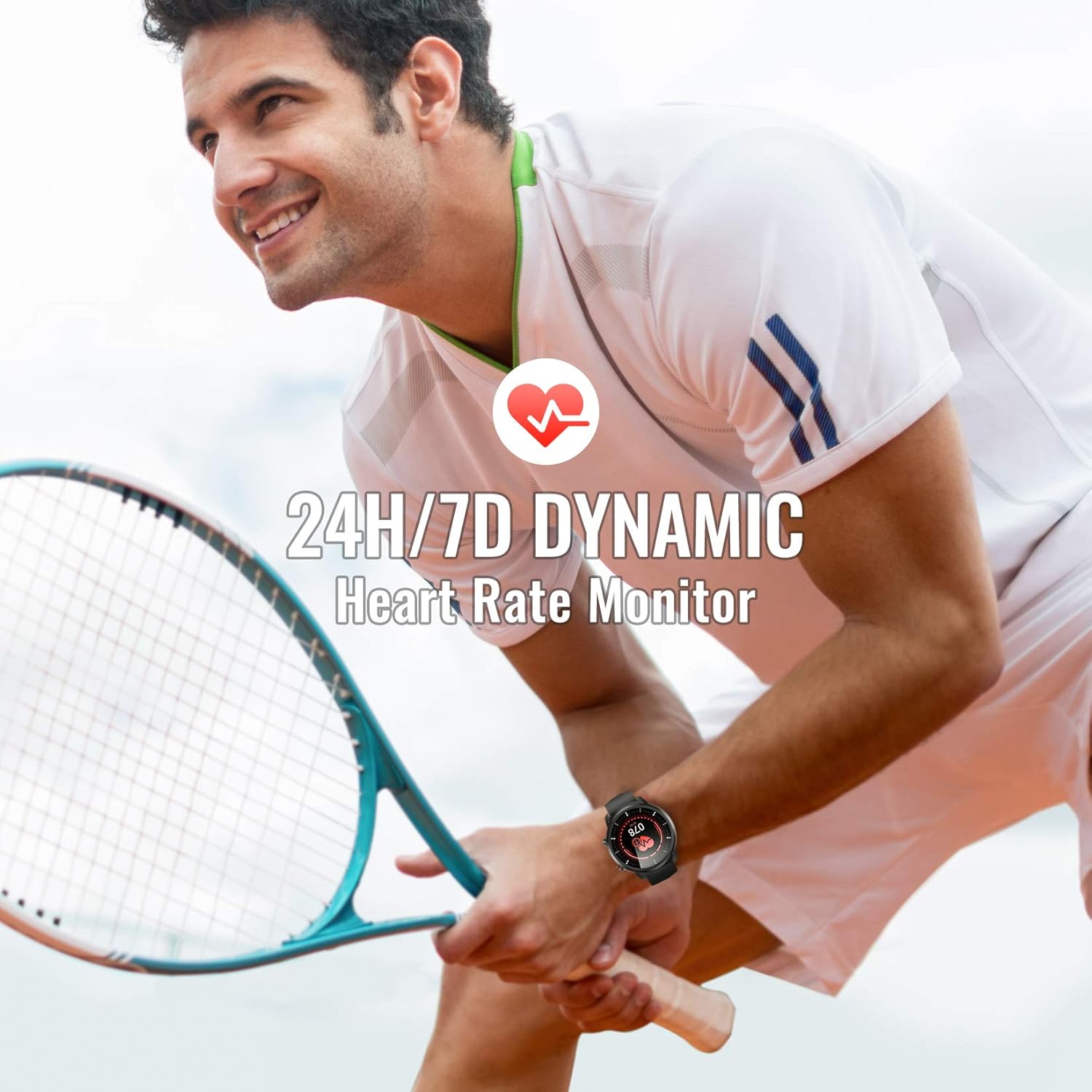
Image: A man playing tennis, wearing the Hommie Smartwatch, highlighting its 24-hour/7-day dynamic heart rate monitoring capability.

Image: A man sleeping, with the Hommie Smartwatch visible on his wrist. The image illustrates the smartwatch's sleep analysis feature, displaying total sleep time, and breakdowns of deep, light, and awake sleep stagใช่
4.3 การติดตามกิจกรรมและโหมดกีฬา
The smartwatch records your daily activities and supports various sports modes:
- pedometer: Tracks your steps throughout the day.
- ระยะทาง: คำนวณระยะทางที่เดินไปโดยอิงจากจำนวนก้าวของคุณ
- แคลอรี่: Estimates calories burned during your activities.
- โหมดกีฬา: Includes 9 different sports modes such as running, basketball, climbing, and more. During sports, the watch records activity data.

Image: A man climbing outdoors, wearing the Hommie Smartwatch. The image highlights the watch's ability to track calories, distance, and steps, along with icons representing various sports modes like running, swimming, and football.
4.4 การแจ้งเตือนและการเตือนความจำ
Stay connected by receiving notifications directly on your wrist:
- การแจ้งเตือนทางโทรศัพท์และ SMS: The watch vibrates to alert you of incoming calls and messages.
- การแจ้งเตือนแอป: Receive alerts from social media apps like Facebook, WhatsApp, Instagram, and Twitter when connected to the Wearhealth app.
- การแจ้งเตือนอยู่ประจำ: นาฬิกาเรือนนี้สามารถเตือนให้คุณขยับร่างกายหลังจากอยู่นิ่งเป็นเวลานานได้
Note: The smartwatch cannot directly make calls or reply to text messages.
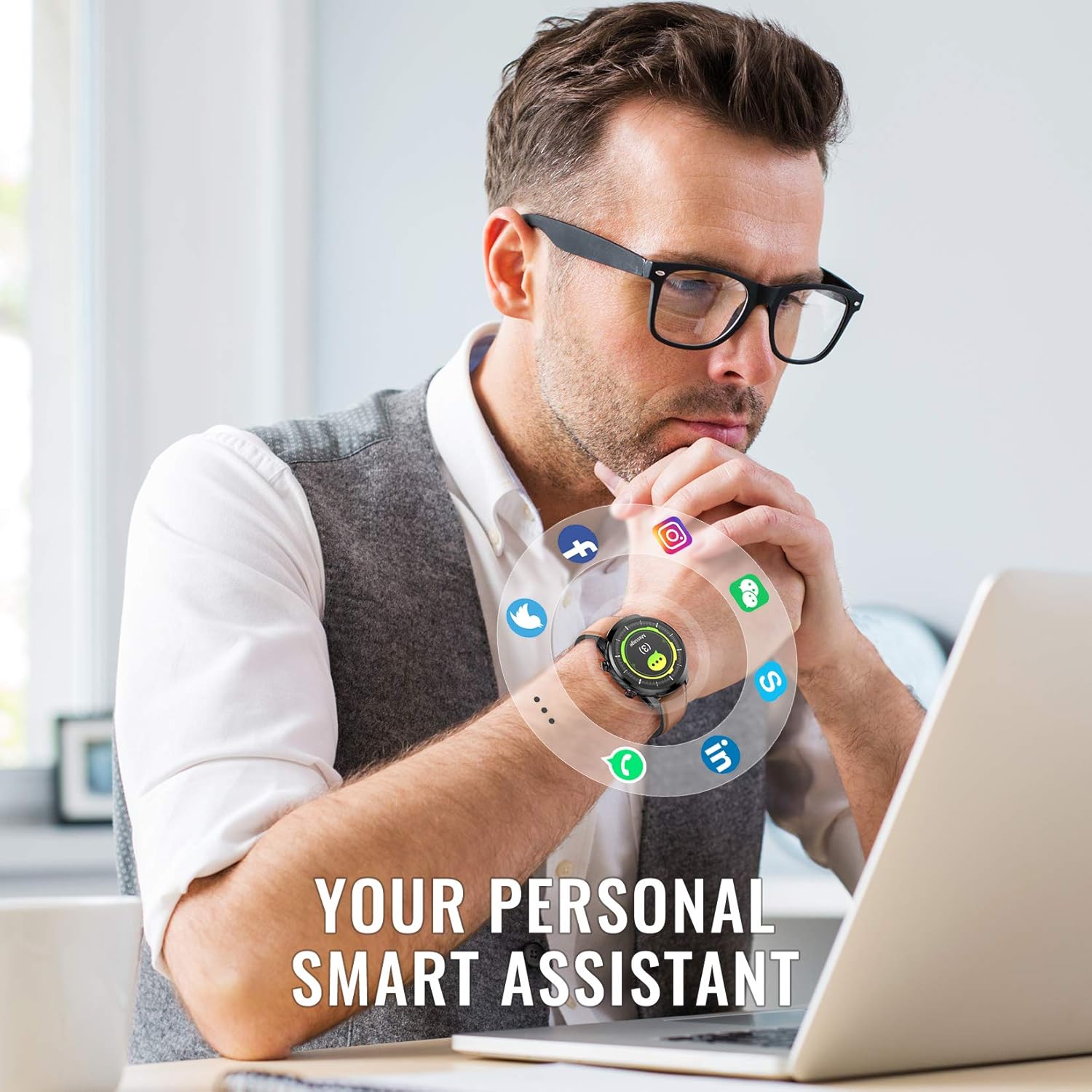
Image: A man working on a laptop, wearing the Hommie Smartwatch. Various social media and communication app icons (Facebook, Instagram, WhatsApp, Twitter, LinkedIn, phone, message) are shown around the watch, illustrating its notification capabilities.
ไม่เคยปรับแต่ง
- หน้าปัดนาฬิกา: The Wearhealth app allows you to customize your favorite screen saver with 8 different dial styles.
- การเปลี่ยนสายรัด: Easily change between the included leather, silicone, and fabric straps to match your style or activity.

Image: The Hommie Smartwatch displayed with its three interchangeable straps (leather, military green fabric, and black/red silicone). The image also illustrates the variety of app custom dial options and 8 different watch face interfaces available.
5. การบำรุงรักษา
5.1 ความต้านทานน้ำ (IP68)
The Hommie Smartwatch is IP68 waterproof, meaning it can withstand immersion in water up to 10 meters deep. You can wear it for swimming, showering, or daily washing without issues. However, please observe the following precautions:
- Do not expose the watch to high-temperature water (e.g., hot showers, saunas).
- Do not wear it for deep diving (depths greater than 10 meters).
- Avoid contact with chemical solvents, detergents, or soaps, as these can damage the seals.
- After contact with saltwater, rinse the watch with fresh water and dry it thoroughly.
5.2 การชาร์จและอายุการใช้งานแบตเตอรี่
The smartwatch offers excellent battery life, lasting up to 10 days on a single charge and up to 20 days in standby mode. Use the provided magnetic charging cable for optimal charging. Avoid using damaged cables or non-certified chargers.
5.3 การทำความสะอาด
Regularly clean your smartwatch and straps to prevent skin irritation and maintain its appearance. Use a soft, dry cloth to wipe the watch body. For straps, follow specific cleaning instructions based on the material (leather, silicone, fabric).
6 การแก้ไขปัญหา
If you encounter issues with your Hommie Smartwatch, please refer to the following common solutions:
- Watch not connecting to app/phone:
- ตรวจสอบให้แน่ใจว่าได้เปิดใช้งานบลูทูธบนโทรศัพท์ของคุณแล้ว และนาฬิกาอยู่ในระยะการทำงาน
- รีสตาร์ททั้งสมาร์ทวอทช์และโทรศัพท์ของคุณ
- Check if the Wearhealth app has all necessary permissions enabled in your phone's settings.
- Try unpairing and re-pairing the device through the Wearhealth app.
- Time/Date not syncing:
- Ensure the watch is successfully connected to the Wearhealth app. The time and date usually sync automatically upon connection.
- Check your phone's time and date settings.
- การแจ้งเตือนไม่ปรากฏ:
- Verify that notification permissions are granted to the Wearhealth app in your phone's settings.
- Ensure the specific app notifications are enabled within the Wearhealth app settings.
- Check if the watch is in Do Not Disturb mode.
- ข้อมูลสุขภาพที่ไม่ถูกต้อง:
- ตรวจสอบให้แน่ใจว่าสวมนาฬิกาให้พอดีกับข้อมือ โดยให้ห่างจากกระดูกข้อมือประมาณหนึ่งนิ้ว
- รักษาเซ็นเซอร์ให้สะอาด
- Note that these devices are not medical instruments and data is for reference only.
- หน้าจอไม่ตอบสนอง:
- Restart the watch by pressing and holding the side button.
- ตรวจสอบให้แน่ใจว่าหน้าจอสะอาดและแห้ง
7. ข้อมูลจำเพาะ
| คุณสมบัติ | ข้อมูลจำเพาะ |
|---|---|
| ยี่ห้อ | โฮมมี่ |
| แบบอย่าง | L3-ES |
| ขนาดหน้าจอ | 1.3 นิ้ว |
| ประเภทหน้าจอ | Digital IPS Full Touch |
| การเชื่อมต่อ | บลูทูธ 4.0 หรือสูงกว่า |
| ความเข้ากันได้ของระบบปฏิบัติการ | Android 4.4 ขึ้นไป, iOS 9.0 ขึ้นไป |
| ระดับการต้านทานน้ำ | IP68 (สูงถึง 10 เมตร) |
| ประเภทแบตเตอรี่ | ลิเธียมโพลีเมอร์ |
| อายุการใช้งานแบตเตอรี่ | ใช้งานได้นานสูงสุด 10 วัน (ใช้งานปกติ), สแตนด์บาย 20 วัน |
| น้ำหนักผลิตภัณฑ์ | 200 กรัม |
| ขนาด (แพ็คเกจ) | 18.8 x 11.91 x 2.39 ซม. |
| คุณสมบัติพิเศษ | Heart Rate Monitor, Blood Pressure Monitor, Sleep Monitor, Pedometer, Activity Tracker, Call/SMS Reminders, Multiple Sports Modes |
| การรับรอง | CE, RoHS, FCC |
8. การรับประกันและการสนับสนุน
The Hommie Smartwatch L3-ES has been certified by CE, RoHS, and FCC, ensuring its quality and safety standards. For any product-related inquiries, technical support, or warranty claims, please contact Hommie customer service through the retailer's platform or the official Hommie webเว็บไซต์.
โปรดเก็บหลักฐานการซื้อไว้เพื่อวัตถุประสงค์การรับประกัน
Ask a question about this manual
Ask about setup, troubleshooting, compatibility, parts, safety, or missing instructions. Manuals+ will review the question and use this page’s manual context to help answer it.