
MIATONE BOOMBOX
MIATONE Boombox Portable Bluetooth Speaker User Manual
Model: BOOMBOX
การแนะนำ
The MIATONE Boombox Portable Bluetooth Speaker (Model: BOOMBOX) is designed to deliver high-quality audio in a durable, portable package. Featuring advanced Bluetooth 5.3 technology, it offers seamless connectivity and a wide range, making it ideal for both indoor and outdoor use. Its rugged, waterproof design ensures reliability in various environments, while the option for TWS stereo pairing allows for an enhanced audio experience.

Figure 1: MIATONE Boombox Portable Bluetooth Speaker (Green)
มีอะไรอยู่ในกล่อง
- MIATONE Boombox Portable Bluetooth Speaker
- สายชาร์จ
- สายอ๊อกซ์อิน
การตั้งค่า
1. ชาร์จลำโพง
Before first use, fully charge the speaker. Connect the provided charging cable to the speaker's charging port and the other end to a compatible USB power adapter (not included). The charging indicator light will show charging status.
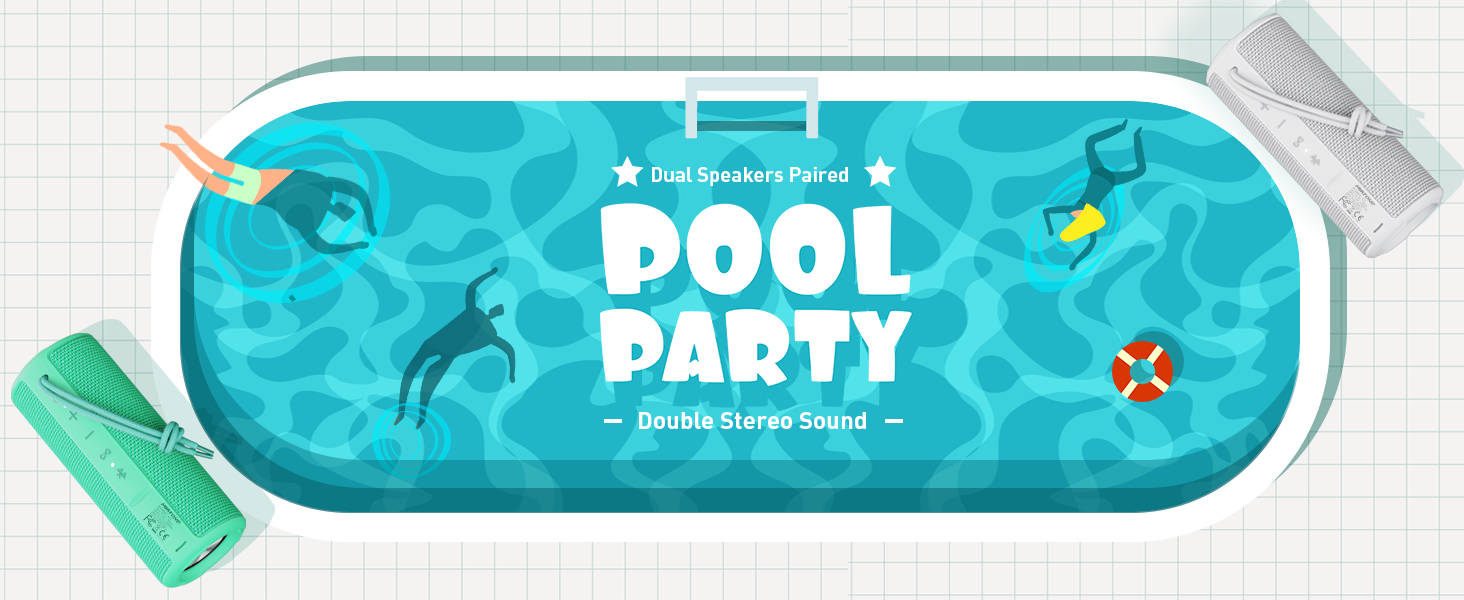
Figure 2: Speaker back view with charging and aux-in ports.
2. การเปิด/ปิดเครื่อง
Press and hold the power button located on the side of the speaker to turn it on or off. An English voice prompt will confirm "Power On" or "Power Off".
คำแนะนำการใช้งาน
1. การจับคู่บลูทู ธ
- ตรวจสอบให้แน่ใจว่าลำโพงเปิดอยู่และอยู่ในโหมดจับคู่บลูทูธ (โดยไฟแสดงสถานะบลูทูธจะกะพริบ)
- บนอุปกรณ์ของคุณ (สมาร์ทโฟน แท็บเล็ต แล็ปท็อป) เปิดใช้งาน Bluetooth และค้นหาอุปกรณ์ที่มีอยู่
- Select "MIATONE BOOMBOX" from the list.
- Once connected, an English voice prompt will confirm "Bluetooth Connected".
The speaker maintains a stable Bluetooth connection up to 100 feet (30 meters) from your device.
2. การควบคุมระดับเสียง
ใช้ปุ่ม "+" และ "-" บนลำโพงเพื่อปรับระดับเสียง คุณยังสามารถควบคุมระดับเสียงจากอุปกรณ์ที่เชื่อมต่อได้อีกด้วย
3. การจับคู่ TWS (True Wireless Stereo)
To achieve a true stereo sound experience, you can pair two identical MIATONE Boombox speakers together:
- ตรวจสอบให้แน่ใจว่าลำโพงทั้งสองเปิดอยู่และไม่ได้เชื่อมต่อกับอุปกรณ์ Bluetooth ใดๆ
- On one speaker, press and hold the TWS button (often indicated by an infinity symbol or two interlocking circles). The speaker will enter TWS pairing mode.
- The two speakers will automatically connect to each other. A voice prompt will confirm successful TWS pairing.
- Once paired, connect your device to one of the speakers via Bluetooth as described in the "Bluetooth Pairing" section. Both speakers will now play audio in stereo.

Figure 3: Two speakers paired for enhanced stereo sound.
4. การเล่นเสียง
Control playback (play/pause, skip tracks) directly from your connected Bluetooth device. The speaker's buttons may also offer basic playback controls (e.g., single press for play/pause, long press for next/previous track, refer to specific button icons on the device).

Figure 4: Speaker delivering high-resolution audio in an outdoor setting.
การซ่อมบำรุง
1. การทำความสะอาด
เช็ดลำโพงด้วย d . นุ่มๆamp ใช้ผ้าเช็ดทำความสะอาดเท่านั้น ห้ามใช้สารเคมีรุนแรงหรือน้ำยาทำความสะอาดที่มีฤทธิ์กัดกร่อน ตรวจสอบให้แน่ใจว่าฝาปิดช่องชาร์จปิดสนิทก่อนทำความสะอาดหรือสัมผัสกับน้ำ
2. การจัดเก็บ
เก็บลำโพงไว้ในที่แห้งและเย็น หลีกเลี่ยงแสงแดดโดยตรงและอุณหภูมิที่สูงหรือต่ำเกินไปเมื่อไม่ได้ใช้งานเป็นเวลานาน
3. การกันซึม
The speaker is IPX6 waterproof, meaning it can withstand powerful water jets. Do not submerge the speaker for extended periods or expose it to high-pressure water streams. Always ensure the port cover is sealed tightly to maintain water resistance.

Figure 5: Speaker floating in water, highlighting its waterproof capability.
4. ความทนทาน
The speaker features a rugged, anti-slip design with soft silicone end caps to absorb shock from drops. While durable, avoid excessive force or dropping from significant heights to prevent damage.

Figure 6: Speaker on sand, showcasing its shockproof and dustproof design.
การแก้ไขปัญหา
| ปัญหา | สาเหตุที่เป็นไปได้ | สารละลาย |
|---|---|---|
| ลำโพงไม่เปิดเครื่อง | แบตเตอรี่อ่อนหรือไม่มีการชาร์จ | ชาร์จลำโพงให้เต็มโดยใช้สายเคเบิลที่ให้มา |
| ไม่มีเสียงจากลำโพง | Volume too low, not paired, or incorrect audio source. | Increase volume on speaker and device. Ensure proper Bluetooth pairing. Check if audio is playing on the source device. |
| การเชื่อมต่อบลูทูธไม่เสถียรหรือหลุดการเชื่อมต่อ | Device too far, interference, or low speaker battery. | Move device closer to speaker (within 100 ft). Avoid obstacles. Charge speaker. Re-pair if necessary. |
| Cannot TWS pair two speakers. | Speakers already connected to another device, or not in TWS pairing mode. | ตรวจสอบให้แน่ใจว่าลำโพงทั้งสองตัวไม่ได้เชื่อมต่อกับอุปกรณ์อื่น ปฏิบัติตามคำแนะนำในการจับคู่ TWS อย่างเคร่งครัด |
ข้อมูลจำเพาะ
| คุณสมบัติ | รายละเอียด |
|---|---|
| ชื่อรุ่น | บูมบ็อกซ์ |
| ยี่ห้อ | ไมอาโทน |
| ประเภทลำโพง | ระบบเสียงรอบทิศทาง |
| คุณสมบัติพิเศษ | พกพาสะดวก รองรับการจับคู่สเตอริโอ (TWS) |
| เทคโนโลยีการเชื่อมต่อ | บลูทูธ 5.3 |
| ช่วงบลูทูธ | สูงถึง 100 ฟุต (30 เมตร) |
| กำลังขับของลำโพง | 16W (สูงสุด 20W) |
| TWS Paired Output Power | 32W (สูงสุด 40W) |
| ระดับความต้านทานต่อน้ำ | กันน้ำระดับ IPX6 |
| อายุการใช้งานแบตเตอรี่ | สูงสุด 17 ชั่วโมง (ที่ระดับเสียง 50%) |
| ขนาดสินค้า | ลึก 2.87 นิ้ว x กว้าง 2.87 นิ้ว x สูง 7.3 นิ้ว |
| น้ำหนักสินค้า | 14.88 ออนซ์ |
| ส่วนประกอบที่รวมอยู่ | Charging Cable, Aux-in Cable |
การรับประกันและการสนับสนุน
The MIATONE Boombox Portable Bluetooth Speaker comes with a Limited Warranty. For detailed warranty information, product support, or to contact customer service, please visit the official MIATONE Store on Amazon:
Ask a question about this manual
Ask about setup, troubleshooting, compatibility, parts, safety, or missing instructions. Manuals+ will review the question and use this page’s manual context to help answer it.