
การแนะนำ
This manual provides detailed instructions for the ECHTPower Wireless Pro Controller, designed for use with Nintendo Switch and Switch OLED consoles. It covers setup, operation, maintenance, and troubleshooting to ensure an optimal gaming experience. Please read this manual carefully before using the product.
สินค้าเกินview
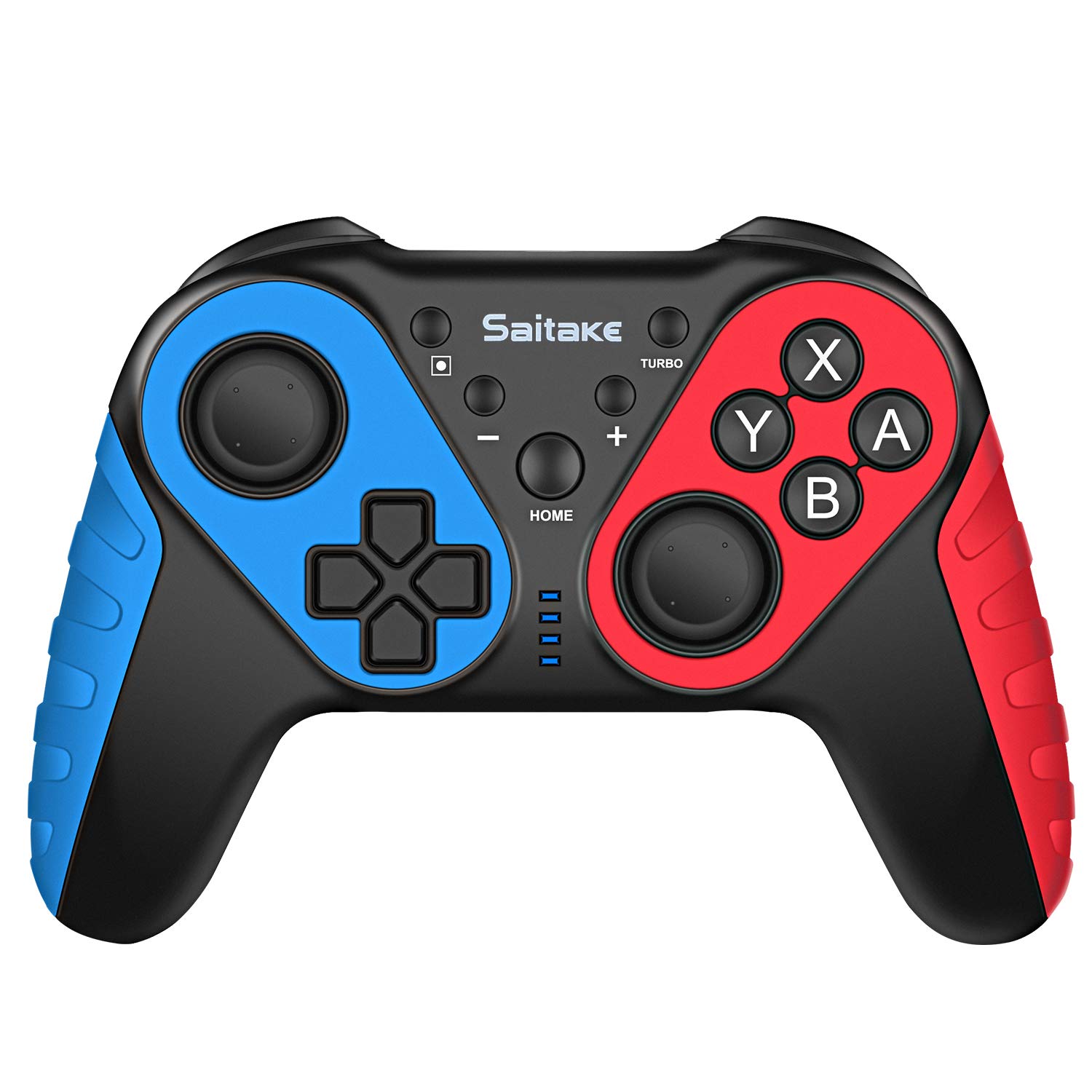
ทำความคุ้นเคยกับปุ่มและพอร์ตต่างๆ บนตัวควบคุมให้ดี

ภาพ: ด้านหน้าและด้านบน view of the ECHTPower Wireless Pro Controller, highlighting the D-Pad, Home button, Left and Right Joysticks, A/B/X/Y buttons, Capture button, Turbo button, Plus and Minus buttons, R/L/RZ/LZ triggers, Type-C Charging Port, and Skid-Proof Design.
- ดี-แพด: Directional Pad for movement and menu navigation.
- จอยสติ๊กซ้าย: Analog stick for precise movement.
- จอยสติ๊กขวา: Analog stick for camera control and aiming.
- ปุ่ม A/B/X/Y: Action buttons for in-game commands.
- ปุ่มหน้าแรก: Returns to the Nintendo Switch Home menu.
- ปุ่มจับภาพ: ถ่ายภาพหน้าจอหรือคลิปวิดีโอ
- ปุ่มเทอร์โบ: Activates/deactivates turbo function for rapid button presses.
- ปุ่ม + / - Plus and Minus buttons for in-game functions and menu navigation.
- R / L / RZ / LZ Buttons: Shoulder and trigger buttons for various in-game actions.
- พอร์ตชาร์จ Type-C: Used for charging the controller.
- พื้นที่ NFC: Located near the HOME button, used for Amiibo functionality.
การตั้งค่า
1. Pairing with Nintendo Switch/OLED
- Ensure your Nintendo Switch/OLED console is powered on and updated to the latest system version.
- จากเมนู HOME เลือก "คอนโทรลเลอร์" > "เปลี่ยนกริป/ลำดับ"
- On the ECHTPower controller, press and hold the ปุ่ม HOME และ ปุ่ม Y เปิดไฟ LED ค้างไว้พร้อมกันเป็นเวลา 3-5 วินาที จนกระทั่งไฟ LED เริ่มกะพริบถี่ๆ
- The controller will automatically pair with the Switch. Once connected, the corresponding player LED(s) on the controller will light up solid.
2. การเชื่อมต่อกับพีซี
The controller can also be connected to a Desktop PC or Notebook PC. Connection methods may vary depending on the PC's Bluetooth capabilities. For wired connection, use a USB-C cable.

ภาพ: Illustration showing the ECHTPower Wireless Pro Controller compatible with Nintendo Switch, Desktop PC, and Notebook PC, allowing for multiplayer gaming.
คำแนะนำการใช้งาน
1. ฟังก์ชั่นเทอร์โบ
The Turbo function allows for continuous rapid pressing of a button. This can be useful in games requiring quick, repeated inputs.
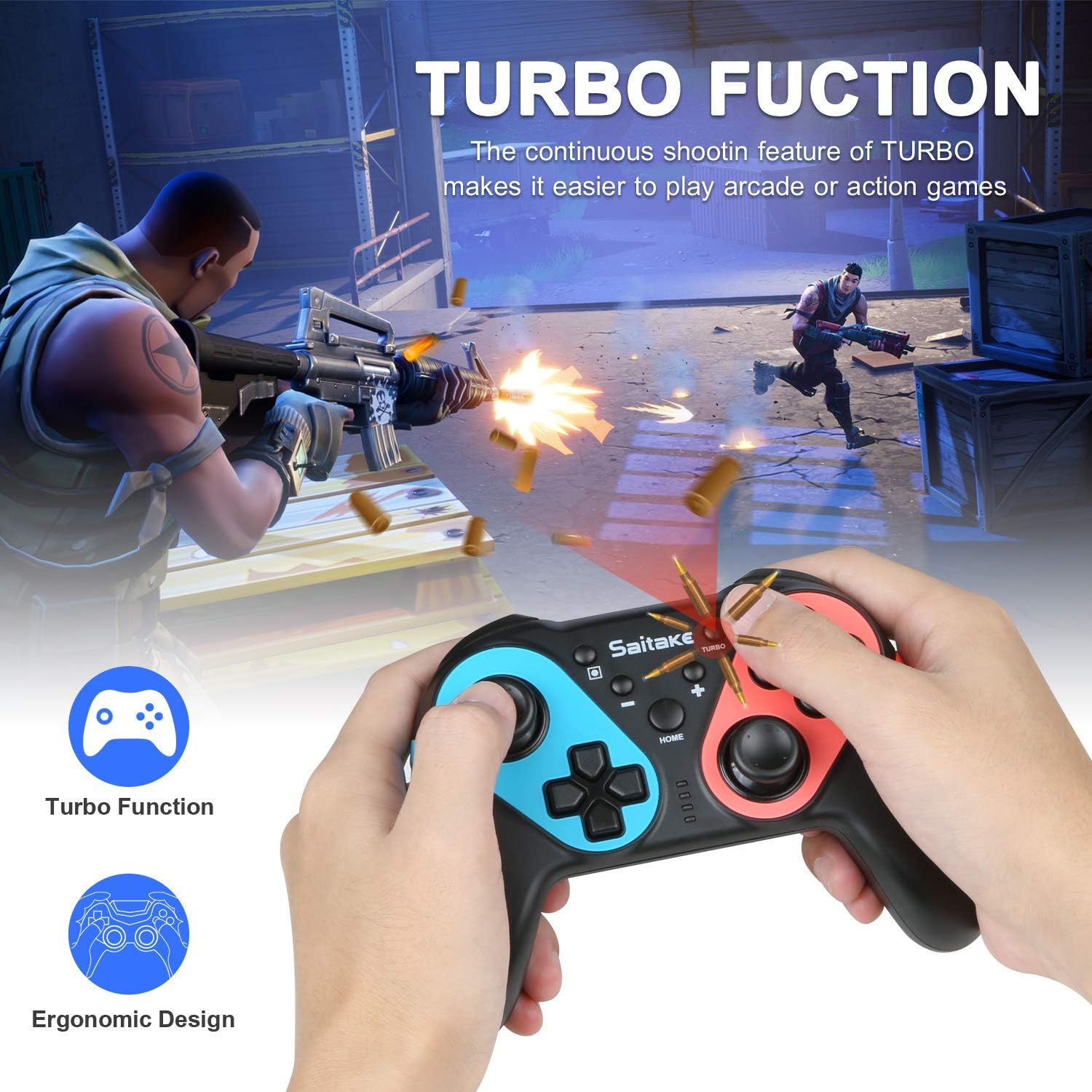
ภาพ: Depiction of the Turbo function in action, showing rapid firing in a game, alongside an ergonomic design.
- วิธีเปิดใช้งานโหมดเทอร์โบ: กดปุ่มค้างไว้ ปุ่มเทอร์โบ, then press the desired action button (A/B/X/Y/L/R/ZL/ZR). The button will now continuously input when held down.
- วิธีปิดใช้งานเทอร์โบ: Repeat the activation steps (hold Turbo, then press the action button again).
2. การสั่นสะเทือนที่ปรับได้
The controller features dual motors with three levels of vibration feedback (Weak, Moderate, Strong) to enhance your gaming experience.

ภาพ: Diagram illustrating the three adjustable vibration levels: Weak, Moderate, and Strong, with internal motor representation.
Specific instructions for adjusting vibration levels are typically found in the console's controller settings or through a button combination (refer to the product packaging or manufacturer's website if not detailed here).
3. ฟังก์ชัน NFC (รองรับ Amiibo)
The controller includes built-in NFC functionality, allowing you to use Amiibo figures for in-game bonuses and features.
ภาพ: The ECHTPower Wireless Pro Controller with an NFC icon, surrounded by various Amiibo figures (Pikachu, Ryu, Mario, Link, Rathalos), demonstrating quick induction for equipment.
- To use an Amiibo, place the Amiibo figure on the NFC area of the controller (typically near the HOME button) when prompted by a compatible game.
4. 6-Axis Gyroscope and High Precise Joysticks
The controller features a sensitive 6-axis gyroscope for motion control and high-precision joysticks for accurate input, enhancing gameplay in titles that utilize these features.
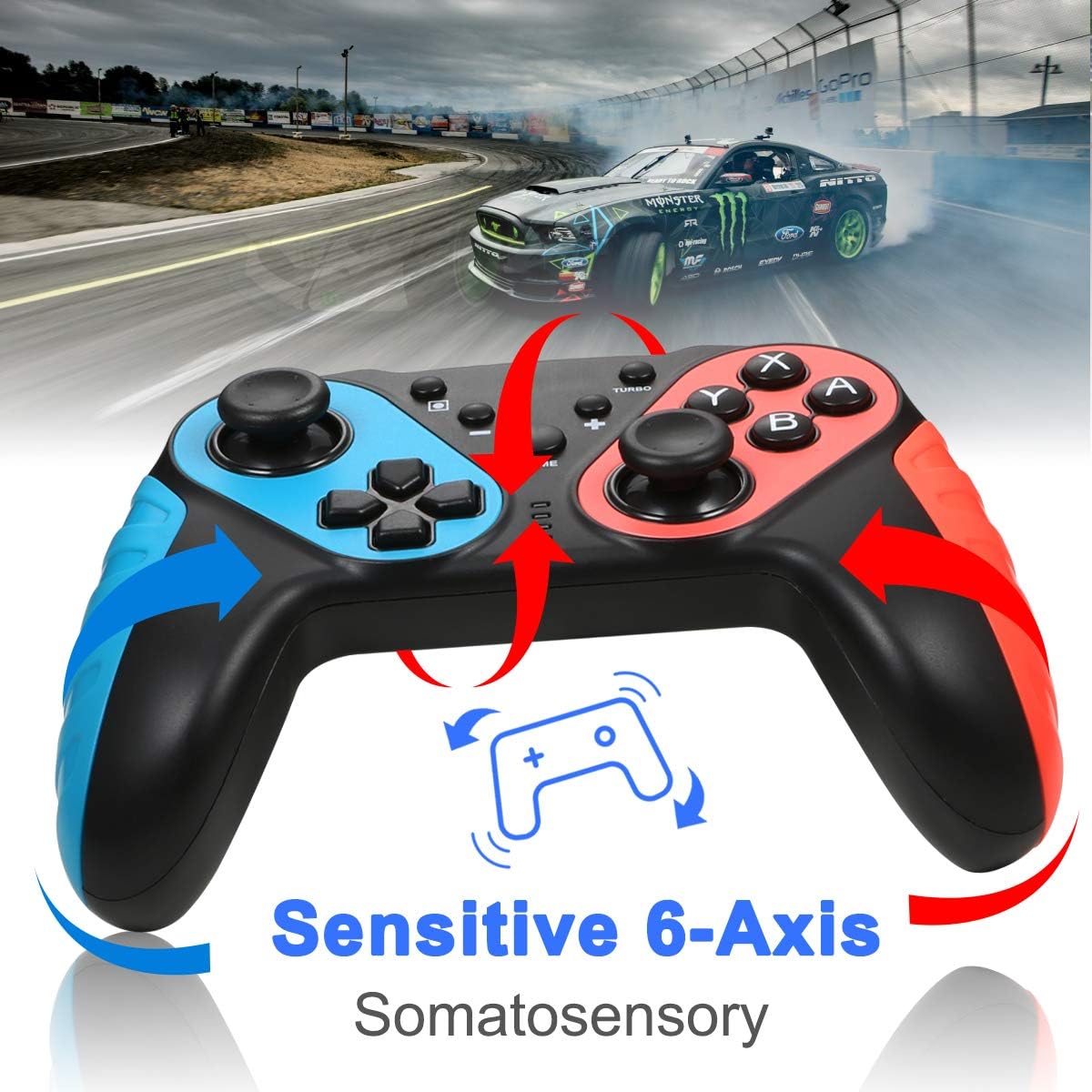
ภาพ: The ECHTPower Wireless Pro Controller with arrows indicating sensitive 6-axis somatosensory movement, suggesting motion control capabilities.

ภาพ: Close-up of the ECHTPower Wireless Pro Controller's joystick, highlighting its high precision with glowing effects.
5. การชาร์จคอนโทรลเลอร์
- Connect the provided USB Type-C cable to the controller's charging port and the other end to a USB power source (e.g., Nintendo Switch dock, PC, USB wall adapter).
- The LED indicators on the controller will show charging status and turn off or change color when fully charged.
การซ่อมบำรุง
- เก็บตัวควบคุมให้แห้งและห่างจากอุณหภูมิที่สูงหรือต่ำเกินไป
- ทำความสะอาดคอนโทรลเลอร์ด้วยผ้านุ่มและแห้ง ห้ามใช้สารเคมีรุนแรงหรือวัสดุที่มีฤทธิ์กัดกร่อน
- หลีกเลี่ยงการทำตกหรือให้ตัวควบคุมได้รับแรงกระแทกรุนแรง
- เก็บตัวควบคุมไว้ในสถานที่ปลอดภัยเมื่อไม่ได้ใช้งานเพื่อป้องกันความเสียหาย
การแก้ไขปัญหา
- ตัวควบคุมไม่สามารถเชื่อมต่อได้:
- ตรวจสอบให้แน่ใจว่าได้ชาร์จคอนโทรลเลอร์แล้ว
- Repeat the pairing process (HOME + Y).
- Check if the Switch console's system software is up to date.
- ขยับเข้าไปใกล้เครื่อง Nintendo Switch มากขึ้น เพื่อให้แน่ใจว่าได้รับสัญญาณ Bluetooth ที่แรงพอ
- ปุ่มหรือจอยสติ๊กไม่ตอบสนอง:
- Restart the controller by holding the HOME button for 10 seconds, then re-pair.
- Ensure no physical obstructions are affecting button presses.
- ระบบสั่นไม่ทำงาน:
- Check in-game settings and Switch console settings to ensure vibration is enabled.
- Adjust vibration intensity if applicable.
- NFC (Amiibo) not detected:
- Ensure the Amiibo is placed correctly on the NFC area.
- Verify the game supports Amiibo functionality.
ข้อมูลจำเพาะ
| การเชื่อมต่อ | Wireless (Bluetooth) / Wired (USB Type-C) |
| ความเข้ากันได้ | Nintendo Switch, Nintendo Switch OLED, Desktop PC, Notebook PC |
| คุณสมบัติพิเศษ | Turbo Function, 6-Axis Gyroscope, Dual Motor Vibration (3 levels), NFC (Amiibo Support), High Precise Joysticks, Ergonomic Design |
| พอร์ตชาร์จ | ยูเอสบี ไทป์ ซี |
การรับประกันและการสนับสนุน
For warranty information or technical support, please refer to the contact details provided on the product packaging or visit the official ECHTPower webไซต์นี้ โปรดเก็บใบเสร็จรับเงินที่ซื้อไว้เพื่อใช้เรียกร้องการรับประกัน