1. บทนำ
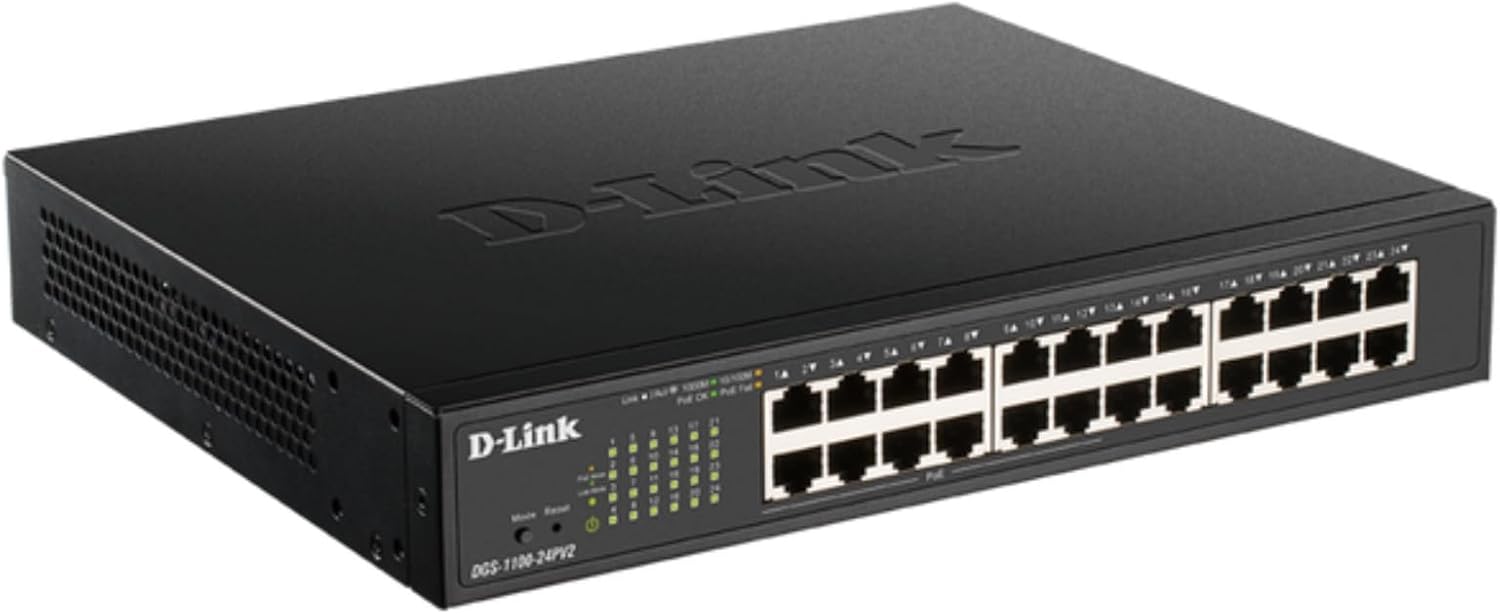
The D-Link DGS-1100-24PV2 is a 24-Port Gigabit Smart Managed PoE+ Switch designed to meet the demands of small to medium-sized businesses (SMBs). It offers a comprehensive suite of features for high performance, reliable connectivity, and efficient network management. This model includes 24 Gigabit Ethernet ports, with 12 of these ports supporting Power over Ethernet Plus (PoE+) with a total power budget of 100W. This allows for powering devices such as IP cameras, VoIP phones, and wireless access points directly through the Ethernet cable, simplifying network setup and reducing cabling complexity.
2. คุณสมบัติหลัก
- 24 Gigabit Ports for High-Speed Networking: Delivers high-speed connectivity to devices across your network. Supports desktop or rackmount placement for flexible installation.
- 12x PoE+ Ports: Power up to 12 devices directly over Ethernet, supporting up to 30W per port with a total power budget of 100W. Ideal for access points, IP cameras, VoIP phones, access controls, smart lighting solutions, and other PoE-enabled devices.
- Advanced Traffic Management: Offers bandwidth control, Quality of Service (QoS), VLAN support, and IGMP Snooping to optimize network performance and minimize congestion. Ensures smooth operation of critical voice and video applications.
- Loopback Detection & Cable Diagnostics: Quickly identify and resolve network issues to help maintain a reliable connection.
- PD Alive for Enhanced Reliability: Equipped with PD Alive to automatically reboot unresponsive PoE devices, minimizing downtime and ensuring continuous network availability without manual intervention.
- Energy-Efficient and Silent Operation: Fanless design for silent running, energy savings, and a longer lifespan. Complies with IEEE 802.3az for reduced power consumption.
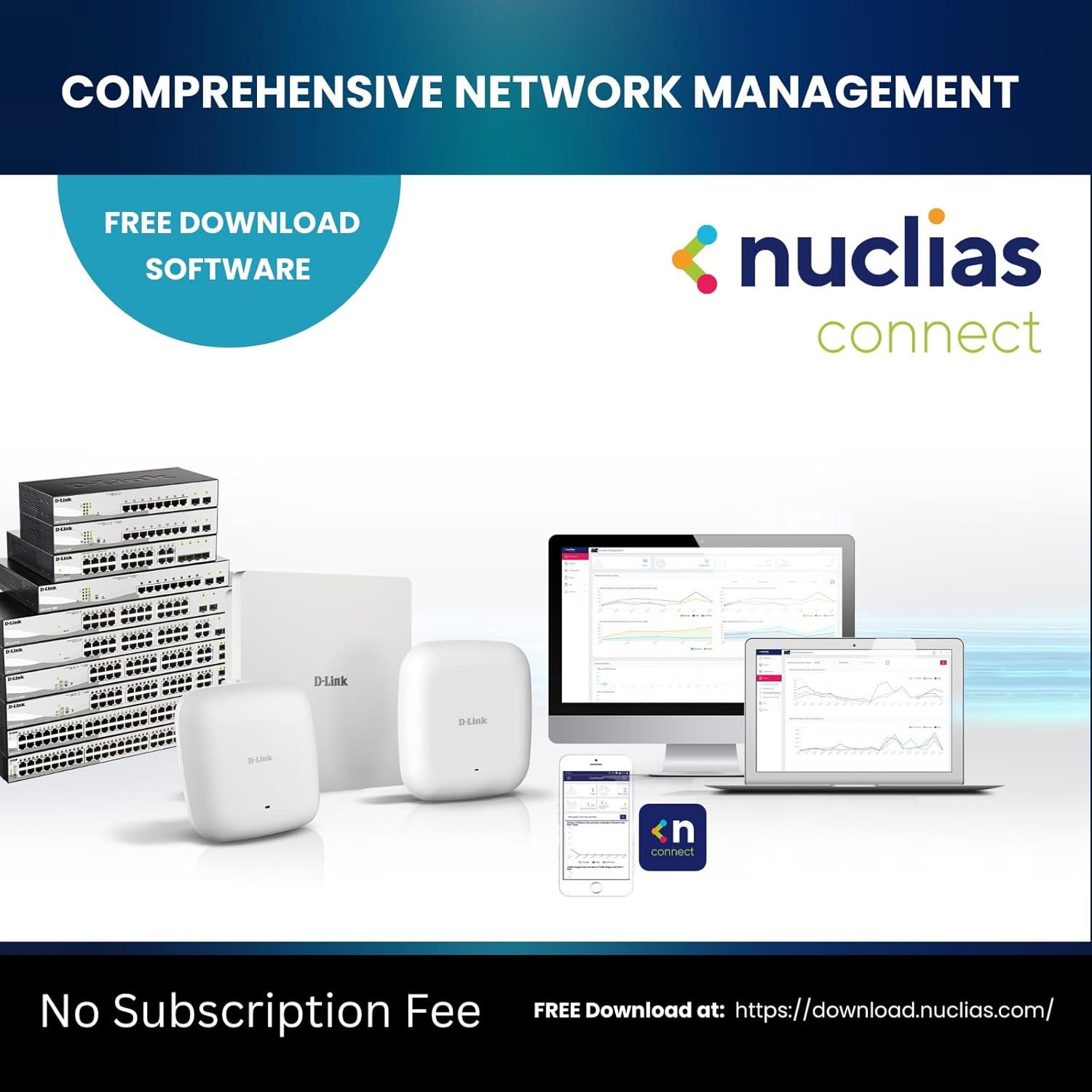
- สัญชาตญาณ Web- การจัดการตาม: Easy setup and management via a user-friendly web interface. Provides comprehensive tools for efficient remote or local switch management, streamlining network administration tasks.
- สอดคล้องกับ NDAA: Meets strict regulatory standards, suitable for government and enterprise projects.
- 35+ Years of Reliability: Trust the brand that’s been building reliable networks for over 35 years. D-Link's Lifetime Warranty provides long-term confidence.
3. เนื้อหาบรรจุภัณฑ์
Verify the following items are included in your DGS-1100-24PV2 package:
- D-Link DGS-1100-24PV2 Switch
- คู่มือการติดตั้งอย่างรวดเร็ว (QIG)
- ชุดแร็คเมาท์
- สายไฟสหรัฐ
- ตัวยึดสายไฟ
- 4 เท้ายาง
4. ทางกายภาพมากกว่าview
4.1 แผงด้านหน้า

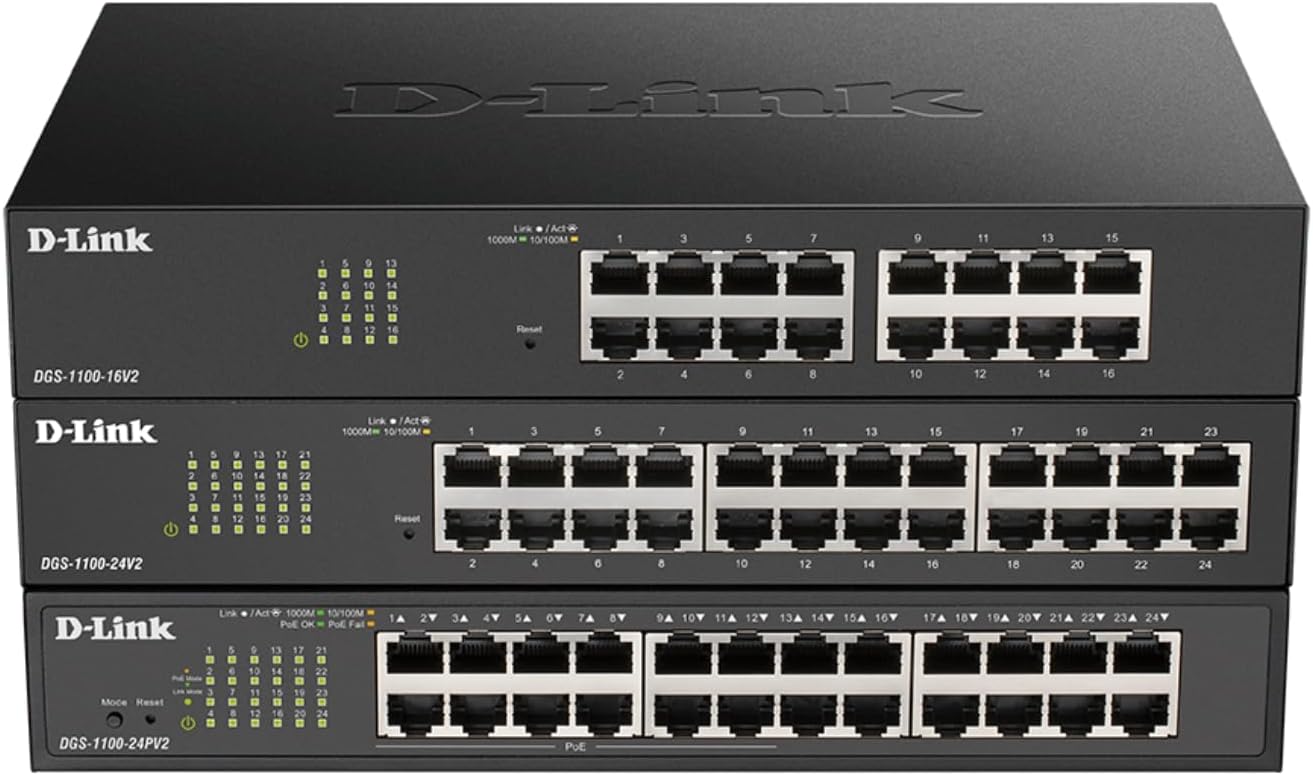
The front panel features 24 Gigabit Ethernet ports (RJ45). Ports 1-12 are PoE+ enabled, providing power to connected devices. LED indicators for each port display link/activity status (Link/Act) and speed (1000Mbps, 100Mbps, 10Mbps). Additional LEDs indicate PoE status (PoE, PoE Fail) and overall power status of the switch.
4.2 แผงด้านหลัง

The rear panel includes the AC power input (100-240VAC, 50/60Hz, 1.4A Max) with a power cord retainer, and a switch ground connection for safety.
5. คำแนะนำในการตั้งค่า
5.1 การจัดวาง
The DGS-1100-24PV2 switch can be deployed in various environments, supporting both desktop and rackmount installations. For desktop use, attach the provided rubber feet to the bottom of the switch. For rackmount installation, use the included rackmount kit to secure the switch in a standard 19-inch equipment rack.


5.2 การเชื่อมต่อสายไฟ
Connect the provided AC power cord to the power input on the rear panel of the switch and then to a suitable power outlet. Use the power cord retainer to secure the connection.
5.3 การเชื่อมต่อเครือข่าย
Connect your network devices (e.g., computers, servers, network-attached storage) to any of the 24 Gigabit Ethernet ports using standard Ethernet cables. For Power over Ethernet (PoE) enabled devices, connect them to ports 1-12 to supply both data and power over a single cable.


6. การใช้งานสวิตช์
6.1 Web-ตามการจัดการ
The DGS-1100-24PV2 is a Smart Managed switch, offering an intuitive web-based user interface for configuration and monitoring. Connect a computer to any port on the switch and access the management interface via a web browser. Refer to the Quick Installation Guide for initial access details, including the default IP address and login credentials.

6.2 Advanced Traffic Management
การใช้ประโยชน์จาก web interface to configure advanced features such as:
- การควบคุมแบนด์วิดท์: Manage network traffic flow to prevent congestion.
- คุณภาพการบริการ (QoS): Prioritize critical network traffic (e.g., VoIP, video streaming) for optimal performance.
- การรองรับ VLAN: Segment your network into virtual local area networks for enhanced security and efficiency.
- การสอดแนม IGMP: Optimize multicast traffic delivery, particularly useful for IP-based video applications.
7. Maintenance and Reliability
7.1 PD Alive
The PD Alive feature actively monitors PoE-powered devices. If a connected PoE device becomes unresponsive, the switch can automatically detect this and reboot the specific port, restoring functionality without manual intervention. This minimizes downtime and ensures continuous operation of critical devices like surveillance cameras.

7.2 การวินิจฉัย
The switch includes built-in Loopback Detection and Cable Diagnostics tools. These features help administrators quickly identify and resolve common network issues, such as cable faults or network loops, ensuring stable and reliable connectivity.
7.3 ประสิทธิภาพการใช้พลังงาน
The DGS-1100-24PV2 features a fanless design, contributing to silent operation and reduced power consumption. It complies with IEEE 802.3az Energy Efficient Ethernet standards, further minimizing operational costs and extending the product's lifespan.
8 การแก้ไขปัญหา
If you encounter issues with your DGS-1100-24PV2 switch, consider the following basic troubleshooting steps:
- ตรวจสอบพลังงาน: Ensure the power cord is securely connected and the power LED on the front panel is illuminated.
- ตรวจสอบการเชื่อมต่อสายเคเบิล: Confirm that all Ethernet cables are properly seated in their respective ports and that the Link/Act LEDs are active.
- Inspect PoE Status: If a PoE device is not powering on, check the PoE status LEDs for the corresponding port. Utilize the PD Alive feature or manually power cycle the port via the web อินเทอร์เฟซ
- Consult LED Indicators: The front panel LEDs provide visual cues for network status. Refer to the Quick Installation Guide for a detailed explanation of each LED's meaning.
- เข้าถึง Web อินเทอร์เฟซ: If network connectivity is an issue, try accessing the switch's web-based management interface to check port status, run diagnostics, or review บันทึกของระบบ
- รีเซ็ตเป็นค่าเริ่มต้นจากโรงงาน: As a last resort, if configuration issues persist, you may reset the switch to factory default settings. Refer to the user manual for the procedure.
9. ข้อมูลจำเพาะทางเทคนิค
| คุณสมบัติ | ข้อมูลจำเพาะ |
|---|---|
| ขนาดสินค้า | ยาว 11.02 นิ้ว x กว้าง 9.05 นิ้ว x สูง 1.75 นิ้ว |
| น้ำหนักสินค้า | 4.6 ปอนด์ (4.55 ปอนด์) |
| เล่มที่tage | 110 โวลต์ (AC) |
| วัสดุตัวเรือน | โลหะ |
| คะแนนอุณหภูมิต่ำกว่า | 23 องศาฟาเรนไฮต์ |
| คะแนนอุณหภูมิบน | 122 องศาฟาเรนไฮต์ |
| ประเภทอินเทอร์เฟซ | RJ45 |
| อัตราการถ่ายโอนข้อมูล | 48 กิกะบิตต่อวินาที |
| คะแนนปัจจุบัน | 0.01 Amps |
| ยูพีซี | 790069451782 |
| หมายเลขรุ่นสินค้า | DGS-1100-24PV2 |
| จำนวนพอร์ต | 24 |
| สี | สีดำ |
| อุปกรณ์ที่รองรับ | เดสก์ท็อป |
10. การรับประกันและการสนับสนุน
The D-Link DGS-1100-24PV2 switch comes with a Lifetime Warranty, reflecting D-Link's commitment to reliability and product quality. For technical assistance, troubleshooting, or warranty claims, please refer to the official D-Link support channels. D-Link Systems, Inc. has over 35 years of experience in building reliable networks.
11. สินค้าเพิ่มเติม Views