
ALONEFIRE H38
Alonefire H38 Tactical LED Flashlight User Manual
รุ่น : H38
1. บทนำ
Thank you for choosing the Alonefire H38 Tactical LED Flashlight. This high-performance flashlight is designed for reliability and versatility, featuring a powerful LED, multiple lighting modes, USB recharging, and a power output function. Please read this manual carefully to ensure proper use and maintenance of your device.
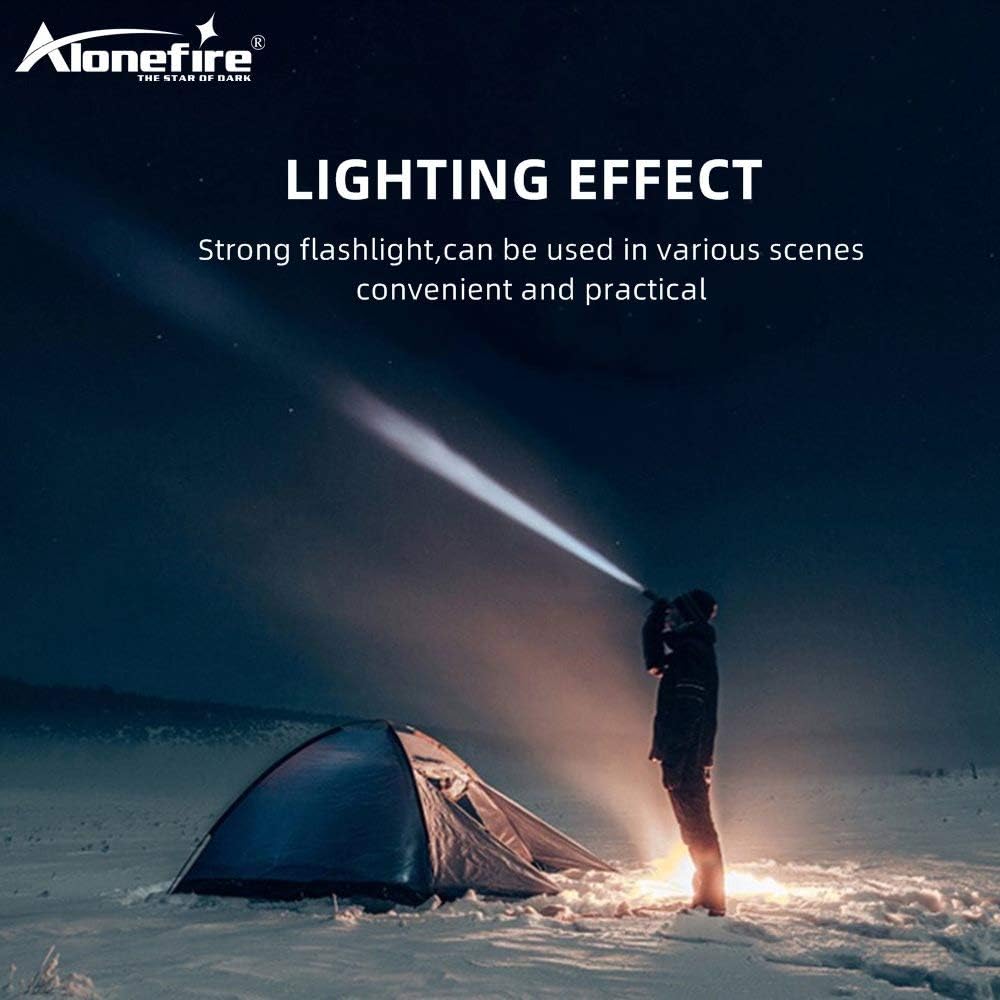
Figure 1: Alonefire H38 providing strong illumination in a dark environment.
2. ข้อมูลด้านความปลอดภัย
- ความปลอดภัยของดวงตา: Do not look directly into the LED light or shine it directly into the eyes of people or animals. The high intensity light can cause temporary vision impairment or permanent eye damage.
- ความร้อน: The flashlight may become warm during prolonged use, especially on high brightness modes. Handle with care.
- การจัดการแบตเตอรี่: Use only recommended Lithium-ion batteries. Do not mix old and new batteries, or different types of batteries. Do not attempt to disassemble, puncture, or short-circuit the battery.
- ความต้านทานน้ำ: The flashlight has an IP5 water resistance rating, meaning it is protected against low-pressure water jets from any direction. It is suitable for use in rainy conditions but should not be submerged in water.
- เด็ก: เก็บให้พ้นจากมือเด็ก
3. เนื้อหาบรรจุภัณฑ์
กรุณาตรวจสอบแพ็คเกจสำหรับรายการต่อไปนี้:
- Alonefire H38 Tactical LED Flashlight
- สายชาร์จ USB
- สายรัดข้อมือ
- Battery Tube (for AAA batteries, if applicable)
- Lithium-ion Battery (if included, otherwise sold separately)

Figure 2: Included components of the Alonefire H38 package.
4. สินค้าหมดview
Familiarize yourself with the different parts of your Alonefire H38 flashlight:

Figure 3: Labeled components of the Alonefire H38 Flashlight.
- แอลอีดีแอลamp: แหล่งกำเนิดแสงหลัก
- Zoomable Zone: Adjustable head for wide floodlight or focused spotlight.
- สวิตช์ไฟ: Button to turn the flashlight on/off and cycle through modes.
- ไฟแสดงสถานะการชาร์จ: LEDs that show charging status and battery level.
- Copper Contactor: Ensures stable electrical connection with the battery.
- Anti-skip Handle: Textured surface for a secure grip.
- แบตเตอรี่ Li-ion: Rechargeable power source.
5. การตั้งค่า
5.1. การติดตั้งแบตเตอรี่
- คลายเกลียวฝาท้ายของไฟฉาย
- Insert the Lithium-ion battery with the positive (+) end facing towards the head of the flashlight.
- If using AAA batteries (not included), place them into the provided battery tube and insert the tube into the flashlight.
- ขันฝาท้ายกลับเข้าที่อย่างแน่นหนา
5.2. การชาร์จครั้งแรก
ก่อนใช้งานครั้งแรก โปรดชาร์จไฟฉายให้เต็ม
- Locate the micro USB charging port, usually hidden under a rubber cover on the side of the flashlight.
- Connect the small end of the USB charging cable to the flashlight's micro USB port.
- Connect the larger end of the USB cable to a USB power source (e.g., wall adapter, computer USB port, power bank).
- The charging indicator lights will illuminate to show the charging progress. Once fully charged, all indicator lights will typically be solid blue.

Figure 4: Charging the Alonefire H38 via micro USB port.
6. คู่มือการใช้งาน
6.1. การเปิด/ปิดเครื่องและการเลือกโหมด

Figure 5: The five lighting modes of the Alonefire H38.
- เปิด: Press the power switch button once. The flashlight will turn on in the last used mode.
- วิธีเปลี่ยนโหมด: With the flashlight on, press the power switch button repeatedly to cycle through the 5 modes: High > Medium > Low > Strobe > SOS.
- วิธีปิด: Press and hold the power switch button for approximately 2 seconds.
6.2. ฟังก์ชั่นซูม
The Alonefire H38 features an adjustable zoom function:
- เพื่อซูมเข้า (สปอตไลท์): Extend the head of the flashlight forward. This narrows the beam for a more focused, long-distance light.
- เพื่อซูมออก (ไฟส่องสว่าง): Retract the head of the flashlight backward. This widens the beam for broader area illumination.
6.3. Power Output (Power Bank Function)
The flashlight can also serve as a temporary power bank to charge other devices.
- Locate the USB output port, usually next to the micro USB input port.
- Connect your device (e.g., smartphone) to the USB output port using its charging cable.
- ไฟฉายจะเริ่มชาร์จอุปกรณ์ของคุณ

Figure 6: Using the Alonefire H38 as a power bank to charge a smartphone.

Figure 7: The Alonefire H38 flashlight with an attached wrist strap for secure handling.
7. การบำรุงรักษา
- การทำความสะอาด: เช็ดตัวไฟฉายด้วยผ้านุ่มๆamp ผ้า ห้ามใช้สารทำความสะอาดที่มีฤทธิ์กัดกร่อนหรือตัวทำละลาย
- การหล่อลื่น: ควรทาจาระบีซิลิโคนที่โอริงและเกลียวเป็นระยะ เพื่อรักษาคุณสมบัติกันน้ำและให้การทำงานราบรื่น
- การดูแลแบตเตอรี่ If the flashlight will not be used for an extended period, remove the battery to prevent leakage and damage. Store batteries in a cool, dry place.
- พื้นที่จัดเก็บ: เก็บไฟฉายไว้ในที่แห้งและเย็น หลีกเลี่ยงแสงแดดโดยตรงและอุณหภูมิที่สูงหรือต่ำเกินไป
8 การแก้ไขปัญหา
| ปัญหา | สาเหตุที่เป็นไปได้ | สารละลาย |
|---|---|---|
| ไฟฉายไม่ติด | แบตเตอรี่หมดหรือใส่ไม่ถูกต้อง | Recharge the battery or check its orientation. Ensure the tail cap is fully tightened. |
| แสงสลัวหรือกระพริบ | ชาร์จแบตเตอรี่ต่ำ | ชาร์จแบตเตอรี่ให้เต็ม |
| ไฟฉายไม่ชาร์จ | Faulty USB cable or power source. Charging port cover not fully open. | Try a different USB cable or power source. Ensure the charging port is clean and accessible. |
| ฟังก์ชั่นซูมมีความแข็ง | Dirt or lack of lubrication. | Clean the zoom mechanism and apply a small amount of silicone grease. |
9. ข้อมูลจำเพาะ
| คุณสมบัติ | รายละเอียด |
|---|---|
| ยี่ห้อ | อยู่คนเดียว |
| แบบอย่าง | H38 |
| แหล่งกำเนิดแสง | นำ |
| เอาท์พุตของลูเมน | สูงถึง 5000 ลูเมน |
| โหมดแสงสว่าง | สูง, ปานกลาง, ต่ำ, สโตรบ, SOS (5 โหมด) |
| วัสดุ | โลหะผสมอลูมิเนียม |
| ขนาด (กว้าง x ยาว x สูง) | 4.69 x 0.91 x 0.91 cm (approx. 162mm - 178mm length) |
| น้ำหนัก | 53.8 กรัม |
| ประเภทแบตเตอรี่ | 1 Lithium-ion (requires) |
| เล่มที่tage | 5 โวลต์ |
| ระดับการกันน้ำ | IP5 |
| คุณสมบัติพิเศษ | USB Rechargeable, Power Output (Power Bank), Zoomable |
10. การรับประกันและการสนับสนุน
10.1. ข้อมูลการรับประกัน
For specific warranty details, please refer to the documentation provided at the time of purchase or contact your retailer. The manufacturer typically offers a warranty against defects in materials and workmanship for a specified period.
10.2. การสนับสนุนลูกค้า
If you encounter any issues or have questions not covered in this manual, please contact Alonefire customer service or your point of purchase for assistance. Keep your purchase receipt as proof of purchase.
Ask a question about this manual
Ask about setup, troubleshooting, compatibility, parts, safety, or missing instructions. Manuals+ will review the question and use this page’s manual context to help answer it.