
iball Play A1
iBall Musi Play A1 Wireless Ultra-Portable Bluetooth Speaker User Manual
Model: Play A1
1. บทนำ
ขอบคุณสำหรับการซื้อasing the iBall Musi Play A1 Wireless Ultra-Portable Bluetooth Speaker. This compact and versatile speaker is designed to provide high-quality audio on the go. It features Bluetooth connectivity, FM radio, a Micro SD card slot for music playback, and a built-in microphone for hands-free calling. Please read this manual carefully to understand the product's features and ensure proper operation.
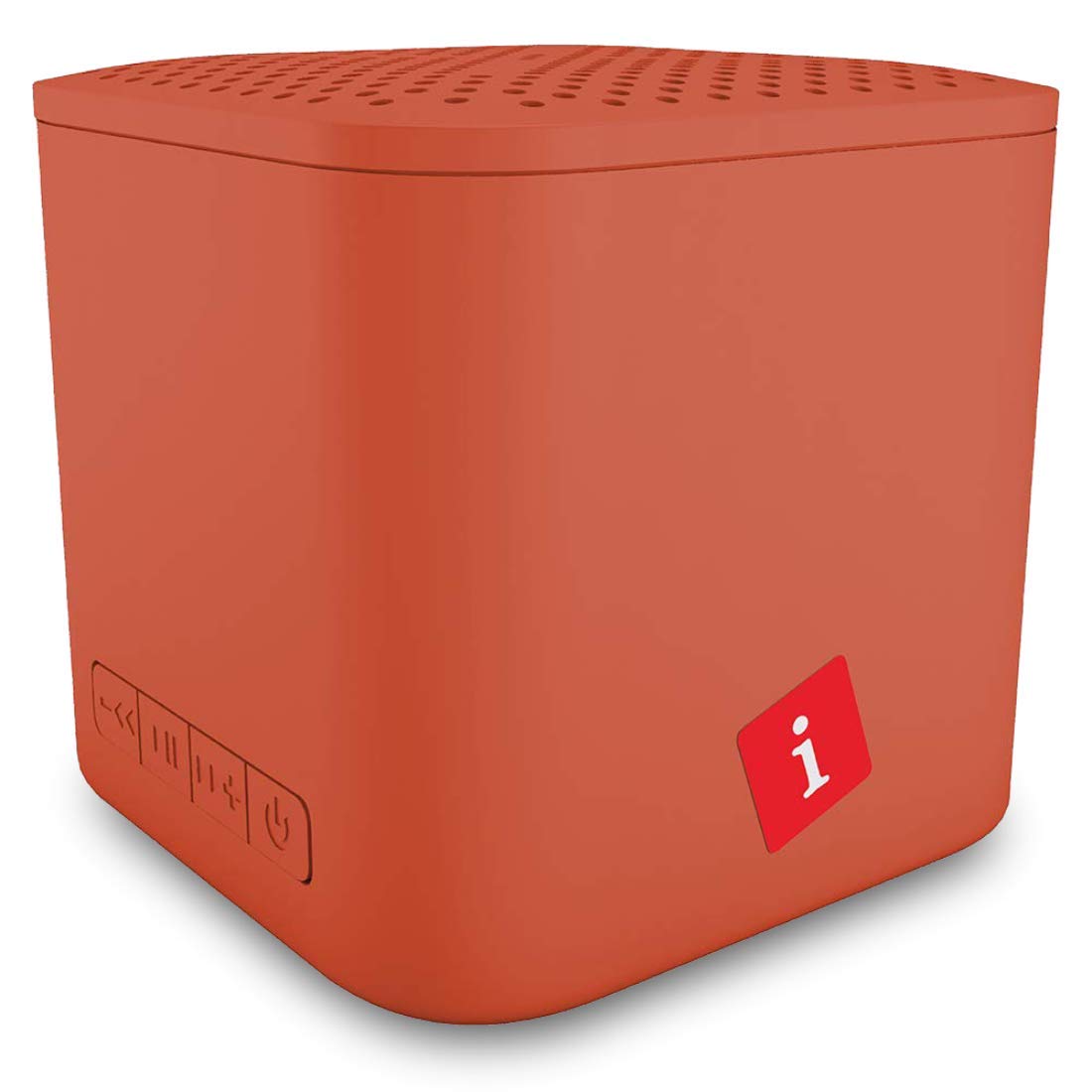
Image: iBall Musi Play A1 Wireless Ultra-Portable Bluetooth Speaker (Burnt Orange)
2. อะไรอยู่ในกล่อง
เมื่อแกะกล่องแล้วโปรดตรวจสอบให้แน่ใจว่ามีสิ่งของต่อไปนี้ครบถ้วน:
- Speaker – 1 N
- Charging Cable – 1 N
- User Manual – 1 N
3. สินค้าหมดview
3.1. การควบคุมและพอร์ต
Familiarize yourself with the speaker's controls and ports for easy operation.

Image: Control buttons on the iBall Musi Play A1 speaker.
- ลดระดับเสียง/เพลงก่อนหน้า: Press and hold for volume down, short press for previous track.
- เล่น / หยุดชั่วคราว: Press to play or pause music. Also used for answering/ending calls.
- เพิ่มระดับเสียง / แทร็กถัดไป: Press and hold for volume up, short press for next track.
- Power On / Off / Mode: Press and hold to power on/off. Short press to switch between Bluetooth, FM, and Micro SD modes.
3.2. ความสะดวกในการพกพาและการออกแบบ
The iBall Musi Play A1 features an ultra-portable cube design, making it easy to carry and suitable for various environments.

Image: The compact size of the iBall Musi Play A1 speaker, measuring approximately 6.2 cm on each side.
4. การตั้งค่า
4.1. การชาร์จครั้งแรก
Before first use, fully charge the speaker. Connect the provided charging cable to the speaker's charging port and a USB power source (e.g., computer USB port, USB wall adapter). The charging time is approximately 1.5 hours.
4.2. การเปิด/ปิดเครื่อง
หากต้องการเปิดลำโพง ให้กดปุ่มค้างไว้ เปิด/ปิด/โหมด button until you hear an audible prompt. To power off, press and hold the same button again.
5. คู่มือการใช้งาน
5.1. การจับคู่บลูทู ธ
- ตรวจสอบให้แน่ใจว่าลำโพงเปิดอยู่และอยู่ในโหมดบลูทูธ หากไม่เป็นเช่นนั้น ให้กดปุ่มสั้นๆ เปิด/ปิด/โหมด button to cycle through modes until you hear the Bluetooth prompt.
- บนสมาร์ทโฟนหรือแท็บเล็ตของคุณ ให้เปิดใช้งาน Bluetooth และค้นหาอุปกรณ์ที่มีอยู่
- Select "iBall Musi Play A1" from the list of devices.
- เมื่อจับคู่สำเร็จแล้ว ลำโพงจะแสดงข้อความว่าเชื่อมต่อสำเร็จ และคุณสามารถเริ่มเล่นเสียงจากอุปกรณ์ของคุณได้
5.2. วิทยุ FM
- Power on the speaker and short press the เปิด/ปิด/โหมด กดปุ่มเพื่อสลับไปยังโหมดวิทยุ FM
- To auto-scan and save available FM stations, press and hold the เล่น/หยุดชั่วคราว button. The speaker will scan and store stations automatically.
- เมื่อการสแกนเสร็จสิ้น ให้ใช้ เพลงก่อนหน้า และ เพลงถัดไป ปุ่มสำหรับนำทางระหว่างสถานีที่บันทึกไว้
5.3. การเล่นการ์ด Micro SD
- ใส่การ์ด Micro SD (ที่มีไฟล์เสียง MP3) fileเสียบการ์ด Micro SD เข้าไปในช่องเสียบการ์ด Micro SD บนลำโพง
- The speaker will automatically switch to Micro SD mode and begin playing music. If not, short press the เปิด/ปิด/โหมด button to select Micro SD mode.
- ใช้ เพลงก่อนหน้า และ เพลงถัดไป ปุ่มสำหรับข้ามแทร็ก และ เล่น/หยุดชั่วคราว ปุ่มควบคุมการเล่น
5.4. การโทรแบบแฮนด์ฟรี
เมื่อเชื่อมต่อกับสมาร์ทโฟนของคุณผ่านบลูทูธ ไมโครโฟนในตัวของลำโพงจะช่วยให้คุณสามารถโทรแบบแฮนด์ฟรีได้
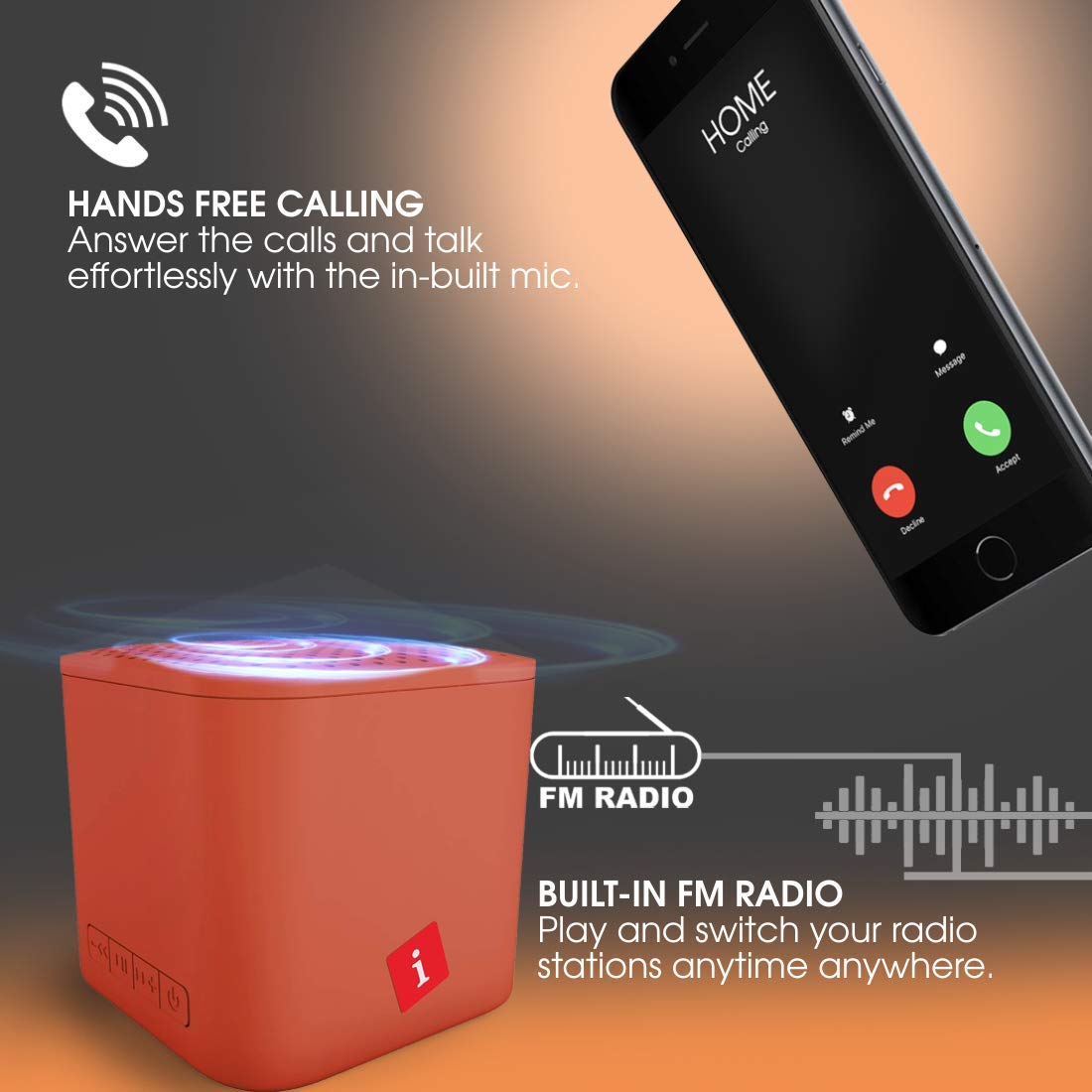
Image: Hands-free calling feature with the iBall Musi Play A1 speaker.
- รับสาย: When an incoming call rings, short press the เล่น/หยุดชั่วคราว ปุ่มที่จะตอบ
- วางสาย: ระหว่างการโทร ให้กดปุ่มสั้นๆ เล่น/หยุดชั่วคราว ปุ่มเพื่อวางสาย
- ปฏิเสธสาย: When an incoming call rings, press and hold the เล่น/หยุดชั่วคราว ปุ่มเพื่อปฏิเสธการรับสาย
6. การชาร์จไฟ
The speaker is equipped with a built-in rechargeable battery. To charge, connect the provided USB cable to the speaker's charging port and a standard USB power source. A full charge takes approximately 1.5 hours and provides up to 6 hours of playtime at mid-level volume.
7. การบำรุงรักษา
- ควรเก็บลำโพงให้ห่างจากน้ำ ความชื้น และอุณหภูมิที่สูงหรือต่ำเกินไป
- ทำความสะอาดลำโพงด้วยผ้านุ่มและแห้ง ห้ามใช้น้ำยาทำความสะอาดหรือสารละลายที่มีฤทธิ์กัดกร่อน
- หลีกเลี่ยงการทำตกหรือให้ลำโพงได้รับแรงกระแทกรุนแรง
- เมื่อไม่ได้ใช้งานเป็นเวลานาน ควรชาร์จลำโพงอย่างน้อยทุกสามเดือนเพื่อรักษาอายุการใช้งานของแบตเตอรี่
8 การแก้ไขปัญหา
| ปัญหา | วิธีแก้ปัญหาที่เป็นไปได้ |
|---|---|
| ลำโพงไม่เปิดเครื่อง | ตรวจสอบให้แน่ใจว่าแบตเตอรี่ชาร์จเต็มแล้ว เสียบลำโพงเข้ากับแหล่งจ่ายไฟแล้วลองอีกครั้ง |
| ไม่สามารถจับคู่ผ่านบลูทูธได้ |
|
| ไม่มีเสียง. |
|
| การรับสัญญาณวิทยุ FM ไม่ดี |
|
9. ข้อมูลจำเพาะ
| คุณสมบัติ | รายละเอียด |
|---|---|
| ยี่ห้อ | ไอบอล |
| ชื่อรุ่น | Play A1 |
| กำลังขับสูงสุดของลำโพง | 3 วัตต์ |
| เทคโนโลยีการเชื่อมต่อ | บลูทูธ, ไร้สาย |
| โหมดเอาต์พุตเสียง | สเตอริโอ |
| ประเภทการติดตั้ง | ที่วางบนโต๊ะ |
| ประเภทลำโพง | กลางแจ้ง |
| คุณสมบัติผลิตภัณฑ์ | ไมโครโฟนในตัว |
| Colour (Current Model) | ส้มไหม้ |
| กันน้ำได้ | false (Not Water Resistant) |
| วิธีการควบคุม | ปุ่ม |
| อายุการใช้งานแบตเตอรี่โดยเฉลี่ย | 6 ชั่วโมง |
| เวลาในการชาร์จแบตเตอรี่ | 1.5 ชั่วโมง |
| อุปกรณ์ที่รองรับ | สมาร์ทโฟน, แท็บเล็ต |
| แหล่งพลังงาน | ใช้พลังงานจากแบตเตอรี่ |
| จำนวนแบตเตอรี่ | ลิเธียมโพลีเมอร์ 1 อัน (รวมอยู่ด้วย) |
| น้ำหนักสินค้า | 169 กรัม |
| ประเทศต้นกำเนิด | จีน |
10. การรับประกันและการสนับสนุน
For warranty information or technical support, please contact iBall customer service. You can reach them via the toll-free number: 18002666409.
Manufacturer Address: 87, Mistry Industrial Complex, MIDC Cross Road "A" Andheri (E), Mumbai 400 093. Maharashtra India.
Ask a question about this manual
Ask about setup, troubleshooting, compatibility, parts, safety, or missing instructions. Manuals+ will review the question and use this page’s manual context to help answer it.