
การแนะนำ
Welcome to the Fitbit Versa 2 Health and Fitness Smartwatch user manual. This guide provides essential information for setting up, operating, maintaining, and troubleshooting your device. The Fitbit Versa 2 is designed to elevate every moment, offering features like heart rate tracking, music control, built-in Alexa, sleep and swim tracking, and notifications.
การตั้งค่า
1. การแกะกล่องและการชาร์จครั้งแรก
Upon receiving your Fitbit Versa 2, carefully unbox the device and its accessories. It is recommended to fully charge your smartwatch before initial use. Connect the charging cable to a USB power source and attach the charger to the back of your Versa 2.
2. Fitbit App Installation and Pairing
To get started, download the Fitbit app on your compatible iPhone or Android device. Follow the on-screen instructions within the app to create an account or log in, and then pair your Versa 2 with your smartphone via Bluetooth. A Google account may be required for full functionality.
3. การเปลี่ยนสายนาฬิกา
The Fitbit Versa 2 comes with both small and large bands. To replace a band, locate the small lever on the underside of the band where it connects to the watch. Slide the lever inward to release the band. Align the new band with the watch casing and slide the lever inward again to secure it in place. Ensure both ends of the band are firmly attached before wearing.
วีดีโอ: This video demonstrates the process of replacing the bands on your Fitbit Versa 2 smartwatch, showing how to detach and attach new bands.
วิธีใช้งาน Fitbit Versa 2 ของคุณ
1. การนำทางและอินเทอร์เฟซพื้นฐาน
The Fitbit Versa 2 features a responsive touchscreen and a single button on the left side for navigation. Swipe left or right to access different apps and stats. Swipe down from the top for quick settings and notifications. Press the button to return to the clock face or access a customizable shortcut.
วีดีโอ: วิดีโอนี้ให้ข้อมูลทั่วไปเกี่ยวกับview of how to use the Fitbit Versa 2, including navigating the interface and accessing various features.
2. คุณสมบัติหลัก
- การติดตามอัตราการเต้นของหัวใจ: ตรวจสอบอัตราการเต้นของหัวใจอย่างต่อเนื่อง เพื่อให้ข้อมูลเชิงลึกเกี่ยวกับระดับความฟิตและการเผาผลาญแคลอรีของคุณ
- การควบคุมเพลง: Control your favorite songs and playlists directly from your wrist with Spotify app controls (subscription required, not available in all countries).
- Alexa ในตัว: Use your voice to set alarms, check the weather, control smart home devices, and more with Amazon Alexa.
- การติดตามการนอนหลับ: Get a daily Sleep Score based on heart rate, time asleep, and restlessness. Track light, deep, and REM sleep stages for personal insights.
- Swim Tracking: Water-resistant up to 50 meters, the Versa 2 can track your swims.
- การแจ้งเตือน: รับการแจ้งเตือนสายเรียกเข้า ข้อความ และแอปพลิเคชันบนสมาร์ทโฟนได้โดยตรงบนข้อมือของคุณ เมื่อโทรศัพท์อยู่ใกล้ๆ
- Fitbit Pay: Make secure purchases directly from your wrist.
- จอแสดงผลแบบเปิดตลอดเวลา: See the time or your stats at a glance. Note that this feature may require more frequent charging.

ภาพ: The Fitbit Versa 2 tracks your exercise metrics, such as speed and heart rate during activities like cycling, helping you monitor your fitness goals.
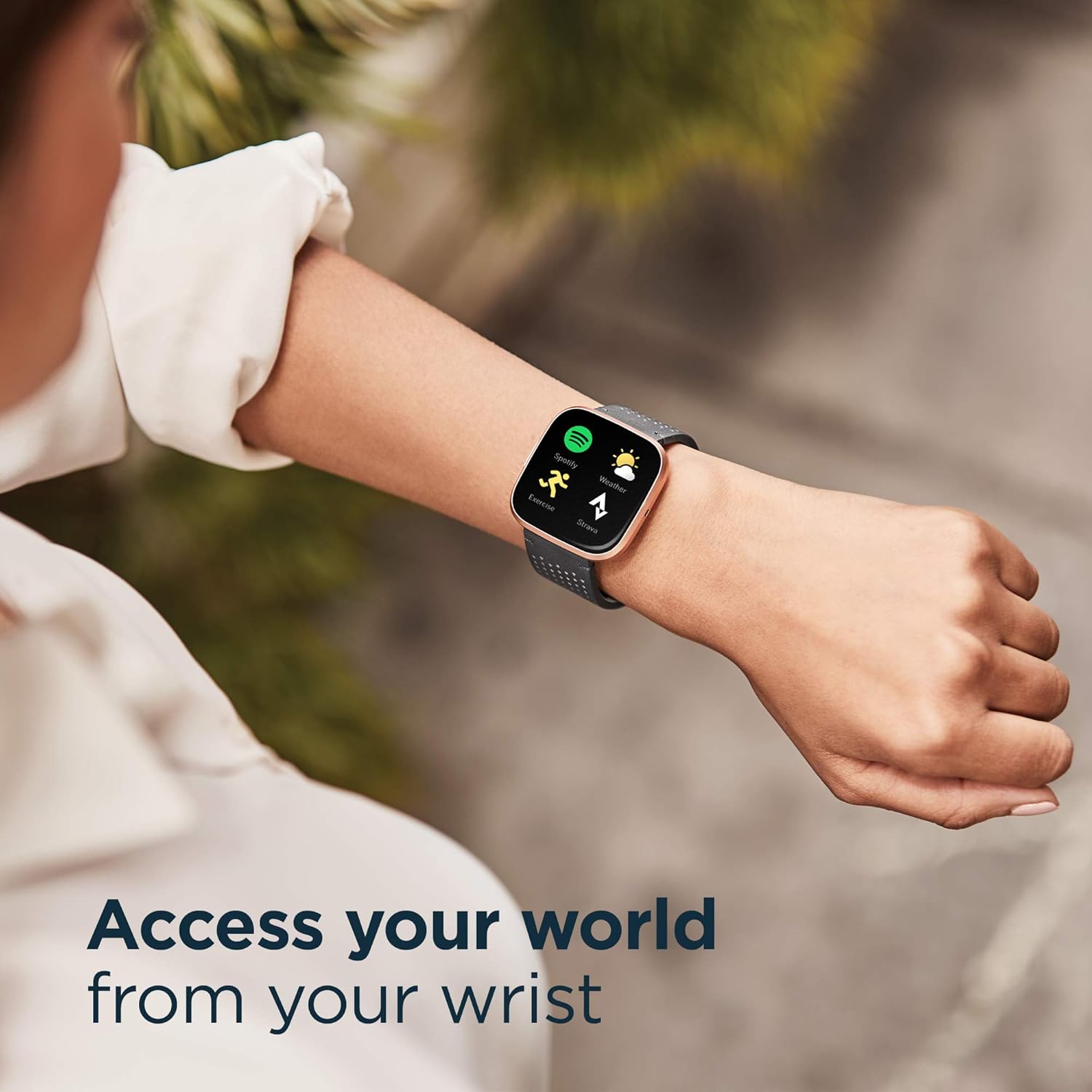
ภาพ: Access your world from your wrist with the Fitbit Versa 2, featuring quick access to apps like Spotify, Exercise, and Weather.
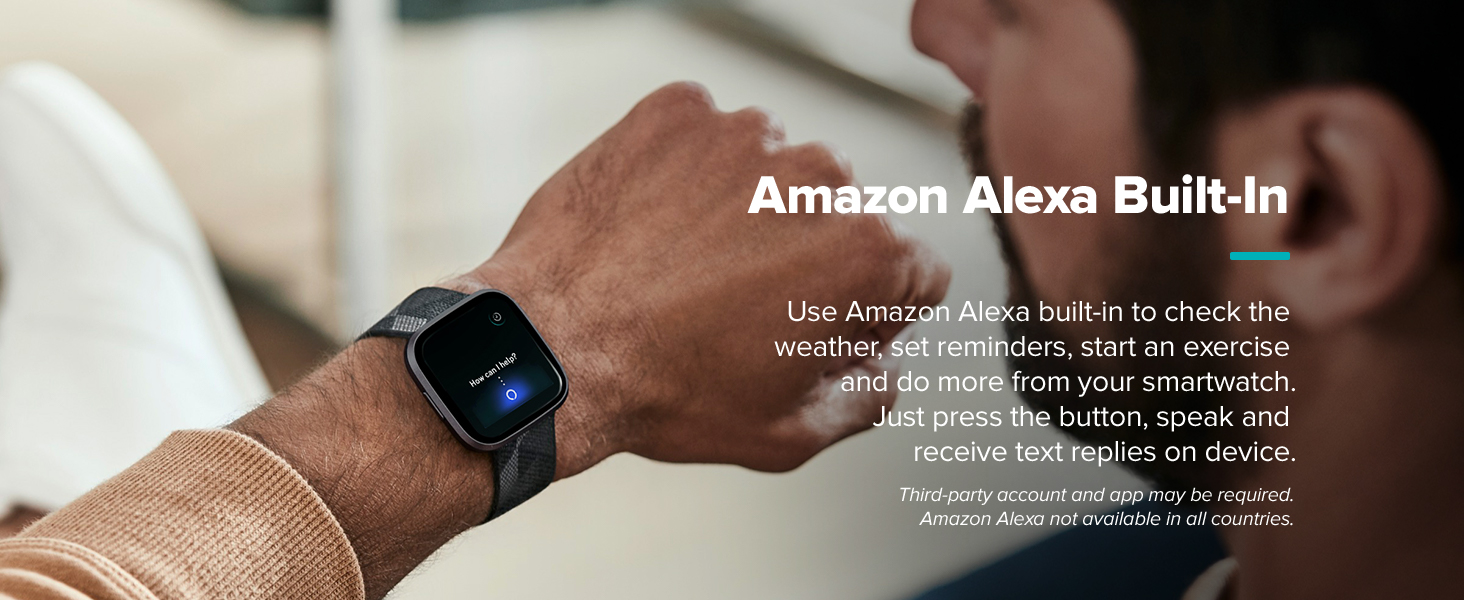
ภาพ: Utilize Amazon Alexa Built-in on your Fitbit Versa 2 for voice commands and quick information.

ภาพ: The Fitbit Versa 2 provides instant weather updates and can answer questions like 'Is it going to rain today?' via Alexa.
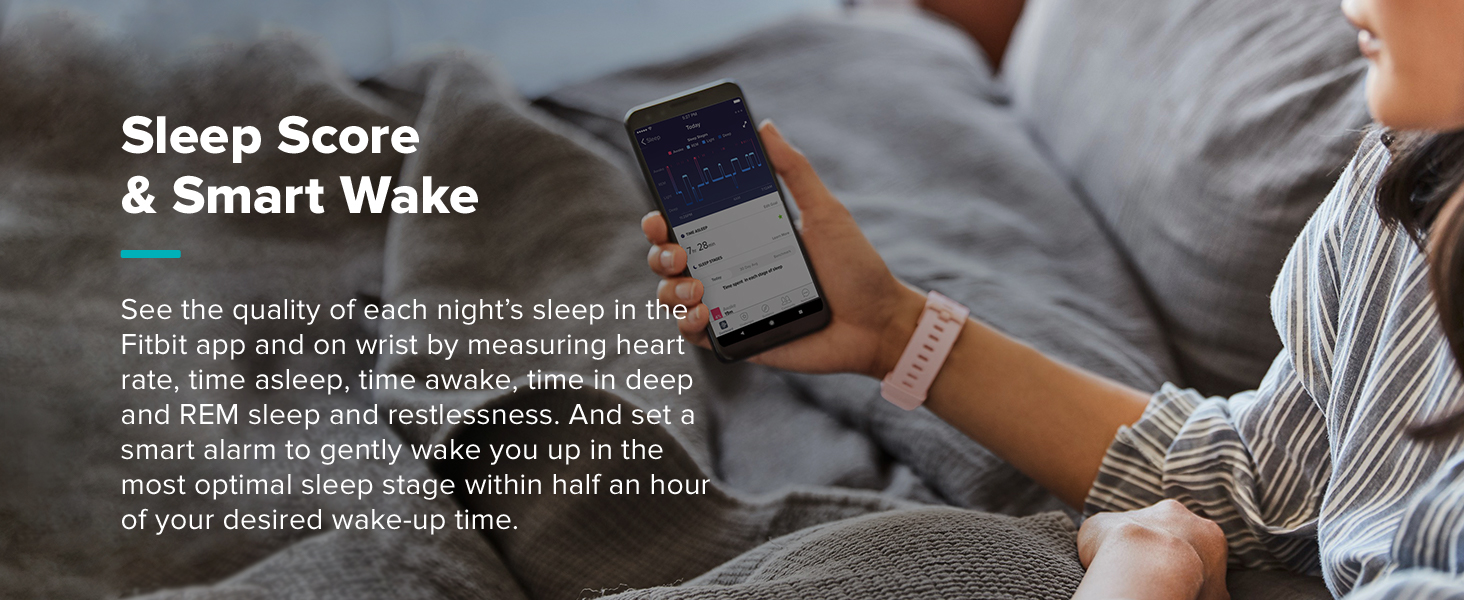
ภาพ: The Fitbit app allows you to know your body better by tracking sleep patterns and other health metrics.
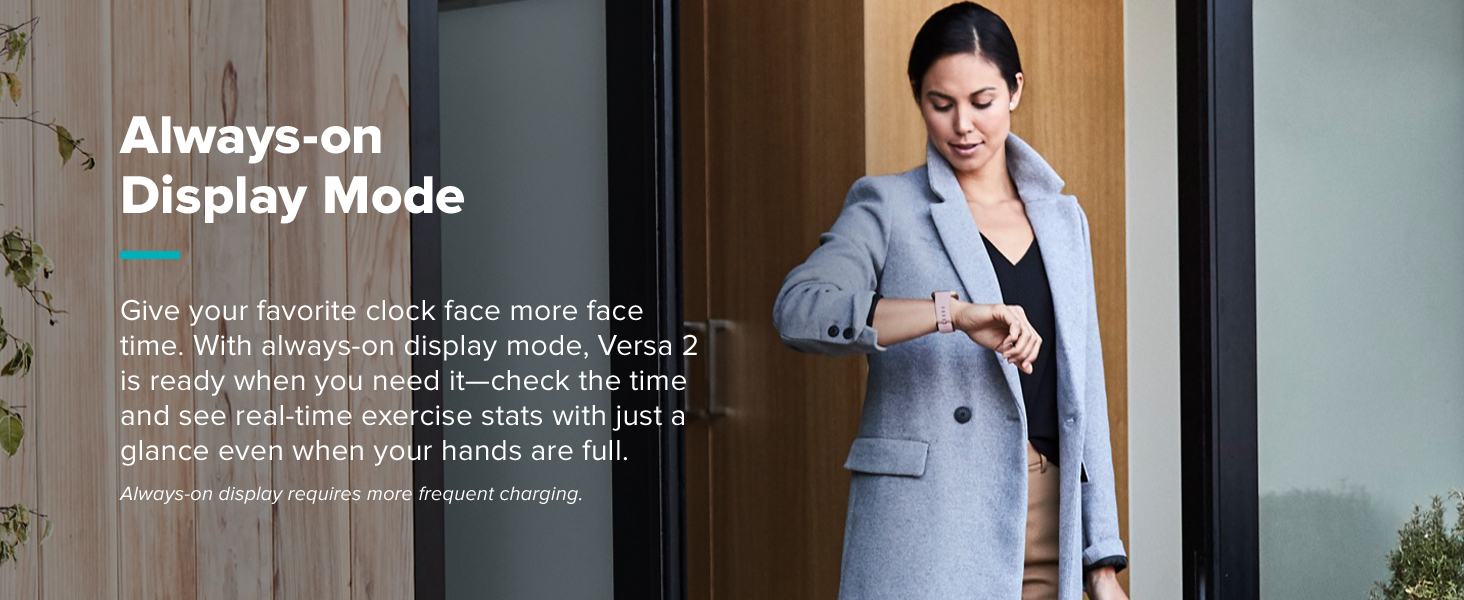
ภาพ: The Fitbit Versa 2 offers a sleek design suitable for various occasions, from casual to formal.
การซ่อมบำรุง
1. การทำความสะอาดสมาร์ทวอทช์ของคุณ
Regularly clean your Fitbit Versa 2 to ensure optimal performance and hygiene. Use a soft, lint-free cloth to wipe the screen and casing. For the silicone band, you can use mild soap and water, then rinse thoroughly and dry completely before wearing. Avoid harsh chemicals or abrasive materials.
2. การดูแลแบตเตอรี่
To maximize battery life, especially when using the always-on display feature, ensure regular charging. The device uses 1 LR44 battery (included). Avoid extreme temperatures during charging and storage.
การแก้ไขปัญหา
1. ปัญหาการเชื่อมต่อ
If your Versa 2 is not syncing with the Fitbit app or connecting to Bluetooth, try the following:
- ตรวจสอบให้แน่ใจว่าได้เปิดใช้งาน Bluetooth บนสมาร์ทโฟนของคุณแล้ว
- Restart your Fitbit Versa 2.
- รีสตาร์ทสมาร์ทโฟนของคุณ
- Ensure the Fitbit app is up to date.
2. Screen Responsiveness
If the touchscreen is unresponsive, try restarting the device. Ensure the screen is clean and dry. If issues persist, contact Fitbit support.
ข้อมูลจำเพาะ
| คุณสมบัติ | รายละเอียด |
|---|---|
| หมายเลขรุ่น | FB507RGPK |
| ขนาด | 1.56 x 1.59 x 0.47 นิ้ว |
| น้ำหนักสินค้า | 4.54 กรัม (0.16 ออนซ์) |
| ประเภทจอภาพ | อโมเลด |
| ขนาดหน้าจอ | 1.34 นิ้ว |
| ปณิธาน | 348 x 442 |
| แบตเตอรี่ | 1 LR44 แบตเตอรี่ (รวม) |
| เทคโนโลยีการเชื่อมต่อ | บลูทูธ, เอ็นเอฟซี |
| ระดับความต้านทานต่อน้ำ | Water Resistant (50 Meters) |
| เซ็นเซอร์ | เซ็นเซอร์วัดอัตราการเต้นของหัวใจแบบออปติคัล |
| แอปพลิเคชั่นที่รองรับ | Alexa, GPS, Heart Rate Monitor, Phone, Reminders, Sleep Monitor, Voice Assistant, Weather |
| อุปกรณ์ที่รองรับ | Smartphone (e.g., Apple iPhone 6 Plus) |
ข้อมูลการรับประกัน
The Fitbit Versa 2 comes with a warranty. The specific terms are typically described as "Limited" or "Standard/Full." For detailed information regarding your product's warranty coverage, including duration and conditions, please refer to the official Fitbit webไซต์หรือเอกสารการรับประกันที่รวมอยู่ในการซื้อของคุณ
สนับสนุน
For further assistance, troubleshooting, or to explore additional features, please utilize the following resources:
- Fitbit App: The Fitbit app provides comprehensive data, personalized insights, and access to various programs and communities.
- ความช่วยเหลือออนไลน์: เยี่ยมชมการสนับสนุน Fitbit อย่างเป็นทางการ website for FAQs, user forums, and detailed guides.
- บริการลูกค้า: Contact Fitbit customer service directly for personalized support.