
1. บทนำ
ขอบคุณสำหรับการซื้อasing the NewRixing NR-2010 Multifunction Wireless Speaker. This device is designed to provide high-quality audio playback from various sources, including wireless connections, USB drives, and auxiliary input. Please read this manual carefully to ensure proper use and to maximize your listening experience.
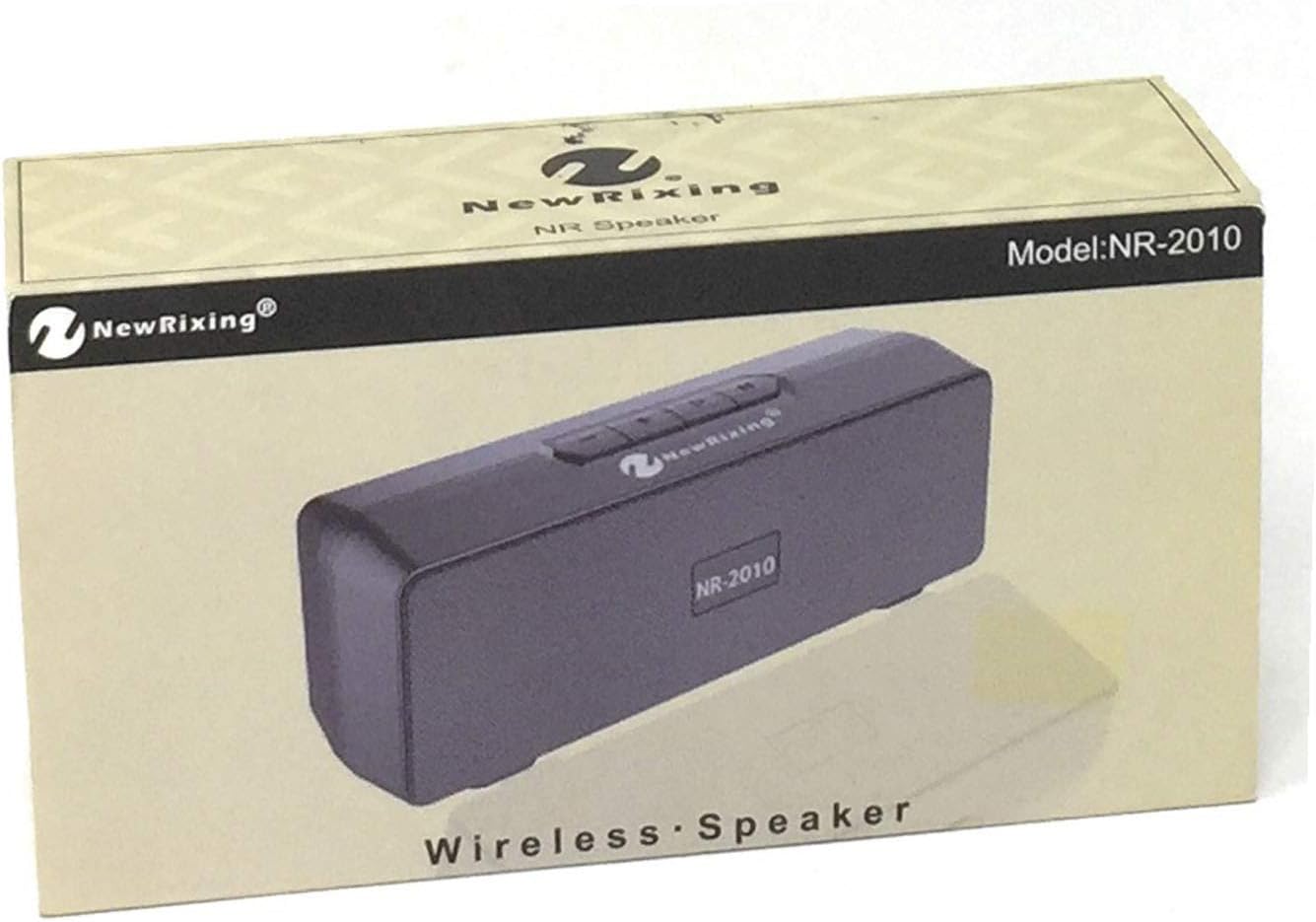
Figure 1: NewRixing NR-2010 Speaker Packaging. The packaging displays the brand 'NewRixing' and the model 'NR-2010', indicating a wireless speaker.
2. เนื้อหาบรรจุภัณฑ์
กรุณาตรวจสอบแพ็คเกจสำหรับรายการต่อไปนี้:
- NewRixing NR-2010 Multifunction Wireless Speaker
- USB Charging Cable (Micro USB to USB-A)
- สายสัญญาณเสียงขนาด 3.5 มม. (สาย AUX)
- คู่มือการใช้งาน
3. สินค้าหมดview
3.1 ด้านหน้า View

รูปที่ 2 : ด้านหน้า view of the NewRixing NR-2010 speaker. This image shows the speaker's front grille, control buttons on the top panel, and the included USB charging and 3.5mm audio cables connected.
The front of the speaker features the main audio grille and the NewRixing logo. The top panel typically houses control buttons for power, volume, play/pause, and mode selection.
3.2 ด้านหลัง View และท่าเรือ

รูปที่ 3: ด้านหลัง view of the NewRixing NR-2010 speaker. This image highlights the various input ports on the back, including a power switch, Micro USB charging port, standard USB port, and an AUX input jack, with the connected cables.
The rear panel provides access to the following ports and controls:
- สวิตช์ไฟ: To turn the speaker ON or OFF.
- พอร์ตไมโครยูเอสบี: สำหรับชาร์จแบตเตอรี่ภายในลำโพง
- พอร์ต USB-A: สำหรับเล่นไฟล์เสียงจากแฟลชไดรฟ์ USB
- ช่องต่อ AUX (แจ็ค 3.5 มม.): For connecting external audio devices via the provided 3.5mm audio cable.
4. การตั้งค่า
4.1 การชาร์จลำโพง
- เสียบปลาย Micro USB ของสายชาร์จเข้ากับพอร์ต Micro USB บนลำโพง
- เชื่อมต่อปลาย USB-A ของสายชาร์จเข้ากับอะแดปเตอร์ไฟ USB (ไม่รวมอยู่ด้วย) หรือพอร์ต USB ของคอมพิวเตอร์
- ไฟแสดงสถานะการชาร์จ (ถ้ามี) จะสว่างขึ้น โดยปกติจะเป็นสีแดง ในระหว่างการชาร์จ และจะดับลงหรือเปลี่ยนสีเมื่อชาร์จเต็มแล้ว
- การชาร์จจนเต็มโดยปกติใช้เวลา 2-3 ชั่วโมง
4.2 การเปิด/ปิดเครื่อง
- To power ON, slide the Power Switch to the 'ON' position. You will hear an audible prompt or see an indicator light.
- To power OFF, slide the Power Switch to the 'OFF' position.
5. คู่มือการใช้งาน
การเลือกโหมด 5.1
Press the 'M' (Mode) button on the top panel to cycle through available input modes: Wireless (Bluetooth), USB, and AUX.
5.2 การเชื่อมต่อแบบไร้สาย (บลูทูธ)
- Turn on the speaker and select the Wireless mode. The speaker will enter pairing mode, indicated by a flashing LED light and an audible prompt.
- เปิดใช้งานบลูทูธบนอุปกรณ์เคลื่อนที่ของคุณ (สมาร์ทโฟน แท็บเล็ต คอมพิวเตอร์)
- ค้นหา 'NR-2010' or 'NewRixing' in the list of available Bluetooth devices.
- Select the speaker to pair. Once connected, you will hear a confirmation sound.
- ตอนนี้คุณสามารถเล่นเสียงจากอุปกรณ์ของคุณผ่านลำโพงได้
5.3 การเล่น USB
- ใส่แฟลชไดรฟ์ USB ที่มีไฟล์เสียง MP3 files into the USB-A port on the speaker.
- Select the USB mode using the 'M' button. The speaker will automatically begin playing audio fileจากไดรฟ์
อินพุต AUX 5.4 ช่อง
- เชื่อมต่อปลายด้านหนึ่งของสายสัญญาณเสียงขนาด 3.5 มม. เข้ากับพอร์ตอินพุต AUX บนลำโพง
- ต่อปลายอีกด้านของสายสัญญาณเสียง 3.5 มม. เข้ากับแจ็คหูฟังหรือช่องสัญญาณเสียงออกของอุปกรณ์ภายนอกของคุณ
- Select the AUX mode using the 'M' button. Audio will now play from your connected device.
5.5 การควบคุมขั้นพื้นฐาน
- เล่น/หยุดชั่วคราว: กดปุ่มเล่น/หยุดชั่วคราวเพื่อเริ่มหรือหยุดการเล่นชั่วคราว
- เพิ่มระดับเสียง/เพลงถัดไป: Press and hold the '+' button to increase volume. Short press to skip to the next track.
- ลดระดับเสียง/เพลงก่อนหน้า: Press and hold the '-' button to decrease volume. Short press to go to the previous track.
6. การบำรุงรักษา
6.1 การทำความสะอาด
- เช็ดลำโพงด้วยผ้าแห้งนุ่มๆ
- Do not use abrasive cleaners, alcohol, benzene, or other chemical solvents, as these may damage the surface or components.
6.2 พื้นที่จัดเก็บ
- เก็บลำโพงไว้ในที่แห้งและเย็น หลีกเลี่ยงแสงแดดโดยตรงและอุณหภูมิที่สูงหรือต่ำเกินไป
- หากจัดเก็บเป็นเวลานาน ควรชาร์จแบตเตอรี่เป็นระยะๆ เพื่อรักษาอายุการใช้งาน
7 การแก้ไขปัญหา
- ไม่มีไฟฟ้า:
- Ensure the speaker is charged. Connect it to a power source using the USB charging cable.
- ตรวจสอบว่าสวิตช์เปิดปิดอยู่ในตำแหน่ง 'เปิด' หรือไม่ - ไม่มีเสียง:
- Increase the volume on both the speaker and the connected device.
- Ensure the correct input mode (Wireless, USB, AUX) is selected.
- For Wireless connection, ensure the speaker is properly paired and connected to your device.
- For AUX connection, ensure the 3.5mm cable is fully inserted into both the speaker and the audio source.
- For USB playback, ensure the USB drive contains compatible audio files (e.g., MP3) and is properly inserted. - ปัญหาการจับคู่บลูทูธ:
- Make sure the speaker is in Wireless mode and pairing mode (flashing LED).
- Ensure your device's Bluetooth is enabled and within range (typically 10 meters).
- Try unpairing and re-pairing the speaker from your device's Bluetooth settings.
- Turn off other Bluetooth devices nearby to avoid interference. - เสียงผิดเพี้ยน:
- Reduce the volume on both the speaker and the connected device.
- Ensure the audio source is not sending a distorted signal.
8. ข้อมูลจำเพาะ
| ยี่ห้อ | นิวRixing |
| แบบอย่าง | NR-2010 |
| กำลังขับสูงสุดของลำโพง | 5 วัตต์ |
| เทคโนโลยีการเชื่อมต่อ | Wireless (Bluetooth), USB, AUX (3.5mm) |
| ประเภทการติดตั้ง | ติดตั้งบนโต๊ะ |
| การอ้างอิงผู้ผลิต | 8384 |
9. การรับประกันและการสนับสนุน
NewRixing products are designed for reliability and performance. For specific warranty information, please refer to the warranty card included with your purchase or contact your retailer. If you encounter any issues or require technical assistance, please reach out to the customer support channel provided by your point of purchase.