
1. บทนำ
Thank you for choosing the SIMOLIO JH-712 Kids Bluetooth Headphones. These headphones are designed with children's safety and comfort in mind, featuring a 3-level volume limiter to protect sensitive ears. They offer both wireless Bluetooth connectivity and a wired option, along with a built-in microphone for calls and a share port for shared listening. The foldable design and durable construction make them ideal for various activities, including school, travel, and everyday use.
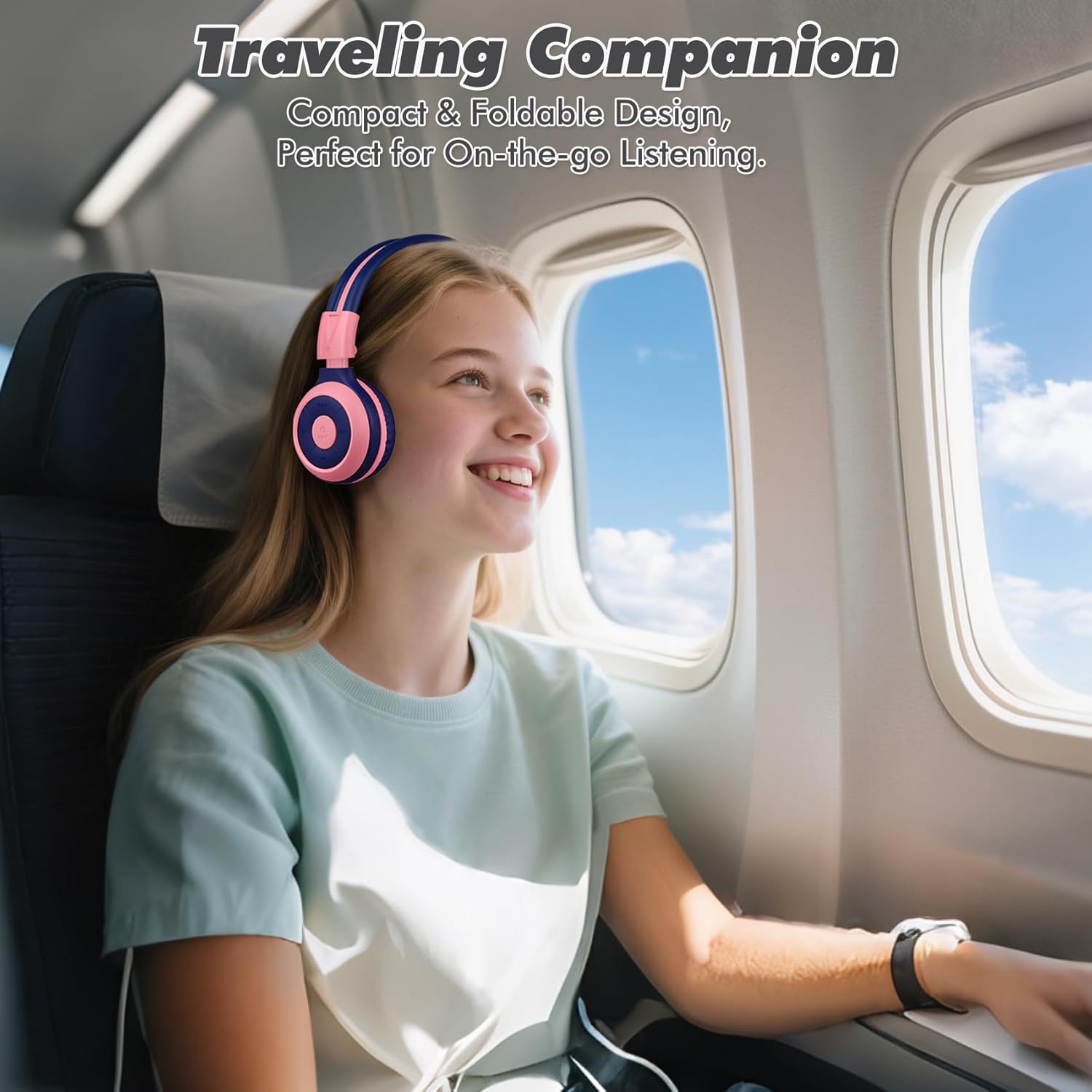
Image: The SIMOLIO JH-712 headphones are a perfect travel companion due to their compact and foldable design.
2. อะไรอยู่ในกล่อง
กรุณาตรวจสอบเนื้อหาในแพ็คเกจเพื่อให้แน่ใจว่ามีสินค้าครบทั้งหมด:
- SIMOLIO JH-712 Kids Bluetooth Headphones
- กระเป๋าใส่ EVA
- สายชาร์จ USB
- สายสัญญาณเสียงขนาด 3.5 มม.
- คู่มือการใช้งาน (เอกสารนี้)
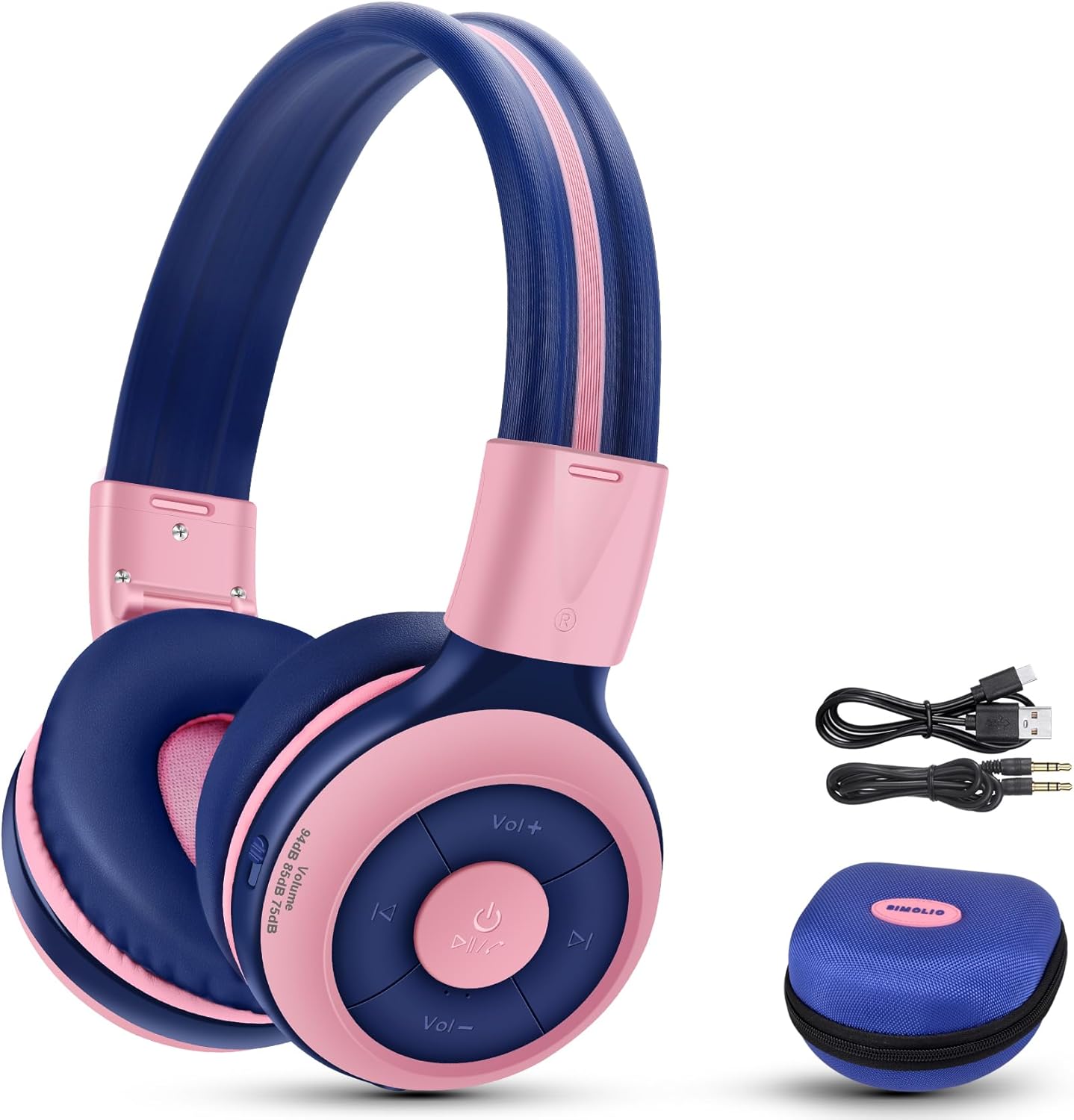
Image: Contents of the SIMOLIO JH-712 headphone package, including the headphones, cables, and EVA case.
3. สินค้าหมดview
The SIMOLIO JH-712 headphones feature a robust and comfortable design. Key components include:
- แถบคาดศีรษะปรับได้: Made with memory stainless steel strips for durability and flexibility, allowing for a custom fit.
- เบาะรองหูฟังแบบนุ่ม: Over-ear design with memory foam earmuffs provides comfort and helps isolate external noise.
- ปุ่มควบคุม: Located on the earcup for power, volume, playback, and call management.
- ไมโครโฟนในตัว: For hands-free calling and online learning.
- พอร์ตเสียง 3.5 มม.: สำหรับการเชื่อมต่อแบบมีสาย
- พอร์ตชาร์จ: สำหรับชาร์จแบตเตอรี่ภายใน
- พอร์ตที่ใช้ร่วมกัน: Allows another headphone to daisy-chain for shared audio.
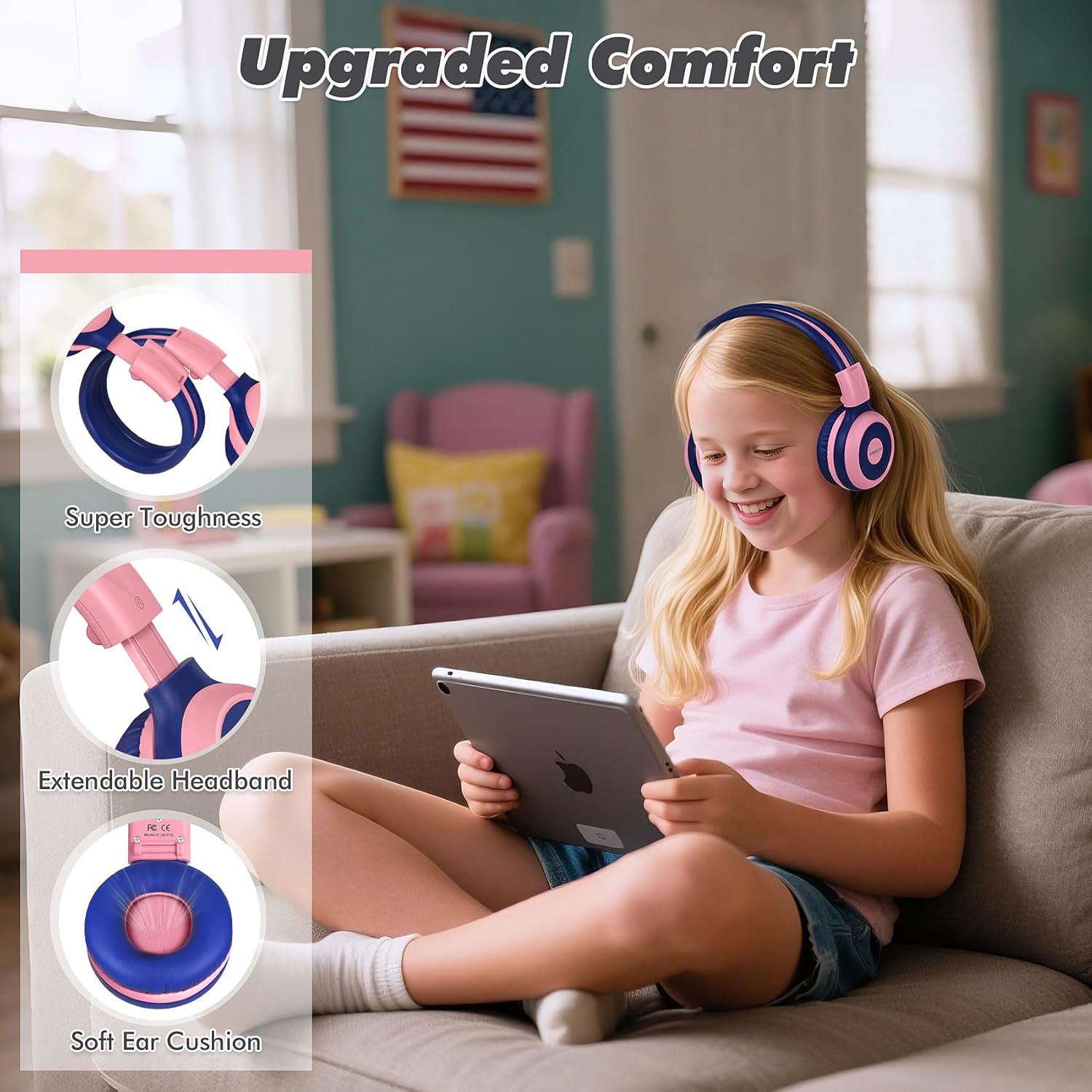
Image: Features highlighting the upgraded comfort, including super toughness, extendable headband, and soft ear cushions.

Image: Ergonomic design details showing soft earcups, adjustable and sturdy headband, and foldable functionality.
4. การตั้งค่า
4.1 การชาร์จหูฟัง
ก่อนใช้งานครั้งแรก ควรชาร์จหูฟังให้เต็ม การชาร์จจนเต็มใช้เวลาประมาณ 3 ชั่วโมง
- เชื่อมต่อสายชาร์จ USB เข้ากับพอร์ตชาร์จบนหูฟัง
- เชื่อมต่อปลายอีกด้านหนึ่งของสาย USB เข้ากับแหล่งพลังงาน USB ที่ใช้งานร่วมกันได้ (เช่น พอร์ต USB ของคอมพิวเตอร์ อะแดปเตอร์ติดผนัง)
- The LED indicator will show charging status (refer to the LED indicator section in the full manual for details).
- เมื่อชาร์จเต็มแล้ว ให้ถอดสายชาร์จออก
4.2 การจับคู่บลูทูธ
To connect your headphones wirelessly via Bluetooth:
- ตรวจสอบให้แน่ใจว่าหูฟังปิดอยู่
- กดปุ่มเปิด/ปิดค้างไว้จนกระทั่งไฟ LED แสดงสถานะกะพริบเป็นสีน้ำเงินและสีแดง แสดงถึงโหมดจับคู่
- บนอุปกรณ์ของคุณ (สมาร์ทโฟน แท็บเล็ต คอมพิวเตอร์) เปิดใช้งาน Bluetooth และค้นหาอุปกรณ์ที่มีอยู่
- Select "SIMOLIO JH-712" from the list of devices.
- เมื่อเชื่อมต่อแล้ว ไฟ LED จะแสดงไฟสีน้ำเงินคงที่หรือกะพริบช้าๆ
4.3 โหมดแบบมีสาย
You can use the headphones in wired mode when the battery is low or with devices that do not support Bluetooth.
- ต่อปลายด้านหนึ่งของสายสัญญาณเสียงขนาด 3.5 มม. เข้ากับพอร์ตเสียงบนหูฟัง
- ต่อปลายอีกด้านหนึ่งเข้ากับช่องเสียบหูฟังขนาด 3.5 มม. ของอุปกรณ์ของคุณ
- หูฟังจะเปลี่ยนเป็นโหมดสายโดยอัตโนมัติ
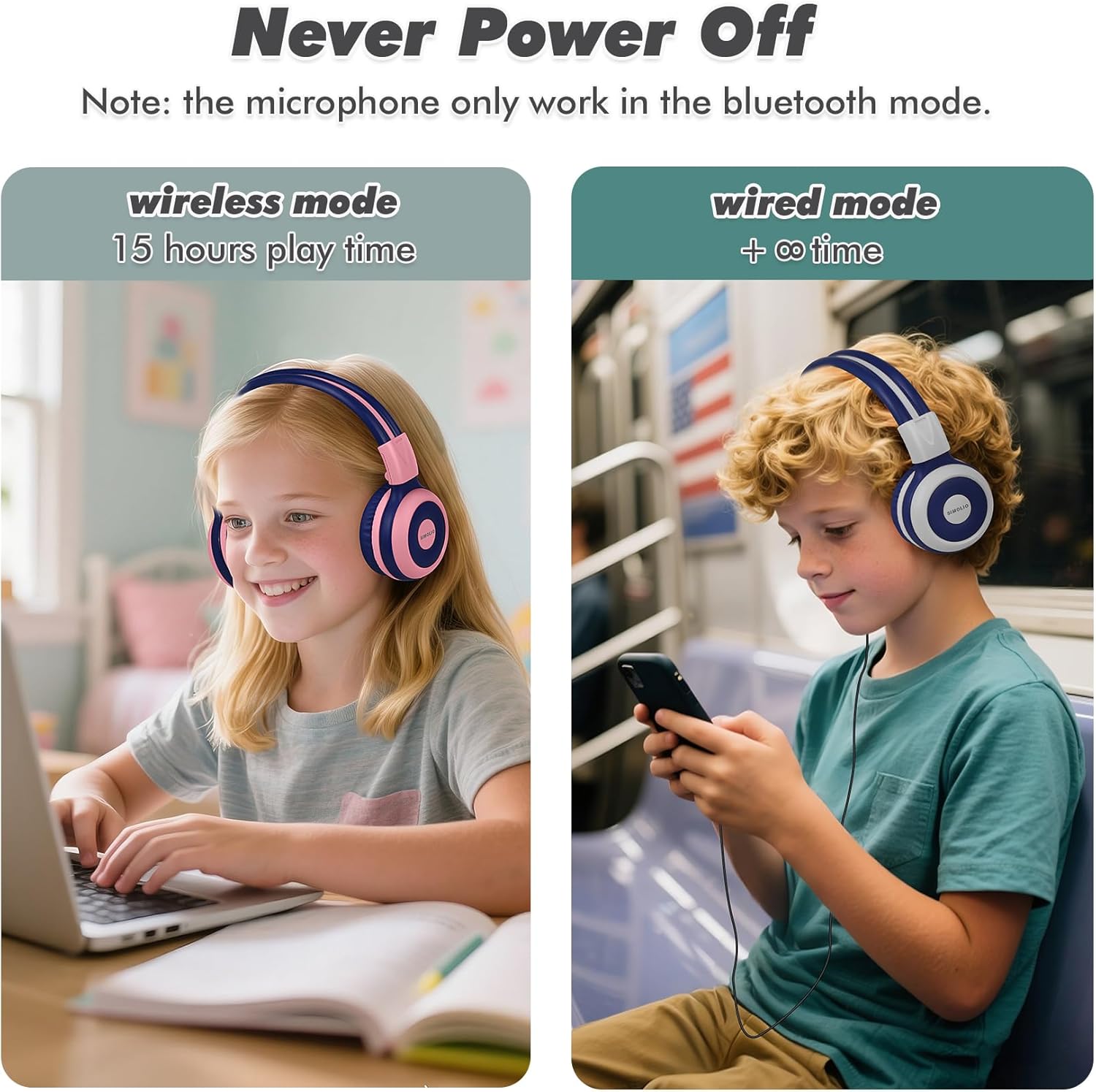
Image: Illustration of wireless mode with 15 hours play time and wired mode for continuous use.
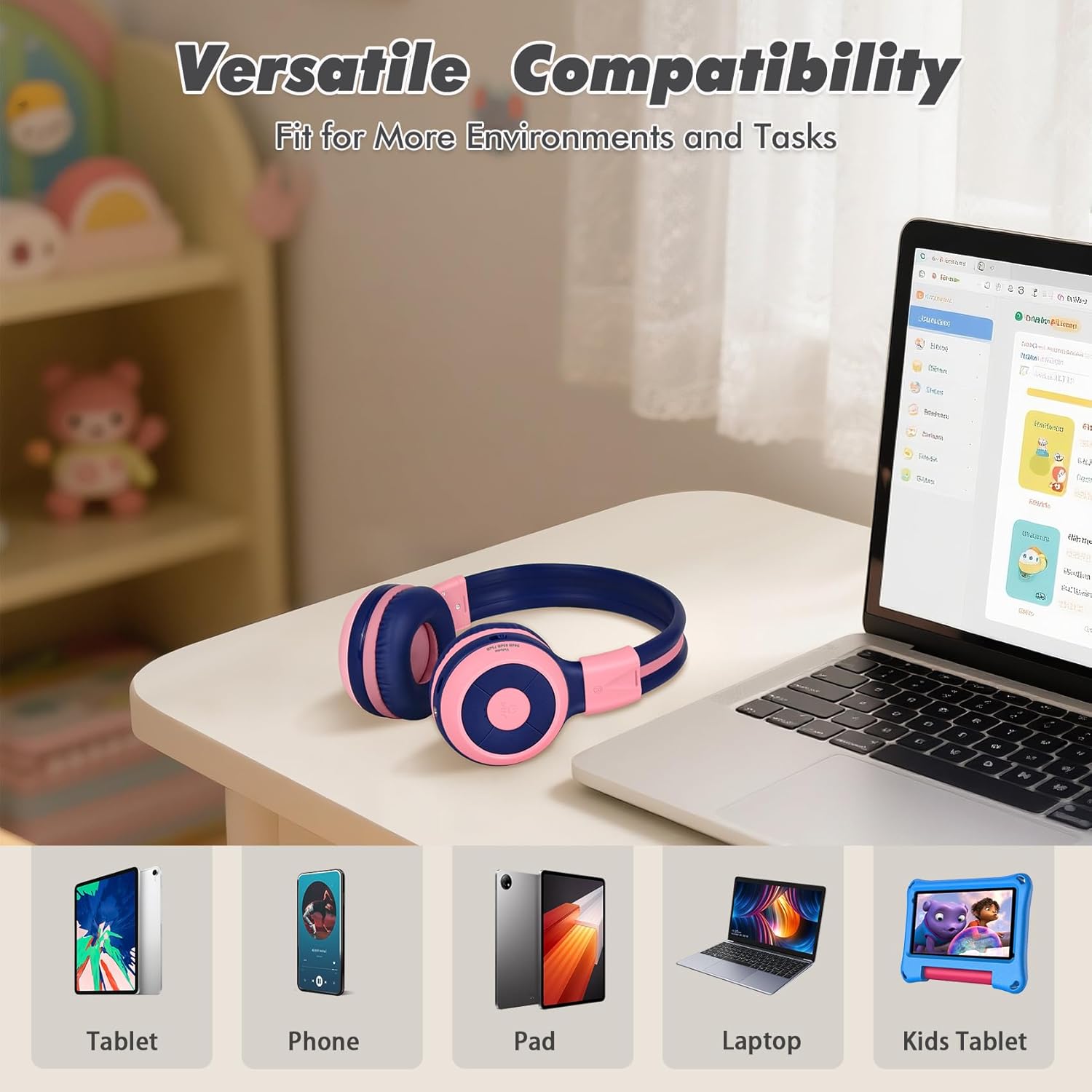
Image: Versatile compatibility with various devices including tablets, phones, iPads, laptops, and kids' tablets.
5. คู่มือการใช้งาน
5.1 เปิด/ปิดเครื่อง
- เปิดเครื่อง: กดปุ่มเปิด/ปิดค้างไว้ประมาณ 3 วินาที จนกว่าไฟแสดงสถานะ LED จะสว่างขึ้น
- หมดแรง: กดปุ่มเปิด/ปิดค้างไว้ประมาณ 3 วินาที จนกระทั่งไฟแสดงสถานะ LED ดับลง
5.2 Volume Control and Limiter
The headphones feature a unique 3-level volume limiter to protect hearing:
- 75dB (Toddler Mode): For very young children.
- 85dB (โหมดการศึกษา): Suitable for general listening and study.
- 94dB (โหมดเดินทาง): For noisier environments, providing a slightly higher but still safe volume.
Use the dedicated switch on the earcup to select the desired volume limit. Adjust the listening volume using the Vol+ and Vol- buttons.
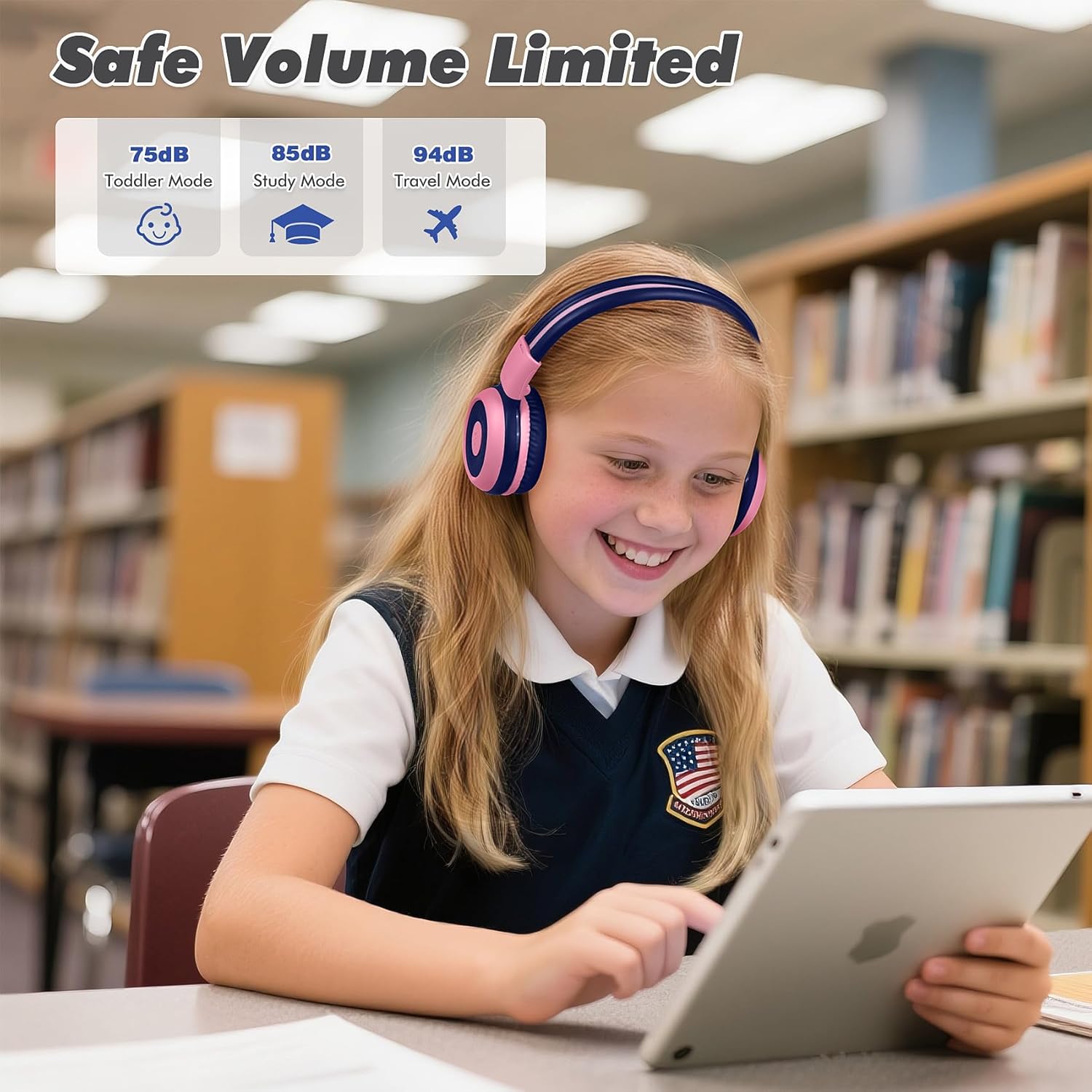
Image: Safe Volume Limited feature with three distinct modes for different age groups and environments.

ภาพ: รายละเอียด view of the 3-level volume limiter switch for kids' hearing protection.
5.3 การเล่นเพลง
- เล่น/หยุดชั่วคราว: กดปุ่มเล่น/หยุดชั่วคราวหนึ่งครั้ง
- เพลงถัดไป: กดปุ่ม "เพลงถัดไป" หนึ่งครั้ง
- แทร็กก่อนหน้า: กดปุ่มเพลงก่อนหน้าหนึ่งครั้ง
5.4 การจัดการการโทร
ไมโครโฟนในตัวช่วยให้สามารถโทรแบบแฮนด์ฟรีได้เมื่อเชื่อมต่อผ่านบลูทูธ
- รับ/วางสาย: กดปุ่มเล่น/หยุดชั่วคราวหนึ่งครั้ง
- ปฏิเสธสาย: กดปุ่มเล่น/หยุดชั่วคราวค้างไว้ประมาณ 2 วินาที

Image: Crystal-clear calls and online learning anytime with the built-in HD microphone.
5.5 ฟังก์ชันการแชร์พอร์ต
The unique share port allows two headphones to listen to the same audio source simultaneously.
- Connect the first headphone wirelessly to your device.
- Connect one end of the 3.5mm audio cable to the share port of the first headphone.
- Connect the other end of the 3.5mm audio cable to the audio input of a second headphone.
- ขณะนี้หูฟังทั้งสองข้างจะรับสัญญาณเสียงจากแหล่งเดียวกันแล้ว

Image: Double the fun with one device and two listeners using the unique sharing port.
6. การบำรุงรักษา
การดูแลอย่างถูกต้องจะช่วยยืดอายุการใช้งานของหูฟังของคุณ
- การทำความสะอาด: ใช้ผ้านุ่มและแห้งเช็ดทำความสะอาดหูฟัง ห้ามใช้น้ำยาทำความสะอาดหรือสเปรย์
- พื้นที่จัดเก็บ: When not in use, store the headphones in the provided EVA carrying case to protect them from dust and damage. The foldable design makes storage compact.
- หลีกเลี่ยงเงื่อนไขที่รุนแรง: อย่าให้หูฟังอยู่ในที่ที่มีอุณหภูมิสูง ความชื้นสูง หรือแสงแดดโดยตรง
- ความต้านทานน้ำ: These headphones are not water resistant. Avoid contact with liquids.

Image: Folding the headphones and storing them in the hard EVA case for space-saving and easy carrying.
7 การแก้ไขปัญหา
If you encounter issues with your SIMOLIO JH-712 headphones, please refer to the following common solutions:
| ปัญหา | วิธีแก้ปัญหาที่เป็นไปได้ |
|---|---|
| หูฟังเปิดไม่ติด | ตรวจสอบให้แน่ใจว่าหูฟังชาร์จเต็มแล้ว เสียบปลั๊กแล้วลองอีกครั้ง |
| ไม่สามารถจับคู่ผ่านบลูทูธได้ | Make sure headphones are in pairing mode (flashing blue/red LED). Turn off and on your device's Bluetooth. Ensure headphones are not connected to another device. |
| ไม่มีเสียงในโหมดไร้สาย | Check if the headphones are successfully paired and connected. Adjust the volume on both the headphones and your device. Ensure the volume limiter switch is not set too low. |
| ไม่มีเสียงในโหมดใช้สาย | Ensure the 3.5mm audio cable is securely connected to both the headphones and your device. Test with a different audio cable if available. |
| ไมโครโฟนไม่ทำงาน | The microphone only works in Bluetooth mode. Ensure headphones are connected via Bluetooth and selected as the input device on your system settings. |
| เสียงเบาเกินไป | Check the 3-level volume limiter switch on the headphones and adjust it to a higher setting (e.g., 85dB or 94dB). Increase volume on both the headphones and the connected device. |
8. ข้อมูลจำเพาะ
Detailed technical specifications for the SIMOLIO JH-712 Kids Bluetooth Headphones:
- ชื่อรุ่น : Kids Wireless Bluetooth Headphones JH-712P
- เทคโนโลยีการเชื่อมต่อ: ไร้สาย (บลูทูธ), มีสาย (แจ็ค 3.5 มม.)
- เวอร์ชันบลูทูธ: 5.0
- ช่วงบลูทู ธ : 10 เมตร (33 ฟุต)
- ประเภทไดรเวอร์เสียง: ไดร์เวอร์แบบไดนามิก
- ขนาดไดร์เวอร์เสียง: 40 มิลลิเมตร
- อิมพีแดนซ์: 32 โอห์ม
- การควบคุมเสียงรบกวน: การแยกเสียง
- อายุการใช้งานแบตเตอรี่: ใช้งานได้นานสูงสุด 15 ชั่วโมง (โหมดไร้สาย)
- เวลาในการชาร์จ: ประมาณ 3 ชั่วโมง
- ประเภทการควบคุม: การควบคุมสื่อ, ปุ่มกด
- คุณสมบัติพิเศษ: Adjustable Headband, Foldable, Built-in Microphone, Noise Isolation, 3-level Volume Limiter (75dB/85dB/94dB), Share Port
- วัสดุ: Stainless Steel (headband), Memory Foam (earmuffs), EVA (case)
- น้ำหนักสินค้า: 9.2 ออนซ์ (260 กรัม)
- ขนาดสินค้า : 5.51 x 3.15 x 5.31 นิ้ว
- ระดับการต้านทานน้ำ: ไม่ทนน้ำ
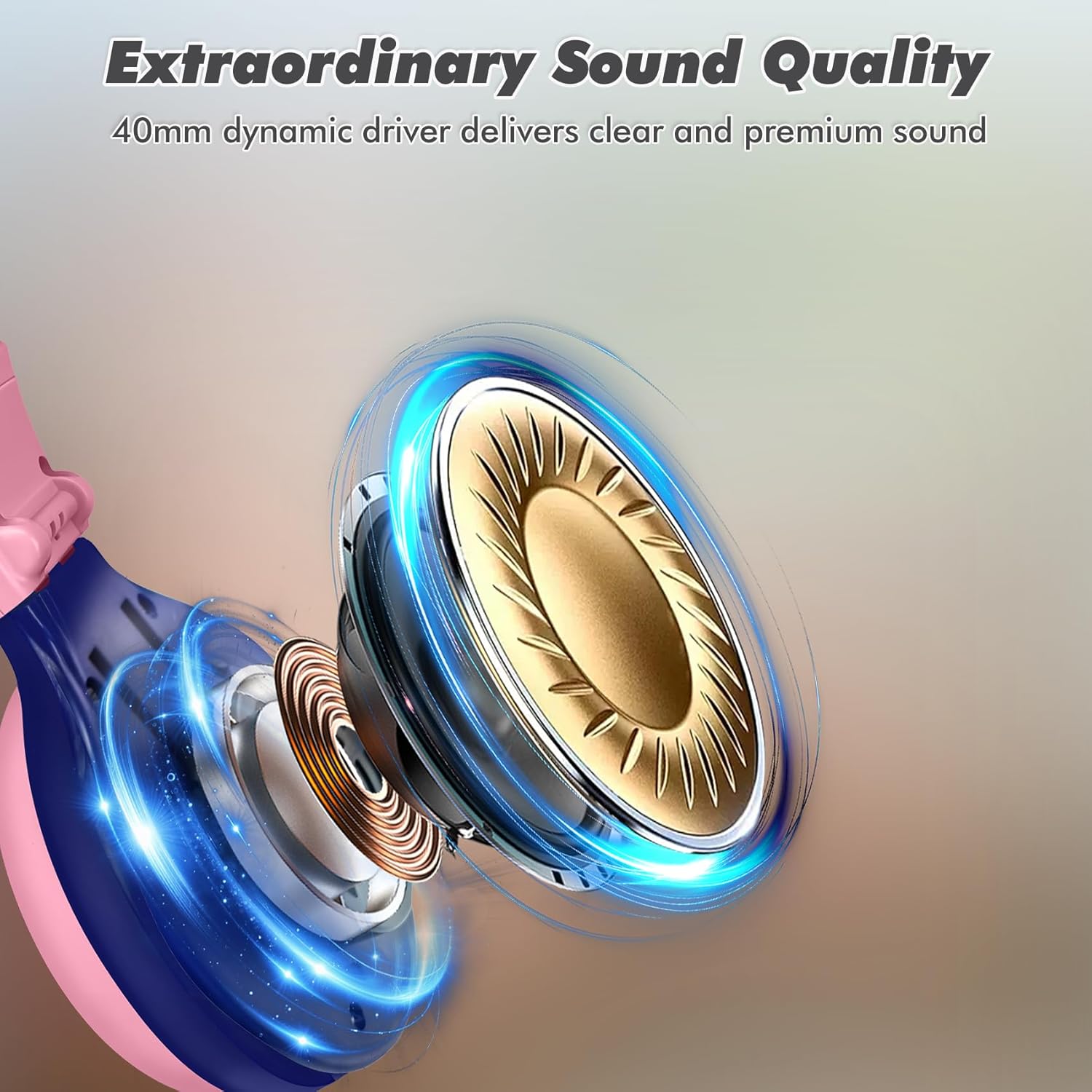
Image: Illustration of the 40mm dynamic driver, delivering clear and premium sound quality.
9. การรับประกันและการสนับสนุน
SIMOLIO provides a รับประกันไร้ปัญหานาน 12 เดือน for the JH-712 Kids Bluetooth Headphones.
If you have any questions, concerns, or require technical assistance, please contact SIMOLIO customer service. Contact information can typically be found on the official SIMOLIO webเว็บไซต์หรือผ่านแพลตฟอร์มการซื้อของคุณ
สำหรับข้อมูลสนับสนุนเพิ่มเติมและข้อมูลผลิตภัณฑ์ คุณสามารถเยี่ยมชมได้ที่ ร้าน SIMOLIO บน Amazon.
10. วิดีโอผลิตภัณฑ์
Watch this official product video for a visual guide to the SIMOLIO Kids Bluetooth Headphones JH-712.
Video: SIMOLIO Kids Bluetooth Headphones with Mic JH-712. This video demonstrates the features and usage of the headphones.