
1. บทนำ
ขอบคุณสำหรับการซื้อasing the FINLUX 32-FHD-5620 32-inch Smart HD Ready LED TV. This television combines high-definition viewing with smart features, including Freeview Play, Amazon Prime Video, and Alexa compatibility. This manual provides essential information for setting up, operating, and maintaining your new television. Please read it thoroughly before use and retain it for future reference.
2. ข้อมูลด้านความปลอดภัย
โปรดปฏิบัติตามข้อควรระวังด้านความปลอดภัยต่อไปนี้เสมอ เพื่อหลีกเลี่ยงไฟฟ้าช็อต ไฟไหม้ หรือความเสียหายต่อโทรทัศน์
- แหล่งพลังงาน: เชื่อมต่อทีวีกับแหล่งจ่ายไฟ AC เท่านั้นตามที่ระบุไว้บนฉลาก
- การระบายอากาศ : ตรวจสอบให้แน่ใจว่ามีการระบายอากาศที่เพียงพอ อย่าปิดกั้นช่องระบายอากาศ
- น้ำและความชื้น: อย่าให้ทีวีโดนฝนหรือความชื้น อย่าวางวัตถุที่บรรจุของเหลวไว้บนทีวี
- การทำความสะอาด: ถอดปลั๊กทีวีก่อนทำความสะอาด ใช้ผ้าแห้งนุ่มๆ เช็ดทำความสะอาด ห้ามใช้น้ำยาทำความสะอาดหรือสเปรย์กระป๋อง
- การจัดวาง: วางทีวีบนพื้นผิวที่มั่นคงและเรียบ หลีกเลี่ยงการวางทีวีไว้กลางแดดหรือใกล้แหล่งความร้อน
- การบริการ: อย่าพยายามซ่อมแซมทีวีด้วยตนเอง แนะนำให้ซ่อมแซมทั้งหมดโดยช่างผู้ชำนาญการ
3. อะไรอยู่ในกล่อง
แกะทีวีของคุณออกจากกล่องอย่างระมัดระวังและตรวจสอบว่ามีสิ่งของต่อไปนี้รวมอยู่ด้วยหรือไม่:
- FINLUX 32-FHD-5620 32-inch Smart HD Ready LED TV
- รีโมทคอนโทรล (รวมแบตเตอรี่ AAA 2 ก้อน)
- แท่นวางทีวี
- Instruction Booklets
- สายไฟ

ภาพที่ 1: ด้านหน้า view of the FINLUX 32-FHD-5620 TV with a colorful landscape displayed on screen, showcasing its design and central stand.
4. การตั้งค่า
4.1 การติดตั้งขาตั้ง
- วางทีวีคว่ำหน้าลงบนพื้นผิวที่นุ่มและสะอาด เพื่อป้องกันหน้าจอเสียหาย
- จัดวางขาตั้งให้ตรงกับรูยึดที่ด้านล่างของทีวี
- ยึดขาตั้งด้วยสกรูที่ให้มา ตรวจสอบให้แน่ใจว่ายึดแน่นดีแล้ว
- ยกทีวีขึ้นอย่างระมัดระวังให้ตั้งตรงบนพื้นผิวที่มั่นคง
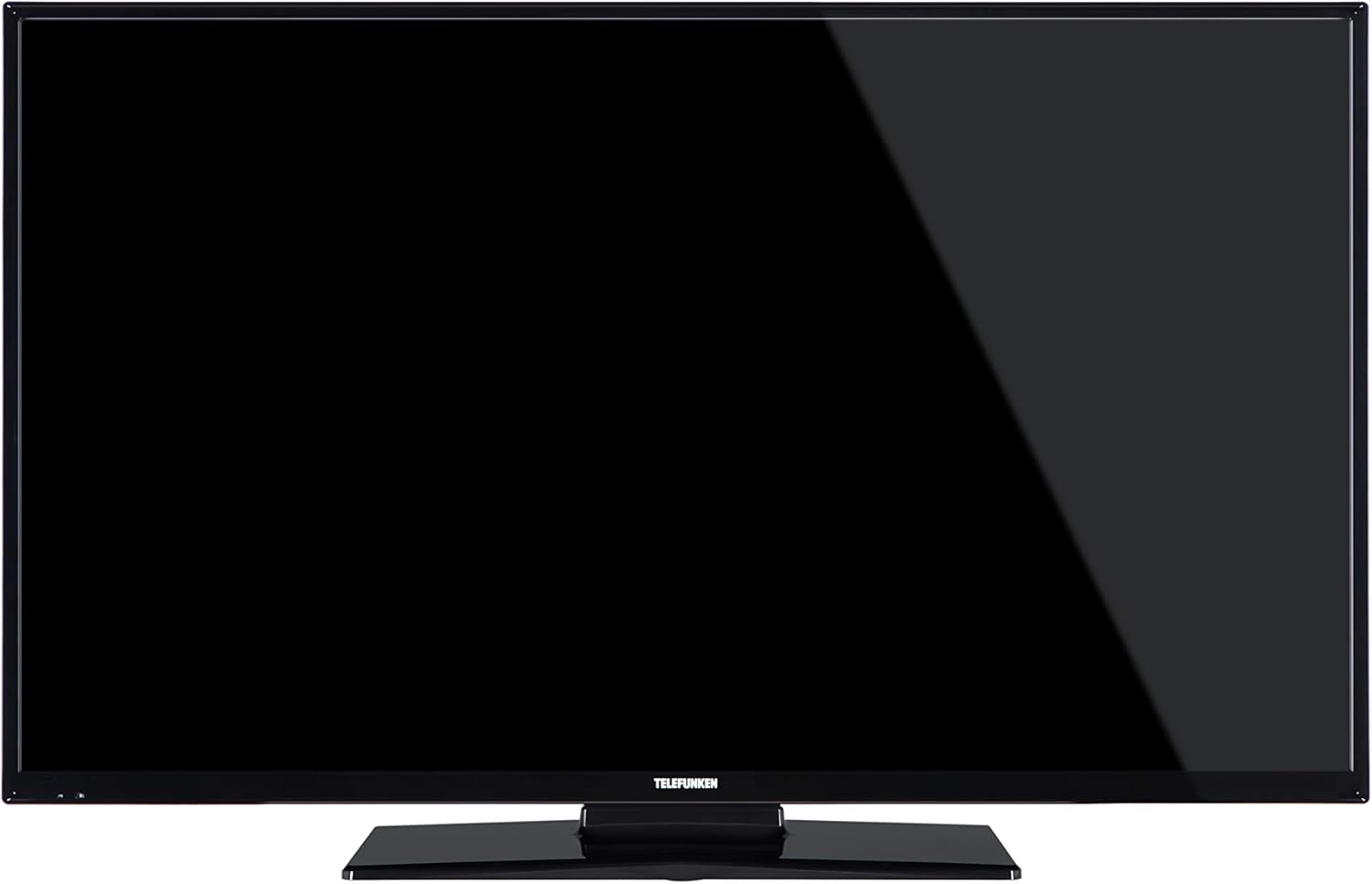
ภาพที่ 2: ด้านหน้า view of the FINLUX 32-FHD-5620 TV with a black screen, demonstrating the TV's appearance with the stand installed.
4.2 การติดตั้งบนผนัง (ทางเลือก)
If you choose to wall mount your TV, ensure you use a VESA-compatible wall mount kit (not included) and follow the instructions provided with the wall mount. Always consult a professional for wall mounting to ensure safety and proper installation.
4.3 การเชื่อมต่ออุปกรณ์ภายนอก
Your FINLUX TV offers various connectivity options. Refer to the image below for port locations.

ภาพที่ 3: ด้านข้าง view of the FINLUX 32-FHD-5620 TV, highlighting the accessible input ports for external devices.
- ช่องต่อ HDMI: เชื่อมต่อเครื่องเล่น Blu-ray, คอนโซลเกม หรือกล่องรับสัญญาณทีวี
- ยูเอสบี: เชื่อมต่ออุปกรณ์จัดเก็บข้อมูล USB สำหรับการเล่นสื่อ
- เสาอากาศ/สายเคเบิล: Connect your aerial for Freeview Play channels.
- อีเธอร์เน็ต: สำหรับการเชื่อมต่ออินเตอร์เน็ตแบบใช้สาย
- VGA: เชื่อมต่อคอมพิวเตอร์
4.4 การเชื่อมต่อสายไฟ
Plug the power cable into the TV's power input, then into a wall socket.
4.5 ตัวช่วยการตั้งค่าเริ่มต้น
เมื่อเปิดเครื่องครั้งแรก ทีวีจะแนะนำคุณตามขั้นตอนการตั้งค่าเบื้องต้น ซึ่งรวมถึง:
- การเลือกภาษา
- เลือกประเทศ/ภูมิภาค
- การสแกนช่องสัญญาณ (ฟรีview เล่น).
- การเชื่อมต่อเครือข่าย (Wi-Fi หรือ Ethernet)
- การตั้งค่าเขตเวลา
5. การใช้งานทีวีของคุณ
5.1 การควบคุมระยะไกล
Insert the two AAA batteries into the remote control, ensuring correct polarity. The remote allows you to control all TV functions, including power, volume, channel selection, smart TV navigation, and menu access.
5.2 ฟังก์ชั่นทีวีพื้นฐาน
- เปิด/ปิดเครื่อง: กดปุ่มเปิดปิดบนรีโมทหรือทีวี
- การควบคุมระดับเสียง: ใช้ปุ่มปรับระดับเสียง +/-
- การเลือกช่อง: ใช้ปุ่ม CH +/- หรือแป้นตัวเลข
- แหล่งสัญญาณเข้า: Press the SOURCE button to switch between HDMI, USB, TV, etc.
5.3 คุณสมบัติของสมาร์ททีวี
Your FINLUX Smart TV provides access to a range of online content and services.
- ฟรีview เล่น: Access over 60 TV channels and up to 15 HD channels. Scroll back in the TV Guide (EPG) to watch programs from the last 7 days from BBC iPlayer, ITV Hub, All 4, and Demand 5. Ensure your TV is connected to the internet.
- วิดีโอ Amazon Prime: Enjoy a wide selection of movies and TV shows.
- บูรณาการของ Alexa: Control your TV using voice commands through an Amazon Echo or Echo Dot device. Pair your Alexa device with your TV to enable this feature.
- การเติมเต็ม Amazon Dash: This feature allows the TV to automatically reorder batteries when they run low. Register for this service via the Dash Replenishment application on your TV.
5.4 การเชื่อมต่อเครือข่าย
To access Smart TV features, your TV must be connected to the internet.
- ไวไฟ : Navigate to the TV's network settings, select your Wi-Fi network, and enter the password.
- อีเธอร์เน็ต: เชื่อมต่อสายอีเธอร์เน็ตจากเราเตอร์ไปยังพอร์ต LAN บนทีวี
6. การบำรุงรักษา
6.1 การทำความสะอาดทีวีของคุณ
- ควรถอดปลั๊กทีวีทุกครั้งก่อนทำความสะอาด
- ใช้ผ้าแห้งนุ่มและไม่ขุยเช็ดหน้าจอและตู้
- Do not use liquid or spray cleaners, as they may damage the screen or cabinet.
6.2 การอัปเดตซอฟต์แวร์
ทีวีของคุณอาจได้รับการอัปเดตซอฟต์แวร์เพื่อปรับปรุงประสิทธิภาพและเพิ่มคุณสมบัติใหม่ ตรวจสอบให้แน่ใจว่าทีวีของคุณเชื่อมต่อกับอินเทอร์เน็ตเพื่อรับการอัปเดตเหล่านี้โดยอัตโนมัติ หรือตรวจสอบด้วยตนเองในเมนูการตั้งค่า
7 การแก้ไขปัญหา
หากคุณพบปัญหาเกี่ยวกับทีวี โปรดดูปัญหาและวิธีแก้ไขที่พบบ่อยต่อไปนี้
| ปัญหา | วิธีแก้ปัญหาที่เป็นไปได้ |
|---|---|
| ไม่มีไฟฟ้า | Check if the power cable is securely plugged into the TV and the wall outlet. Ensure the wall outlet has power. |
| ไม่มีภาพแต่มีเสียง | ตรวจสอบแหล่งสัญญาณเข้า ตรวจสอบให้แน่ใจว่าอุปกรณ์ภายนอกเปิดอยู่และเชื่อมต่ออย่างถูกต้อง ลองใช้สาย HDMI เส้นอื่น |
| ไม่มีเสียงแต่มีภาพ | Check the volume level. Ensure mute is not activated. Check audio settings and external audio connections. |
| รีโมตคอนโทรลไม่ทำงาน | เปลี่ยนแบตเตอรี่ ตรวจสอบให้แน่ใจว่าไม่มีสิ่งกีดขวางระหว่างรีโมทและเซ็นเซอร์อินฟราเรดของทีวี |
| ไม่สามารถเชื่อมต่อ Wi-Fi ได้ | Ensure your router is on and working. Re-enter the Wi-Fi password. Try restarting your router and TV. |
| Smart features not loading | Check your internet connection. Restart the TV. Ensure the TV's software is up to date. |
หากปัญหายังคงมีอยู่หลังจากลองวิธีแก้ไขเหล่านี้แล้ว โปรดติดต่อฝ่ายสนับสนุนลูกค้า
8. ข้อมูลจำเพาะ
| หมายเลขรุ่น | 32-FHD-5620 |
| ยี่ห้อ | ฟินลักซ์ |
| ขนาดหน้าจอ | 32 นิ้ว |
| เทคโนโลยีการแสดงผล | นำ |
| ปณิธาน | HD Ready (e.g., 1366x768 pixels). Note: Specifications mention 4K resolution, which may refer to supported input signals. The panel's native resolution is HD Ready. |
| อัตราการรีเฟรช | 50 เฮิรตซ์ |
| คุณสมบัติพิเศษ | Amazon Dash Replenishment, Works with Alexa, Freeview Play, Smart TV |
| เทคโนโลยีการเชื่อมต่อ | อีเธอร์เน็ต, HDMI, USB, VGA |
| บริการอินเทอร์เน็ตที่รองรับ | Alexa, Amazon Prime Video |
| ประเภทการติดตั้ง | Wall Mount, Table Mount |
| แบตเตอรี่ | 2 AAA (รวมสำหรับรีโมท) |
| ขนาดบรรจุภัณฑ์ (โดยประมาณ) | 91 x 58 x 15.5 ซม. |
| น้ำหนักบรรจุภัณฑ์ (โดยประมาณ) | 7.1 กก. |
9. การรับประกันและการสนับสนุน
9.1 ข้อมูลการรับประกัน
Your FINLUX TV is covered by a manufacturer's warranty. Please refer to the warranty card included in your product packaging or visit the official FINLUX webดูรายละเอียดข้อกำหนดและเงื่อนไขการรับประกันได้ที่เว็บไซต์ เก็บหลักฐานการซื้อไว้เพื่อใช้ในการเรียกร้องการรับประกัน
9.2 การสนับสนุนลูกค้า
For technical assistance, troubleshooting beyond this manual, or service inquiries, please contact FINLUX customer support. Contact details can typically be found on the official FINLUX webไซต์หรือในเอกสารที่มาพร้อมกับทีวีของคุณ
การสนับสนุนทางออนไลน์: Visit the official FINLUX webเว็บไซต์นี้รวบรวมคำถามที่พบบ่อย (FAQ) ข้อมูลดาวน์โหลดซอฟต์แวร์ และข้อมูลติดต่อฝ่ายสนับสนุน