
Other C547
คู่มือผู้ใช้สายเคเบิลกระจายสัญญาณเครือข่ายอีเธอร์เน็ต RJ45 ยาว 30 เมตร รุ่น C547
รุ่น: C547
1. บทนำและเรื่องอื่นๆview
This manual provides essential information for the proper use and maintenance of your Other 30m RJ45 Ethernet Network Patch Cable, Model C547. This cable is designed to connect various hardware destinations within a Local Area Network (LAN), facilitating data transmission between devices.
คุณสมบัติที่สำคัญ ได้แก่:
- Connects all hardware destinations on a Local Area Network (LAN).
- Optimized for use with 10 Base-T, 100 Base-T, and 1000 Base-T networks.
- Equipped with two RJ-45 male connectors.
- Features 50-micron gold-plated connectors for reliable signal transmission.
- การออกแบบที่มีน้ำหนักเบาและทนทาน
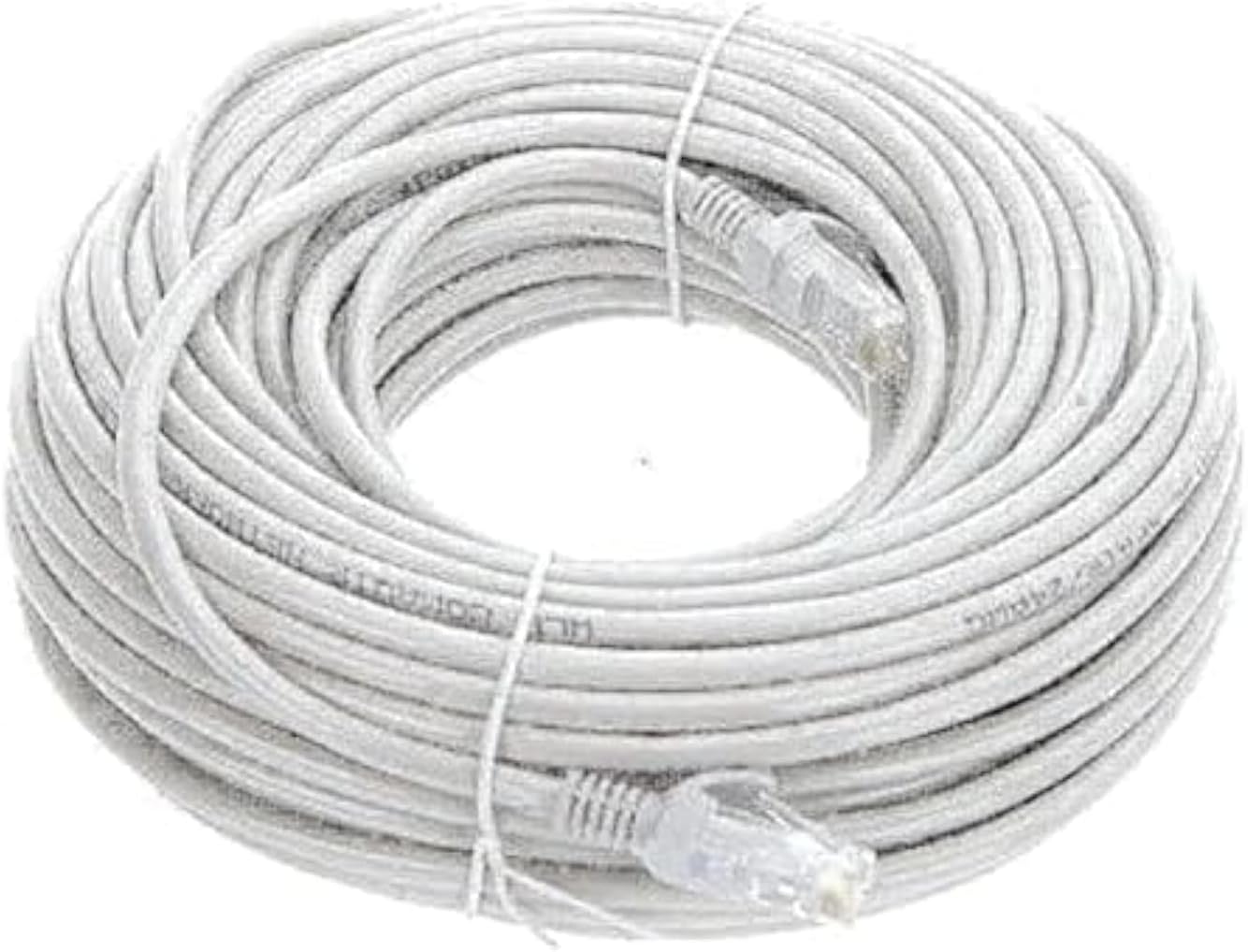
Figure 1: The 30m RJ45 Ethernet Network Patch Cable, coiled for packaging.
2. การตั้งค่าและการเชื่อมต่อ
The Other 30m RJ45 Ethernet Network Patch Cable is designed for straightforward plug-and-play connectivity. Follow these steps to establish a network connection:
- ระบุพอร์ต: Locate the RJ45 Ethernet ports on the devices you wish to connect (e.g., computer, router, modem, network switch). These ports are typically rectangular and slightly larger than a phone jack.
- Connect First Device: Insert one end of the RJ45 Ethernet cable into the Ethernet port of your first device. Ensure the connector clicks securely into place.
- เชื่อมต่ออุปกรณ์เครื่องที่สอง: Insert the other end of the RJ45 Ethernet cable into the Ethernet port of your second device. Again, ensure a secure connection.
- ตรวจสอบการเชื่อมต่อ: Most devices will indicate a successful connection with an illuminated LED light near the Ethernet port. Refer to your device's manual for specific indicators.

รูปที่ 2: ภาพระยะใกล้ view of an RJ45 connector, showing the locking tab and gold-plated pins.
For optimal performance, avoid bending the cable sharply or placing it under heavy objects, as this can damage the internal wiring and affect signal quality.
3. หลักการทำงาน
This Ethernet patch cable functions as a physical medium for transmitting data packets between network devices. It supports various Ethernet standards, including 10BASE-T (10 Mbps), 100BASE-T (100 Mbps), and 1000BASE-T (1 Gbps), making it suitable for a wide range of home and office network applications.
The gold-plated connectors enhance conductivity and resist corrosion, contributing to a stable and clear data transmission. The cable facilitates communication for activities such as internet browsing, file sharing, online gaming, and streaming media.

Figure 3: Both ends of the Ethernet cable featuring RJ45 male connectors.
4. การบำรุงรักษาและการดูแล
To ensure the longevity and optimal performance of your Ethernet cable, consider the following maintenance guidelines:
- หลีกเลี่ยงความเครียดทางร่างกาย: Do not excessively bend, twist, or pull the cable. Sharp bends can damage the internal conductors, leading to signal loss or degradation.
- ป้องกันขั้วต่อ: Keep the RJ45 connectors clean and free from dust or debris. Avoid touching the gold-plated pins directly.
- การจัดเก็บที่เหมาะสม: When not in use, coil the cable loosely. Avoid tight coiling or kinking.
- สภาพแวดล้อม : ควรเก็บและใช้งานสายเคเบิลในที่แห้ง หลีกเลี่ยงอุณหภูมิที่สูงหรือต่ำเกินไป และแสงแดดโดยตรง

Figure 4: An illustration of the internal twisted pair wiring within an Ethernet cable, crucial for signal integrity.
5 การแก้ไขปัญหา
หากคุณพบปัญหาเกี่ยวกับการเชื่อมต่อเครือข่าย โปรดลองทำตามขั้นตอนการแก้ไขปัญหาต่อไปนี้:
- ไม่มีการเชื่อมต่อเครือข่าย:
- ตรวจสอบให้แน่ใจว่าปลายสายทั้งสองด้านเสียบเข้ากับพอร์ตที่เกี่ยวข้องอย่างแน่นหนาแล้ว
- Check if the network indicator lights on your devices are active.
- Try connecting a different, known-working Ethernet cable to rule out cable damage.
- Restart your network devices (modem, router, computer).
- ความเร็วเครือข่ายช้า:
- Verify that your network devices (router, network card) support the desired speed (e.g., Gigabit Ethernet).
- Ensure the cable is not damaged or kinked, as this can degrade performance.
- Test with a shorter cable if possible, especially if the 30m length is close to maximum recommended distances for certain cable categories.
- การเชื่อมต่อไม่ต่อเนื่อง:
- ตรวจสอบดูว่ามีการเชื่อมต่อหลวมที่ปลายทั้งสองด้านหรือไม่
- Inspect the cable for visible damage, such as cuts or severe bends.
- ตรวจสอบให้แน่ใจว่าสายเคเบิลไม่ได้วางอยู่ใกล้แหล่งกำเนิดสัญญาณรบกวนทางแม่เหล็กไฟฟ้าที่รุนแรง
6. ข้อมูลจำเพาะ
| คุณสมบัติ | รายละเอียด |
|---|---|
| หมายเลขรุ่น | ซี547 |
| ยี่ห้อ | อื่น |
| ประเภทสายเคเบิล | สายแพทช์อีเทอร์เน็ต |
| ประเภทขั้วต่อ | RJ45 ตัวผู้ต่อตัวผู้ |
| ความยาวสายเคเบิล | 30 เมตร |
| Ethernet Category | Cat 5e (Supports 10/100/1000 Base-T networks) |
| การชุบขั้วต่อ | 50-micron Gold Plated |
| สี | Gray (as per description, though product image is white/clear) |
| ขนาดสินค้า | 35 x 35 x 20 cm (packaged); 80 g (weight) |
| อุปกรณ์ที่รองรับ | Personal Computers, Routers, Modems, Network Switches, etc. |
Note: The product description states "Color: Gray", while the main image appears white/clear. Please refer to the product packaging for the exact color.
7. การรับประกันและการสนับสนุน
Information regarding specific warranty terms or direct support contacts for the "Other" brand is not provided with this product. For any issues or inquiries, please refer to the retailer or point of purchase for assistance.
Ask a question about this manual
Ask about setup, troubleshooting, compatibility, parts, safety, or missing instructions. Manuals+ will review the question and use this page’s manual context to help answer it.