
1. บทนำ
Welcome to the user manual for your Genius Manticore Gaming Keyboard. This guide provides essential information for setting up, operating, maintaining, and troubleshooting your new gaming keyboard. Please read these instructions carefully to ensure optimal performance and longevity of your device.
2. สินค้าหมดview
The Genius Manticore Gaming Keyboard is designed for an enhanced gaming experience, featuring a durable build and responsive keys. It connects via USB and is compatible with a wide range of devices. The keyboard includes 104 keys with a standard QWERTY layout, complemented by additional gaming-specific features.
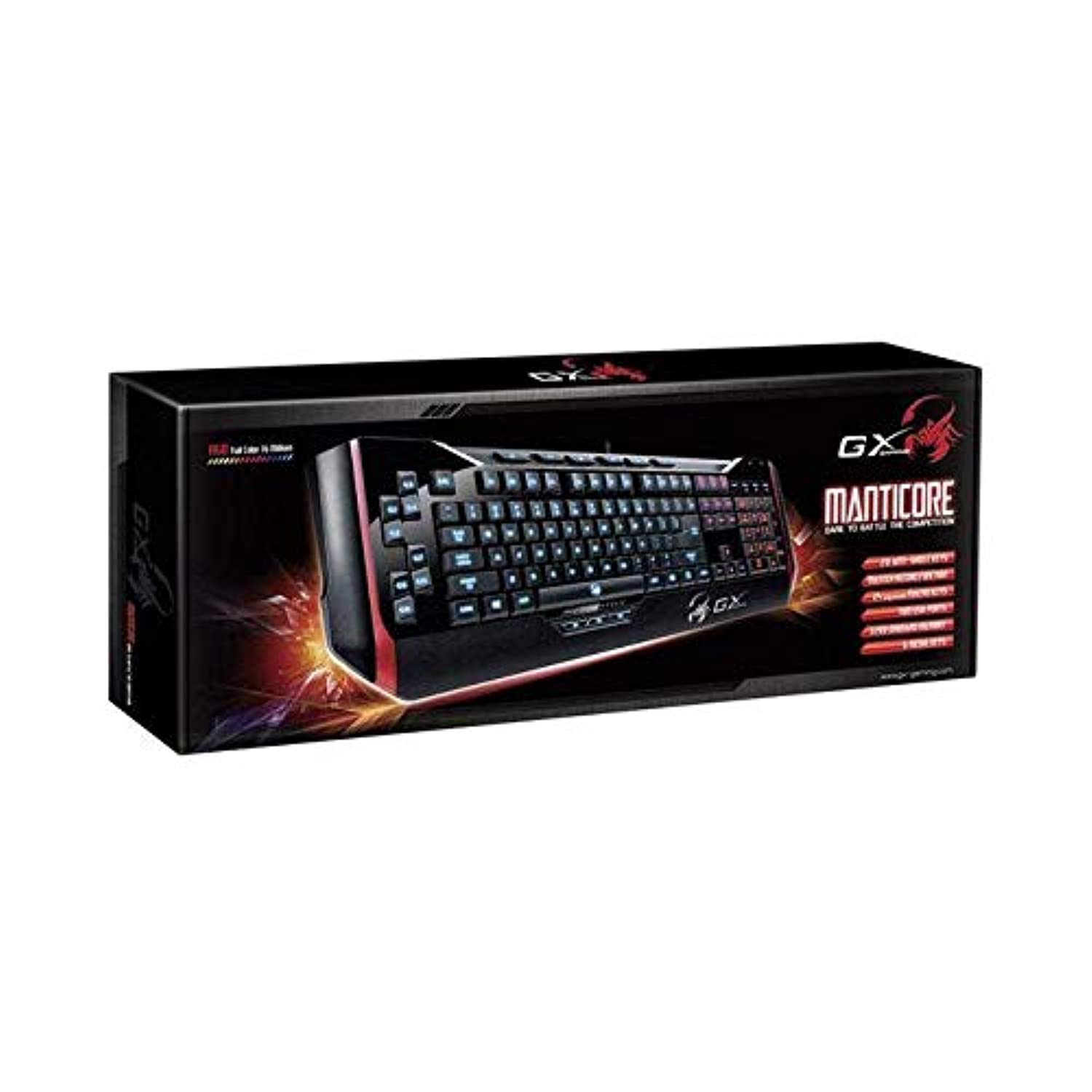
รูปที่ 1: Genius Manticore Gaming Keyboard. This image displays the Genius Manticore Gaming Keyboard, featuring a black body with red accents on the sides. The keys are illuminated, indicating its gaming functionality. The keyboard has a standard QWERTY layout with additional keys on the left side, likely for macros, and a numeric keypad on the right.
3. การตั้งค่า
- แกะคีย์บอร์ดออก: Carefully remove the Genius Manticore Gaming Keyboard from its packaging. Ensure all components are present.
- เชื่อมต่อกับอุปกรณ์ของคุณ: Locate an available USB port on your computer or compatible device. Insert the USB connector of the keyboard firmly into the USB port.
- การติดตั้งไดรเวอร์ (ถ้าจำเป็น): For most modern operating systems, the keyboard will be recognized automatically, and standard drivers will be installed. If prompted, follow the on-screen instructions to complete any driver installation.
- ทดสอบฟังก์ชันการทำงาน: Open a text editor or a web browser and test the keys to ensure they are responding correctly.
4. คู่มือการใช้งาน
The Genius Manticore Gaming Keyboard offers a standard QWERTY layout for general typing and dedicated features for gaming.
- ฟังก์ชันหลักของปุ่มมาตรฐาน: All standard alphanumeric, symbol, and function keys operate as expected on a typical QWERTY keyboard.
- คุณสมบัติการเล่นเกม: The keyboard is designed for gaming. Specific gaming features, such as customizable backlighting or programmable macro keys (if available on your model), can typically be configured through dedicated software provided by Genius or through specific key combinations. Refer to the Genius website for any available software downloads or advanced feature guides.
- แหล่งพลังงาน: The keyboard is powered directly via the USB connection to your device. No external power supply or batteries are required.
5. การบำรุงรักษา
การบำรุงรักษาอย่างถูกต้องจะช่วยให้แป้นพิมพ์ของคุณมีอายุการใช้งานยาวนานและมีประสิทธิภาพ
- การทำความสะอาด: Use a soft, dry cloth to wipe down the keyboard surface. For dust and debris between keys, use compressed air. Avoid using harsh chemicals or abrasive materials.
- การสัมผัสของเหลว: คีย์บอร์ดนี้คือ ไม่กันน้ำ. Avoid spilling liquids on the keyboard, as this can cause permanent damage. If liquid exposure occurs, immediately disconnect the keyboard from your device and allow it to dry completely before attempting to use it again.
- พื้นที่จัดเก็บ: เมื่อไม่ใช้งาน ควรเก็บแป้นพิมพ์ไว้ในที่สะอาดและแห้ง หลีกเลี่ยงอุณหภูมิที่สูงหรือต่ำเกินไป และแสงแดดโดยตรง
6 การแก้ไขปัญหา
หากคุณพบปัญหาเกี่ยวกับแป้นพิมพ์ ลองทำตามวิธีแก้ไขต่อไปนี้:
- แป้นพิมพ์ไม่ตอบสนอง:
- ตรวจสอบให้แน่ใจว่าสาย USB เชื่อมต่อกับคีย์บอร์ดและคอมพิวเตอร์อย่างแน่นหนา
- ลองเชื่อมต่อคีย์บอร์ดกับพอร์ต USB อื่นบนคอมพิวเตอร์ของคุณ
- ทดสอบแป้นพิมพ์บนคอมพิวเตอร์เครื่องอื่นเพื่อตรวจสอบว่าปัญหาอยู่ที่แป้นพิมพ์หรือคอมพิวเตอร์เครื่องเดิม
- รีสตาร์ทเครื่องคอมพิวเตอร์ของคุณ
- คีย์เฉพาะไม่ทำงาน:
- Check for any physical obstructions under the non-functional keys.
- ทำความสะอาดแป้นพิมพ์ตามที่อธิบายไว้ในส่วนการบำรุงรักษา
- Ensure no software conflicts are present (e.g., macro software interfering with standard key functions).
- ปัญหาเกี่ยวกับแสงไฟด้านหลัง:
- If your model features adjustable backlighting, ensure it is not turned off or set to the lowest brightness level. Consult the Genius website for specific key combinations to control backlighting.
If these steps do not resolve the issue, please contact Genius customer support for further assistance.
7. ข้อมูลจำเพาะ
| คุณสมบัติ | รายละเอียด |
|---|---|
| ชื่อยี่ห้อ | อัจฉริยะ |
| หมายเลขรุ่น | GE31310058108 |
| อุปกรณ์ที่รองรับ | ทั้งหมด |
| เทคโนโลยีการเชื่อมต่อ | ยูเอสบี |
| คำอธิบายแป้นพิมพ์ | การเล่นเกม |
| คุณสมบัติพิเศษ | การเล่นเกม |
| สี | Multi-color (Black and Red) |
| สไตล์ | ทันสมัย |
| วัสดุ | วัสดุหลายชนิด |
| ธีม | เกมส์ |
| แหล่งพลังงาน | พลังงาน USB |
| จำนวนคีย์ | 104 |
| เค้าโครงแป้นพิมพ์ | คีย์บอร์ด QWERTY |
| การวางแนวมือ | ถนัดทั้งสองมือ |
| จำนวนปุ่ม | 104 |
| ระดับความต้านทานต่อน้ำ | ไม่ทนน้ำ |
| ผู้ผลิต | อัจฉริยะ |
| ASIN | B07MQMXJS9 |
8. การรับประกันและการสนับสนุน
Your Genius Manticore Gaming Keyboard is covered by a standard manufacturer's warranty. For detailed information regarding warranty terms, registration, or to access technical support, please visit the official Genius webหรือติดต่อฝ่ายบริการลูกค้า เก็บใบเสร็จรับเงินไว้เป็นหลักฐานการซื้อ
หากต้องการความช่วยเหลือเพิ่มเติม คุณสามารถไปที่ Genius Official Webเว็บไซต์.