
1. บทนำ
The Viotek GN32DB is a 32-inch curved gaming monitor designed to deliver an immersive visual experience. It features a WQHD (2560x1440p) resolution, a 144Hz refresh rate, and AMD FreeSync technology, ensuring smooth and responsive gameplay. This manual provides essential information for setting up, operating, maintaining, and troubleshooting your monitor.

Image: The Viotek GN32DB monitor showcasing its 144Hz WQHD display capabilities.
2. การตั้งค่า
2.1 การแกะกล่องและการประกอบ
Carefully remove the monitor and all components from the packaging. Ensure all parts are present before proceeding with assembly. Attach the stand base to the stand neck, then secure the assembled stand to the back of the monitor using the provided screws. The monitor also supports VESA mounting (75x75mm) for alternative installation options.
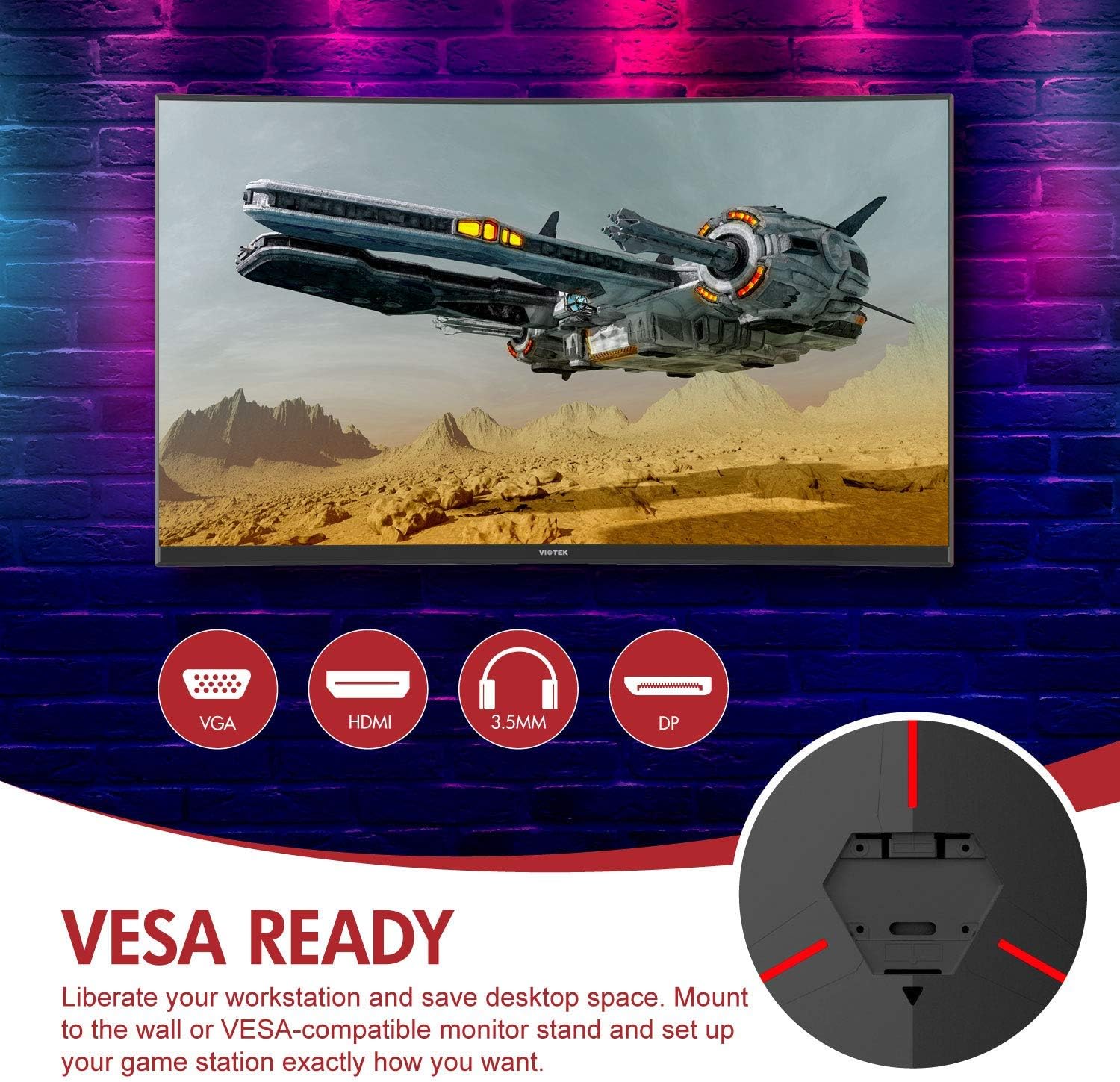
ภาพ: ด้านหลัง view of the monitor highlighting VESA compatibility and available ports.
2.2 การเชื่อมต่อกับอุปกรณ์
Connect your computer or gaming console to the monitor using one of the available input ports:
- พอร์ตแสดงผล (DP 1.2): For optimal performance, including 144Hz refresh rate and FreeSync.
- สาย HDMI (HDMI 2.0): Supports high-resolution and refresh rates.
- ดีวีไอ : สำหรับอุปกรณ์ที่รองรับ
Connect the power adapter to the monitor and then to a power outlet. The monitor also features a 3.5mm audio output jack for external sound systems.

ภาพ: รายละเอียด view of the monitor's rear panel with input ports.
3. การใช้งานจอภาพ
3.1 เปิด/ปิดเครื่อง
กดปุ่มเปิด/ปิดที่อยู่บนจอภาพเพื่อเปิดหรือปิดเครื่อง ไฟแสดงสถานะการเปิด/ปิดเครื่องจะแสดงสถานะของจอภาพ
3.2 เมนูการแสดงผลบนหน้าจอ (OSD)
Navigate the OSD menu using the buttons or joystick (if present) on the monitor. The OSD allows you to adjust various settings:
- การตั้งค่ารูปภาพ: ปรับความสว่าง ความคมชัด ความคมชัด และอุณหภูมิสี
- โหมดสี: Select from predefined color profileหรือปรับแต่งของคุณเอง
- แหล่งสัญญาณเข้า: Manually select the active input (DP, HDMI, DVI).
- เสียง: Adjust volume for the 3.5mm audio output.
3.3 คุณสมบัติการเล่นเกม
- เอเอ็มดี ฟรีซิงค์: This technology synchronizes the monitor's refresh rate with your GPU's frame rate to eliminate screen tearing and stuttering. Ensure FreeSync is enabled in both the monitor's OSD and your graphics card settings.
- โหมด FPS/RTS: Optimize display settings for specific game genres.
- เกมพลัส: Activate on-screen crosshairs for improved aiming accuracy.

Image: Visual demonstration of AMD FreeSync technology in action.
3.4 Low Blue Light Mode
Activate the Low Blue Light mode to reduce blue light emissions, which can help minimize eye strain during extended use.
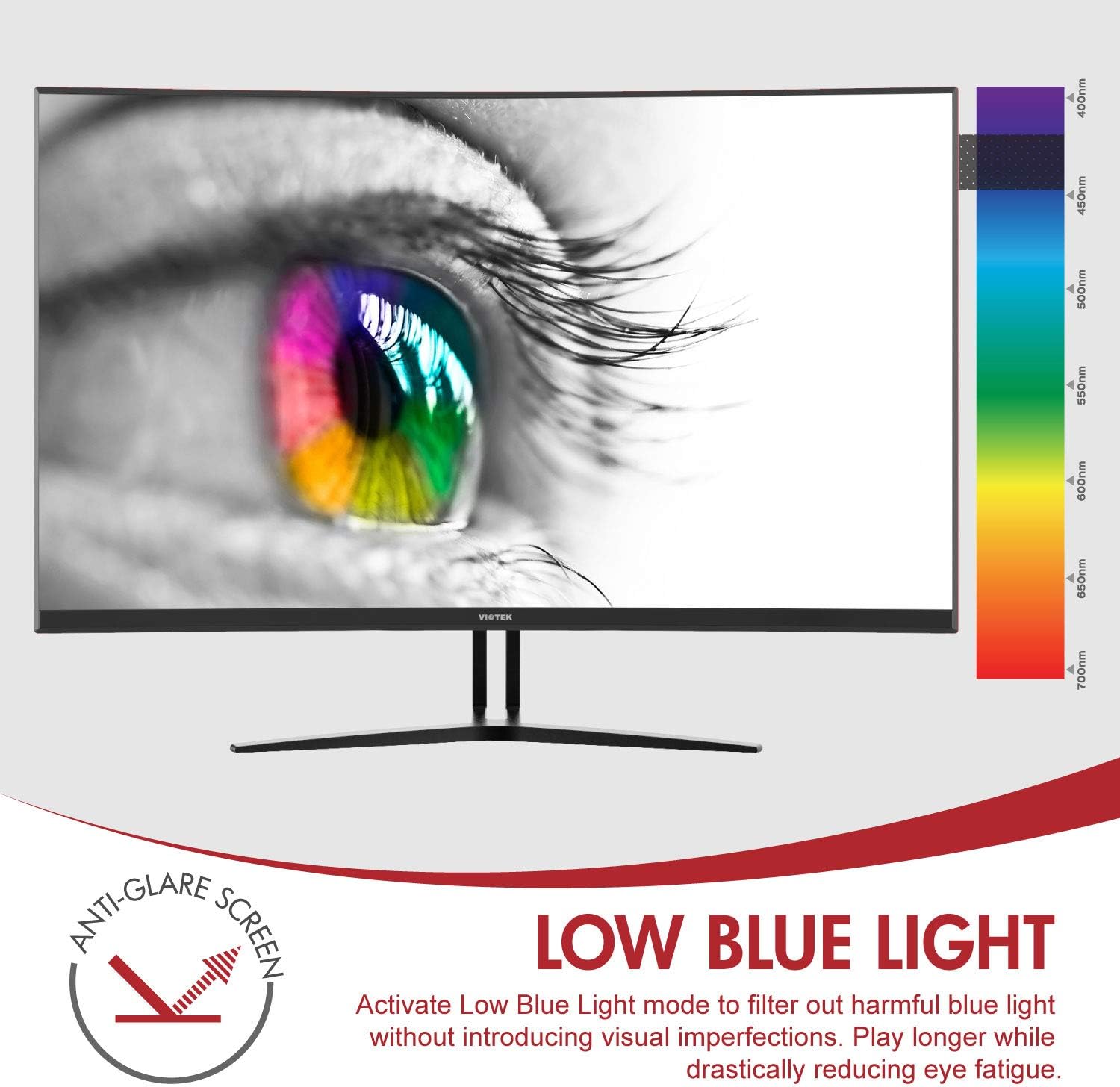
Image: The monitor's Low Blue Light feature for eye comfort.
3.5 Console Compatibility
The GN32DB is compatible with various gaming consoles, including Xbox One S/X and PlayStation 4, via DP 1.2 or HDMI connections. Enjoy FreeSync compatibility with supported Xbox consoles for smoother gameplay.

Image: Monitor compatibility with gaming consoles and adjustable tilt angle.
4. การบำรุงรักษา
To ensure the longevity and optimal performance of your Viotek GN32DB monitor, follow these maintenance guidelines:
- การทำความสะอาดหน้าจอ: เช็ดหน้าจอเบาๆ ด้วยผ้านุ่มที่ไม่เป็นขุย สำหรับรอยฝังแน่น ให้เช็ดเบาๆampชุบผ้าด้วยน้ำหรือน้ำยาทำความสะอาดหน้าจอโดยเฉพาะ หลีกเลี่ยงการใช้สารเคมีรุนแรงหรือวัสดุที่มีฤทธิ์กัดกร่อน
- การทำความสะอาดทั่วไป: ใช้ผ้าแห้งนุ่มๆ เช็ดทำความสะอาดจอภาพasing และยืน
- การระบายอากาศ : ตรวจสอบให้แน่ใจว่าช่องระบายอากาศของจอภาพไม่ได้ถูกปิดกั้นเพื่อป้องกันความร้อนสูงเกินไป
- พื้นที่จัดเก็บ: เมื่อไม่ได้ใช้งานเป็นเวลานาน ควรเก็บจอภาพไว้ในที่แห้งและเย็น โดยควรเก็บไว้ในบรรจุภัณฑ์เดิม
5 การแก้ไขปัญหา
หากคุณพบปัญหาเกี่ยวกับจอภาพของคุณ โปรดดูปัญหาทั่วไปและวิธีแก้ไขต่อไปนี้:
| ปัญหา | สาเหตุที่เป็นไปได้ | สารละลาย |
|---|---|---|
| ไม่มีภาพบนหน้าจอ | Power cable disconnected, incorrect input source, faulty video cable. | Check power connections. Select correct input source via OSD. Replace video cable. |
| ภาพสั่นไหวหรือบิดเบี้ยว | Loose video cable, incorrect resolution/refresh rate, FreeSync issue. | Ensure video cable is secure. Adjust display settings on your device. Verify FreeSync settings. |
| No sound from 3.5mm audio out | Volume too low, external speakers not connected, audio source issue. | Increase monitor volume. Connect speakers correctly. Check audio settings on your device. |
| จอภาพไม่เปิด | Power supply issue, faulty power button. | Verify power outlet and adapter. Contact support if issue persists. |
If the problem persists after attempting these solutions, please contact Viotek customer support.
6. ข้อมูลจำเพาะ
| คุณสมบัติ | รายละเอียด |
|---|---|
| ยี่ห้อ | วีเทค |
| หมายเลขรุ่น | GN32DB |
| ขนาดหน้าจอ | 31.5 นิ้ว |
| ปณิธาน | QHD จอไวด์สกรีน 1440p (2560x1440) |
| อัตราส่วนภาพ | 16:9 น. |
| อัตราการรีเฟรช | 144 เฮิรตซ์ |
| เวลาตอบสนอง | 4 Milliseconds (with Automatic Overdrive) |
| ประเภทจอภาพ | LED (Samsung VA Panel) |
| ความโค้ง | 1800อาร์ |
| ช่วงสี | 115% sRGB / 85% NTSC |
| อัตราส่วนคอนทราสต์ | 3000:1 (Static), 1,000,000:1 (Dynamic) |
| ความสว่าง | 250 ซีดี/ตรม. |
| Viewอิงแองเกิล | 178 องศา |
| การซิงค์แบบปรับตัว | ฟรีซิงค์ |
| การเชื่อมต่อ | 1x DisplayPort 1.2, 1x HDMI 2.0, 1x DVI, 1x 3.5mm Audio Output |
| ประเภทการติดตั้ง | VESA Mount (75x75mm) |
| คุณสมบัติเพิ่มเติม | Anti-Glare Screen, Low Blue Light, FPS/RTS Modes, Game Plus |
| น้ำหนักสินค้า | 17.2 ปอนด์ |
7. การรับประกัน
The Viotek GN32DB monitor is protected by a รับประกันจำกัด 3 ปี. This warranty includes a Zero-Tolerance Dead Pixel Policy, ensuring that your monitor is free from dead pixels upon purchase. For detailed terms and conditions, please refer to the official Viotek warranty documentation.

Image: Viotek's 3-Year Limited Warranty and Zero-Tolerance Dead Pixel Policy.
8. การสนับสนุน
For any questions, technical assistance, or warranty claims, please contact Viotek's customer service. Our 100% U.S.-based customer service team is available 7 days a week to provide support.
Contact information can be found on the official Viotek webไซต์หรือในบรรจุภัณฑ์ผลิตภัณฑ์ของคุณ