
Viotek NB24CW
Viotek NB24CW 24-Inch Curved Monitor User Manual
Model: NB24CW
การแนะนำ
This manual provides essential information for the safe and efficient operation of your Viotek NB24CW 24-Inch LED Curved Monitor. Please read this guide thoroughly before using the product and retain it for future reference.
The Viotek NB24CW is a 24-inch curved LED monitor featuring a 1920x1080p Full-HD resolution, 75Hz refresh rate, and FreeSync technology. It includes built-in speakers, VGA and HDMI 1.4 ports, and is VESA mount compatible. Its bezel-less design offers an immersive viewing experience for both work and entertainment.
ข้อมูลด้านความปลอดภัย
เพื่อให้มั่นใจถึงการทำงานที่ปลอดภัยและป้องกันความเสียหาย โปรดปฏิบัติตามข้อควรระวังต่อไปนี้:
- อย่าให้จอภาพโดนฝน ความชื้น หรืออุณหภูมิที่สูงหรือต่ำเกินไป
- หลีกเลี่ยงการวางจอภาพใกล้แหล่งความร้อนหรือแสงแดดโดยตรง
- ใช้เฉพาะอะแดปเตอร์ไฟฟ้าที่ให้มาพร้อมกับจอภาพเท่านั้น
- อย่าปิดกั้นช่องระบายอากาศ
- เช็ดหน้าจอด้วยผ้าเนื้อนุ่มที่ไม่เป็นขุย หลีกเลี่ยงการใช้น้ำยาทำความสะอาดที่มีฤทธิ์กัดกร่อน
- If any issues arise, disconnect the power cable and contact customer support.
เนื้อหาแพ็คเกจ
ตรวจสอบว่ามีรายการทั้งหมดอยู่ในแพ็คเกจ:
- Viotek NB24CW Monitor
- ขาตั้งจอมอนิเตอร์ (ฐานและคอ)
- อะแดปเตอร์แปลงไฟ
- สาย HDMI
- VESA Adapter (75x75mm)
- คู่มือการใช้งาน (เอกสารนี้)
การตั้งค่า
1. การประกอบขาตั้ง
- นำจอภาพออกจากบรรจุภัณฑ์อย่างระมัดระวัง
- ยึดคอขาตั้งเข้ากับแผงจอภาพโดยใช้สกรูที่ให้มา
- ยึดฐานขาตั้งเข้ากับคอขาตั้ง
- วางจอภาพที่ประกอบแล้วไว้บนพื้นผิวที่มั่นคงและเรียบ
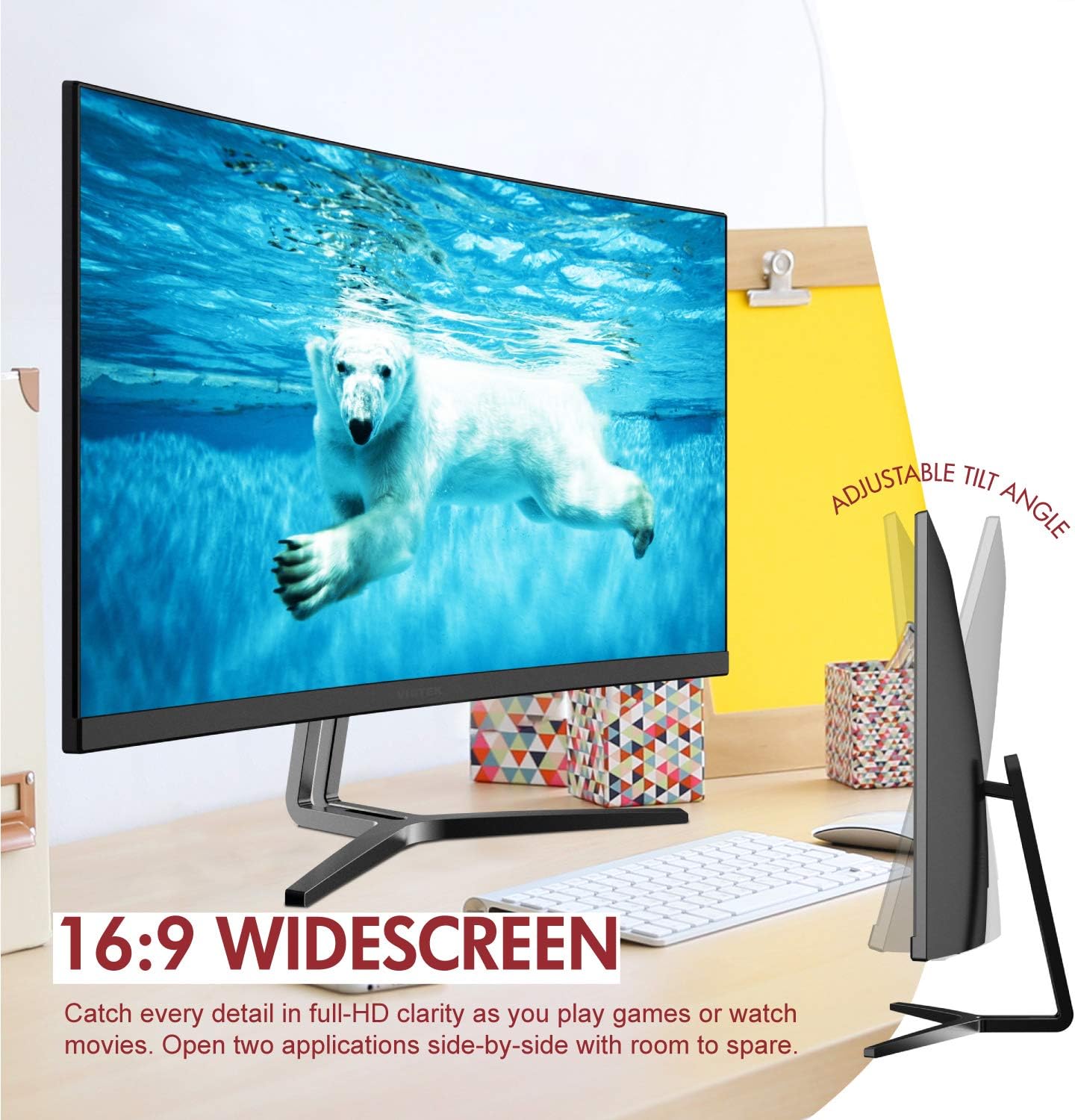
Image: The Viotek NB24CW monitor with its stand, highlighting the 16:9 widescreen aspect ratio and adjustable tilt angle. The monitor is shown displaying a polar bear underwater.
2. การเชื่อมต่อกับอุปกรณ์
The monitor supports HDMI and VGA connections.
- การเชื่อมต่อ HDMI: Connect one end of the HDMI cable (included) to the HDMI port on your computer or gaming console, and the other end to the HDMI 1.4 port on the monitor.
- การเชื่อมต่อวีจีเอ: Connect one end of the VGA cable (not included) to the VGA port on your computer, and the other end to the VGA port on the monitor.

ภาพ: รายละเอียด view of the monitor's rear panel, illustrating the HDMI 1.4 and VGA input ports for connecting to various devices.
3. การเชื่อมต่อไฟฟ้า
ต่ออะแดปเตอร์แปลงไฟเข้ากับช่องเสียบไฟของจอภาพ จากนั้นเสียบอะแดปเตอร์เข้ากับเต้ารับไฟฟ้า
4. การติดตั้งแบบ VESA (ตัวเลือกเสริม)
The monitor is VESA 75x75mm compatible. Use the included VESA adapter to mount the monitor to a wall or compatible monitor arm.

Image: The back of the Viotek NB24CW monitor, highlighting its VESA mounting capability, integrated speakers, and connectivity options including VGA and HDMI.
คำแนะนำการใช้งาน
1. เปิด/ปิดเครื่อง
กดปุ่มเปิด/ปิดที่อยู่ด้านขวาล่างของจอภาพเพื่อเปิดหรือปิดเครื่อง
2. เมนูการแสดงผลบนหน้าจอ (OSD)
Use the buttons next to the power button to navigate the OSD menu. This menu allows you to adjust various settings such as brightness, contrast, color temperature, input source, and audio volume.
3. การปรับแต่งการตั้งค่าการแสดงผล
- ความสว่าง/คอนทราสต์: ปรับการตั้งค่าเหล่านี้เพื่อความสบายตาสูงสุด
- การตั้งค่าสี: Select from preset color modes or customize RGB values.
- แหล่งสัญญาณเข้า: หากระบบตรวจจับอัตโนมัติล้มเหลว ให้เลือกอินพุต HDMI หรือ VGA ด้วยตนเอง
- แสงสีฟ้าต่ำ: Activate this feature to reduce eye strain during prolonged use.
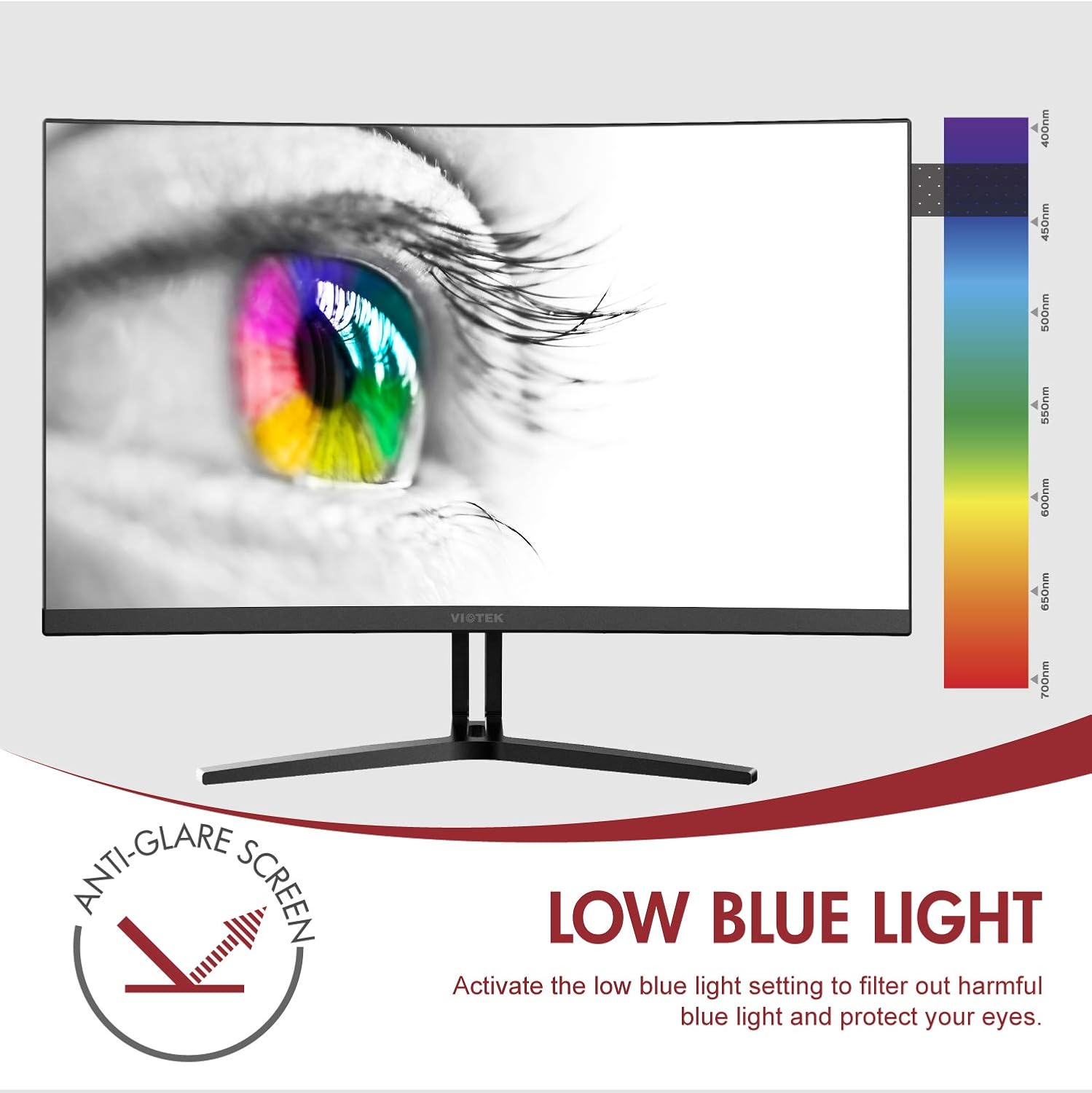
Image: The monitor screen showing an eye with a color spectrum, indicating the Low Blue Light feature designed to protect vision.
4. คุณสมบัติการเล่นเกม
The NB24CW monitor includes features optimized for gaming:
- ฟรีซิงค์: Enable FreeSync in the OSD menu and on your compatible graphics card to eliminate screen tearing and stuttering.
- เกมพลัส: Access GamePlus features like integrated crosshairs for improved aiming in FPS/RTS games.
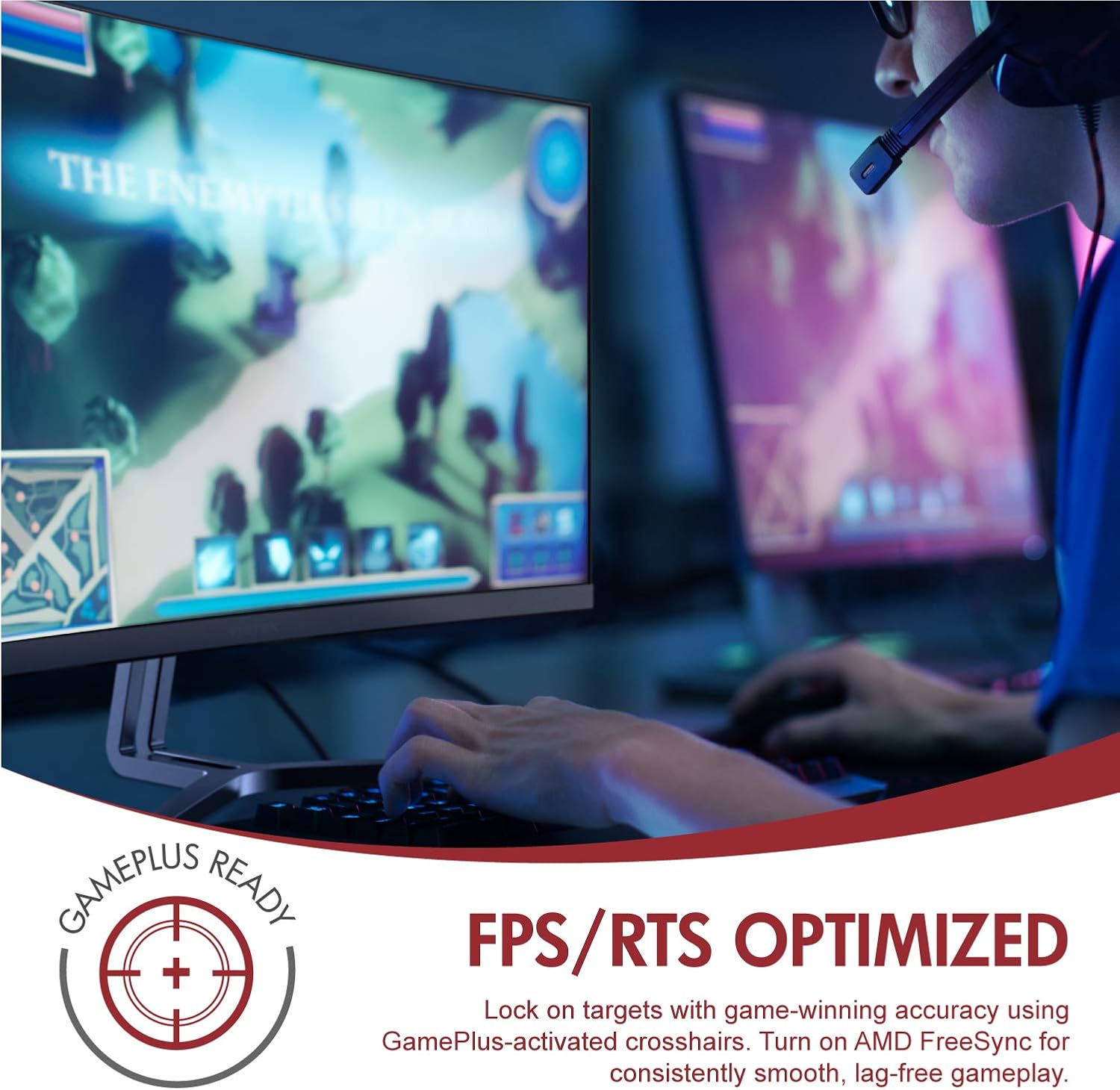
Image: A user engaged in gaming on the Viotek NB24CW monitor, highlighting its FPS/RTS optimized features and GamePlus functionality for enhanced gameplay.
การซ่อมบำรุง
- การทำความสะอาดหน้าจอ: เช็ดหน้าจอเบาๆ ด้วยผ้านุ่ม แห้ง และไม่เป็นขุย สำหรับรอยฝังแน่น ให้เช็ดเบาๆampชุบผ้าด้วยน้ำหรือน้ำยาทำความสะอาดหน้าจอโดยเฉพาะ อย่าฉีดน้ำยาลงบนหน้าจอโดยตรง
- การทำความสะอาด Casing: ใช้ผ้าแห้งนุ่มๆ เช็ดทำความสะอาดจอภาพasing. หลีกเลี่ยงการใช้สารเคมีรุนแรงหรือวัสดุที่มีฤทธิ์กัดกร่อน
- พื้นที่จัดเก็บ: If storing the monitor for an extended period, disconnect it from power, pack it in its original packaging, and store in a cool, dry place.
การแก้ไขปัญหา
| ปัญหา | สาเหตุที่เป็นไปได้ | สารละลาย |
|---|---|---|
| ไม่มีภาพบนหน้าจอ | Power cable disconnected, incorrect input source, video cable loose. | Check power connections, select correct input source via OSD, ensure video cable is securely connected. |
| ภาพเบลอหรือบิดเบี้ยว | ความละเอียดไม่ถูกต้อง สายวิดีโอชำรุด | Set display resolution to 1920x1080p, try a different HDMI cable. |
| ไม่มีเสียงออกจากลำโพง | Volume too low, audio source not selected, external speakers connected. | Increase volume in OSD and computer settings, ensure audio is routed to monitor, disconnect external speakers if not needed. |
| หน้าจอกะพริบ | Refresh rate mismatch, faulty cable, FreeSync issue. | Ensure refresh rate is set to 75Hz, try a different video cable, disable FreeSync temporarily to diagnose. |
ข้อมูลจำเพาะ
| คุณสมบัติ | รายละเอียด |
|---|---|
| แบบอย่าง | NB24CW |
| ขนาดหน้าจอ | 24 นิ้ว |
| ประเภทแผง | LED Curved |
| ความโค้ง | 1800อาร์ |
| ปณิธาน | 1920 x 1080 (ฟูลเอชดี) |
| อัตราส่วนภาพ | 16:9 น. |
| อัตราการรีเฟรช | 75 เฮิรตซ์ |
| เวลาตอบสนอง | 5มิลลิวินาที |
| Viewอิงแองเกิล | 178° |
| อัตราส่วนคอนทราสต์ | 1,000,000:1 (ไดนามิก) |
| การรองรับสี | 16.7 ล้านสี, 96% sRGB |
| การเชื่อมต่อ | HDMI 1.4 1 ช่อง, VGA 1 ช่อง |
| เสียง | Built-in Speakers (2x4Ω/3W) |
| ความเข้ากันได้ของ VESA | 75x75mm (Adapter Included) |
| การซิงค์แบบปรับตัว | ฟรีซิงค์ |
| การปรับความเอียง | -5° ถึง 15° |
| คุณสมบัติพิเศษ | Bezel-less design, GamePlus, FPS/RTS modes, Low Blue Light, Anti-glare screen |

Image: The Viotek NB24CW monitor showcasing its key performance specifications: 1080p resolution, 1800R curvature, 75Hz refresh rate, and 5ms response time.
ข้อมูลการรับประกัน
Your Viotek NB24CW monitor is covered by a การรับประกันแบบจำกัดของผู้ผลิต 3 ปี. This warranty covers defects in materials and workmanship under normal use. Additionally, Viotek offers an industry-leading Zero-Tolerance Dead Pixel Policy, ensuring your display is free from dead pixels.
For full warranty terms and conditions, please refer to the official Viotek webไซต์หรือติดต่อฝ่ายสนับสนุนลูกค้า

Image: A visual representation of Viotek's commitment to quality, featuring a "3 Year Warranty" and "Zero Dead Pixel - Parts & Labor" guarantee.
การสนับสนุนลูกค้า
For technical assistance, warranty claims, or general inquiries, please contact our 100% U.S.-based Customer Support Team. They are available 7 days a week via live-chat, email, and social media support.
- Webเว็บไซต์: www.viotek.com
- อีเมล: Refer to the Viotek website for specific email contact.
- แชทสด: Available on the official Viotek webเว็บไซต์.
สินค้าเกินview วีดีโอ
วิดีโอ: ผลิตภัณฑ์อย่างเป็นทางการview video for the Viotek NB24CB (similar model to NB24CW) monitor, showcasing its curved display, thin design, connectivity ports, and key features like 75Hz refresh rate, FreeSync, and built-in speakers. This video provides a visual guide to the monitor's design and capabilities.
เอกสารที่เกี่ยวข้อง - NB24CW
 |
VIOTEK GNV32DBE 32-inch Curved QHD 165Hz Gaming Monitor User Manual User manual for the VIOTEK GNV32DBE 32-inch curved QHD 165Hz gaming monitor. Includes setup instructions, operational guides, OSD menu functions, troubleshooting tips, technical specifications, and warranty information. |
 |
คู่มือผู้ใช้และข้อมูลจำเพาะของจอภาพ LED VIOTEK H250 Ver2 ขนาด 24.5 นิ้ว คู่มือผู้ใช้ที่ครอบคลุมสำหรับจอภาพ LED VIOTEK H250 Ver2 ขนาด 24.5 นิ้ว ครอบคลุมการตั้งค่า การใช้งาน การแก้ไขปัญหา ข้อมูลจำเพาะ และข้อมูลการรับประกัน |
 |
Viotek GNV30CB Curved Monitor User Manual User manual for the Viotek GNV30CB curved monitor, including setup instructions, OSD menu navigation, troubleshooting, and warranty information. |
 |
Viotek GN32LD 31.5-inch Curved Gaming Monitor User Manual User manual for the Viotek GN32LD 31.5-inch curved gaming monitor. Includes setup, installation, OSD menu navigation, troubleshooting, and technical specifications. |
 |
คู่มือผู้ใช้จอเกมมิ่งโค้ง Viotek GN35LD คู่มือการใช้งานฉบับสมบูรณ์สำหรับจอเกมมิ่งโค้ง Viotek GN35LD ขนาด 35 นิ้ว ครอบคลุมข้อควรระวังด้านความปลอดภัย การติดตั้ง การใช้งาน การเชื่อมต่อ ฟังก์ชั่น OSD การแก้ไขปัญหา ข้อมูลจำเพาะ และข้อมูลการรับประกัน |
 |
คู่มือผู้ใช้จอภาพสำหรับเล่นเกม Viotek GFV27DAB คู่มือผู้ใช้ที่ครอบคลุมสำหรับจอภาพสำหรับเล่นเกม Viotek GFV27DAB ขนาด 27 นิ้ว ครอบคลุมถึงความปลอดภัย การตั้งค่า การใช้งาน เมนู OSD การแก้ไขปัญหา ข้อมูลจำเพาะ และการรับประกัน |
Ask a question about this manual
Ask about setup, troubleshooting, compatibility, parts, safety, or missing instructions. Manuals+ will review the question and use this page’s manual context to help answer it.