
1. สินค้าหมดview
The EJEAS V6 Bluetooth Intercom Headset is designed for clear communication among riders. It supports up to 6 rider connections with real-time intercom for 2 riders, offering a maximum range of 800m (600-800m in environments with interference). This device is suitable for most motorcycle helmets and features Bluetooth 5.1 connectivity, CVC noise reduction, and a large capacity battery.

Image: The EJEAS V6 Bluetooth Intercom unit, showing its compact design and control buttons.
2. เนื้อหาบรรจุภัณฑ์
แพ็คเกจประกอบด้วยรายการต่อไปนี้:
- 1 x Bluetooth Motorcycle Intercom Unit
- 1 x Ear Speaker and Microphone Headset
- สาย USB 1 เส้น
- 2 x Self-adhesive Headphone Felt Pads
- ไขควง 1 อัน
- 1 x Headphone Clamp and Mounting Screws
- 1 x คู่มือผู้ใช้

Image: All components included in the EJEAS V6 Bluetooth Intercom package, laid out neatly, including the intercom unit, headset, cables, and mounting accessories.
3. การจัดวางอุปกรณ์และการควบคุม
Familiarize yourself with the buttons and ports on your EJEAS V6 intercom unit.

Image: Detailed diagram showing the antenna, power on/off, phone/play, volume controls, and headphone jack on the EJEAS V6 intercom unit. Dimensions of the unit and cables are also shown.
- เสาอากาศ: สำหรับการส่งสัญญาณ
- Rider E / Power On/Off / Rider A: Multi-function buttons for power and intercom connections.
- Phone / Play: Button for call management and music playback.
- Rider B / Rider C / Rider D: Buttons for connecting to other intercom units.
- ระดับเสียง +/-: ปรับระดับเสียง
- แจ็คหูฟัง: Connects the ear speaker and microphone headset.
4. การตั้งค่าและการติดตั้ง
4.1. การชาร์จอุปกรณ์
Before first use, fully charge the intercom unit. The device features a Type-C interface for charging.

Image: The EJEAS V6 intercom unit connected to a power adapter via a USB-C cable for charging, also showing the Type-C interface for headphones and software upgrades.
The charging cable provided is for charging only and does not support data transmission. For software upgrades, use a Type-C data cable with data transmission functionality.
4.2. Pairing Two V6 Intercoms
Follow these steps to pair two EJEAS V6 intercom units for communication:
- เปิดเครื่อง: Short-press the intercom button on both devices to turn them on. The indicator light will flash blue.
- เข้าสู่โหมดจับคู่: Long-press the intercom button on both devices until the indicator lights flash red and blue alternately.
- Select Master: Choose one device as the master. Click the intercom button on the master device to start searching for the other unit.
- การจับคู่เสร็จสมบูรณ์: When both devices flash blue at the same rate, pairing is complete.
- Enter Intercom Mode: Click the intercom button on the master device to enter intercom mode.
Video: A visual guide demonstrating the steps to pair two EJEAS V6 intercom units.
4.3. Reconnecting Two V6 Intercoms
To reconnect two V6 intercoms after initial pairing:
- Boot Devices: Short-press the intercom button on both V6 intercoms to turn them on.
- เริ่มการเชื่อมต่อ: Click the intercom button on either device (master or slave) to initiate the connection.
Video: A visual guide demonstrating how to pair and reconnect EJEAS V6 intercom units.
5. คู่มือการใช้งาน
5.1. การสื่อสารอินเตอร์คอม
The V6 system supports up to 6 rider connections and real-time intercom for 2 riders. The maximum effective distance is 800 meters.

Image: An illustration depicting six motorcycle riders connected via the EJEAS V6 intercom system, highlighting the 1200m ideal distance.
5.2. การเชื่อมต่อบลูทูธ
The intercom connects to mobile phones and GPS devices via Bluetooth 5.1. Key functions include:
- การฟังเพลง
- Receiving voice commands from GPS
- Activating Siri and other mobile assistants
- Automatic call answering within 5 seconds
- Ending calls with a single button
- โทรซ้ำสายสุดท้าย
5.3. การลดเสียงรบกวน
The V6 features advanced DSP noise reduction technology, which effectively reduces background noise by over 90%. This ensures clear voice quality even at speeds up to 120 km/h.
6. Battery and Durability
The EJEAS V6 intercom is equipped with an 850 mAh large capacity battery.
- ระยะเวลาการใช้งาน: นานถึง 18 ชั่วโมง
- เวลาสแตนด์บาย: นานถึง 260 ชั่วโมง
The device is IP67 waterproof, making it suitable for various applications and weather conditions.
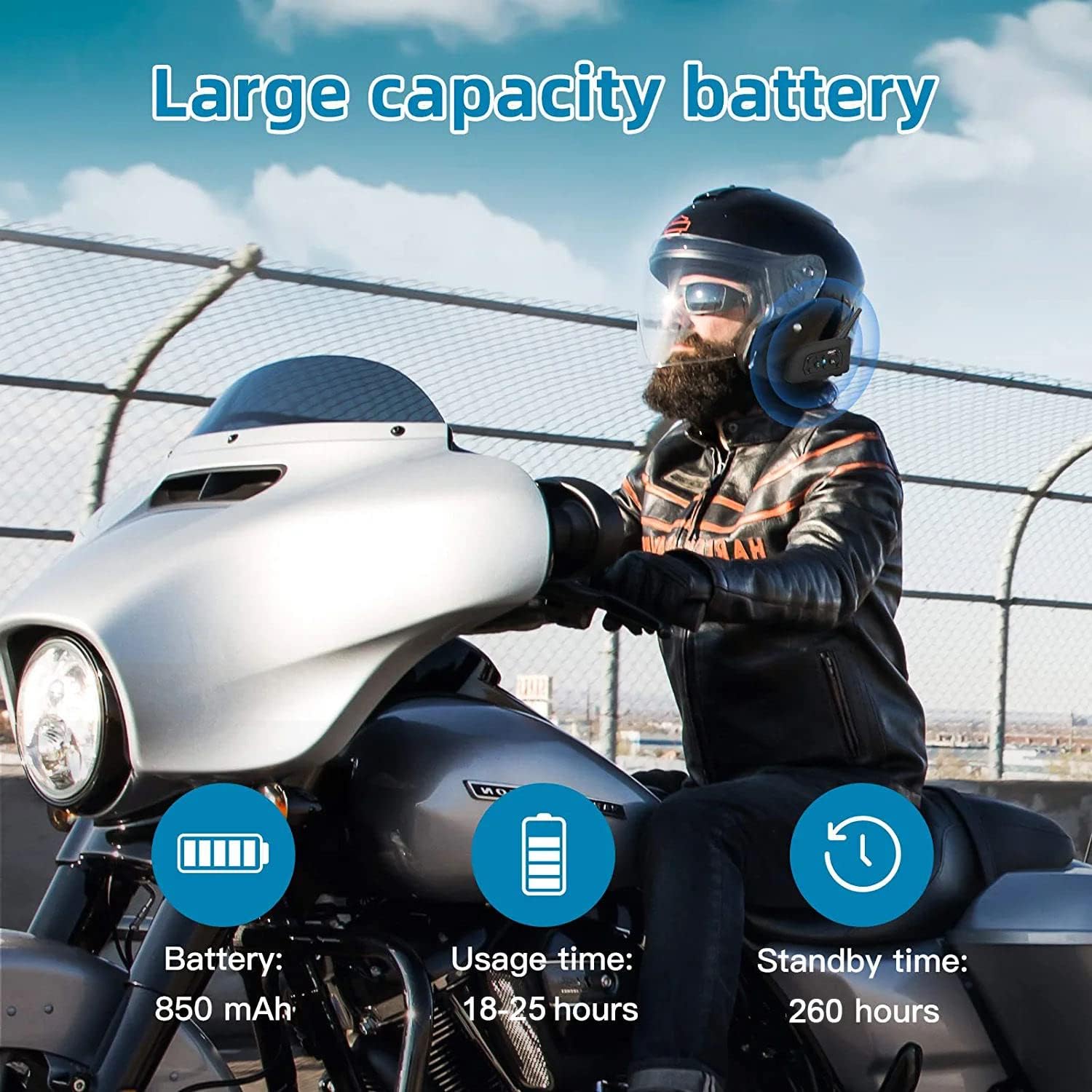
Image: An illustration highlighting the large battery capacity (850mAh), usage time (18-25 hours), standby time (260 hours), Bluetooth 5.1 chip, IP65 waterproof rating, GPS support, DSP noise reduction, 2-person real-time chat, call function, and music playback.
7. การสมัคร
The EJEAS V6 Bluetooth headset is versatile and can be used in various scenarios, including:
- การขี่มอเตอร์ไซค์
- การเล่นสกี
- สถานที่ก่อสร้าง
- Referee communication

Image: A collage showing the EJEAS V6 intercom being used for motorcycle riding, skiing, referee communication, and on a construction site.
8. ข้อมูลจำเพาะ
| คุณสมบัติ | รายละเอียด |
|---|---|
| ยี่ห้อ | อีเจส |
| ชื่อรุ่น | V6 |
| เทคโนโลยีการเชื่อมต่อ | ไร้สาย (Bluetooth) |
| เวอร์ชันบลูทูธ | 3.0 |
| การวางตำแหน่งหู | ครอบหู |
| ฟอร์มแฟกเตอร์ | อินเอียร์ |
| การควบคุมเสียงรบกวน | ระบบตัดเสียงรบกวนแบบแอคทีฟ |
| ช่องเสียบหูฟัง | ยูเอสบี-ซี |
| อิมพีแดนซ์ | 50 โอห์ม |
| ช่วงความถี่ | 20 เฮิรตซ์ – 20,000 เฮิรตซ์ |
| ความจุของแบตเตอรี่ | 850 มิลลิแอมป์ |
| เวลาในการชาร์จแบตเตอรี่ | 3 ชั่วโมง |
| อายุการใช้งานแบตเตอรี่ (สแตนด์บาย) | 260 ชั่วโมง |
| ระดับความต้านทานต่อน้ำ | กันน้ำ |
| วัสดุ | พลาสติก |
| ประเภทการควบคุม | การควบคุมระดับเสียง |
| วิธีการควบคุม | Voice-controlled, Touch |
| อุปกรณ์ที่รองรับ | รถจักรยานยนต์ |
9 การแก้ไขปัญหา
If you encounter any issues with your EJEAS V6 intercom, please consider the following:
- ไม่มีไฟฟ้า: ตรวจสอบให้แน่ใจว่าอุปกรณ์ชาร์จแบตเตอรี่เต็มแล้ว เชื่อมต่อกับแหล่งจ่ายไฟโดยใช้สาย USB-C ที่ให้มา
- ปัญหาการจับคู่: Repeat the pairing steps carefully. Ensure both devices are in pairing mode (flashing red and blue) before initiating the search from the master unit.
- การตัดการเชื่อมต่อระบบอินเตอร์คอม: If the intercom disconnects, try re-initiating the connection by pressing the intercom button on either unit. Ensure you are within the effective range (up to 800m).
- คุณภาพเสียงไม่ดี: Check the microphone and speaker placement within your helmet. Ensure the CVC noise reduction is active.
- Bluetooth Connection to Phone: If your phone doesn't connect, ensure Bluetooth is enabled on your phone and the V6 is in pairing mode. Forget the device on your phone and try pairing again.
10. การรับประกันและการสนับสนุน
สำหรับข้อมูลการรับประกันและการสนับสนุนทางเทคนิค โปรดดูที่เว็บไซต์อย่างเป็นทางการของ EJEAS webหรือติดต่อผู้ค้าปลีกของคุณ เก็บใบเสร็จรับเงินไว้เพื่อใช้ในการเคลมประกัน