
CONTEC CMS50M
CONTEC CMS50M Fingertip Pulse Oximeter User Manual
Model: CMS50M | Brand: CONTEC
1. บทนำ
The CONTEC CMS50M Fingertip Pulse Oximeter is a portable, non-invasive device designed for spot-checking of arterial hemoglobin oxygen saturation (SpO2) and pulse rate (PR) through the finger. It is suitable for use in home environments and for sporting and aviation activities. This device is not intended for continuous monitoring or as a medical device for diagnosis or treatment.
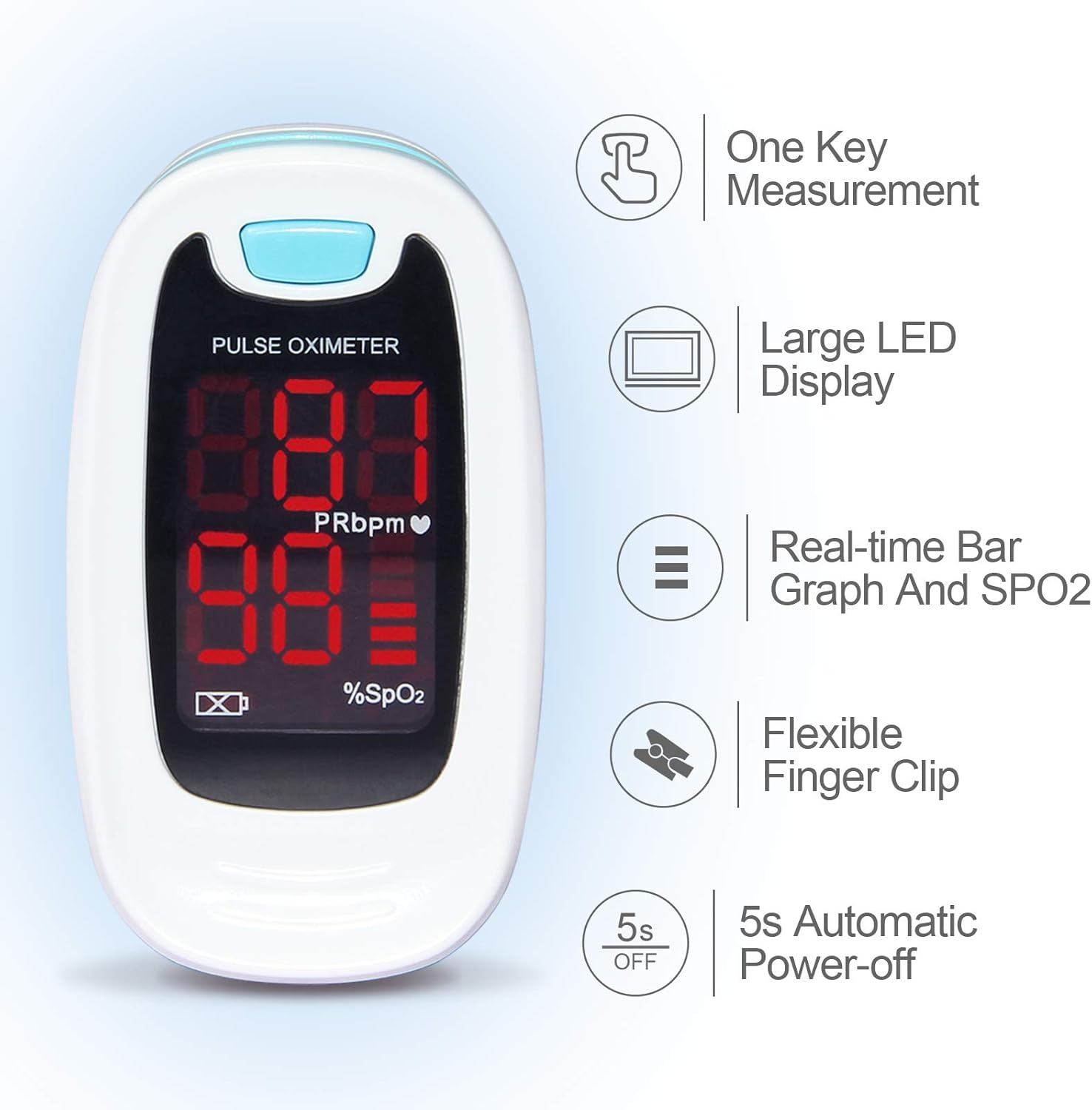
It features a small volume, light weight, and is convenient for carrying. The device displays pulse rate value and a bar graph for easy reading.

รูปที่ 1 : ด้านหน้า view of the CONTEC CMS50M Fingertip Pulse Oximeter showing the display with SpO2 and PR readings.
2. เนื้อหาบรรจุภัณฑ์
เมื่อเปิดบรรจุภัณฑ์ ตรวจสอบว่าสินค้าทั้งหมดอยู่ในที่เดิมและอยู่ในสภาพดี:
- Main unit (CONTEC CMS50M Fingertip Pulse Oximeter)
- สายคล้องคอ
- คู่มือการใช้งาน
หมายเหตุ: แบตเตอรี่ไม่ได้รวมอยู่ในแพ็คเกจ ต้องซื้อแยกต่างหาก

Figure 2: The CONTEC CMS50M Pulse Oximeter shown with its included lanyard.
3. การตั้งค่า
3.1 การติดตั้งแบตเตอรี่
The device requires two AAA batteries (not included). Follow these steps to install them:
- ค้นหาฝาครอบช่องใส่แบตเตอรี่ที่ด้านหลังของอุปกรณ์
- เลื่อนฝาครอบออกตามทิศทางที่ลูกศรระบุ
- Insert two AAA batteries, ensuring the polarity (+ and -) matches the diagrams inside the compartment. Note that one positive terminal may align with a spring, which is an uncommon but correct orientation for this device.
- Replace the battery compartment cover by sliding it back until it clicks into place.
รูปที่ 3: ด้านหลัง view of the pulse oximeter showing the battery compartment. Ensure correct battery polarity during installation.
3.2 การติดสายคล้องคอ
To attach the lanyard:
- Thread the thin loop end of the lanyard through the lanyard hole on the device.
- Pass the larger end of the lanyard through the small loop you just created and pull it tight to secure.
- The lanyard features a quick-release buckle for easy detachment if not needed.
4. คู่มือการใช้งาน
4.1 การวัดผล
- เปิด clamp ของเครื่องวัดออกซิเจนในเลือด
- Insert one of your fingers (preferably the index or middle finger) into the rubber opening of the oximeter with the nail surface upward. Ensure the finger is fully inserted and rests on the sensor.
- ปล่อย clamp.
- Press the power button on the front panel once to turn on the oximeter.
- Keep your hand still during the measurement. Do not shake your finger.
- The SpO2 and Pulse Rate values will appear on the display within a few seconds.

Figure 4: Proper finger placement in the pulse oximeter for accurate readings.
4.2 ทำความเข้าใจกับจอแสดงผล
The bright LED display shows the following information:
- SpO2 (%): Blood Oxygen Saturation Level.
- PRbpm: Pulse Rate (beats per minute).
- กราฟแท่ง: Indicates pulse intensity.
- ไฟแสดงสถานะแบตเตอรี่: แสดงอายุการใช้งานแบตเตอรี่ที่เหลืออยู่
รูปที่ 5: รายละเอียด view of the pulse oximeter display, highlighting SpO2, PRbpm, and the pulse intensity bar graph.
4.3 Automatic Power-off
The device will automatically power off after approximately 5 seconds of inactivity or when the finger is removed from the sensor.
5. การบำรุงรักษา
5.1 การทำความสะอาดเครื่อง
To ensure longevity and hygiene, clean the oximeter regularly:
- เช็ดพื้นผิวของอุปกรณ์ด้วยผ้านุ่มampened with medical alcohol (75% ethanol) or isopropyl alcohol.
- Clean the inside of the finger clip with the same method.
- Allow the device to air dry completely before use.
- ห้ามจุ่มอุปกรณ์ลงในน้ำหรือน้ำยาทำความสะอาดใดๆ
5.2 การเปลี่ยนและการจัดเก็บแบตเตอรี่
When the low battery indicator appears on the display, replace the batteries promptly. If the device will not be used for an extended period, remove the batteries to prevent leakage and damage.
เก็บเครื่องวัดออกซิเจนในเลือดไว้ในที่แห้งและเย็น หลีกเลี่ยงแสงแดดโดยตรงและอุณหภูมิที่สูงหรือต่ำเกินไป
6 การแก้ไขปัญหา
| ปัญหา | สาเหตุที่เป็นไปได้ | สารละลาย |
|---|---|---|
| ไม่มีการแสดงผลหลังจากเปิดเครื่อง | แบตเตอรี่หมดหรือติดตั้งไม่ถูกต้อง | เปลี่ยนแบตเตอรี่หรือติดตั้งแบตเตอรี่ใหม่โดยให้ขั้วถูกต้อง |
| Display unstable or inaccurate readings | Finger not properly inserted; finger shaking; ambient light interference; cold fingers. | Re-insert finger correctly and keep still. Avoid strong light. Warm hands if cold. |
| "Finger Out" message displayed | Finger not detected or removed. | Ensure finger is fully inserted into the sensor. |
7. ข้อมูลจำเพาะ
- แบบอย่าง: ซ.ม.50ม
- ยี่ห้อ: คอนเทค
- Measuring Range (SpO2): 35%~100%
- ขนาดสินค้า : 2.24 x 1.34 x 1.22 นิ้ว
- น้ำหนัก: 1.76 ออนซ์ (ไม่รวมแบตเตอรี่)
- แหล่งจ่ายไฟ: แบตเตอรี่ AAA 2 ก้อน (ไม่รวม)
- สภาพแวดล้อมการทำงาน: Temperature: +10°C ~ +40°C, Relative humidity: ≤75%, Atmospheric Pressure: 700 hPa ~ 1060 hPa

Figure 6: Dimensions of the CONTEC CMS50M Pulse Oximeter.
8. Important Information and Disclaimers
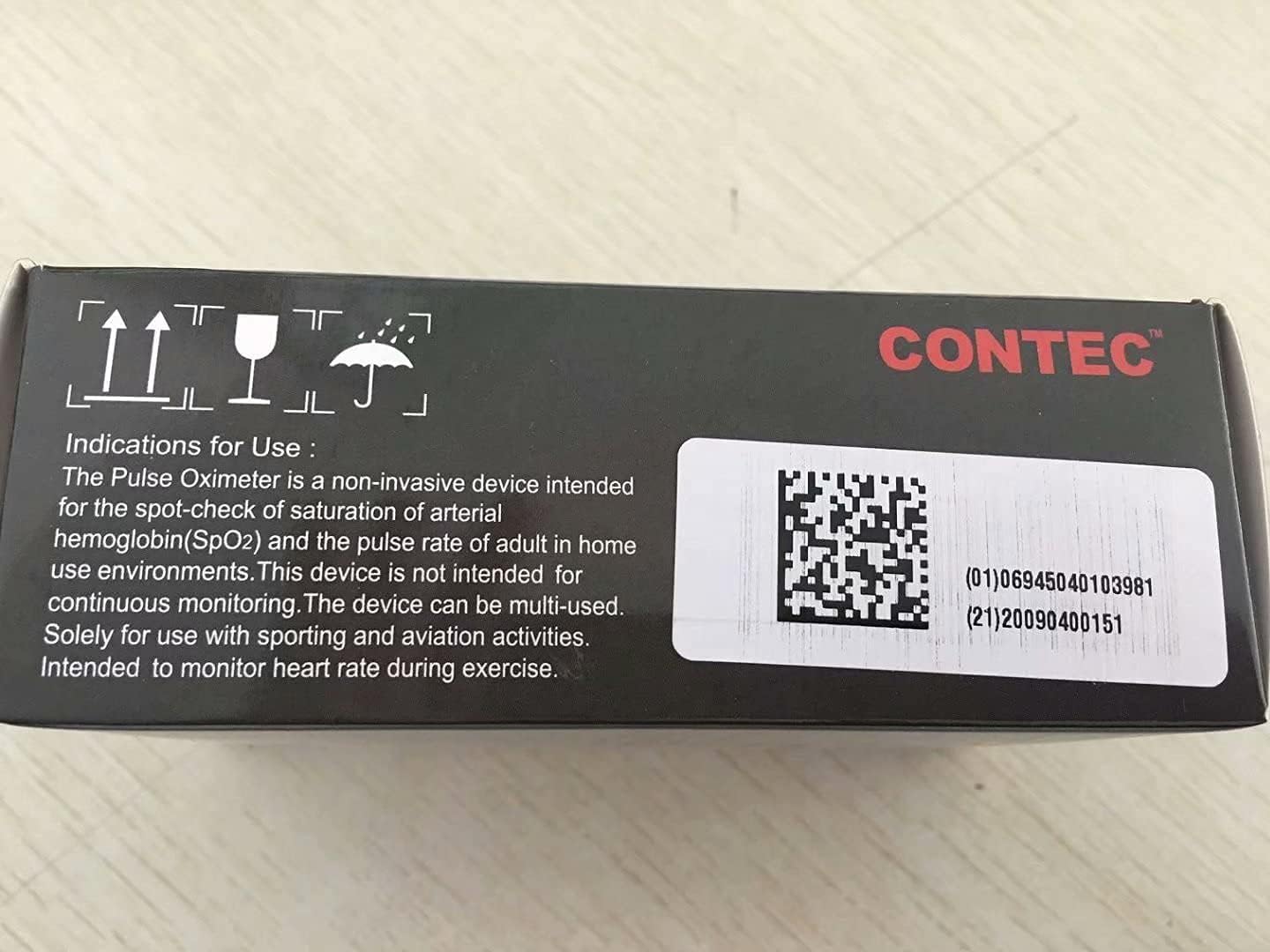
This product is intended for sports and aviation use only and is not a medical device. It is not intended for continuous monitoring. Solely for use with sporting and aviation activities. Intended to monitor heart rate during exercise.
คำกล่าวอ้างเกี่ยวกับอาหารเสริมยังไม่ได้รับการประเมินจาก FDA และไม่ได้มีจุดประสงค์เพื่อวินิจฉัย รักษา รักษาหาย หรือป้องกันโรคหรือภาวะสุขภาพใดๆ
9. การรับประกันและการสนับสนุน
For warranty information and customer support, please refer to the official CONTEC webหรือติดต่อผู้ขายโดยตรง เก็บใบเสร็จรับเงินไว้เพื่อใช้ในการเคลมประกัน
Manufacturer: CONTEC
วันที่เปิดให้ใช้งานครั้งแรก: 27 พฤษภาคม 2017
Ask a question about this manual
Ask about setup, troubleshooting, compatibility, parts, safety, or missing instructions. Manuals+ will review the question and use this page’s manual context to help answer it.