
1. บทนำ
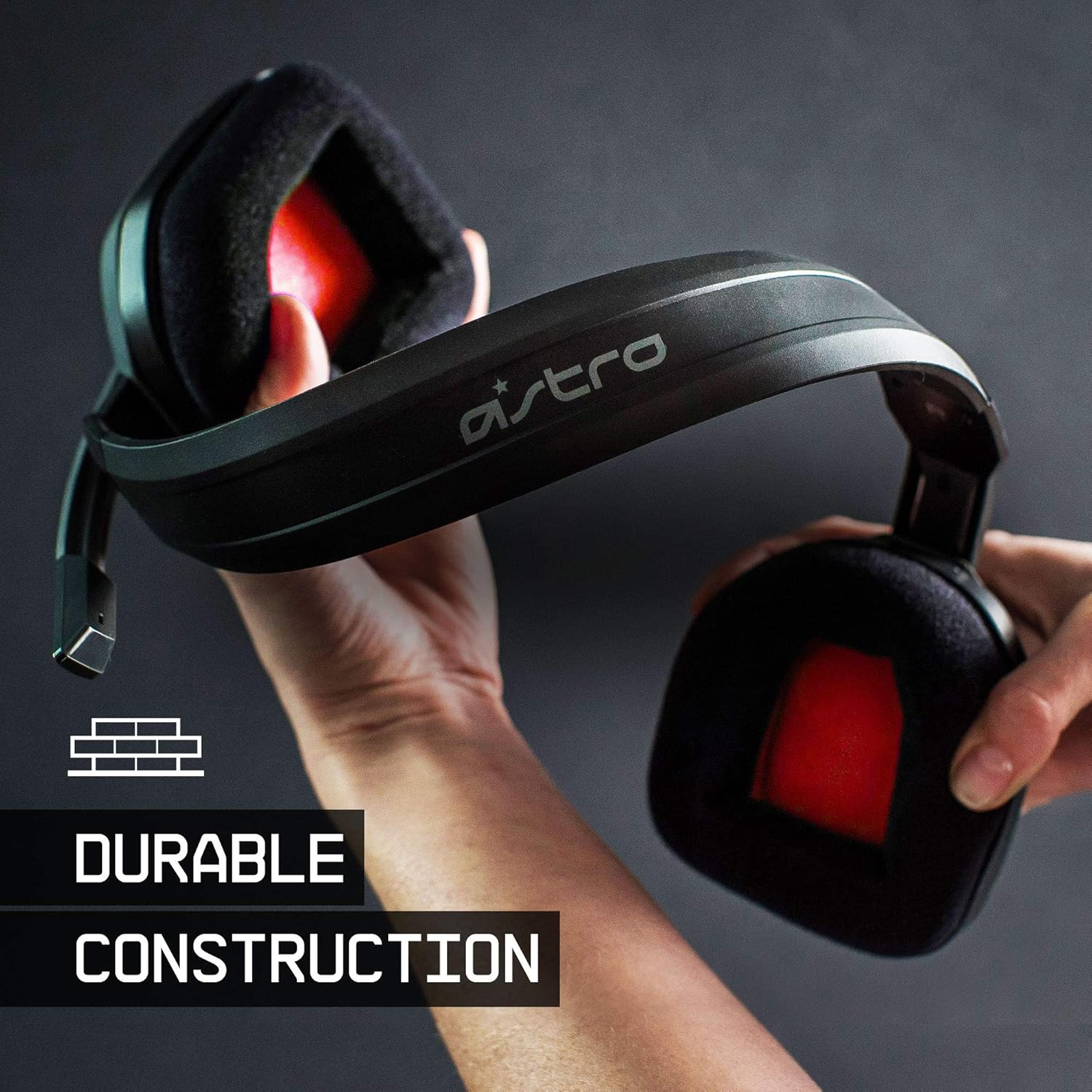
The ASTRO Gaming A10 Headset is engineered for gaming, offering durable construction and extended comfort for prolonged use. It features ASTRO Audio for clear and precise sound, an omnidirectional microphone with flip-up mute functionality, and in-line volume control for a comprehensive audio experience.
2. อะไรอยู่ในกล่อง
Upon unboxing your ASTRO Gaming A10 Headset, you should find the following components:
- ASTRO Gaming A10 Headset
- A10 Volume Cable (3.5mm jack)

3. คุณสมบัติของผลิตภัณฑ์
- ความทนทาน: The A10 Headset is constructed with a durable headband made of anodized aluminum and a damage-resistant polycarbonate blend, designed to withstand rigorous use.
- ปลอบโยน: Featuring extended comfort memory foam ear-cushions, the headset is designed to minimize fatigue during long gaming sessions.
- การสื่อสาร: An omnidirectional microphone with flip-up mute functionality and in-line volume control ensures clear communication with teammates.
- คุณภาพเสียง: Tuned with ASTRO Audio, the A10 delivers immersive and accurate audio, providing low latency and precise voice communication.
- ความเข้ากันได้: The headset is compatible with multiple platforms including PS5, PC/MAC, XBOX SERIES X|S, NINTENDO SWITCH, VR, and streaming devices.



4. คำแนะนำในการตั้งค่า
- Connect the A10 Volume Cable: Insert the smaller end of the A10 Volume Cable into the 3.5mm port located on the left earcup of the ASTRO A10 Headset. Ensure it is securely connected.
- เชื่อมต่อกับอุปกรณ์: Plug the larger end of the A10 Volume Cable into the 3.5mm headphone jack on your gaming controller (e.g., Xbox, PlayStation), PC, Mac, Nintendo Switch, or other compatible device.
- ปรับระดับเสียง: Use the in-line volume control wheel on the A10 Volume Cable to adjust the audio level to your preference.
- ตำแหน่งไมโครโฟน: Lower the microphone boom arm to activate the microphone. Position it appropriately for clear voice capture.

5. คู่มือการใช้งาน
การใช้งานไมโครโฟน (พลิกเพื่อปิดเสียง)
The ASTRO A10 Headset features a convenient flip-to-mute microphone. To activate the microphone, simply lower the boom arm into the speaking position. To mute the microphone, flip the boom arm upwards until it clicks into the vertical position. This action instantly mutes your voice input.
การควบคุมระดับเสียง
Adjust the audio volume using the in-line control wheel located on the A10 Volume Cable. Rotate the wheel upwards to increase volume and downwards to decrease volume.
6. ความเข้ากันได้
The ASTRO Gaming A10 Headset is designed for broad compatibility across various gaming and media platforms:
- เพลย์สเตชัน 5 (PS5)
- เพลย์สเตชัน 4 (PS4)
- Xbox ซีรี่ส์ X|S
- เอกซ์บอกซ์ วัน
- นินเทนโดสวิตช์
- PC
- แม็ค
- VR devices
- อุปกรณ์สตรีมมิ่ง
- Most mobile phones and tablets with a 3.5mm jack

7. การบำรุงรักษา
- การทำความสะอาด: ใช้ผ้าแห้งนุ่มๆ เช็ดทำความสะอาดหูฟัง หลีกเลี่ยงการใช้สารเคมีรุนแรงหรือวัสดุที่มีฤทธิ์กัดกร่อน
- พื้นที่จัดเก็บ: เก็บหูฟังไว้ในที่แห้งและเย็น หลีกเลี่ยงแสงแดดโดยตรงและอุณหภูมิที่สูงหรือต่ำเกินไป
- การดูแลสายเคเบิล: หลีกเลี่ยงการโค้งงอหรือดึงสายเคเบิลมากเกินไปเพื่อป้องกันความเสียหาย
- ฟองน้ำรองหูฟัง: ควรตรวจสอบแผ่นรองหูฟังเป็นระยะๆ เพื่อดูร่องรอยการสึกหรอ แผ่นรองหูฟังสำรองอาจมีจำหน่ายจากผู้ผลิต
8 การแก้ไขปัญหา
- No Audio / Low Audio:
- ตรวจสอบให้แน่ใจว่าเสียบสาย 3.5 มม. เข้ากับทั้งชุดหูฟังและอุปกรณ์อย่างแน่นหนาแล้ว
- Check the in-line volume control and ensure it is turned up.
- Verify that the audio output settings on your device are correctly configured for the headset.
- ทดสอบชุดหูฟังกับอุปกรณ์อื่นเพื่อตัดปัญหาเฉพาะอุปกรณ์ออกไป
- ไมโครโฟนไม่ทำงาน:
- Ensure the microphone boom arm is fully lowered into the speaking position (not flipped up for mute).
- Check the microphone input settings on your device to ensure the headset microphone is selected and not muted.
- ทดสอบไมโครโฟนด้วยแอปพลิเคชันหรืออุปกรณ์อื่น
- Static or Distorted Audio:
- Ensure the 3.5mm cable connections are secure and free from debris.
- Try using a different 3.5mm cable if available, to rule out a faulty cable.
- Reduce the volume on your device or headset if the audio is clipping.
9. ข้อมูลจำเพาะ
| คุณสมบัติ | รายละเอียด |
|---|---|
| ยี่ห้อ | แอสโตร เกมมิ่ง |
| ชื่อรุ่น | แอสโตร เกมมิ่ง A10 |
| หมายเลขรุ่น | 939-001508 |
| เทคโนโลยีการเชื่อมต่อ | มีสาย |
| แจ็คหูฟัง | แจ็ค 3.5 มม. |
| น้ำหนักสินค้า | 12.35 ออนซ์ |
| ช่วงความถี่ | 20 เฮิรตซ์ - 20 กิโลเฮิรตซ์ |
| ประเภทไดร์เวอร์เสียง | ไดร์เวอร์แบบไดนามิก |
| วัสดุของตู้หุ้ม | อลูมิเนียม |
| คุณสมบัติเพิ่มเติม | Microphone Included, Volume Control |
| อุปกรณ์ที่รองรับ | PS5, PC/MAC, XBOX SERIES X|S, NINTENDO SWITCH, VR, STREAMING, most mobile phones, tablets |
10. การรับประกันและการสนับสนุน
The ASTRO Gaming A10 Headset comes with a การรับประกันจากผู้ผลิต 2 ปี. For warranty claims, technical support, or additional product information, please visit the official ASTRO Gaming webหรือติดต่อฝ่ายบริการลูกค้าโดยตรง
11. วิดีโอผลิตภัณฑ์
ASTRO A10 Experience
วิดีโอ: วิดีโอสาธิตอย่างเป็นทางการasing the overall experience and key aspects of the ASTRO A10 Headset. This video provides a visual overview ในด้านการออกแบบและฟังก์ชันการใช้งานของผลิตภัณฑ์