
PROSCAN PSB3713-OP
PROSCAN 37-Inch Bluetooth Sound Bar User Manual
Model: PSB3713-OP
การแนะนำ
ขอบคุณสำหรับการซื้อasing the PROSCAN 37-Inch Bluetooth Sound Bar. This ultra-slim sound bar is designed to enhance your audio experience with your Smart TV, offering versatile connectivity options including Bluetooth, Optical Digital Audio Input, and Aux-In. This manual provides detailed instructions for setup, operation, maintenance, and troubleshooting to ensure optimal performance and longevity of your device.
ข้อมูลด้านความปลอดภัยที่สำคัญ
คำเตือน: ผลิตภัณฑ์นี้มีสารเคมีที่รัฐแคลิฟอร์เนียรู้จักว่าก่อให้เกิดมะเร็งและความพิการ แต่กำเนิดหรือเป็นอันตรายต่อระบบสืบพันธุ์อื่น ๆ
- อ่านคำแนะนำทั้งหมดก่อนใช้งานอุปกรณ์
- เก็บคู่มือนี้ไว้เพื่อใช้อ้างอิงในอนาคต
- อย่าให้เครื่องโดนฝนหรือความชื้น
- ห้ามปิดกั้นช่องระบายอากาศใดๆ
- ตรวจสอบให้แน่ใจว่าปริมาณแหล่งจ่ายไฟที่เหมาะสมtage ตามที่ระบุไว้บนหน่วย
- ถอดปลั๊กเครื่องในระหว่างที่เกิดพายุฝนฟ้าคะนองหรือเมื่อไม่ได้ใช้งานเป็นเวลานาน
- ส่งต่อการบริการทั้งหมดไปยังบุคลากรบริการที่มีคุณสมบัติเหมาะสม
มีอะไรอยู่ในกล่อง

Image: Contents of the PROSCAN Sound Bar box, showing the sound bar, remote control, AC power adapter, stereo audio connection cable, RCA audio cable, and mount screws.
กรุณาตรวจสอบว่ารายการทั้งหมดต่อไปนี้รวมอยู่ในแพ็คเกจของคุณ:
- PROSCAN 37-Inch Bluetooth Sound Bar
- รีโมทคอนโทรล
- อะแดปเตอร์ AC
- Stereo Audio Connection Cable
- สายสัญญาณเสียง RCA
- สกรูยึด (สำหรับติดตั้งบนผนัง)
- คู่มือการใช้งาน (เอกสารนี้)
สินค้าเกินview

Image: The PROSCAN 37-Inch Bluetooth Sound Bar positioned in front of a curved television screen, with its remote control placed nearby. The sound bar is sleek and black.
The PROSCAN 37-Inch Bluetooth Sound Bar is designed for optimal audio performance and ease of use. It features a sleek, ultra-slim design that complements any home entertainment setup.
แผงด้านหน้า

ภาพ: ด้านหน้าโดยตรง view of the PROSCAN 37-Inch Bluetooth Sound Bar, showcasinด้วยดีไซน์ที่เรียบง่ายและตะแกรงลำโพง
The front panel features the speaker grille and an LED indicator that shows the current input mode and status.
แผงด้านหลัง (การเชื่อมต่อ)
The rear panel houses all the necessary input ports for connecting to your audio sources.
- Optical Digital Audio Input: For high-quality digital audio connection from your TV or other devices.
- ช่องต่อ AUX In (3.5 มม.): สำหรับเชื่อมต่ออุปกรณ์เสียงอนาล็อก
- DC IN: พอร์ตอินพุตไฟ
รีโมทคอนโทรล
The included remote control allows you to manage all functions of the sound bar conveniently.
- เปิด/ปิดเครื่อง
- เพิ่ม/ลดระดับเสียง
- Input Source Selection (Bluetooth, Optical, AUX, FM)
- ปิดเสียง
- FM Radio controls (Scan, Preset)
คู่มือการติดตั้ง
1 การวาง
The sound bar can be placed on a table stand or wall-mounted.

Image: The PROSCAN Sound Bar wall-mounted directly above a flat-screen television, demonstrating a clean and space-saving installation.
- ขาตั้งโต๊ะ: วางซาวด์บาร์บนพื้นผิวเรียบและมั่นคงด้านหน้าทีวี ตรวจสอบให้แน่ใจว่าไม่บังเซ็นเซอร์รับสัญญาณรีโมทของทีวี
- ติดผนัง: Use the included mount screws to securely attach the sound bar to a wall. Refer to the wall mounting template (if provided separately) for precise drilling locations. Ensure the wall can support the weight of the sound bar.
2. การเชื่อมต่อแหล่งเสียง
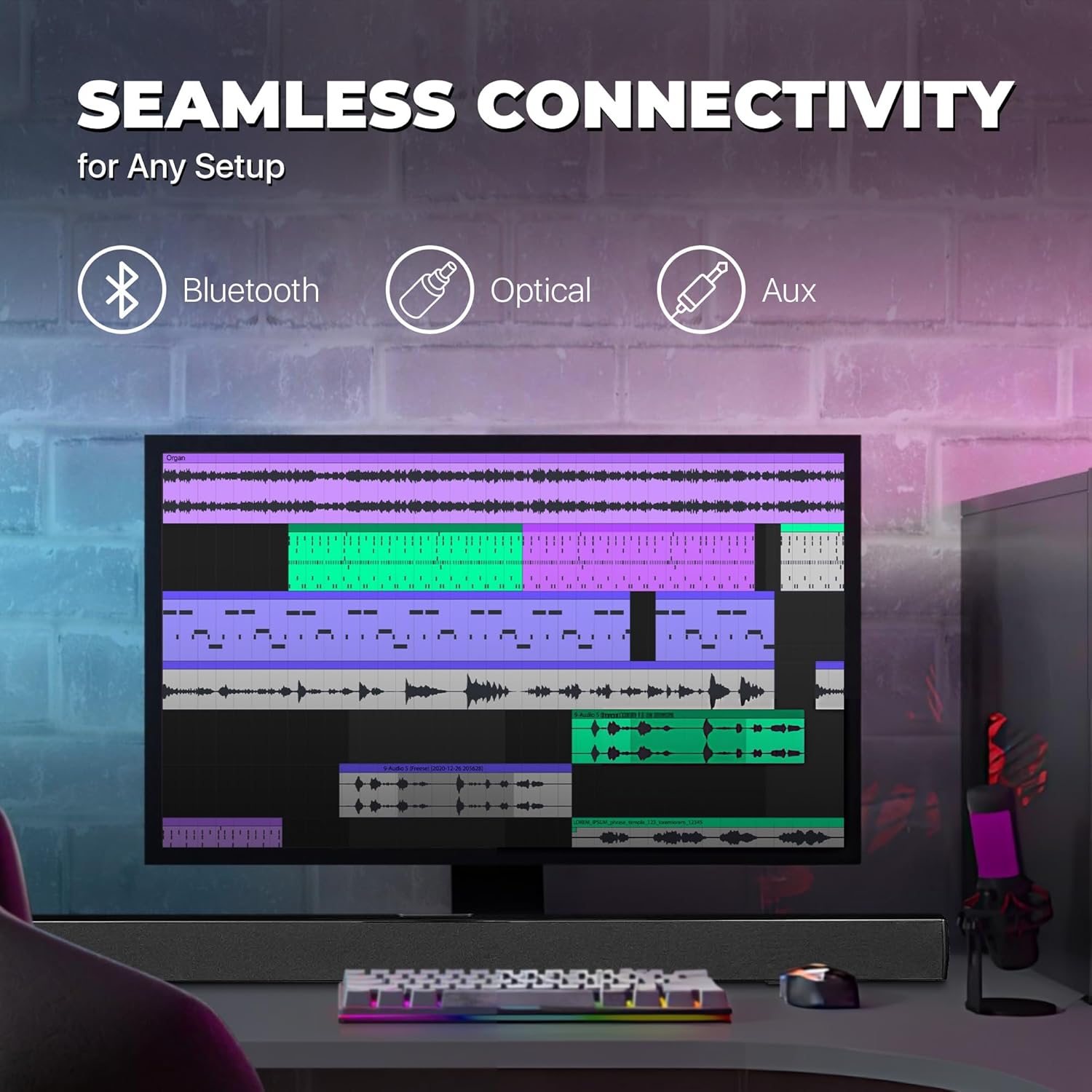
Image: A graphic illustrating the seamless connectivity options of the sound bar, including icons for Bluetooth, Optical, and Aux connections, with a sound bar placed below a computer monitor.
เลือกวิธีการเชื่อมต่อแหล่งกำเนิดเสียงของคุณวิธีใดวิธีหนึ่งต่อไปนี้:
- การเชื่อมต่อสัญญาณเสียงดิจิทัลแบบออปติคอล:
Connect an optical cable (not included) from the OPTICAL OUT port on your TV or audio device to the OPTICAL IN port on the sound bar. This provides high-quality digital audio.
- AUX (3.5mm) Connection:
Use the included 3.5mm audio cable to connect the AUX IN port on the sound bar to the headphone jack or audio output port on your device (e.g., TV, smartphone, MP3 player).
- การเชื่อมต่อบลูทู ธ :
For wireless audio streaming from Bluetooth-enabled devices like smartphones, tablets, or laptops. (Detailed pairing instructions in the Operating section).
3. การเชื่อมต่อไฟฟ้า
Connect the included AC power adapter to the DC IN port on the sound bar, then plug the adapter into a standard wall outlet.
คำแนะนำการใช้งาน
เปิด/ปิดเครื่อง
กดปุ่ม พลัง button on the remote control or on the sound bar to turn the unit on or off.
การเลือกแหล่งอินพุต
กดปุ่ม ป้อนข้อมูล button on the remote control repeatedly to cycle through the available input sources: Bluetooth, Optical, AUX, FM. The LED indicator on the front panel will change to reflect the selected input.
การควบคุมระดับเสียง
ใช้ เล่ม+ และ ฉบับ- buttons on the remote control to adjust the volume. Press the MUTE ปุ่มสำหรับปิดเสียงชั่วคราว
จับคู่บลูทู ธ
- Turn on the sound bar and select Bluetooth mode using the ป้อนข้อมูล button. The LED indicator will flash, indicating it's in pairing mode.
- เปิดใช้งานบลูทูธบนอุปกรณ์ของคุณ (สมาร์ทโฟน แท็บเล็ต ฯลฯ) แล้วค้นหาอุปกรณ์ที่ใช้งานได้
- Select "PSB3713-OP" from the list of found devices.
- Once paired, the LED indicator will stop flashing and remain solid. You can now play audio from your device through the sound bar.
การทำงานของวิทยุ FM
วิธีใช้งานวิทยุ FM ในตัว:
- เลือกโหมด FM โดยใช้ ป้อนข้อมูล ปุ่ม.
- กดปุ่ม สแกน button on the remote control to automatically scan and save available FM stations.
- ใช้ ก่อนหน้า และ ต่อไป ปุ่มเพื่อนำทางผ่านสถานีที่บันทึกไว้
การซ่อมบำรุง
- การทำความสะอาด: Use a soft, dry cloth to clean the surface of the sound bar. Do not use liquid cleaners or aerosol sprays.
- พื้นที่จัดเก็บ: หากจะเก็บเครื่องไว้เป็นเวลานาน ควรถอดปลั๊กออกจากเต้ารับไฟฟ้าและเก็บไว้ในที่แห้งและเย็น
- การระบายอากาศ : Ensure the sound bar has adequate ventilation and is not covered by cloths or other materials that could block airflow.
การแก้ไขปัญหา
| ปัญหา | สาเหตุที่เป็นไปได้ | สารละลาย |
|---|---|---|
| ไม่มีไฟฟ้า | ไม่ได้เสียบอะแดปเตอร์แปลงไฟ หรือปลั๊กไฟใช้งานไม่ได้ | Ensure the power adapter is securely connected to the sound bar and a working power outlet. |
| ไม่มีเสียง | เลือกแหล่งอินพุตไม่ถูกต้อง ระดับเสียงต่ำเกินไป สายสัญญาณเสียงไม่ได้เชื่อมต่ออย่างถูกต้อง | Select the correct input source (Bluetooth, Optical, AUX). Increase the volume. Check all audio cable connections. Ensure TV audio output is set correctly (e.g., PCM for Optical). |
| การจับคู่บลูทูธล้มเหลว | แถบเสียงไม่ได้อยู่ในโหมดจับคู่ อุปกรณ์อยู่ไกลเกินไป มีสัญญาณรบกวน | Ensure the sound bar is in Bluetooth pairing mode (flashing LED). Move your device closer to the sound bar. Turn off other Bluetooth devices to reduce interference. |
| รีโมตคอนโทรลไม่ทำงาน | Batteries are dead or inserted incorrectly; obstacle between remote and sound bar. | Replace the remote control batteries. Ensure there is no obstruction between the remote and the sound bar's sensor. |
| การรับสัญญาณ FM ไม่ดี | สัญญาณอ่อน. | Adjust the position of the sound bar or try rescanning for stations. |
ข้อมูลจำเพาะ
| คุณสมบัติ | รายละเอียด |
|---|---|
| ชื่อรุ่น | PSB3713-โอพี |
| ประเภทลำโพง | ซาวด์บาร์ |
| ขนาดลำโพง | 37 นิ้ว |
| เทคโนโลยีการเชื่อมต่อ | Bluetooth, Auxiliary (3.5mm), Optical |
| การสื่อสารแบบไร้สาย | บลูทูธ, วิทยุ FM |
| โหมดเอาต์พุตเสียง | สเตอริโอ, เสียงรอบทิศทาง |
| กำลังขับสูงสุดของลำโพง | 40 วัตต์ |
| อิมพีแดนซ์ | 4 โอห์ม |
| ขนาดสินค้า (ลึก x กว้าง x สูง) | ลึก 3.25 นิ้ว x กว้าง 3.25 นิ้ว x สูง 41.5 นิ้ว |
| น้ำหนักสินค้า | 4.55 ปอนด์ |
| สี | สีดำ |
| แหล่งพลังงาน | สายไฟ |
| ประเภทตัวควบคุม | รีโมทคอนโทรล |
| ประเภทการติดตั้ง | บาร์เมา |
การรับประกันและการสนับสนุน
This PROSCAN product comes with a Limited Warranty. For specific warranty terms and conditions, please refer to the warranty card included in your product packaging or contact PROSCAN customer support.
For technical support, troubleshooting assistance, or service inquiries, please contact the manufacturer, Curtis International LTD, or visit the PROSCAN official webเว็บไซต์สำหรับข้อมูลการติดต่อ
ผู้ผลิต: บริษัท เคอร์ติส อินเตอร์เนชั่นแนล จำกัด
Webเว็บไซต์: Visit the PROSCAN Store on Amazon
Ask a question about this manual
Ask about setup, troubleshooting, compatibility, parts, safety, or missing instructions. Manuals+ will review the question and use this page’s manual context to help answer it.