
Cherry JD-0800EU-2
CHERRY DC 2000 Keyboard and Mouse Combo
คู่มือการใช้งาน
Model: JD-0800EU-2 | Brand: Cherry
1. บทนำ
The CHERRY DC 2000 Corded Desktop is a reliable and efficient keyboard and mouse combo designed for everyday office and home use. This set includes a full-size corded keyboard with additional function keys and a symmetrical 3-button corded mouse, suitable for both left and right-handed users. Its robust design ensures quiet and tactile keystrokes for comfortable and concentrated work.
เนื้อหาแพ็คเกจ:
- CHERRY DC 2000 Corded Keyboard
- CHERRY DC 2000 Corded Mouse
- คู่มือการใช้งาน (เอกสารนี้)

Figure 1.1: The CHERRY DC 2000 keyboard and mouse combo, showcasing the full layout of the keyboard and the ergonomic design of the mouse.
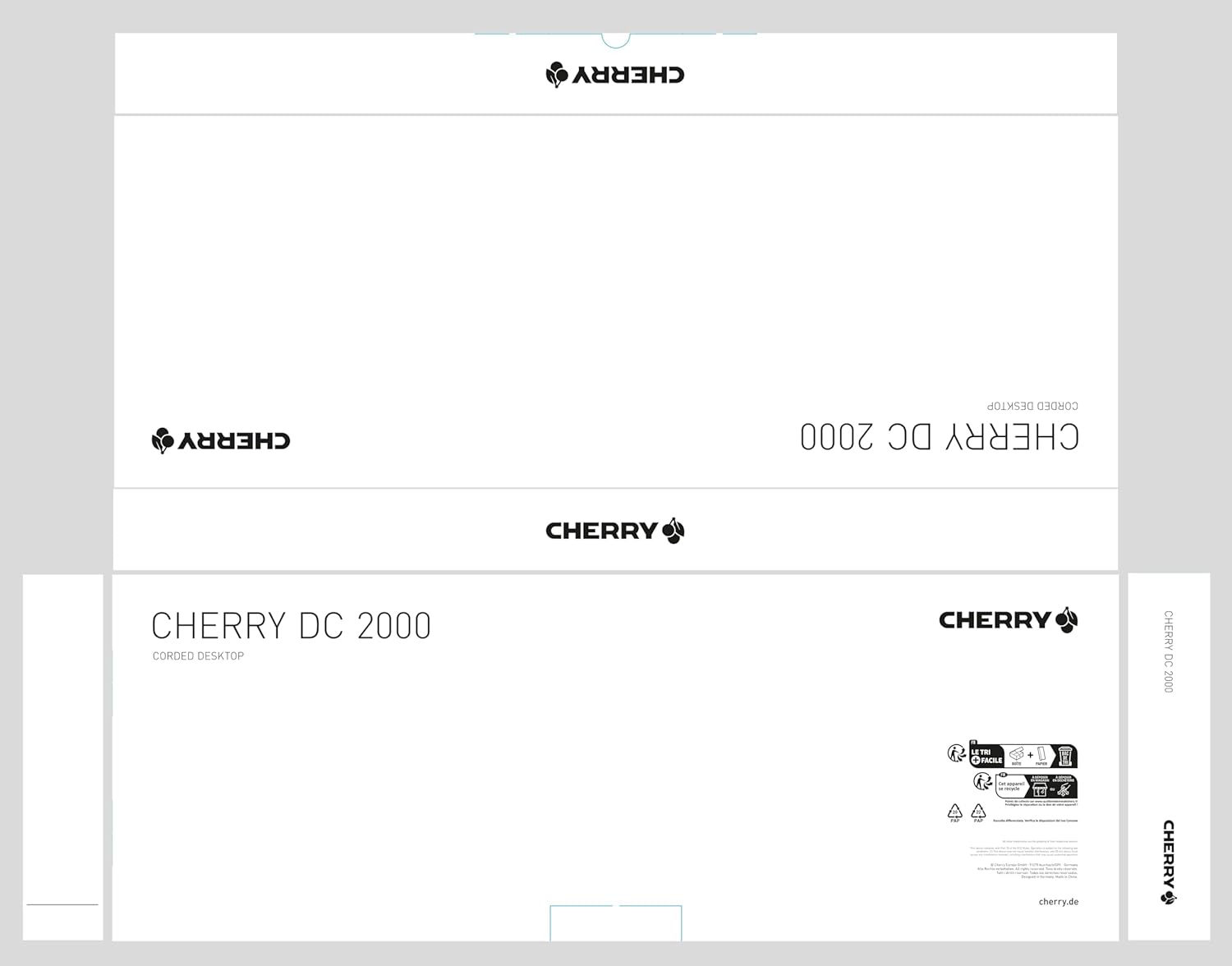
Figure 1.2: The packaging for the CHERRY DC 2000 Corded Desktop, indicating the product name and brand logo.
2. การตั้งค่า
The CHERRY DC 2000 keyboard and mouse combo is designed for simple plug-and-play installation. No additional drivers are typically required for basic functionality on supported operating systems.
2.1 ข้อกำหนดของระบบ
- ระบบปฏิบัติการ: Windows 10, Windows 8, Windows 7
- Hardware Platform: PC, Laptop
- พอร์ต USB ที่ใช้ได้
2.2 การเชื่อมต่ออุปกรณ์
- ค้นหาพอร์ต USB ที่ว่างบนคอมพิวเตอร์ของคุณ (พีซีหรือแล็ปท็อป)
- Plug the USB connector of the CHERRY DC 2000 keyboard into the USB port.
- Plug the USB connector of the CHERRY DC 2000 mouse into another available USB port.
- ระบบปฏิบัติการของคุณควรตรวจจับและติดตั้งไดรเวอร์ที่จำเป็นโดยอัตโนมัติ กระบวนการนี้อาจใช้เวลาสักครู่
- Once installation is complete, the keyboard and mouse are ready for use.

Figure 2.1: The CHERRY DC 2000 keyboard and mouse connected and positioned on a desk, ready for use.
3. คู่มือการใช้งาน
3.1 ฟังก์ชั่นคีย์บอร์ด
The CHERRY DC 2000 keyboard features a standard QWERTY layout with additional keys designed to enhance productivity in office applications.
- รูปแบบมาตรฐาน: Full-size keyboard with numeric keypad for comprehensive data entry.
- คีย์เพิ่มเติม: Four dedicated keys provide quick access to frequently used office functions. These keys are typically located above the numeric keypad and may include functions like Calculator, Email, Browser Home, and Sleep. Refer to your operating system's settings for potential customization of these keys.
- การกดแป้นพิมพ์สัมผัส: Designed for quiet and comfortable typing, reducing noise in shared workspaces.

Figure 3.1: A user's hands positioned on the CHERRY DC 2000 keyboard and mouse, demonstrating active use.
3.2 ฟังก์ชันเมาส์
The CHERRY DC 2000 mouse is a symmetrical 3-button design, ensuring comfortable use for both left and right-handed individuals.
- ดีไซน์แบบ 3 ปุ่ม: Includes left-click, right-click, and a scroll wheel that also functions as a middle-click button.
- รูปทรงสมมาตร: Ergonomically designed to fit comfortably in either hand.
- การติดตามที่แม่นยำ: Provides accurate cursor control for various tasks.

รูปที่ 3.2: ภาพระยะใกล้ view of a user's hand comfortably resting on the CHERRY DC 2000 mouse, highlighting its symmetrical design.

รูปที่ 3.3: รายละเอียด view of the CHERRY DC 2000 mouse, showing its smooth finish and the CHERRY logo.
4. การบำรุงรักษาและการดูแล
Proper care and maintenance will extend the lifespan of your CHERRY DC 2000 keyboard and mouse combo.
- การทำความสะอาด:
- ถอดอุปกรณ์ออกจากคอมพิวเตอร์ก่อนทำความสะอาด
- ใช้ผ้านุ่มไม่เป็นขุยเช็ดเล็กน้อยampเคลือบด้วยน้ำหรือสารทำความสะอาดอ่อนๆ ที่ไม่กัดกร่อน
- หลีกเลี่ยงการฉีดของเหลวลงบนอุปกรณ์โดยตรง
- For dust and debris between keyboard keys, use compressed air.
- พื้นที่จัดเก็บ: เก็บอุปกรณ์ไว้ในที่แห้งและเย็น หลีกเลี่ยงแสงแดดโดยตรงและอุณหภูมิที่สูงหรือต่ำเกินไป
- การจัดการ: Avoid dropping the devices or exposing them to excessive force, which could damage internal components.
5 การแก้ไขปัญหา
If you encounter issues with your CHERRY DC 2000 combo, try the following troubleshooting steps:
- ไม่รู้จักอุปกรณ์:
- Ensure the USB connectors are fully inserted into the USB ports.
- ลองเสียบอุปกรณ์เข้ากับพอร์ต USB ต่างๆ บนคอมพิวเตอร์ของคุณดู
- รีสตาร์ทเครื่องคอมพิวเตอร์ของคุณ
- Check your operating system's Device Manager to see if the devices are listed and if there are any driver issues.
- ปุ่มไม่ตอบสนอง / เมาส์ไม่ขยับ:
- ตรวจสอบการเชื่อมต่อ USB
- Test the devices on another computer to determine if the issue is with the devices or your system.
- Ensure no debris is obstructing the mouse sensor or keyboard keys.
- การตอบสนองล่าช้าหรือล่าช้า:
- ตรวจสอบให้แน่ใจว่าไดร์เวอร์ USB ของคอมพิวเตอร์ของคุณเป็นเวอร์ชันล่าสุด
- Avoid connecting the devices through unpowered USB hubs if possible.
หากขั้นตอนเหล่านี้ไม่สามารถแก้ไขปัญหาได้ โปรดดูส่วนการรับประกันและการสนับสนุนเพื่อขอความช่วยเหลือเพิ่มเติม
6. ข้อมูลจำเพาะ
| คุณสมบัติ | รายละเอียด |
|---|---|
| ยี่ห้อ | เชอร์รี่ |
| ซีรี่ส์ซีรี่ย์ | 2000 DC |
| หมายเลขรุ่นสินค้า | JD-0800EU-2 |
| เทคโนโลยีการเชื่อมต่อ | USB (แบบมีสายไฟฟ้า) |
| อุปกรณ์ที่รองรับ | แล็ปท็อปพีซี |
| ความเข้ากันได้ของระบบปฏิบัติการ | วินโดว์ 10, วินโดว์ 8, วินโดว์ 7 |
| คำอธิบายแป้นพิมพ์ | QWERTY, Wired Keyboard and Mouse Combo |
| สี | สีดำ |
| น้ำหนักสินค้า | 1.37 ปอนด์ (ประมาณ 0.62 กก.) |
| ขนาดสินค้า (กxยxส) | 18.03 x 6.69 x 0.79 นิ้ว (ประมาณ 45.8 x 17.0 x 2.0 ซม.) |

รูปที่ 6.1: โปรด้านข้างfile view of the CHERRY DC 2000 keyboard, illustrating its slim and flat design.
7. การรับประกันและการสนับสนุน
Cherry products are manufactured to high quality standards. For information regarding warranty coverage and terms, please refer to the warranty card included with your product or visit the official Cherry webเว็บไซต์.
7.1 การสนับสนุนลูกค้า
If you require technical assistance or have questions not covered in this manual, please contact Cherry customer support. Contact information can typically be found on the Cherry webไซต์หรือบนบรรจุภัณฑ์ผลิตภัณฑ์
สำหรับข้อมูลการสนับสนุนล่าสุด โปรดเยี่ยมชม: www.cherry.de
Ask a question about this manual
Ask about setup, troubleshooting, compatibility, parts, safety, or missing instructions. Manuals+ will review the question and use this page’s manual context to help answer it.