
การแนะนำ
This manual provides instructions for the Datalogic Barcodescanner Touch TD1100 90 Light, model TD1120-BK-90K1. It covers essential information for setting up, operating, maintaining, and troubleshooting your device to ensure optimal performance. Please read this manual thoroughly before using the scanner.
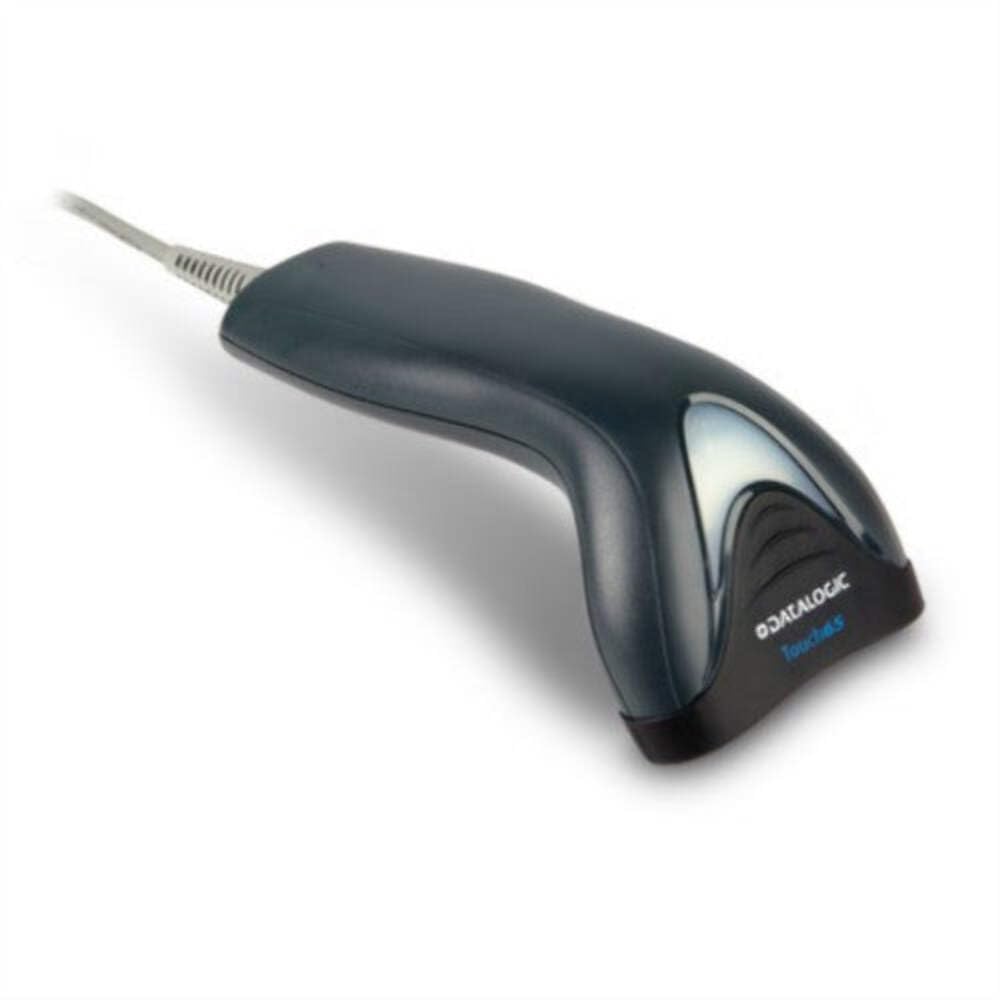
Image: The Datalogic Touch TD1100 90 Light barcode scanner, showing its ergonomic design and integrated cable.
การตั้งค่า
1. การแกะกล่อง
นำส่วนประกอบทั้งหมดออกจากบรรจุภัณฑ์อย่างระมัดระวัง ตรวจสอบว่ามีส่วนประกอบทั้งหมดครบถ้วน:
- Datalogic Touch TD1100 90 Light Barcode Scanner
- สาย USB (รวมอยู่ด้วย)
- คู่มือเริ่มต้นใช้งานฉบับย่อ (ถ้ามี)
2. การเชื่อมต่อสแกนเนอร์
The TD1120-BK-90K1 model connects via a USB interface. Follow these steps:
- ค้นหาพอร์ต USB ที่พร้อมใช้งานบนคอมพิวเตอร์ของคุณ (เดสก์ท็อปหรือแล็ปท็อป)
- Insert the USB connector of the scanner's cable firmly into the USB port.
- The operating system should automatically detect the new hardware and install the necessary drivers. This process may take a few moments.
- Once drivers are installed, the scanner will typically emit a short beep or an indicator light will illuminate, signifying it is ready for use.
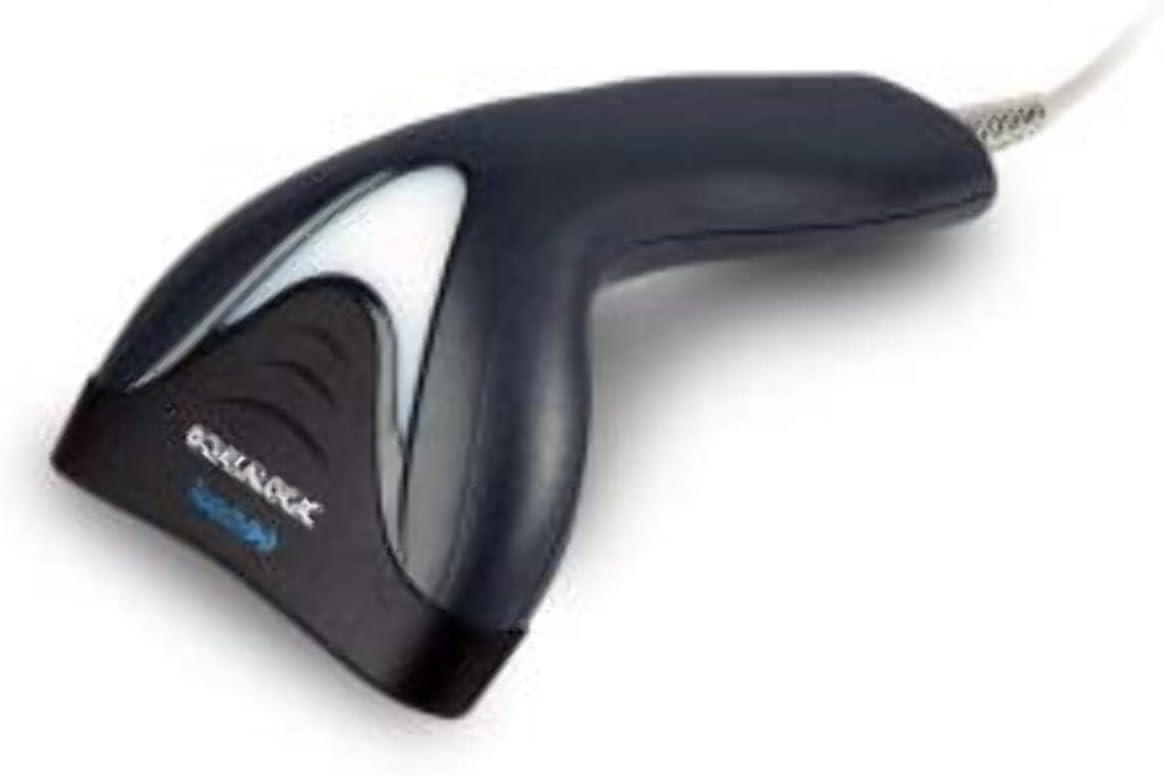
ภาพ: ด้านข้าง view of the Datalogic Touch TD1100 90 Light barcode scanner, highlighting the integrated cable for connection.
คำแนะนำการใช้งาน
1. ขั้นตอนการสแกนพื้นฐาน
หากต้องการสแกนบาร์โค้ด:
- ตรวจสอบให้แน่ใจว่าเครื่องสแกนเชื่อมต่อและเปิดเครื่องแล้ว
- Open an application on your computer where you want the scanned data to appear (e.g., a text editor, spreadsheet, or POS software).
- ถือเครื่องสแกนโดยให้ช่องสแกนหันเข้าหาบาร์โค้ด
- Press and hold the trigger button. A red aiming line or light will project from the scanning window.
- วางเส้นเล็งให้พาดผ่านบาร์โค้ดทั้งหมด
- Once the barcode is successfully read, the scanner will emit a beep and/or the indicator light will flash green. The data will then appear in your active application.
- ปล่อยปุ่มไกปืน
2. Scanning Techniques
- ระยะทางที่เหมาะสม: Hold the scanner at an appropriate distance from the barcode, typically between 2-10 cm (1-4 inches), depending on the barcode size and density.
- มุม: Scan barcodes at a slight angle to avoid direct reflection, which can interfere with reading.
- บาร์โค้ดเสียหาย: สำหรับบาร์โค้ดที่พิมพ์ไม่ชัดหรือชำรุด ให้ลองสแกนจากมุมหรือระยะห่างที่แตกต่างกัน
การซ่อมบำรุง
1. การทำความสะอาดสแกนเนอร์
การทำความสะอาดเป็นประจำช่วยรักษาประสิทธิภาพการสแกนให้เหมาะสมที่สุด
- หน้าต่างการสแกน: ใช้ผ้านุ่มไม่เป็นขุย งampened with a mild, non-abrasive cleaner (e.g., isopropyl alcohol or glass cleaner) to gently wipe the scanning window. Avoid harsh chemicals or abrasive materials.
- ภายนอก: เช็ดทำความสะอาดภายนอกasing กับ d อ่อนamp cloth. Do not allow liquids to enter the scanner.
- Ensure the scanner is disconnected from the power source before cleaning.
2. การจัดเก็บ
When not in use, store the scanner in a clean, dry environment, away from direct sunlight, extreme temperatures, and corrosive materials.
การแก้ไขปัญหา
If you encounter issues with your Datalogic TD1100 scanner, refer to the following common problems and solutions:
| ปัญหา | สาเหตุที่เป็นไปได้ | สารละลาย |
|---|---|---|
| เครื่องสแกนไม่เปิดใช้งานหรือไม่ตอบสนอง | สายเคเบิลหลวม, พอร์ต USB มีปัญหา, ปัญหาด้านพลังงาน |
|
| เครื่องสแกนไม่สามารถอ่านบาร์โค้ดได้ | Incorrect scanning technique, damaged barcode, dirty scanning window, incompatible barcode type, application not ready. |
|
| ข้อมูลที่สแกนแสดงผลไม่ถูกต้อง | Keyboard wedge settings, incorrect language settings. |
|
ข้อมูลจำเพาะ
Key technical specifications for the Datalogic Touch TD1100 90 Light (TD1120-BK-90K1):
- หมายเลขรุ่น: TD1120-BK-90K1
- ยี่ห้อ: ดาต้าลอจิก
- อัตราการสแกน: 90 เฟรมต่อวินาที (fps)
- เทคโนโลยีการเชื่อมต่อ: บลูทูธ
- อุปกรณ์ที่รองรับ: เดสก์ท็อป, โน๊ตบุ๊ก
- แหล่งพลังงาน: ใช้พลังงานจากแบตเตอรี่
- น้ำหนักสินค้า: 153 กรัม
- มุมจริงของ View: 3.5 องศา
- ผู้ผลิต: ดาต้าลอจิก
Note: Some specifications like "Battery Powered" and "Bluetooth" might be generic for the TD1100 series. The TD1120-BK-90K1 is primarily a wired USB scanner.
การรับประกันและการสนับสนุน
ข้อมูลการรับประกัน
Datalogic products are covered by a standard manufacturer's warranty. For specific warranty terms and conditions, please refer to the warranty card included with your product or visit the official Datalogic webไซต์นี้ โปรดเก็บหลักฐานการซื้อไว้เพื่อใช้ยืนยันการรับประกัน
การสนับสนุนด้านเทคนิค
For technical assistance, troubleshooting beyond this manual, or to inquire about repairs, please contact Datalogic customer support. You can typically find contact information on the Datalogic webไซต์หรือในเอกสารที่มาพร้อมกับสแกนเนอร์ของคุณ
- Datalogic Official Webเว็บไซต์: www.datalogic.com
- ทรัพยากรสนับสนุน: Check the support section of the website for FAQs, drivers, and additional documentation.