
1. บทนำ
The WAC Lighting HR-LED90-27-WT Edge Lit LED Button Light is designed for versatile lighting applications, suitable for both recessed and surface-mounted installations. This fixture utilizes advanced LED technology to provide strong, evenly distributed light output. It is Energy Star and CEC Title 24 Rated, ensuring an eco-friendly and energy-efficient lighting solution. The system operates with Class II, 24V remote and plug-in transformers, allowing up to 20 button lights to be wired together for comprehensive lighting designs. This model features a white finish and a 2700K color temperature, delivering 200 lumens with a high CRI of 90 and an extended rated life of 100,000 hours.
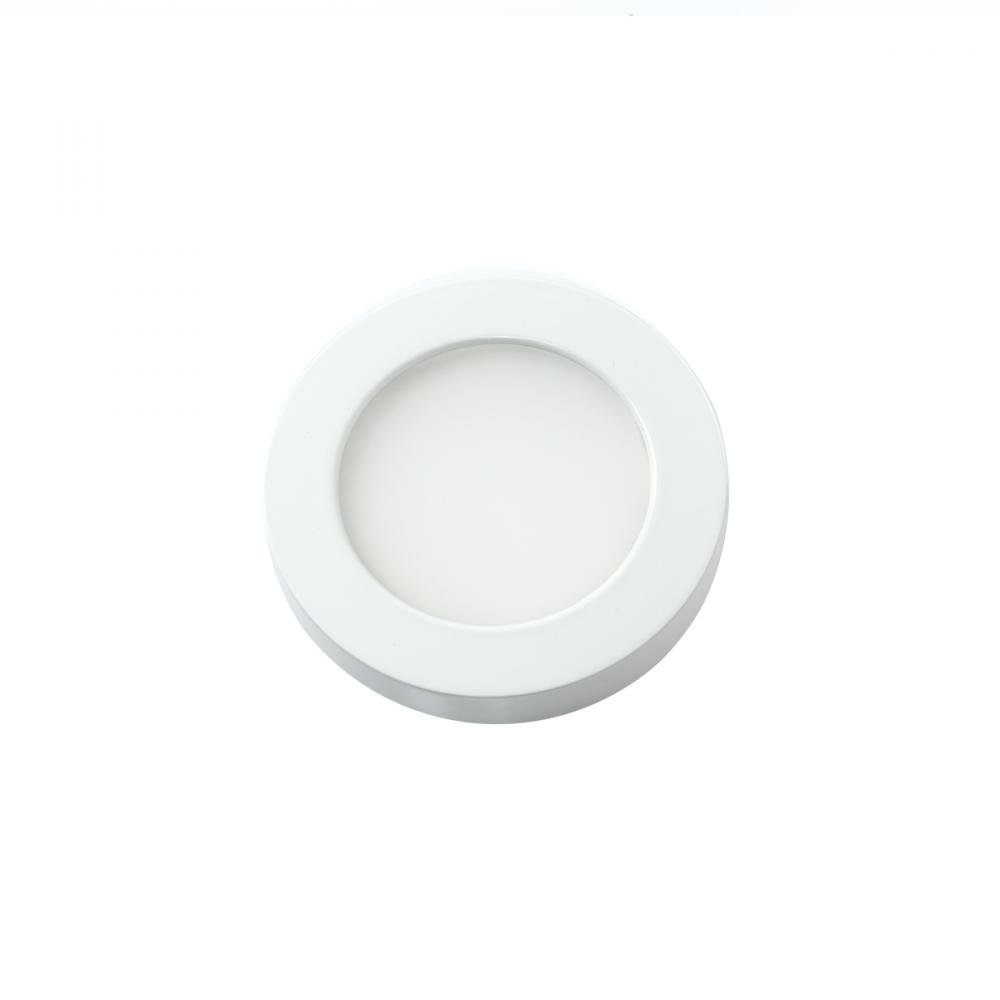
Image 1.1: The WAC Lighting HR-LED90-27-WT Edge Lit LED Button Light, showcasing its compact, round design and white finish.
2. ข้อมูลด้านความปลอดภัย
โปรดอ่านคำแนะนำทั้งหมดอย่างละเอียดก่อนการติดตั้งและใช้งาน เก็บคู่มือนี้ไว้เพื่อใช้อ้างอิงในอนาคต
- คำเตือน: เสี่ยงต่อการถูกไฟฟ้าช็อต โปรดตัดกระแสไฟที่ฟิวส์หรือเบรกเกอร์ก่อนทำการติดตั้งหรือซ่อมบำรุง
- การติดตั้งต้องดำเนินการโดยช่างไฟฟ้าที่มีคุณสมบัติเหมาะสม โดยต้องเป็นไปตามข้อกำหนดและกฎหมายไฟฟ้าท้องถิ่นทั้งหมด
- ตรวจสอบปริมาณอุปทานtage is correct (24V DC) for this fixture. Connecting to an incorrect voltage may damage the light and void the warranty.
- Do not modify the fixture or its components. Unauthorized modifications may lead to hazards and void the warranty.
- ควรหลีกเลี่ยงการมองตรงไปยังแหล่งกำเนิดแสง LED เมื่อมีแสงสว่าง เนื่องจากอาจทำให้ปวดตาได้
- ผลิตภัณฑ์นี้ได้รับการออกแบบสำหรับใช้ภายในอาคารเท่านั้น
3. เนื้อหาบรรจุภัณฑ์
ตรวจสอบว่าส่วนประกอบทั้งหมดอยู่ครบและไม่ได้รับความเสียหายก่อนดำเนินการติดตั้ง
- WAC Lighting HR-LED90-27-WT Edge Lit LED Button Light
- คู่มือการใช้งาน (เอกสารนี้)
Note: Class II, 24V remote and plug-in transformers are sold separately and are required for operation.
4. การตั้งค่าและการติดตั้ง
The HR-LED90-27-WT button light can be installed as either a recessed or surface-mounted fixture. Proper planning and adherence to electrical codes are essential.
4.1 ขั้นตอนก่อนการติดตั้ง
- ปิดไฟ: Locate the circuit breaker or fuse box and turn off the power supply to the area where the light will be installed.
- เตรียมการเดินสายไฟ: Ensure that a Class II, 24V DC power supply (transformer) is available and properly wired to the installation location. Up to 20 button lights can be connected to a single compatible transformer.
- Determine mounting type: Decide whether to recess the light into a surface (e.g., cabinet, ceiling) or surface mount it.
4.2 การติดตั้งแบบฝัง
- Cut opening: Using the provided dimensions (refer to Image 4.1), cut a circular opening in the desired surface. Ensure the opening is precise to allow for a snug fit.
- เชื่อมต่อสายไฟ: Carefully connect the fixture's wiring to the 24V DC power supply leads, observing proper polarity (positive to positive, negative to negative). Secure connections with appropriate wire connectors.
- ติดตั้งอุปกรณ์ยึด: Gently push the button light into the prepared opening until it sits flush with the surface. The fixture is designed for a secure fit.
4.3 การติดตั้งแบบยึดกับพื้นผิว
- Secure mounting plate (if applicable): Some surface mount installations may require a separate mounting plate. Attach this plate to the surface using appropriate screws.
- เชื่อมต่อสายไฟ: Connect the fixture's wiring to the 24V DC power supply leads, ensuring correct polarity.
- Attach fixture: Secure the button light to the mounting surface or plate. The fixture may use a magnetic clasping mechanism for easy attachment.
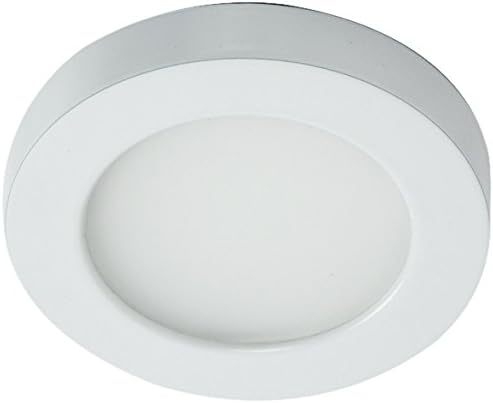
Image 4.1: Dimensional drawing of the HR-LED90-27-WT button light, showing a 3.5-inch diameter and 9/16-inch depth for precise installation.

ภาพที่ 4.2: อดีตample of the WAC Lighting HR-LED90-27-WT button light installed as a recessed fixture in a cabinet, providing focused illumination.
5. คู่มือการใช้งาน
The WAC Lighting HR-LED90-27-WT is designed for simple operation, typically controlled via a remote control and compatible dimmer switch.
- เปิด/ปิดเครื่อง: Once installed and connected to a 24V DC power supply, the light can be turned on or off using the connected remote control or wall switch.
- dimming: If connected to a compatible dimmer switch (e.g., a 0-10V dimmer), the brightness of the light can be adjusted to your desired level.
- การปรับอุณหภูมิสี: Some compatible systems or transformers may offer color temperature switching. The HR-LED90 series can be switchable between 2700K (Warm White) and 3500K, depending on the specific transformer and control method used. Refer to your transformer's manual for details on CCT adjustment.

Image 5.1: Illustration of a CCT (Correlated Color Temperature) switch, demonstrating the ability to select between different color temperatures like 2700K and 3500K, depending on the system configuration.
6. การบำรุงรักษา
The WAC Lighting HR-LED90-27-WT LED Button Light requires minimal maintenance due to its long-lasting LED components.
- การทำความสะอาด: ในการทำความสะอาดโคมไฟ ให้แน่ใจว่าได้ปิดไฟแล้ว ใช้ผ้าหรือวัสดุที่อ่อนนุ่ม แห้ง หรือชุบน้ำหมาดๆ เช็ดทำความสะอาดamp cloth. Do not use abrasive cleaners, solvents, or cleaners containing alcohol, as these can damage the finish or optical components.
- การเปลี่ยนส่วนประกอบ: The LED light source is integrated and not user-replaceable. If the light source fails, the entire fixture should be replaced.
- การตรวจสอบ: Periodically inspect the fixture and wiring for any signs of damage or wear. If any damage is observed, disconnect power and contact a qualified electrician or WAC Lighting support.
7 การแก้ไขปัญหา
If you encounter issues with your HR-LED90-27-WT light, refer to the following common troubleshooting steps:
| ปัญหา | สาเหตุที่เป็นไปได้ | สารละลาย |
|---|---|---|
| ไฟไม่เปิด | No power supply; loose wiring; faulty transformer; faulty fixture. | Check circuit breaker/fuse. Ensure all wiring connections are secure. Test the 24V DC transformer. If issues persist, contact support. |
| ไฟกระพริบหรือหรี่ลงโดยไม่คาดคิด | Incompatible dimmer; unstable power supply; loose wiring. | Ensure dimmer is compatible with LED fixtures. Check power supply stability. Verify wiring connections. |
| แสงไม่สว่างเท่าที่คาดหวัง | Dimmer setting too low; incorrect power supply. | Adjust dimmer to maximum brightness. Verify the power supply is providing adequate voltagอี (24V DC) |
If these steps do not resolve the issue, please contact WAC Lighting customer support.
8. ข้อมูลจำเพาะ
| คุณสมบัติ | รายละเอียด |
|---|---|
| หมายเลขรุ่น | HR-LED90-27-WT |
| ยี่ห้อ | บริษัท ดับเบิ้ลยูเอซี ไลท์ติ้ง |
| แหล่งกำเนิดแสง | ไฟ LED แบบบูรณาการ |
| อุณหภูมิสี | 2700K (ขาวอมเหลือง) |
| ความสว่าง | 200 ลูเมน |
| ดัชนีความถูกต้องของสี (CRI) | 90 |
| จัดอันดับชีวิต | 100,000 ชั่วโมง |
| เล่มที่tage | 24V DC (requires Class II transformer, sold separately) |
| วิธีการควบคุม | Remote Control, Dimmer (compatible with 0-10V dimmers) |
| วัสดุ | อลูมิเนียม, กระจก |
| เสร็จ | สีขาว |
| ขนาด (กว้าง x ยาว x สูง) | 3"L x 0.5"W x 0.5"H (Note: Product image shows 3.5" diameter, 9/16" depth) |
| น้ำหนักสินค้า | 0.22 ปอนด์ |
| ประเภทการติดตั้ง | Recessed Mount, Surface Mount |
| การรับรอง | Energy Star, CEC Title 24, ADA, UL Listed |
| ยูพีซี | 790576345420 |
9. การรับประกันและการสนับสนุน
9.1 การรับประกันของผู้ผลิต
This WAC Lighting product is covered by a 1-year manufacturer's warranty. This warranty covers defects in materials and workmanship under normal use. Please retain your proof of purchase for warranty claims.
9.2 การสนับสนุนลูกค้า
For technical assistance, troubleshooting beyond this manual, or warranty inquiries, please contact WAC Lighting customer support directly. You can find contact information on the official WAC Lighting webเว็บไซต์หรือผ่านผู้ค้าปลีกของคุณ
WAC Lighting อย่างเป็นทางการ Webเว็บไซต์: www.waclighting.com