
การแนะนำ
Thank you for choosing the Tascam TH-200X Studio Headphones. These closed-back headphones are designed for accurate audio monitoring, mixing, and general music listening. They feature a lightweight, durable construction with comfortable padding for extended use. This manual provides essential information for the proper setup, operation, maintenance, and troubleshooting of your TH-200X headphones.
มีอะไรอยู่ในกล่อง
กรุณาตรวจสอบว่ารายการทั้งหมดต่อไปนี้รวมอยู่ในแพ็คเกจของคุณ:
- Tascam TH-200X Studio Headphones
- Attached Audio Cable (3.5mm jack)
- 6.35mm (1/4-inch) Screw-on Adapter
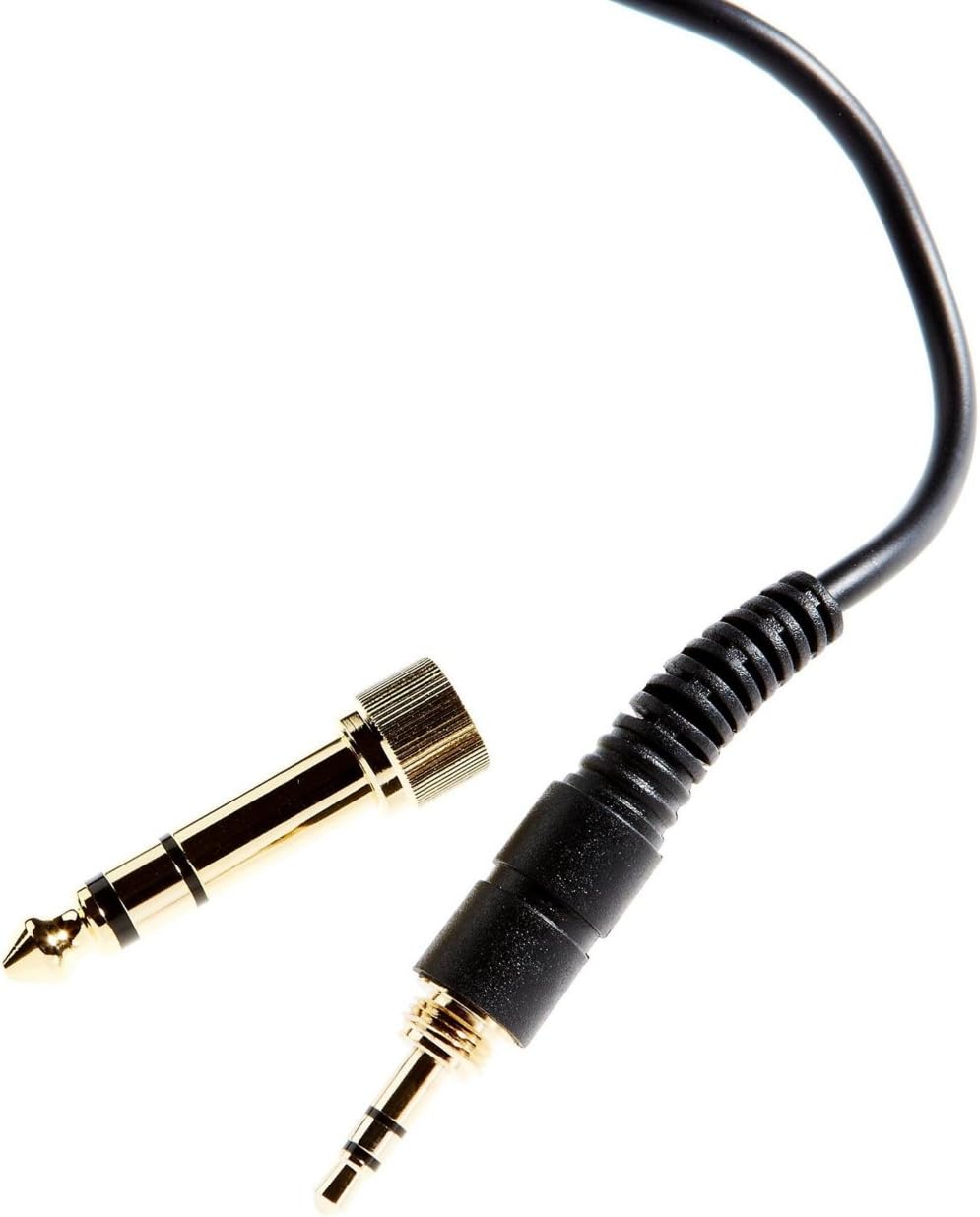
Image: The included 3.5mm audio jack and the detachable 6.35mm (1/4-inch) screw-on adapter for wider compatibility with audio equipment.
คำแนะนำการตั้งค่า
- การแกะกล่อง: นำหูฟังและอุปกรณ์เสริมทั้งหมดออกจากบรรจุภัณฑ์อย่างระมัดระวัง
- การเชื่อมต่อกับแหล่งเสียง:
- For devices with a 3.5mm headphone jack (e.g., smartphones, laptops), simply plug the attached 3.5mm cable directly into the audio output.
- For devices with a 6.35mm (1/4-inch) headphone jack (e.g., audio interfaces, mixing consoles, amplifiers), screw the provided 6.35mm adapter onto the 3.5mm jack before plugging it into the audio output. Ensure the adapter is securely fastened.
- การปรับความพอดี:
- Place the headphones over your ears, ensuring the earcups fully enclose your ears for optimal sound isolation and comfort.
- Adjust the headband by sliding the earcups up or down along the stainless steel frame until a comfortable and secure fit is achieved. The 'L' and 'R' indicators on the inside of the headband denote the left and right earcups, respectively.
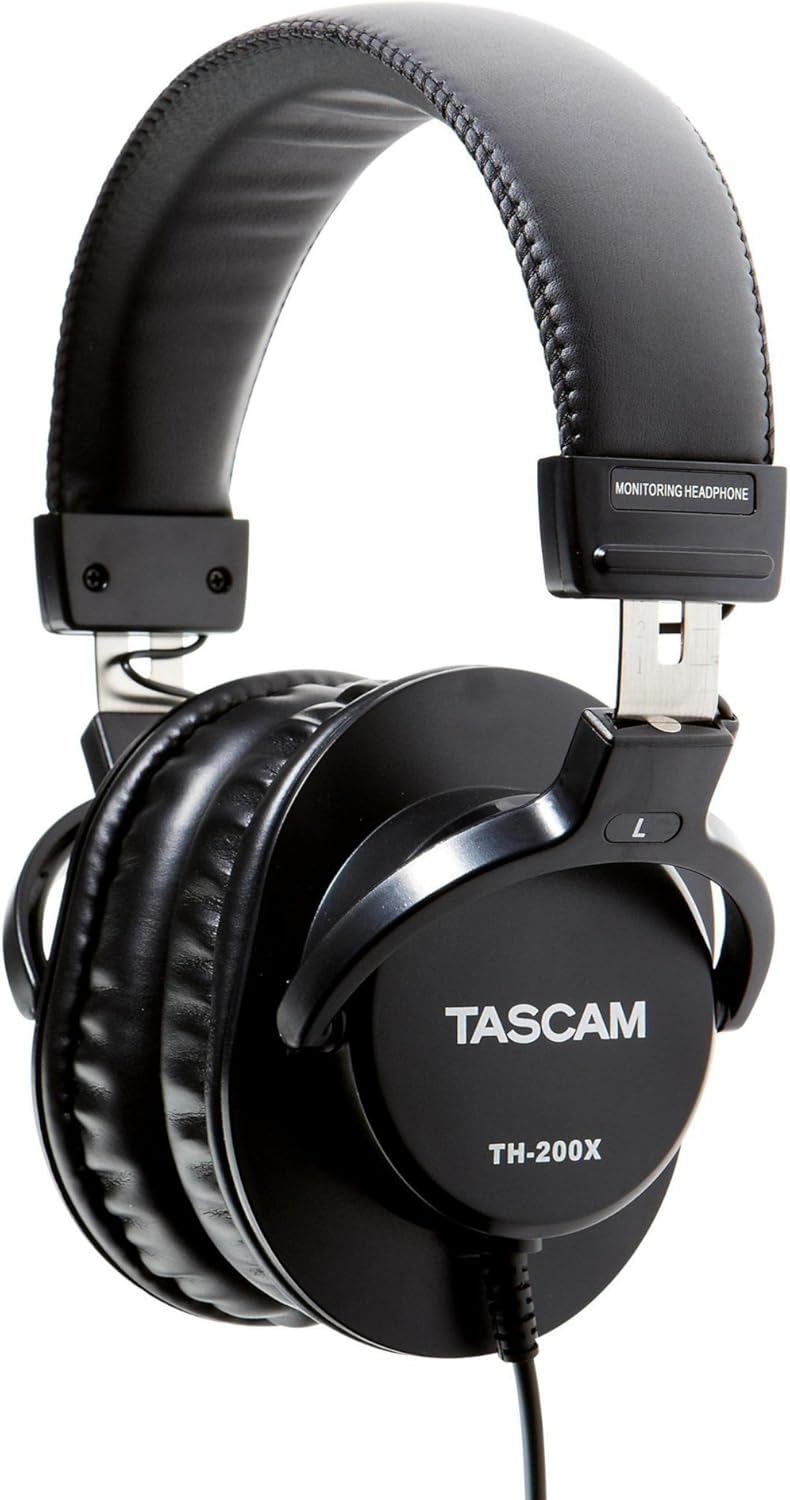
ภาพ: ด้านข้าง view of the Tascam TH-200X headphones, highlighting the branding and the 'L' indicator for the left earcup.
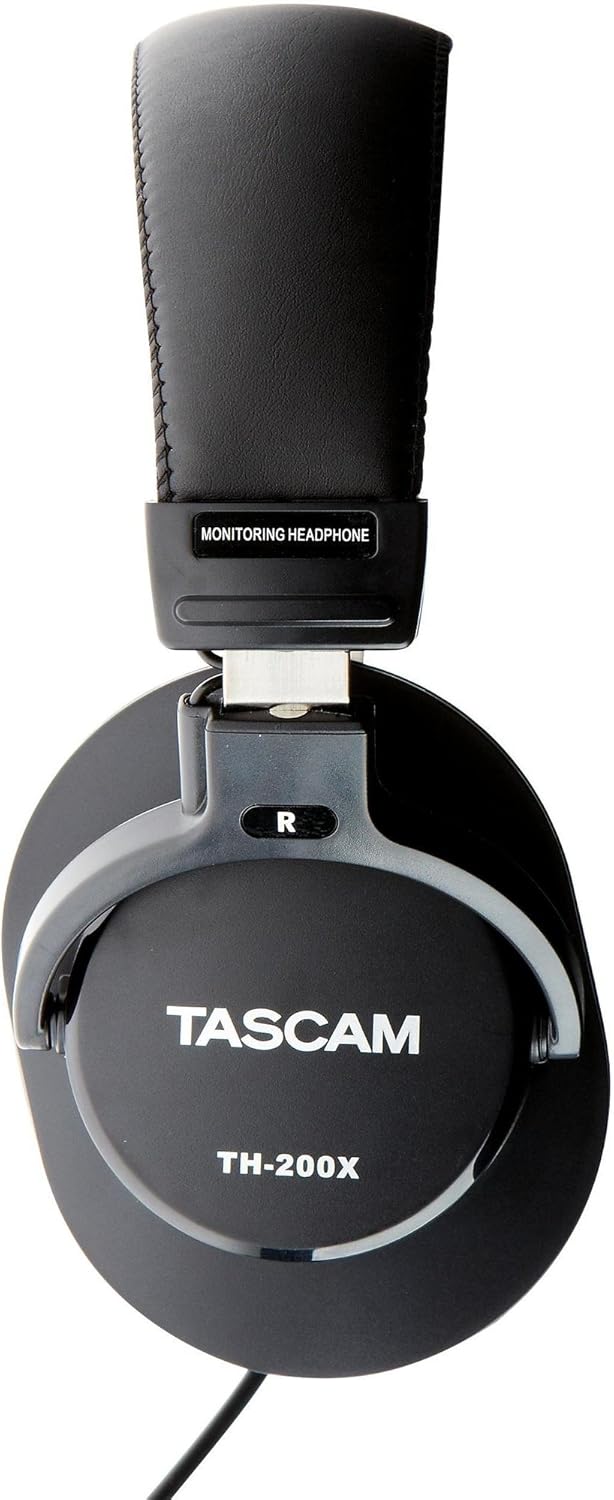
ภาพ: ด้านข้าง view of the Tascam TH-200X headphones, highlighting the branding and the 'R' indicator for the right earcup.
คำแนะนำการใช้งาน
- การควบคุมระดับเสียง: Adjust the volume directly from your connected audio source (e.g., computer, audio interface, smartphone). The TH-200X headphones do not feature inline volume controls.
- การฟังอย่างปลอดภัย: To prevent hearing damage, avoid listening at high volumes for extended periods. Start with a low volume and gradually increase it to a comfortable level.
- วัตถุประสงค์การใช้: These headphones are optimized for studio monitoring and mixing, providing a neutral sound reproduction. They are also suitable for general music listening.
การซ่อมบำรุง
- การทำความสะอาด:
- เช็ดที่ครอบหูและแถบคาดศีรษะด้วยผ้าแห้งนุ่ม
- สำหรับสิ่งสกปรกฝังแน่น ให้เช็ดออกเล็กน้อยampชุบผ้าด้วยน้ำ หลีกเลี่ยงการใช้สารเคมีรุนแรงหรือน้ำยาทำความสะอาดที่มีฤทธิ์กัดกร่อน
- Do not immerse the headphones in water or any other liquid.
- พื้นที่จัดเก็บ:
- เก็บหูฟังไว้ในที่สะอาดและแห้ง หลีกเลี่ยงอุณหภูมิที่สูงหรือต่ำเกินไป และแสงแดดโดยตรง
- หลีกเลี่ยงการวางวัตถุหนักบนหูฟัง
- การดูแลสายเคเบิล:
- Avoid sharply bending or twisting the cable.
- Do not pull on the cable to disconnect it from an audio source; always grasp the plug itself.
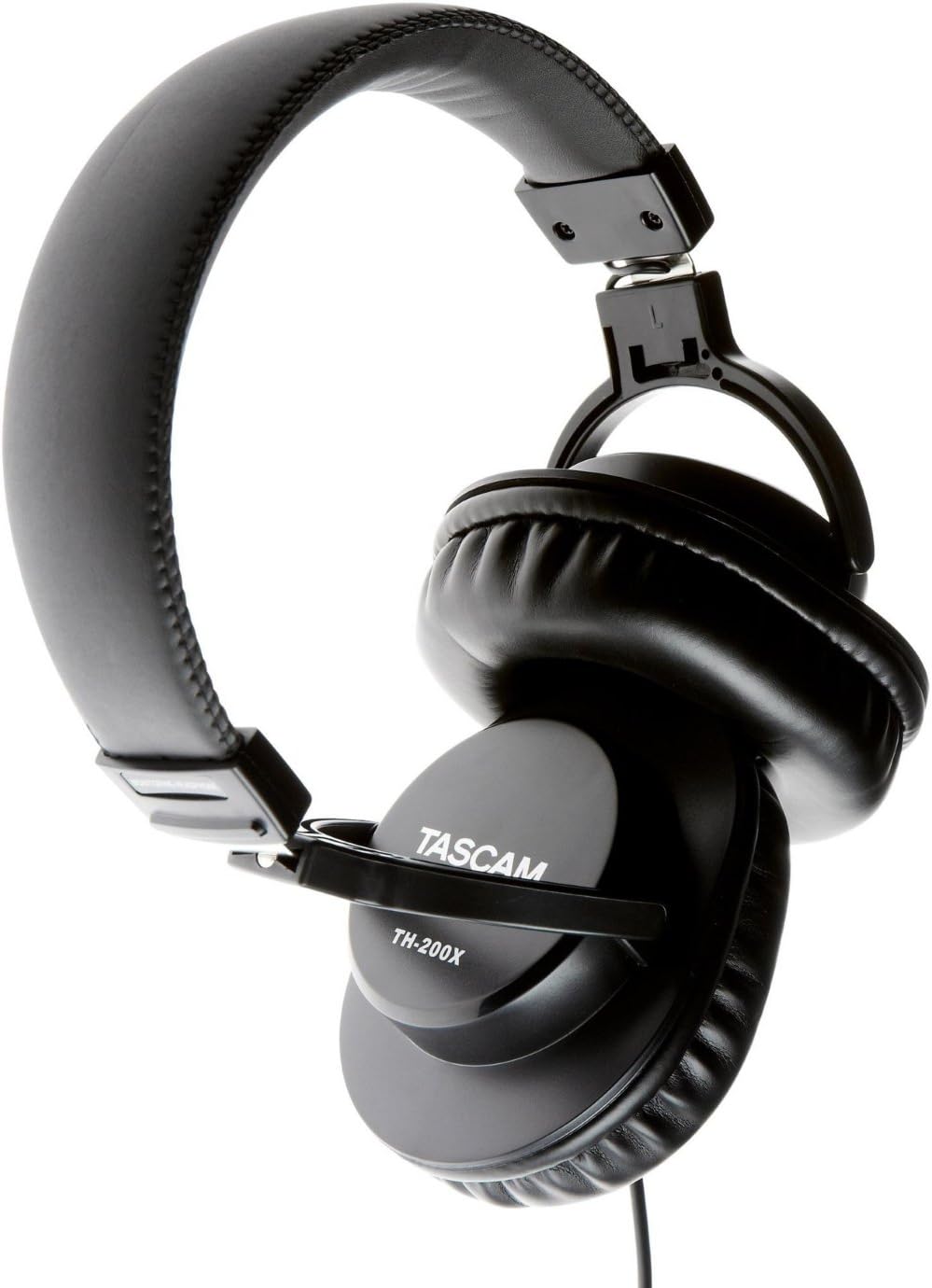
ภาพ: มุมเอียง view of the Tascam TH-200X headphones, demonstrating the adjustable headband and durable construction.
การแก้ไขปัญหา
- ไม่มีเสียง:
- Ensure the headphone cable is fully plugged into both the headphones and the audio source.
- ตรวจสอบระดับเสียงของแหล่งกำเนิดเสียงของคุณ และตรวจสอบให้แน่ใจว่าไม่ได้ปิดเสียงไว้
- ทดสอบหูฟังกับแหล่งเสียงหรืออุปกรณ์อื่นเพื่อตัดปัญหาที่เกิดจากตัวอุปกรณ์เองออกไป
- If using the 6.35mm adapter, ensure it is securely screwed onto the 3.5mm jack.
- เสียงผิดเพี้ยน:
- Lower the volume on your audio source. Excessive volume can cause distortion.
- ตรวจสอบให้แน่ใจว่าสายสัญญาณเสียงเชื่อมต่อแน่นดีแล้ว
- Test with another audio source to determine if the issue is with the headphones or the source.
- พอดีไม่สบาย:
- Adjust the headband length by sliding the earcups until they sit comfortably over your ears without excessive pressure.
- Ensure the earcups fully cover your ears.
ข้อมูลจำเพาะทางเทคนิค
| แบบอย่าง | TH-200X |
| ยี่ห้อ | ทัสคัม |
| การวางตำแหน่งหู | ครอบหู |
| ฟอร์มแฟกเตอร์ | ครอบหู |
| การควบคุมเสียงรบกวน | การแยกเสียง |
| ประเภทไดร์เวอร์เสียง | Dynamic Driver (40mm Neodymium Magnet) |
| ช่วงความถี่ | 15เฮิรตซ์–22กิโลเฮิรตซ์ |
| เทคโนโลยีการเชื่อมต่อ | มีสาย |
| แจ็คหูฟัง | หัวแจ็ค 3.5 มม., หัวแจ็ค 6.35 มม. (พร้อมอะแดปเตอร์) |
| วัสดุ | สแตนเลสสตีล (กรอบ) |
| น้ำหนักสินค้า | 0.41 กิโลกรัม |
| คุณสมบัติเพิ่มเติม | Lightweight, Adjustable, Durable, Retractable Cable |

ภาพ: ด้านหน้า view of the Tascam TH-200X headphones, showcasing the comfortable padded headband and earcups.
การรับประกันและการสนับสนุน
Tascam products are manufactured to high-quality standards. For specific warranty information, please refer to the warranty card included with your product or visit the official Tascam webเว็บไซต์.
For technical support, service, or further inquiries, please visit the official Tascam support page:
โปรดเก็บหลักฐานการซื้อของคุณไว้เพื่อเรียกร้องการรับประกัน
Additionally, if purchased through Amazon, a 30-day refund/replacement policy may apply. Please refer to your Amazon purchase details for more information.